Choosing Graphic Design Software for Enterprise in 2026: 5 Options Compared
Compare 5 picks for the best graphic design software for enterprise, with prices, free plans and who each fits. Short, factual notes on every option. No hype.
- Editor's choice
 Figma
Collaborative UI and product design
Starts at$3 per monthVisit figma.comFull review - Great alternative
 Adobe Photoshop
Photo editing and image compositing
Starts atSee websiteVisit adobe.comFull review - Also consider
 Canva
Fast, template-driven design
Starts atSee websiteVisit canva.comFull review
Direct answer
Start with Figma if you need collaborative UI and product design. Listed starting prices: Figma from $3 per month. Adobe Photoshop is better for photo editing and image compositing, and Canva is better for fast, template-driven design. The remaining 2 options are covered below with prices and limits.
TL;DR:
- Number one here is Figma, a fit for collaborative UI and product design.
- Starting prices begin at $3 per month with Figma.
- Adobe Illustrator suits vector graphics and scalable design.
- One limit worth knowing about CorelDRAW Graphics Suite: Windows-centric (restricted Mac support).
- None of the 5 tools, from Figma to Adobe Illustrator, has a free plan, so budget for a subscription or use a trial.
Last checked November 2026. Prices and plan details were read from the vendors' own pages in November 2026; vendors change plans often, so confirm the current price on the vendor site before you buy.
Quick comparison
| Tool | Best for | Starts at | Free plan? | |
|---|---|---|---|---|
| Figma | Collaborative UI and product design | $3 per month | Not stated | Visit |
| Adobe Photoshop | Photo editing and image compositing | See website | Not stated | Visit |
| Canva | Fast, template-driven design | See website | Not stated | Visit |
 CorelDRAW Graphics Suite | Vector illustration and technical design | See website | Not stated | Visit |
 Adobe Illustrator | Vector graphics and scalable design | See website | Not stated | Visit |
Every option for graphic design software for enterprise explained
Short on time? The summary and table above give the quick view of 5 tools for graphic design software for enterprise, and the profiles that follow give the detail behind each entry.
Where Figma fits: collaborative UI and product design. Figma lacks advanced print layout and photo editing capabilities.
Figma is a collaborative canvas where design, code, and AI come together, enabling teams to go from concept to production in one place. On cost, Figma starts like this: $3 per month. Free access: Not stated.
What to check first: Needs internet for full functionality.
- Live team collaboration
- Integrates design, code, AI
- Restricted print design features
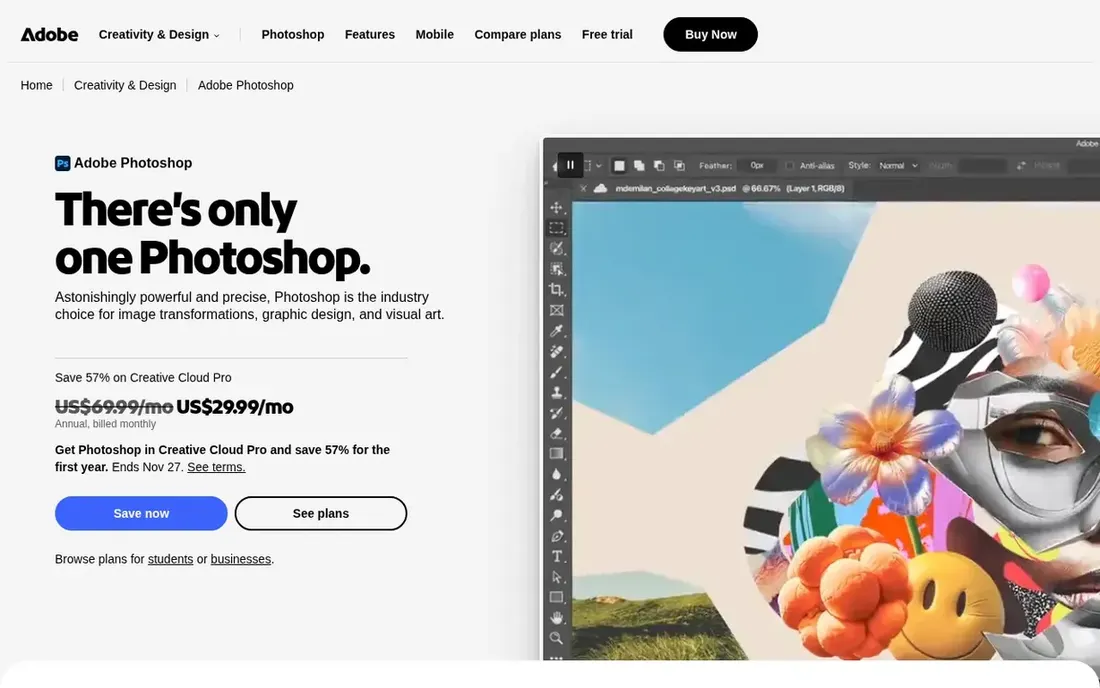
Adobe Photoshop targets photo editing and image compositing. Adobe Photoshop is a raster graphics editor for photo retouching, compositing, and digital painting. It provides fast new ways to produce custom scenes and make complicated edits, available online or via mobile.
What to check first: Needs capable hardware.
Upsides: AI-powered fast edits.
Worth adding: enterprise teams use it for marketing imagery, product visuals, and social media assets. More specifically, Photoshop is not designed for vector graphics or page layout, so it performs best alongside Illustrator and InDesign. Its depth can be overkill for straightforward edits, where Canva might suffice. This comparison lists no price for Adobe Photoshop; ask the vendor. Free plan details: Not stated.
- Advanced image manipulation
- Integration with other Adobe apps
- Not optimized for vector design
Where Canva fits: fast, template-driven design. Canva is an online graphic design tool for creating social media posts, presentations, posters, videos, logos, and more. It is free to use and gives you a visual suite for everyone, making it a good match for enterprise teams that require quick, branded materials without deep design expertise.
Where it is weaker: Less precise control.
Worth adding: Canva may not offer the precision or file control required for complicated print or vector work. For professional illustration or layout, consider Adobe Illustrator or InDesign. Canva shows no starting price here, so confirm the cost on the vendor site. Free access: Not stated.
- Straightforward to use for non-designers
- Broad range of templates
- Restricted advanced customization
Think of CorelDRAW Graphics Suite for vector illustration and technical design. CorelDRAW Graphics Suite is professional graphic design software with vector, technical illustration, and CAD choices for logos, posters, drafting, and prototypes.
What to check first: Windows-centric (restricted Mac support).
Beyond that, for cross-platform collaboration, Figma or Adobe tools might be preferable. Worth adding: CorelDRAW is primarily Windows-based, which may limit its use in Mac-heavy organizations. No starting price is listed for CorelDRAW Graphics Suite here; confirm pricing on the vendor site. Free options: Not stated.
- Thorough vector tools
- Supports logo and poster design
- Less typical in some enterprise environments
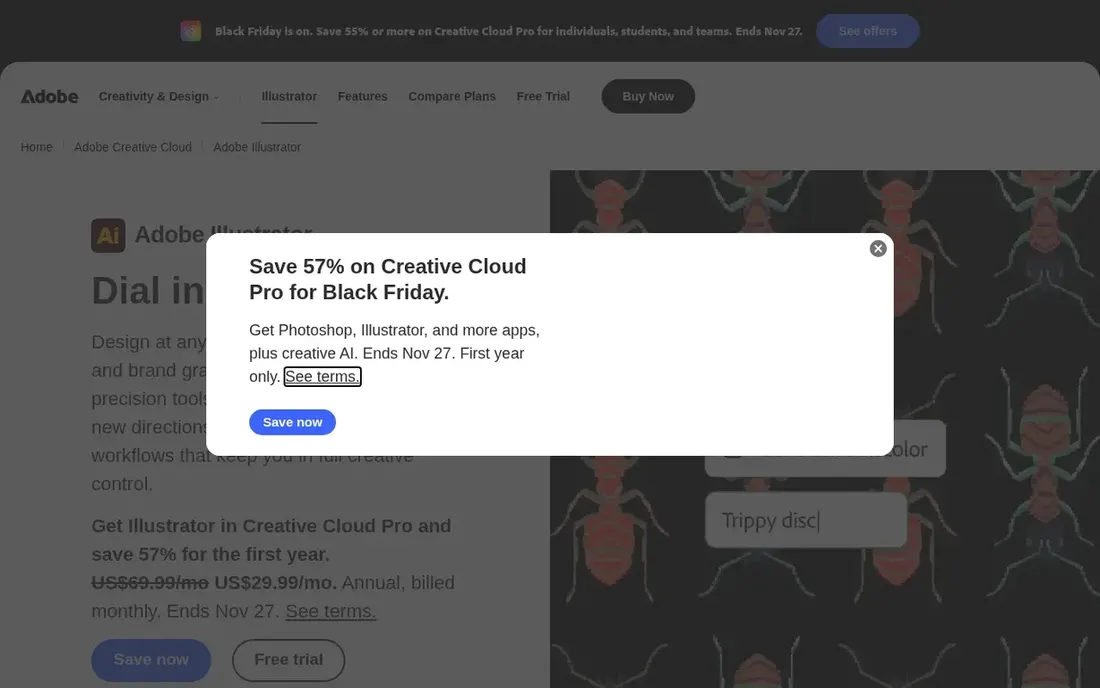
Adobe Illustrator is aimed squarely at vector graphics and scalable design. It is powered by generative AI that can transform a text prompt into an editable vector graphic.
Where it falls short: Subscription-based pricing.
For photo-heavy work, consider Adobe Photoshop instead. This comparison lists no price for Adobe Illustrator; ask the vendor. Free plan details: Not stated.
- Generative AI for text-to-vector
- Precise control over paths and shapes
- Steeper ramp-up time for beginners
How the list was put together
The comparison looks at four things: starting price, free access, how well the feature set matches graphic design software for enterprise, and the main limit of each tool. Figures are shown as the vendors publish them. Billing terms, seat minimums and add-ons can change the real cost. The sequence is a judgement call: typical use case first, then pricing transparency, then free access. Use the profiles to check fit.
A buyer's checklist
- Ask Adobe Photoshop, Canva, CorelDRAW Graphics Suite and Adobe Illustrator for a written quote, since no starting price is shown.
- Before choosing Figma, weigh its main limit: restricted print design features.
- Before rolling out Canva, verify the integrations your workflow depends on.
- Ask the daily users to test Adobe Illustrator on a live task before you roll it out to everyone.
- Ask Adobe Photoshop about contract length, onboarding fees and user minimums before you sign.
FAQ
Do these tools publish their prices?
Not all of them. Adobe Photoshop, Canva, CorelDRAW Graphics Suite and Adobe Illustrator publish no starting price, so expect a quote request for those. The rest, Figma included, show a starting price, though seats and billing terms still change the final cost.
How are the tools for graphic design software for enterprise ordered?
The order follows typical fit for graphic design software for enterprise, with Figma first and Adobe Illustrator last, then price clarity and free access. It is editorial judgement, not a score, so another team could rank the tools differently.
Can I try these tools before paying?
Not by default. None of the tools, from Figma to Adobe Illustrator, lists a free plan or a free trial here, so ask each vendor for a demo before committing.
What should I consider when choosing enterprise design software?
Consider collaboration features, integration with existing systems, file format compatibility, licensing terms, and the ramp-up time for your team. Also evaluate whether you need specialized tools for vector, raster, or layout work, or a combination.
What is the best graphic design software for enterprise teams?
Figma comes first here and is built for collaborative UI and product design. Buyers with other needs may prefer Adobe Photoshop (for photo editing and image compositing) or Canva (for fast, template-driven design). Compare costs and limits first.
Does any tool for graphic design software for enterprise here have a free plan?
A permanent free plan is not offered by Figma, Adobe Illustrator or the other tools here. Plan a short evaluation period instead.
Sources
- https://www.figma.com
- https://www.adobe.com/products/photoshop.html
- https://www.canva.com
- https://www.coreldraw.com
- https://www.adobe.com/products/illustrator.html