5 Invitation Maker Software Worth Shortlisting in 2026
Comparing the best invitation maker software? 5 contenders, each with entry cost, free tier and best-fit buyer. Each pick lists its main limit. No filler.

- Editor's choice
 Microsoft Designer
AI-assisted fast invitation concepts
Starts atPricing on requestVisit designer.microsoft.comFull review - Great alternativePaperless Post
Stylish digital invitations with customization
Starts atPricing on requestVisit paperlesspost.comFull review - Also consider
 Canva
Versatile design for digital and print
Starts atPricing on requestVisit canva.comFull review
Direct answer
Microsoft Designer is the first pick on this list for AI-assisted fast invitation concepts. Paperless Post is better for stylish digital invitations with customization, and Canva is better for versatile design for digital and print. The full list of 5 tools follows, with free plan facts. None of these vendors publish plan prices, so pricing is on request for every option.
TL;DR:
- Microsoft Designer takes the first slot, best suited to AI-assisted fast invitation concepts.
- Evite is the one to check for casual event pages with RSVPs.
- What to know about BeFunky first: not a dedicated invitation system.
- Neither Microsoft Designer nor Evite, nor any of the other 3 tools, has a permanent free plan; trials and quotes are the norm.
- Microsoft Designer, Evite and the 3 others all sell by quote; expect sales conversations before you see a price.
Last checked November 2026. Pricing on request: vendors did not publish plan prices when this guide was last checked (November 2026), so ask each vendor for a written quote.
Quick comparison
| Tool | Best for | Starts at | Free plan? | |
|---|---|---|---|---|
| Microsoft Designer | AI-assisted fast invitation concepts | Pricing on request | Not stated | Visit |
| Paperless Post | Stylish digital invitations with customization | Pricing on request | Not stated | Visit |
| Canva | Versatile design for digital and print | Pricing on request | Not stated | Visit |
 BeFunky | Photo editing for invitation designs | Pricing on request | Not stated | Visit |
| Evite | Casual event pages with RSVPs | Pricing on request | Not stated | Visit |
The 5 tools in detail
If you are comparing invitation maker software, this page covers 5 tools in one place: what each is best for, what it costs to start, whether it has a free plan, and the main limit to know about.

Microsoft Designer is aimed squarely at AI-assisted fast invitation concepts. Microsoft Designer is a graphic design app that helps produce professional quality social media posts, invitations, digital postcards, and graphics. It opens from your idea and produces something unique, which fits hosts who want a fast concept without browsing endless templates.
What to check first: Less control over fine print layout.
Since it leans on generated starting points, fine typographic control for formal printed invitations can be restricted. Worth adding: pick Designer for fast digital concepts and social-friendly formats. If you need precise print specifications or deep RSVP tools, a different tool is a better fit. No starting price is listed for Microsoft Designer here; confirm pricing on the vendor site. Free plan details: Not stated.
- Idea-to-design starting point
- Straightforward prompt-based creation
- Best for digital instead of printed pieces
Paperless Post
Best for: Stylish digital invitations with customization
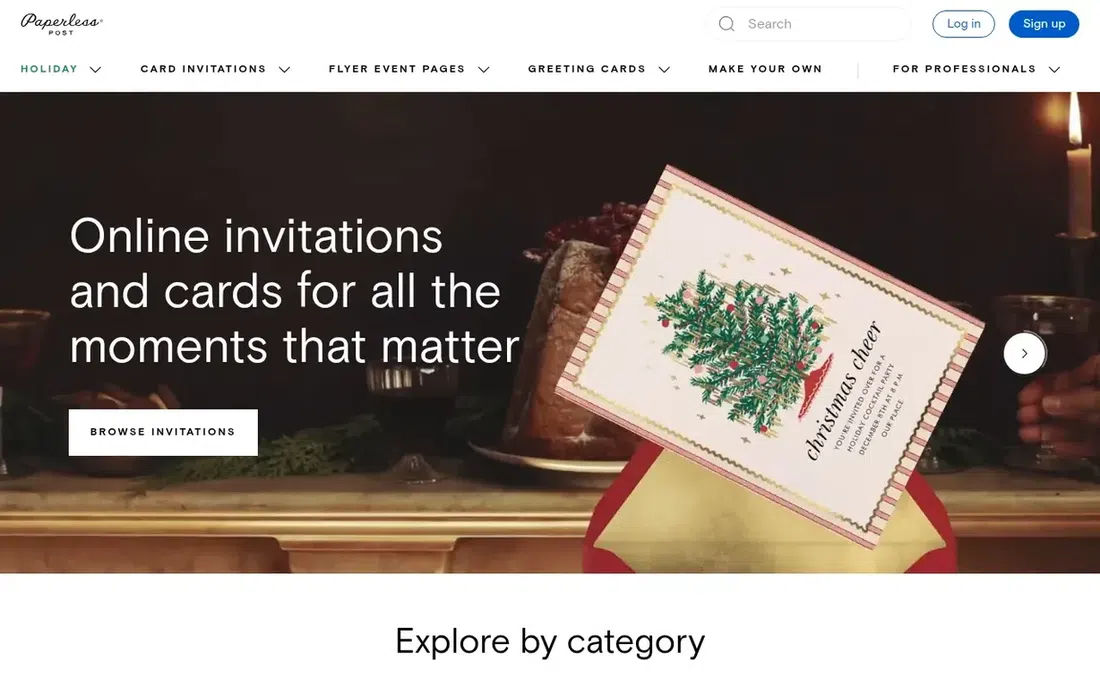
Paperless Post makes the most sense for stylish digital invitations with customization. Paperless Post lets you customize online invitations, greeting cards, and flyers that reflect your style for weddings, holidays, birthdays, and professional events.
It is built around digital delivery, so it fits hosts who want a refined look without printing. In practice, some designs sit behind a premium level, which matters for tight budgets. This comparison lists no price for Paperless Post; ask the vendor. On free options: Not stated.
Watch-outs: Some designs need payment.
- Design-forward digital invitations
- Configurable cards and flyers
- Concentrated on digital instead of print
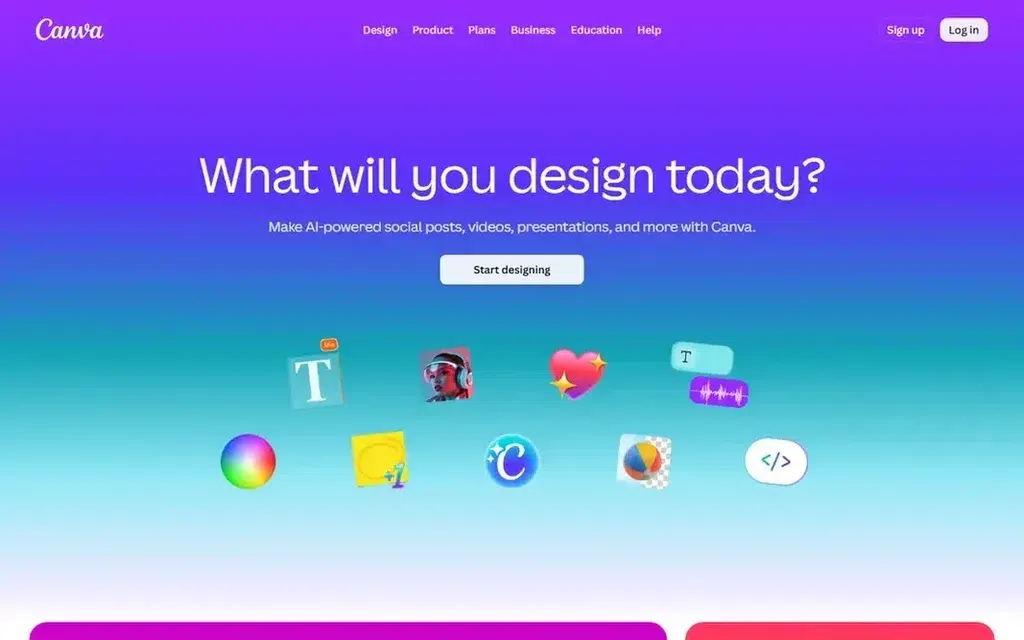
Canva is aimed squarely at versatile design for digital and print. Canva is a visual suite for creating social posts, presentations, posters, videos, logos, and more. More specifically, choose Canva when design adaptability matters more than built-in event management.
If you only have to send a fast digital invite with RSVP tracking, a dedicated invitation service may be quicker. The sheer range of choices can slow down straightforward projects, and some elements sit behind a premium level. Pricing for Canva is not stated here, so ask the vendor for current figures. Free plan details: Not stated.
Downsides: Some assets need a premium plan.
- Collaboration features
- Works for both digital and print
- Can feel overwhelming for beginners
BeFunky serves photo editing for invitation designs. BeFunky is an online photo editor and collage maker.
Also, for invitations, it is handy for preparing and enhancing images before placing them into a design, like editing a photo for a personal card. It is not an invitation service, so you will need another tool for layouts, sending, and RSVPs. No starting price is listed for BeFunky here; confirm pricing on the vendor site. As for free access: Not stated.
Where it is weaker: Not a dedicated invitation system.
- Handy for preparing images
- Online photo editing
- No RSVP or event tools
Evite
Best for: Casual event pages with RSVPs
Evite is designed for casual event pages with RSVPs. If you need printed stationery or intricate design control, another tool is a better match.
Drawbacks to consider: Designs lean casual.
As for the details, the overall style leans casual, so it may not suit black-tie or highly formal events. As for the details, pick Evite when simple digital sending and RSVP tracking are the primary goals. Pricing for Evite is not stated here, so ask the vendor for current figures. Free options: Not stated.
- RSVP tracking
- Online invitations and event pages
- Less suited to formal print
How we chose
For each of the 5 tools we noted price, free plan or trial, fit for invitation maker software and the main limit, using vendor pages and documentation. Where a price is missing, the vendor does not list one publicly or ties it to a quote. Always confirm before budgeting. Tools are placed by general fit for invitation maker software, with price clarity and free access as tie-breakers. A different team can reasonably rank them differently.
What to confirm before you sign up
- Confirm the entry price with every vendor: no tool from Microsoft Designer to Evite shows a fixed starting price.
- Read the limits listed for Microsoft Designer first: less control over fine print layout.
- Check how data leaves Canva: formats, limits and whether exports are available on every plan.
- Read the plan comparison for Evite carefully; key features often start on a higher tier.
- Confirm minimum seats and billing terms with Paperless Post before you commit to an annual plan.
FAQ
How are the tools for invitation maker software ordered?
The order follows typical fit for invitation maker software, with Microsoft Designer first and Evite last, then price clarity and free access. It is editorial judgement, not a score, so another team could rank the tools differently.
Can I try these options before paying?
Not by default. None of the tools, from Microsoft Designer to Evite, lists a free plan or a free trial here, so ask each vendor for a demo before committing.
What is the best invitation maker for digital invites with RSVP tracking?
Microsoft Designer is the pick this page puts first, mainly for AI-assisted fast invitation concepts. If your situation differs, Paperless Post suits stylish digital invitations with customization, and Canva suits versatile design for digital and print. Compare price and limits before you decide.
Is Microsoft Designer the right pick for everyone comparing invitation maker software?
No single tool suits every team. Microsoft Designer comes first because it fits AI-assisted quick invitation concepts, while Paperless Post suits stylish digital invitations with customization and Canva suits versatile design for digital and print. Match the tool to your own size, budget and workflow before deciding.
Do these tools publish their prices?
No. None of the tools, from Microsoft Designer to Evite, shows a fixed starting price here, so budget time for quotes.
Sources
- https://designer.microsoft.com
- https://www.paperlesspost.com
- https://www.canva.com
- https://www.befunky.com
- https://www.evite.com