Best Audio Cleanup Software for Video Editors in 2026: Prices, Free Plans and 6 Picks
6 products for the best audio cleanup software for video editors, ranked by fit, with starting costs and free tiers. Short verdicts, no fluff. Choose faster.
- Editor's choice
 Waves Clarity Vx
Quick vocal and dialogue cleanup
Starts atSee websiteVisit waves.comFull review - Great alternativeAcon Digital Restoration Suite
Focused noise, hum, click and clip repair
Starts atSee websiteVisit acondigital.comFull review - Also considerMagix Sequoia
Integrated audio and video production
Starts atSee websiteVisit magix.comFull review
Direct answer
Waves Clarity Vx leads the list, best for quick vocal and dialogue cleanup. Listed starting prices: CrumplePop AudioDenoise from $25 a month. Acon Digital Restoration Suite is better for focused noise, hum, click and clip repair, and Magix Sequoia is better for integrated audio and video production. Details, prices and limits for the rest of the 6 tools are below.
TL;DR:
- The list opens with Waves Clarity Vx, aimed at fast vocal and dialogue cleanup.
- Waves Clarity Vx, Adobe Audition and the 4 others all need a premium plan or a trial, since no free plan is listed.
- CrumplePop AudioDenoise has the lowest monthly starting price in this list: $25 per month.
- For all-in-one dialogue editing and repair, Adobe Audition is worth a look.
- The main caution on Magix Sequoia: large application for straightforward cleanup.
Last checked November 2026. Prices and plan details were read from the vendors' own pages in November 2026; vendors change plans often, so confirm the current price on the vendor site before you buy.
Quick comparison
| Tool | Best for | Starts at | Free plan? | |
|---|---|---|---|---|
| Waves Clarity Vx | Quick vocal and dialogue cleanup | See website | Not stated | Visit |
| Acon Digital Restoration Suite | Focused noise, hum, click and clip repair | See website | Not stated | Visit |
| Magix Sequoia | Integrated audio and video production | See website | Not stated | Visit |
| CrumplePop AudioDenoise | Straightforward dialogue denoise for editors | $25 a month | Free trial | Visit |
| Cedar Studio | Professional restoration and forensic work | See website | Not stated | Visit |
 Adobe Audition | All-in-one dialogue editing and repair | See website | Not stated | Visit |
6 audio cleanup software for video editors in detail
If you are comparing audio cleanup software for video editors, this page covers 6 tools in one place: what each is best for, what it costs to start, whether it has a free plan, and the main limit to know about.
Waves Clarity Vx is built with quick vocal and dialogue cleanup in mind. For video editors, that translates to dialogue and voiceover cleanup where speed matters more than deep spectral surgery. Its vocal-centered design means it is not a general restoration suite for hum, clicks or clipping.
Results still rely on source quality and careful listening. If you need wide repair across many problem types, a full restoration bundle handles more ground. Check the vendor site for Waves Clarity Vx pricing; none is listed in this comparison. Free plan details: Not stated.
Trade-offs to know: Vocal focus limits other restoration tasks.
- Marketed around speed and simplicity
- Made for cleaning vocals
- Needs a plug-in host
Acon Digital Restoration Suite
Best for: Focused noise, hum, click and clip repair
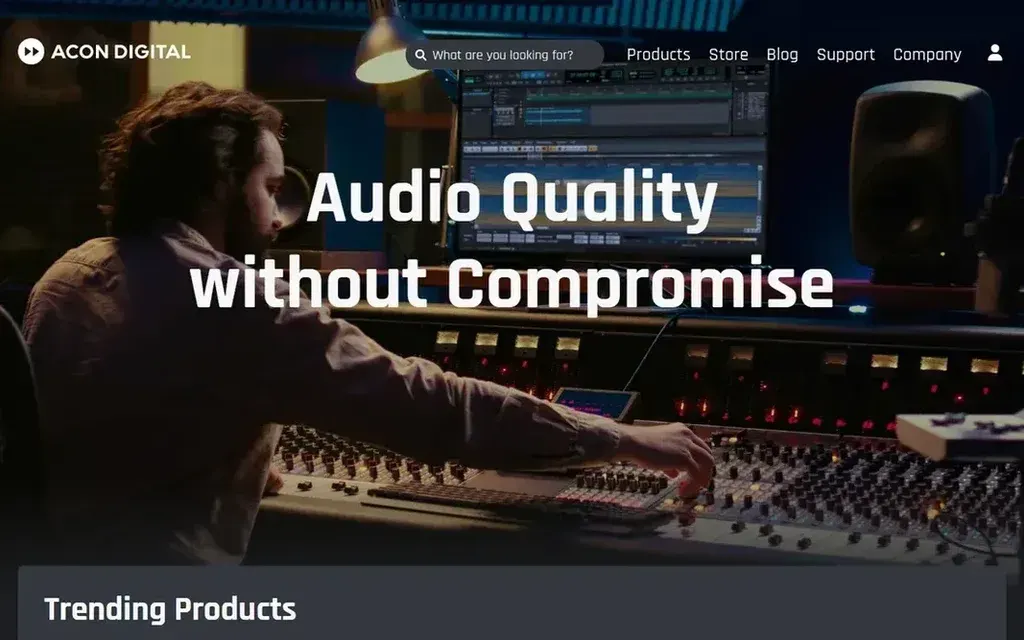
Acon Digital Restoration Suite is aimed squarely at focused noise, hum, click and clip repair. Acon Digital Restoration Suite bundles DeNoise, DeHum, DeClick and DeClip into a single plug-in for removing noise, hum, clicks and clipping.
Limits to weigh: Restoration focus only, not full editing.
For everyday use, you need a compatible host, and heavy repair still benefits from careful manual listening. Beyond that, the modules map neatly onto the problems video editors meet most: room tone, electrical hum, mouth clicks and distorted peaks. This comparison lists no price for Acon Digital Restoration Suite; ask the vendor. Free plan details: Not stated.
- DeClick and DeClip in one plug-in
- AI-assisted DeNoise and DeHum modules
- Needs a host that supports plug-ins
Magix Sequoia
Best for: Integrated audio and video production
Magix Sequoia targets integrated audio and video production. On top of that, since it is a large production application, it may be more than a video editor needs for occasional noise repair.
Points against: Cleanup is one part of a wider toolset.
Learning the full environment takes time. On top of that, the appeal is integration across audio and video work. No starting price is listed for Magix Sequoia here; confirm pricing on the vendor site. Trial and free access: Not stated.
- Suited to broadcast-style production work
- Wide multimedia feature set
- Large application for straightforward cleanup
CrumplePop AudioDenoise
Best for: Straightforward dialogue denoise for editors
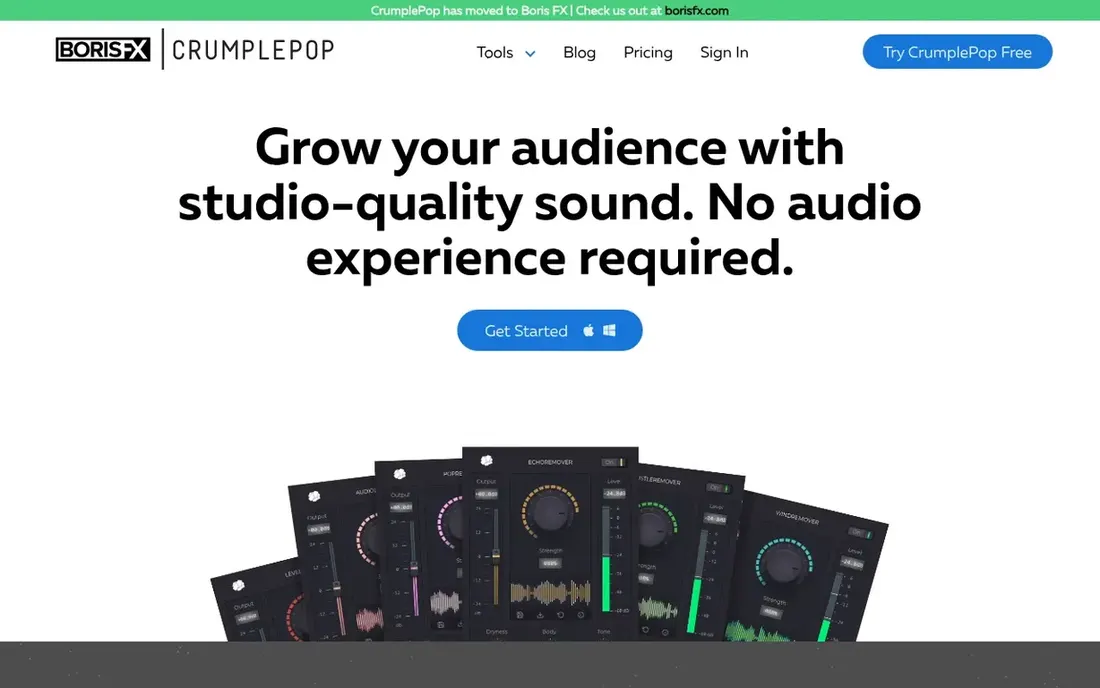
Pick CrumplePop AudioDenoise if this describes you: straightforward dialogue denoise for editors. It also relies on a compatible host application.
Drawbacks to consider: Works as a plug-in inside a host.
Beyond that, pick a broader suite if your footage has layered audio issues instead of plain background noise. CrumplePop AudioDenoise pricing: $25 per month. As for free access: Free trial.
- Straightforward cleanup focus
- Targeted at studio-quality sound for video creators
- Narrow scope beyond denoising
Cedar Studio
Best for: Professional restoration and forensic work
Cedar Studio is aimed squarely at professional restoration and forensic work. Cedar Studio comes from CEDAR Audio, a company known for software and hardware built for audio noise reduction, restoration and forensic options.
More specifically, consider a lighter plug-in when the problem is ordinary background noise. Editors wanting straightforward, quick denoise may find it more than needed. This comparison lists no price for Cedar Studio; ask the vendor. Free access: Not stated.
The main drawbacks: Professional positioning can be heavy for casual edits.
- Also includes forensic audio work
- Suited to demanding cleanup projects
- Specialist toolset instead of general editing

In short, Adobe Audition is for all-in-one dialogue editing and repair. Adobe Audition is audio recording and editing software built around a thorough toolset that comes with multitrack, waveform and spectral display.
If you only need one narrow repair task, a focused plug-in may be more straightforward. No starting price is listed for Adobe Audition here; confirm pricing on the vendor site. Free options: Not stated.
What users get: Spectral view helps isolate and fix specific sounds. Points against: Dense interface for occasional users.
- Waveform and spectral display in one tool
- Multitrack
- Subscription-based access
How these tools were picked
For each of the 6 tools we noted price, free plan or trial, fit for audio cleanup software for video editors and the main limit, using vendor pages and documentation. Figures are shown as the vendors publish them. Billing terms, seat minimums and add-ons can change the real cost. Order on the page follows fit for the typical buyer first, then price transparency and free access. Your own requirements should decide the final pick.
Pre-purchase checklist
- Get a written quote from Waves Clarity Vx, Acon Digital Restoration Suite, Magix Sequoia and others; the list shows no starting price for them.
- Run a trial of CrumplePop AudioDenoise with real work before paying for a year; your own workflow is the best test.
- Before choosing Waves Clarity Vx, weigh its main limit: Vocal focus limits other restoration tasks.
- Before you load data into Magix Sequoia, check what an export looks like and who can run it.
- Compare total cost, not headline price: for Cedar Studio, add extra seats, add-ons and any usage-based charges.
FAQ
What is the cheapest option for audio cleanup software for video editors in this list?
On published monthly entry prices, CrumplePop AudioDenoise is the lowest here at $25 per month. Entry price is only part of the cost, because seats, add-ons and billing terms can change the total.
Can I try these tools before paying?
Often, yes. CrumplePop AudioDenoise offers a free trial. Use your own data and a real task during the test, and check what the free tier or trial limits before you rely on it.
Do these tools publish their prices?
Not all of them. Waves Clarity Vx, Acon Digital Restoration Suite, Magix Sequoia and others publish no starting price, so expect a quote request for those. The rest, CrumplePop AudioDenoise included, show a starting price, though seats and billing terms still change the final cost.
Can spectral editing help with hard dialogue?
Spectral editing presents audio visually so you can target specific sounds. It takes practice, so it fits editors who manage tough repair on a regular basis.
Is Waves Clarity Vx the right pick for everyone comparing audio cleanup software for video editors?
No single tool suits every team. Waves Clarity Vx comes first because it fits fast vocal and dialogue cleanup, while Acon Digital Restoration Suite suits focused noise, hum, click and clip repair and Magix Sequoia suits integrated audio and video production. Match the tool to your own size, budget and workflow before deciding.
Sources
- https://www.waves.com/plugins/clarity-vx
- https://acondigital.com/products/restoration-suite
- https://www.magix.com/us/music/sequoia
- https://www.crumplepop.com
- https://www.cedar-audio.com
- https://www.adobe.com/products/audition.html