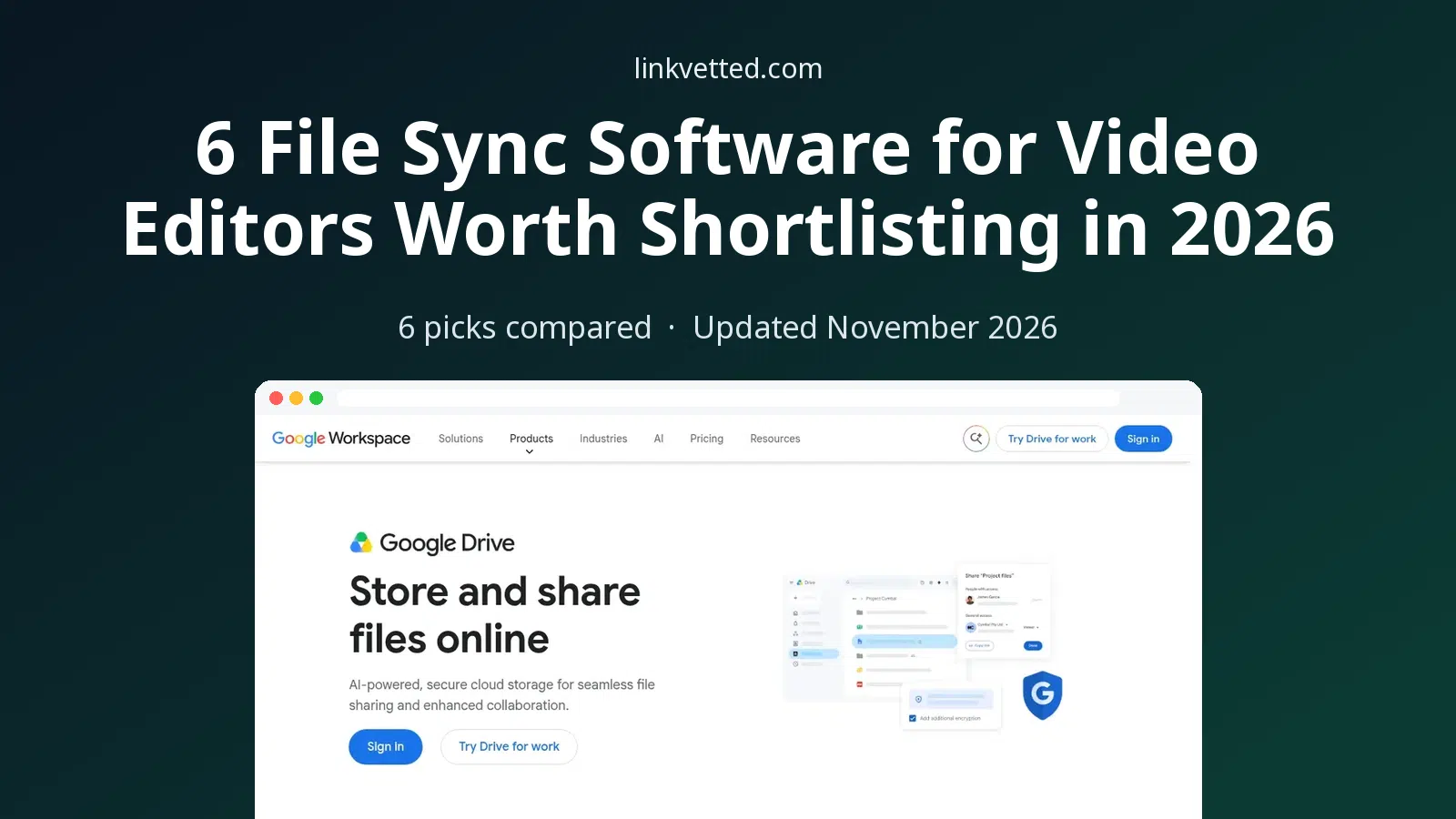
6 File Sync Software for Video Editors Worth Shortlisting in 2026
Need the best file sync software for video editors? We compare 6 tools on cost, free access and who each suits. Real limits included. Checked this month.
- Editor's choiceLucidLink
Streaming large files from the cloud
Starts at$7 per member per monthVisit lucidlink.comFull review - Great alternative
 Box
Governed content and workflow automation
Starts atSee websiteVisit box.comFull review - Also consider
 Google Drive
Editors inside Google Workspace
Starts atSee websiteVisit workspace.google.comFull review
Direct answer
LucidLink is the first pick on this list for streaming large files from the cloud. Listed starting prices: LucidLink from $7 per member per month, Egnyte from $22 per user per month and Dropbox from $9.99 a month. Box fits governed content and workflow automation; Google Drive fits editors inside Google Workspace. Details, prices and limits for the rest of the 6 tools are below.
TL;DR:
- LucidLink takes the first slot, best suited to streaming large files from the cloud.
- For general sync and straightforward sharing, Dropbox is worth a look.
- The main caution on Google Drive: Sync client is entry-level for huge files.
- The lowest published monthly entry price here is $7 per member per month, from LucidLink.
Last checked November 2026. Prices and plan details were read from the vendors' own pages in November 2026; vendors change plans often, so confirm the current price on the vendor site before you buy.
Quick comparison
| Tool | Best for | Starts at | Free plan? | |
|---|---|---|---|---|
| LucidLink | Streaming large files from the cloud | $7 per member per month | Free trial | Visit |
| Box | Governed content and workflow automation | See website | Not stated | Visit |
| Google Drive | Editors inside Google Workspace | See website | Not stated | Visit |
 Egnyte | Enterprises with large files and governance | $22 per user per month | Free trial | Visit |
 Microsoft OneDrive | Windows and Microsoft 365 studios | See website | Not stated | Visit |
 Dropbox | General sync and straightforward sharing | $9.99 a month | Free trial | Visit |
File Sync Software for Video Editors profiles
If you are comparing file sync software for video editors, this page covers 6 tools in one place: what each is best for, what it costs to start, whether it has a free plan, and the main limit to know about.
LucidLink
Best for: Streaming large files from the cloud
LucidLink was built for streaming large files from the cloud. LucidLink provides cloud file streaming for large-file workflows, letting teams access and edit large files immediately from the cloud, stream data on demand, collaborate in live and keep projects secure.
Drawbacks to consider: Specialized for media workflows.
Streaming relies on dependable, high-bandwidth internet, so editors on weak connections may see slower access. Also, editors can open footage as if it were local whereas the data stays in the cloud. The starting price for LucidLink: $7 per member per month. Free plan details: Free trial.
- Live collaboration
- Designed for large-file workflows
- Needs solid bandwidth
Where Box fits: governed content and workflow automation. In daily use, Box is oriented toward governed content instead of editing directly from the cloud.
Limits to weigh: More admin overhead.
So it will not replace a media streaming tool for heavy footage work. Pricing for Box is not stated here, so ask the vendor for current figures. Trial and free access: Not stated.
- Workflow automation features
- External collaboration controls
- Not media-streaming focused
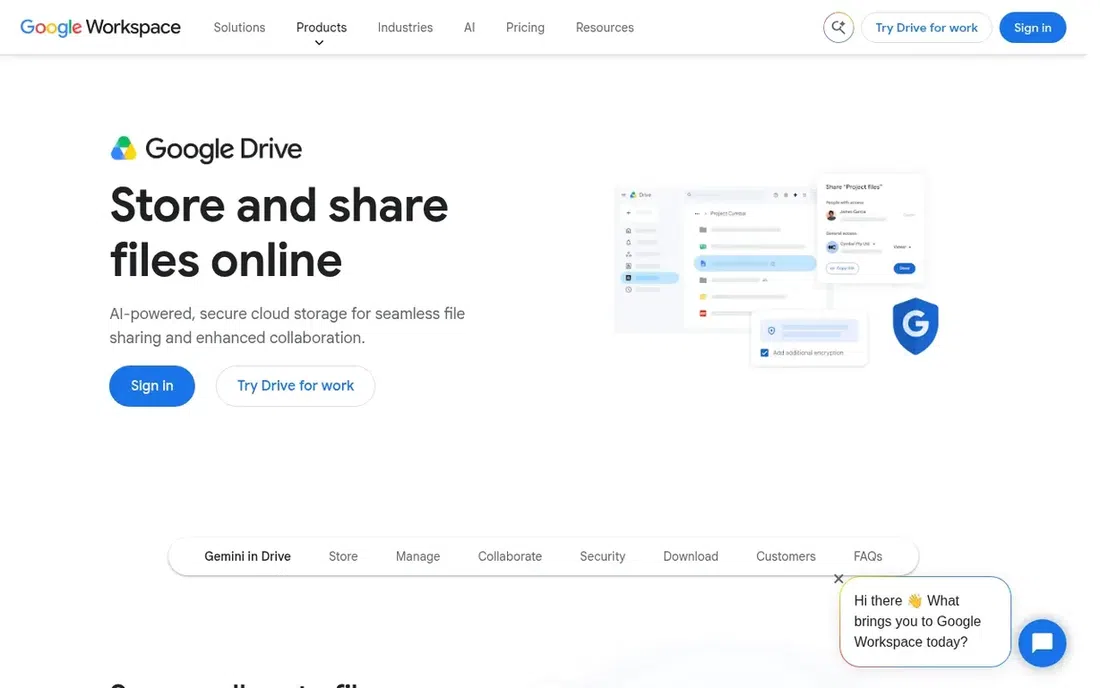
Google Drive targets editors inside Google Workspace. Google Drive is Google's cloud storage and file sharing system, offered as part of Google Workspace and as a personal storage option.
In daily use, sharing review links with producers or clients is fast, and the desktop client keeps a local copy of selected folders. Drive is not designed around the needs of large media workflows, so syncing very large project folders can be slow and storage limits arrive rapidly. No starting price is listed for Google Drive here; confirm pricing on the vendor site. Trial and free access: Not stated.
Where it falls short: Sync client is entry-level for huge files.
- Familiar interface
- Tight Workspace integration
- Sharing permissions can confuse guests
Egnyte is designed for enterprises with large files and governance. The product is pitched at organizations, so configuration and administration assume an IT function.
Points against: Enterprise-oriented setup.
Solo editors or small shops that primarily need straightforward folder sync will likely find a consumer cloud service simpler to run. Entry price for Egnyte: $22 per user per month. As for free access: Free trial.
- Collaboration inside and outside
- Content governance controls
- Overkill for solo editors
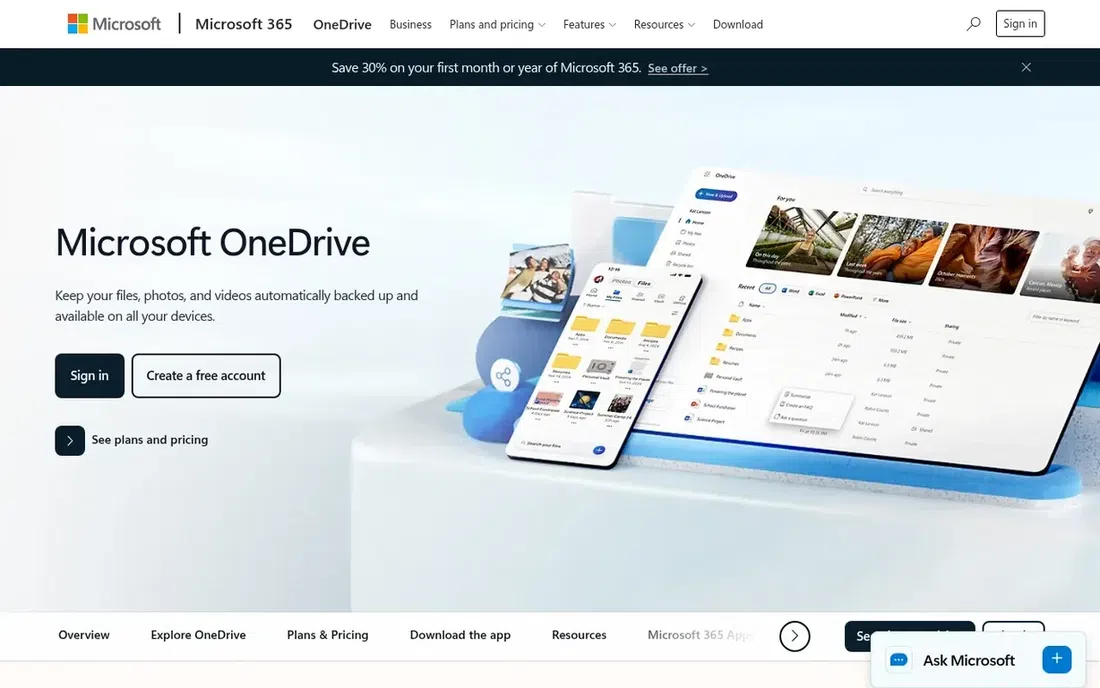
Think of Microsoft OneDrive for Windows and Microsoft 365 studios. Microsoft OneDrive is personal cloud storage and file sharing tied closely to Windows and Microsoft 365. It makes sharing files with family, friends or colleagues straightforward.
Where it is weaker: Mixed-account sharing can confuse.
In practice, studios already paying for Microsoft 365 get a natural home for scripts, spreadsheets and review documents. For heavy media collaboration, a streaming or enterprise content product is typically a better fit. Beyond that, OneDrive is aimed at documents and everyday files instead of very large media libraries, so editors handling raw footage may find sync slow and storage restrictive. Pricing for Microsoft OneDrive is not stated here, so ask the vendor for current figures. On free options: Not stated.
- Straightforward family and friend sharing
- Works with Microsoft 365 apps
- Less suited to huge media sets
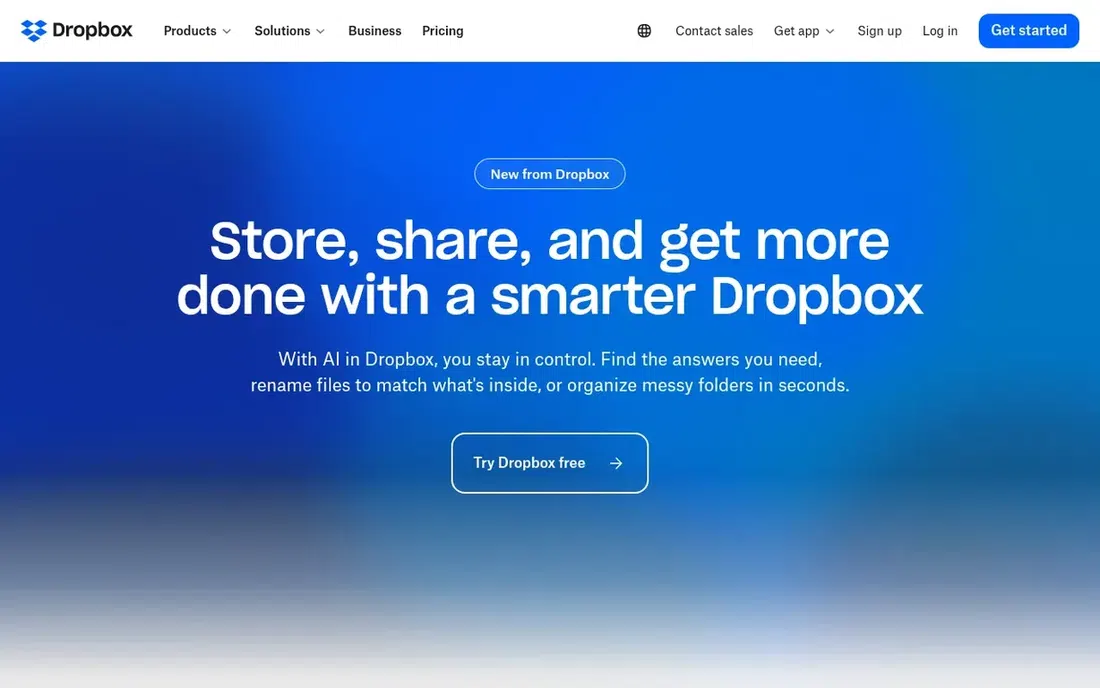
Dropbox is designed for general sync and straightforward sharing. Dropbox is a cloud storage and file sharing service that syncs files across devices and lets you store, sign and share content from anywhere.
Where it falls short: Large media can strain storage.
Editors who require to work on huge files without full downloads should look at streaming-focused tools instead, and those with strict content governance needs may prefer enterprise content products. Also, the service is general purpose, so very large media libraries can become expensive and slow to sync locally. On cost, Dropbox starts like this: $9.99 per month. Free options: Free trial.
- Familiar to most collaborators
- Works across numerous devices
- Advanced controls need setup
Selection criteria
Things to verify first
- Ask Box, Google Drive and Microsoft OneDrive for a written quote, since no starting price is shown.
- Use real work to test the free trial from LucidLink, Egnyte and Dropbox, rather than a demo project.
- Read the limits listed for LucidLink first: needs solid bandwidth.
- Verify that exporting from Box is possible on your plan and covers all your records.
- Map your must-have features to a specific Dropbox plan before you compare prices.
FAQ
Is cloud streaming better than full sync for large footage?
Streaming tools like LucidLink let editors open large files without downloading everything locally, which saves disk space and time. Full sync fits smaller project files and teams that require offline access, so plenty of studios combine both approaches.
What is the cheapest option for file sync software for video editors in this list?
On published monthly entry prices, LucidLink is the lowest here at $7 per member per month. Entry price is only part of the cost, because seats, add-ons and billing terms can change the total.
Do enterprise content products make sense for small editing teams?
Products for example Box and Egnyte offer governance and workflow automation that bigger production firms value. Small teams may find the administration heavier than needed and frequently do better with more straightforward cloud storage first.
Do these tools publish their prices?
Not all of them. Box, Google Drive and Microsoft OneDrive publish no starting price, so expect a quote request for those. The rest, LucidLink included, show a starting price, though seats and billing terms still change the final cost.
Can I try these tools before paying?
Often, yes. LucidLink, Egnyte and Dropbox offer a free trial. Use your own data and a real task during the test, and check what the free tier or trial limits before you rely on it.
Does any tool for file sync software for video editors here have a free plan?
No tool in this list, LucidLink and Dropbox included, has a permanent free plan. LucidLink, Egnyte, Dropbox offer a trial. Trials and quotes are the usual route, so plan a short evaluation period.
Sources
- https://www.lucidlink.com
- https://www.box.com
- https://workspace.google.com/products/drive
- https://www.egnyte.com
- https://www.microsoft.com/en-us/microsoft-365/onedrive/online-cloud-storage
- https://www.dropbox.com