File Sync Software for Designers in 2026: The 5 Best Options Side by Side
Best file sync software for designers in 2026: 5 contenders with entry costs and free tiers. Every tool lists pros and cons. Current for November 2026.
- Editor's choice
 Google Drive
Teams using Google Workspace
Starts atSee websiteVisit workspace.google.comFull review - Great alternative
 Sync.com
Privacy-focused secure storage
Starts at$4.50 per user per monthVisit sync.comFull review - Also consider
 Egnyte
Large files and content governance
Starts at$22 per user per monthVisit egnyte.comFull review
Direct answer
Start with Google Drive if you need teams using Google Workspace. Listed starting prices: Sync.com from $4.50 per user per month, Egnyte from $22 per user per month and Dropbox from $9.99 a month. If your case is different, Sync.com suits privacy-focused secure storage and Egnyte suits large files and content governance. Prices, free plans and limits for all 5 tools follow.
TL;DR:
- This list starts with Google Drive, which is built for teams using Google Workspace.
- Sync.com has the lowest monthly starting price in this list: $4.50 per user per month.
- Check the limits for Egnyte before you commit: enterprise focus may overwhelm small teams.
- Dropbox suits everyday sync and client sharing.
Last checked November 2026. Prices and plan details were read from the vendors' own pages in November 2026; vendors change plans often, so confirm the current price on the vendor site before you buy.
Quick comparison
| Tool | Best for | Starts at | Free plan? | |
|---|---|---|---|---|
| Google Drive | Teams using Google Workspace | See website | Not stated | Visit |
| Sync.com | Privacy-focused secure storage | $4.50 per user per month | Free trial | Visit |
| Egnyte | Large files and content governance | $22 per user per month | Free trial | Visit |
 Box | Content management and workflow automation | See website | Not stated | Visit |
 Dropbox | Everyday sync and client sharing | $9.99 a month | Free trial | Visit |
The full file sync software for designers list
If you are comparing file sync software for designers, this page covers 5 tools in one place: what each is best for, what it costs to start, whether it has a free plan, and the main limit to know about.
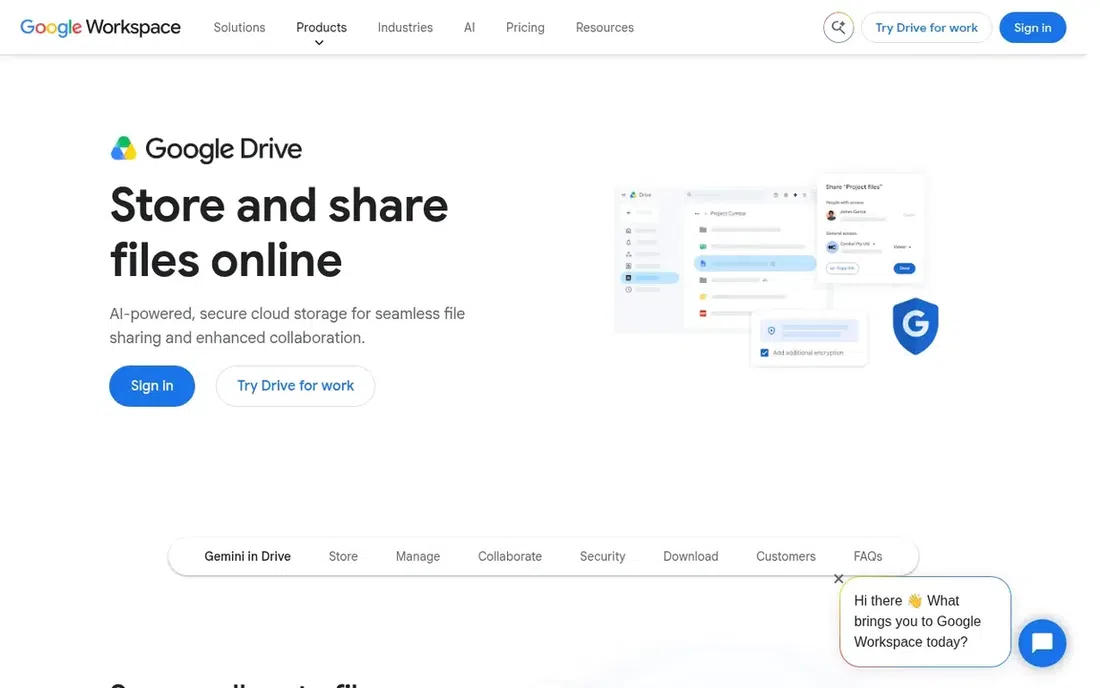
For teams using Google Workspace, Google Drive is a natural candidate. Teams that require advanced permissions or very large file handling may prefer Box or Egnyte.
Where it is weaker: Sync client behavior differs from pure folder sync.
More specifically, choose Drive when Google Workspace is already central to your workflow. It gives you personal and secure cloud storage and lets users share content with others, which suits design teams that already use Gmail, Docs, and other Google tools. This comparison lists no price for Google Drive; ask the vendor. Trial and free access: Not stated.
- Accessible from numerous devices
- Tight Google Workspace integration
- Sharing settings can confuse external clients
Sync.com is built with privacy-focused secure storage in mind. Sync.com gives you secure cloud storage and collaboration that helps users stay secure and connected in the cloud. Its homepage flags online storage options, making it a candidate for designers who prioritize privacy and straightforward file sync.
Best features of Sync.com: Security-focused positioning.
Choose it when security and simplicity matter more than deep integrations. From a buyer's view, sync.com may not integrate as broadly with creative tools as Dropbox or Google Drive. Its collaboration features are less documented for large design assets, so teams with heavy media workflows should test it carefully. In daily use, the service is targeted at individuals and teams that want secure storage without a complex feature set. Entry price for Sync.com: $4.50 per user per month. As for free access: Free trial.
What to check first: Fewer integrations than major suites.
- Access from several devices
- Cloud storage and collaboration
- Less known for large design file workflows
Egnyte is designed for large files and content governance. Egnyte describes itself as an AI context layer and content cloud for enterprises, helping companies collaborate on massive files and govern sensitive content on one secure product. It is aimed at organizations that require to provide AI tools business context whereas keeping content protected.
Where it falls short: Enterprise focus may overwhelm small teams.
On top of that, design studios handling very large media files and strict governance may find it relevant. It likely needs more setup and administration than consumer sync tools. What you pay to start with Egnyte: $22 per user per month. Trial and free access: Free trial.
- Governance of sensitive content
- Collaboration on massive files
- Setup likely needs planning
Choose Box for content management and workflow automation. Box can feel heavier than a straightforward sync folder, and solo designers may not need its workflow and governance features.
Honest limits: Overkill for solo designers.
It is most useful for teams with content management requirements. As for the details, the service is geared toward organizations that collaborate internally and externally and want governance alongside storage. Box does not show a starting price in this comparison, so check the vendor site for current pricing. Trial and free access: Not stated.
- Internal and external collaboration
- Workflow automation features
- Can be more complicated than straightforward sync tools
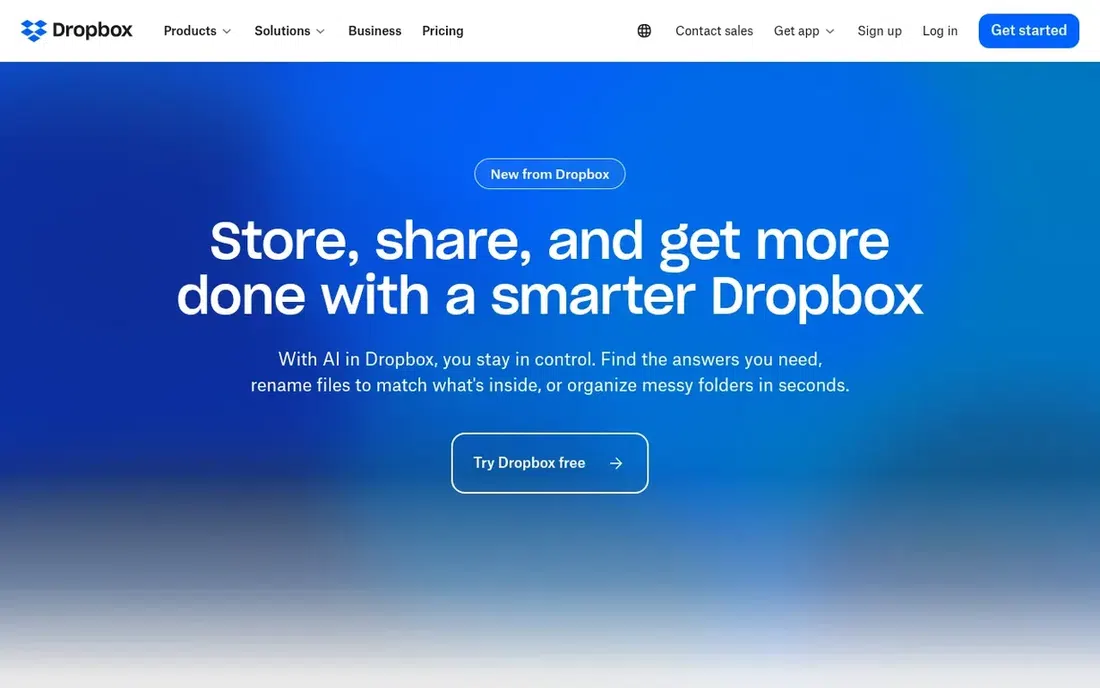
For everyday sync and client sharing, Dropbox is a natural candidate. Small studios and freelancers commonly choose it for its straightforward sharing model and broad app support.
If your studio needs in-depth permissions, retention rules, or collaboration on massive design files, compare Box or Egnyte before committing. Dropbox pricing: $9.99 per month. Trial and free access: Free trial.
Drawbacks to consider: Advanced controls cost additional.
- Straightforward sharing links
- Familiar folder-based sync
- Storage can fill rapidly with large assets
What went into this list
A buyer's checklist
- Confirm the entry price on the vendor page. For Google Drive and Box that means a quote rather than a fixed price.
- Run a trial of Sync.com, Egnyte and Dropbox with real work before paying for a year; your own workflow is the best test.
- Before choosing Google Drive, weigh its main limit: sharing settings can confuse external clients.
- Check whether the features you need in Google Drive sit on the entry plan or only on higher tiers.
- Price Egnyte for your actual team size; headline prices rarely include add-ons or overage.
FAQ
How do I share files with clients securely?
Look for services with permission controls and expiring links, like those described by Box and Egnyte. Always review sharing settings before sending sensitive design files.
Can I try these tools before paying?
Often, yes. Sync.com, Egnyte and Dropbox offer a free trial. Use your own data and a real task during the test, and check what the free tier or trial limits before you rely on it.
Which file sync tool is a good match for large design files?
Start with Google Drive if you need teams using Google Workspace. Sync.com is the better match for privacy-focused secure storage, and Egnyte for large files and content governance. The best choice depends on budget, team size and workflow.
How are the tools for file sync software for designers ordered?
Google Drive sits first and Dropbox last because the order follows typical fit for file sync software for designers, then price clarity and free access. It is a judgement call, so read each profile for fit and limits.
What should I check before choosing a sync tool?
Also consider whether you need advanced governance or workflow automation. Testing with a real project folder can reveal how well a service suits your workflow.
Is Google Drive the right pick for everyone comparing file sync software for designers?
No single tool suits every team. Google Drive comes first because it fits teams using Google Workspace, while Sync.com suits privacy-focused secure storage and Egnyte suits large files and content governance. Match the tool to your own size, budget and workflow before deciding.
Sources
- https://workspace.google.com/products/drive
- https://www.sync.com
- https://www.egnyte.com
- https://www.box.com
- https://www.dropbox.com