Best Architectural Visualization Software for Interior Designers for 2026: Our 6 Vetted Picks
Compare 6 best architectural visualization software for interior designers, with prices, free plans and who each fits. Every pick includes one clear drawback.
- Editor's choice
 V-Ray
Photorealistic rendering inside your design system
Starts atSee websiteVisit chaos.comFull review - Great alternative
 Chief Architect
Residential interior design and remodeling
Starts atSee websiteVisit chiefarchitect.comFull review - Also consider3ds Max
In-depth interior modeling and animation
Starts atSee websiteVisit autodesk.comFull review
Direct answer
For Photorealistic rendering inside your design system, V-Ray is where this list starts. Listed starting prices: Lumion from $96 named user a month. If your case is different, Chief Architect suits residential interior design and remodeling and 3ds Max suits in-depth interior modeling and animation. Prices, free plans and limits for all 6 tools follow.
TL;DR:
- V-Ray is the opening pick, best for Photorealistic rendering inside your design product.
- For the cheapest start, look at Lumion: $96 named user per month.
- Twinmotion fits live visualization tied to design data.
- What to know about Enscape first: less suited to heavy offline rendering.
- None of the 6 tools, from V-Ray to Twinmotion, has a free plan, so budget for a subscription or use a trial.
Last checked November 2026. Prices and plan details were read from the vendors' own pages in November 2026; vendors change plans often, so confirm the current price on the vendor site before you buy.
Quick comparison
| Tool | Best for | Starts at | Free plan? | |
|---|---|---|---|---|
| V-Ray | Photorealistic rendering inside your design system | See website | Not stated | Visit |
| Chief Architect | Residential interior design and remodeling | See website | Not stated | Visit |
| 3ds Max | In-depth interior modeling and animation | See website | Not stated | Visit |
 Enscape | Quick live walkthroughs and VR | See website | Not stated | Visit |
 Lumion | Live rendering for architects | $96 named user a month | Free trial | Visit |
 Twinmotion | Live visualization tied to design data | See website | Not stated | Visit |
Architectural Visualization Software for Interior Designers compared in detail
LinkVetted put together this guide to architectural visualization software for interior designers for readers who want a clear shortlist without reading every vendor page. It compares 6 tools on starting price, free plans, who each one suits and where each one falls short.
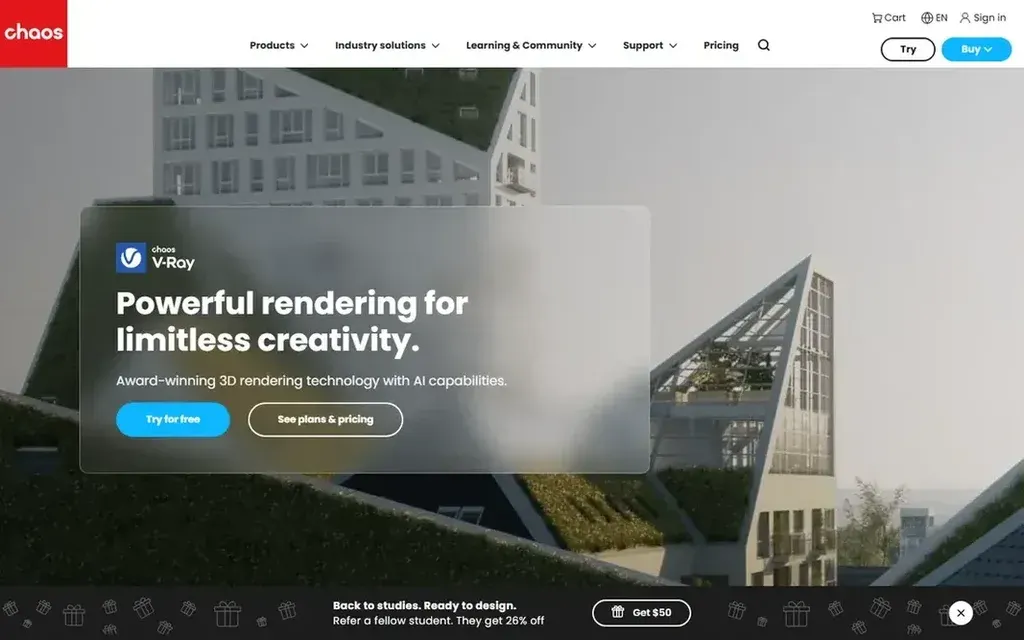
Pick V-Ray if this describes you: Photorealistic rendering inside your design system. Since V-Ray is a plugin, you need a compatible host application and must learn both environments.
Honest limits: Render times can be long.
For rapid design reviews, a live renderer may be the more practical choice. In daily use, V-Ray from Chaos is a 3D rendering plugin available for widely used design products for example 3ds Max, SketchUp, Rhino, Maya and Blender. This comparison lists no price for V-Ray; ask the vendor. Free access: Not stated.
- Works within existing modeling tools
- Plugin for numerous widely used design systems
- Needs a host application
Think of Chief Architect for residential interior design and remodeling. Chief Architect is professional home design software for residential home design, interior design and remodeling.
Beyond that, studios needing advanced animation may combine it with other tools. No starting price is listed for Chief Architect here; confirm pricing on the vendor site. Trial and free access: Not stated.
Honest limits: Concentrated on residential work.
- Designed for residential design
- Spans interior design and remodeling
- Less suited to large commercial projects
3ds Max
Best for: In-depth interior modeling and animation

3ds Max is a good fit for detailed interior modeling and animation. If you chiefly need quick live client walkthroughs, a lighter visualization tool may serve better. On top of that, 3ds Max is Autodesk's professional 3D modeling, animation and rendering application for creating expansive worlds and high-quality designs.
Honest limits: Demanding on hardware.
For everyday use, hardware demands are also significant on large scenes. Interior designers who want precise control over geometry, materials and lighting will find a deep toolset, and it pairs naturally with rendering plugins. This comparison lists no price for 3ds Max; ask the vendor. Trial and free access: Not stated.
- Professional modeling and animation toolset
- Widely used in visualization pipelines
- Steep ramp-up time for beginners
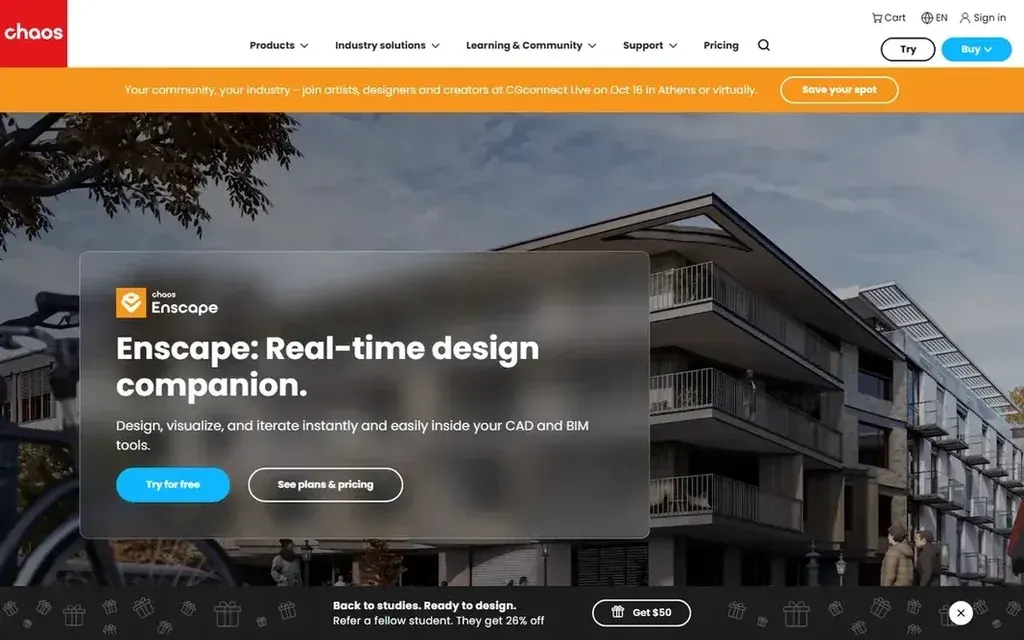
Enscape is built with quick live walkthroughs and VR in mind. Enscape is live rendering and virtual reality software for Revit, SketchUp, Rhino, ArchiCAD and Vectorworks, positioned around one-click rendering. From a buyer's view, Enscape also relies on a supported host application.
Live engines trade some final-image polish for interactivity, so highly in-depth marketing renders may need another tool. For everyday use, if your work centers on cinematic stills instead of live walkthroughs, consider a dedicated renderer. Also, Interior designers who model in those products can move rapidly from design to an explorable scene, which helps during client reviews and iterative layout decisions. Enscape shows no starting price here, so confirm the cost on the vendor site. Free plan details: Not stated.
Where it is weaker: Less suited to heavy offline rendering.
- Virtual reality support
- Integrates with multiple CAD products
- Needs a supported host tool
Lumion is built with live rendering for architects in mind. Lumion is live 3D rendering software geared toward architects, letting users visualize every step from concept to final render with speed, quality and ease. In daily use, Interior designers can use it to present furnished spaces and lighting moods rapidly, particularly when the model is built elsewhere.
Honest limits: Not a full modeling application.
More specifically, very complicated custom scenes may call for more advanced rendering control. More specifically, choose it when presentation speed matters more than granular render settings. On cost, Lumion starts like this: $96 named user per month. Trial and free access: Free trial.
- Concept-to-final visualization
- Emphasis on speed and ease
- Best paired with separate design software
Twinmotion makes the most sense for live visualization tied to design data. Also, Twinmotion is not a replacement for in-depth modeling or CAD documentation, so it fits best as a presentation layer.
Downsides: Feature depth varies by workflow.
Advanced users may find some specialized rendering controls less deep than dedicated renderers. Worth adding: pick it for interactive reviews instead of final print-quality stills. Pricing for Twinmotion is not stated here, so ask the vendor for current figures. Free access: Not stated.
- Live visualization focus
- Works with typical design workflows
- Restricted advanced modeling
How we compared the tools
The comparison looks at four things: starting price, free access, how well the feature set matches architectural visualization software for interior designers, and the main limit of each tool. Seat minimums, billing terms and add-ons can move the real cost, so the starting prices here are a guide and not a quote. The sequence is a judgement call: typical use case first, then pricing transparency, then free access. Use the profiles to check fit.
Before you commit
- Confirm the entry price on the vendor page. For V-Ray, Chief Architect, 3ds Max and others that means a quote rather than a fixed price.
- Take the trial from Lumion and push a live task through it before you pay.
- Before choosing V-Ray, weigh its main limit: requires a host application.
- Ask 3ds Max whether prices are locked for the first term and what happens at renewal.
- Involve the people who will use Lumion daily; a short pilot beats a long feature checklist.
FAQ
Does any tool for architectural visualization software for interior designers here have a free plan?
No tool in this list, V-Ray and Twinmotion included, has a permanent free plan. Lumion offer a trial. Trials and quotes are the usual route, so plan a short evaluation period.
Do these tools publish their prices?
Not all of them. V-Ray, Chief Architect, 3ds Max and others publish no starting price, so expect a quote request for those. The rest, Lumion included, show a starting price, though seats and billing terms still change the final cost.
How are the tools for architectural visualization software for interior designers ordered?
The order follows typical fit for architectural visualization software for interior designers, with V-Ray first and Twinmotion last, then price clarity and free access. It is editorial judgement, not a score, so another team could rank the tools differently.
Is V-Ray the right pick for everyone comparing architectural visualization software for interior designers?
No single tool suits every team. V-Ray comes first because it fits Photorealistic rendering inside your design platform, while Chief Architect suits residential interior design and remodeling and 3ds Max suits detailed interior modeling and animation. Match the tool to your own size, budget and workflow before deciding.
Which tool is a good match for fast client walkthroughs?
V-Ray is the pick this page puts first, mainly for Photorealistic rendering inside your design system. If your situation differs, Chief Architect suits residential interior design and remodeling, and 3ds Max suits in-depth interior modeling and animation. Compare price and limits before you decide.
Sources
- https://www.chaos.com/vray
- https://www.chiefarchitect.com
- https://www.autodesk.com/products/3ds-max
- https://www.chaos.com/enscape
- https://lumion.com
- https://www.twinmotion.com