Top 6 Rendering Software for Interior Designers for 2026 (Prices and Free Plans)
Best rendering software for interior designers in 2026: 6 tools with starting prices, free plans and limits. Cost notes and weak points included. Details below.
- Editor's choice
 KeyShot
Live product and material visualization
Starts at$7.92 a monthVisit keyshot.comFull review - Great alternative
 Autodesk 3ds Max
Professional 3D modeling and rendering
Starts atSee websiteVisit autodesk.comFull review - Also considerChaos V-Ray
Photorealistic rendering across several systems
Starts atSee websiteVisit chaos.comFull review
Direct answer
If you need live product and material visualization, KeyShot is the first tool to look at here. Listed starting prices: KeyShot from $7.92 a month and Lumion from $96 named user a month. Autodesk 3ds Max is the stronger choice for professional 3D modeling and rendering, while Chaos V-Ray suits Photorealistic rendering across several products. The other 3 tools in the list cover narrower or pricier cases.
TL;DR:
- KeyShot takes the first slot, best suited to live product and material visualization.
- Cinema 4D is the one to check for motion graphics and design visualization.
- For the cheapest start, look at KeyShot: $7.92 per month.
- The main caution on Chaos V-Ray: can be complicated for beginners.
Last checked November 2026. Prices and plan details were read from the vendors' own pages in November 2026; vendors change plans often, so confirm the current price on the vendor site before you buy.
Quick comparison
| Tool | Best for | Starts at | Free plan? | |
|---|---|---|---|---|
| KeyShot | Live product and material visualization | $7.92 a month | Free trial | Visit |
| Autodesk 3ds Max | Professional 3D modeling and rendering | See website | Not stated | Visit |
| Chaos V-Ray | Photorealistic rendering across several systems | See website | Not stated | Visit |
 Lumion | Quick and simple architectural visualization | $96 named user a month | Free trial | Visit |
 Enscape | Live rendering and virtual reality | See website | Not stated | Visit |
 Cinema 4D | Motion graphics and design visualization | See website | Not stated | Visit |
Rendering Software for Interior Designers profiles
LinkVetted compared 6 rendering software for interior designers. The goal is a practical shortlist: published prices, free plan facts, best-fit use cases and honest limits for every entry.
KeyShot makes the most sense for live product and material visualization. Interior designers who require to showcase furniture, fixtures, or material samples in detail will appreciate KeyShot's speed and simplicity. For everyday use, for complete interior renderings, consider V-Ray or Enscape.
Beyond that, KeyShot is a live 3D rendering software concentrated on product design and visualization. It makes it possible for fast material and lighting adjustments with an approachable interface. KeyShot cost at the entry level: $7.92 per month. Free access: Free trial.
Honest limits: Less suited for full interior scenes.
- Simple material setup
- Quick live rendering
- Restricted architectural tools
Autodesk 3ds Max works best for professional 3D modeling and rendering. Autodesk 3ds Max is a professional 3D modeling, animation, and rendering software used widely in architectural visualization. It provides broad tools for creating in-depth interior scenes and supports various renderers like V-Ray and Corona.
Watch-outs: Steep ramp-up time.
3ds Max is complicated and may be overkill for straightforward interior renders. It also needs a subscription, which can be expensive for freelancers. Beyond that, Interior designers who require full control over modeling and rendering will find 3ds Max a solid system. No starting price is listed for Autodesk 3ds Max here; confirm pricing on the vendor site. Free access: Not stated.
- Supports numerous renderers
- Comprehensive modeling tools
- Pricey for occasional use
Chaos V-Ray
Best for: Photorealistic rendering across several systems
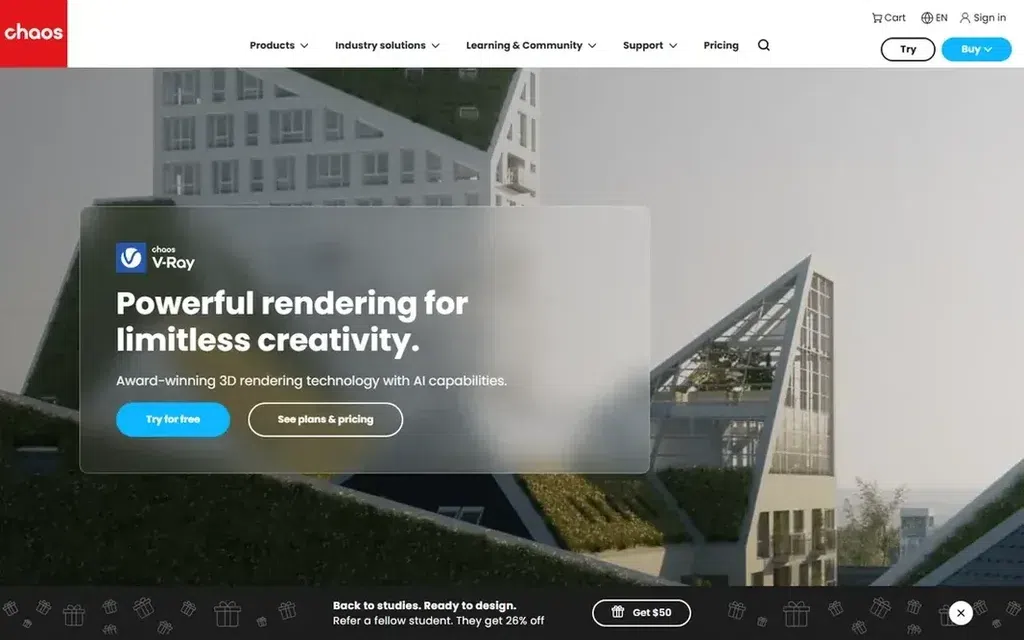
Think of Chaos V-Ray for Photorealistic rendering across several products. Chaos V-Ray is a 3D rendering plugin that links up with major design products for example 3ds Max, SketchUp, Rhino, Maya, and Blender.
Worth adding: if you need live feedback or more straightforward workflows, consider Enscape or Lumion instead. Chaos V-Ray shows no starting price here, so confirm the cost on the vendor site. On free options: Not stated.
Limits to weigh: Can be complex for beginners.
- Works with plenty of widely used design tools
- Produces highly realistic images
- Needs a feature-rich computer

Lumion is built with quick and simple architectural visualization in mind. It supplies a straightforward workflow from concept to final render, with a focus on speed and simplicity.
Starting cost for Lumion: $96 named user per month. As for free access: Free trial.
Trade-offs to know: Needs separate export from design software.
- Large asset library
- Approachable interface
- Less precise for complicated interiors
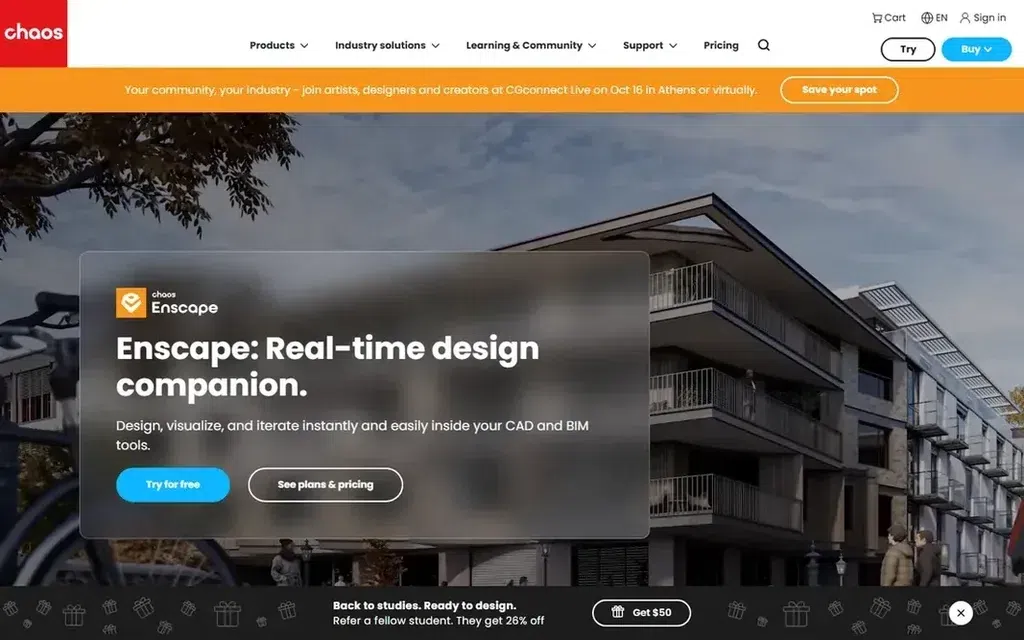
Enscape is designed for live rendering and virtual reality. For final high-end stills, consider pairing Enscape with a dedicated renderer. Whereas Enscape excels at live feedback, it may not match the photorealism of offline renderers like V-Ray or Corona.
On top of that, Enscape is a live rendering and virtual reality tool that works with Revit, SketchUp, Rhino, ArchiCAD, and Vectorworks. For everyday use, Interior designers who value speed and interactivity will appreciate Enscape's smooth integration. Check the vendor site for Enscape pricing; none is listed in this comparison. Trial and free access: Not stated.
The main drawbacks: Less photorealistic than offline renderers.
- One-click rendering
- Integrated VR support
- Restricted advanced material controls
Choose Cinema 4D for motion graphics and design visualization. It also has a ramp-up time for those unfamiliar with 3D.
For dedicated interior rendering, other tools may be more efficient. No starting price is listed for Cinema 4D here; confirm pricing on the vendor site. Free access: Not stated.
Where it is weaker: Needs extra renderer for photorealism.
- Easy-to-learn interface
- Capable integration with After Effects
- Less specialized for architecture
Our selection method
For each of the 6 tools we noted price, free plan or trial, fit for rendering software for interior designers and the main limit, using vendor pages and documentation. Where a vendor does not publish a price, the entry says quote. Where a price depends on seats or billing term, the entry says so. The ranking is editorial: typical fit first, then clear pricing, then free access. If your needs are unusual, read the profiles rather than relying on position.
A buyer's checklist
- Ask Autodesk 3ds Max, Chaos V-Ray, Enscape and Cinema 4D for a written quote, since no starting price is shown.
- Run a trial of KeyShot and Lumion with real work before paying for a year; your own workflow is the best test.
- Read the limits listed for KeyShot first: less suited for full interior scenes.
- Verify that exporting from Autodesk 3ds Max is possible on your plan and covers all your records.
- Price Cinema 4D for your actual team size; headline prices rarely include add-ons or overage.
FAQ
Does any tool for rendering software for interior designers here have a free plan?
A permanent free plan is not offered by KeyShot, Cinema 4D or the other tools here. KeyShot, Lumion offer a trial. Plan a short evaluation period instead.
How are the tools for rendering software for interior designers ordered?
KeyShot sits first and Cinema 4D last because the order follows typical fit for rendering software for interior designers, then price clarity and free access. It is a judgement call, so read each profile for fit and limits.
What is the cheapest option for rendering software for interior designers in this list?
On published monthly entry prices, KeyShot is the lowest here at $7.92 per month. Entry price is only part of the cost, because seats, add-ons and billing terms can change the total. All 6 picks in this Rendering software for Interior designers comparison list a starting price, free plan details and the main limits on their cards above.
Can I use V-Ray with SketchUp for interior design?
Yes, V-Ray links up with SketchUp, allowing interior designers to render photorealistic scenes straight within the modeling environment. This makes it a widely used choice for those who prefer SketchUp's workflow.
Do these tools publish their prices?
Not all of them. Autodesk 3ds Max, Chaos V-Ray, Enscape and Cinema 4D publish no starting price, so expect a quote request for those. The rest, KeyShot included, show a starting price, though seats and billing terms still change the final cost.
Which rendering software is a good match for interior designers on a budget?
This list starts with KeyShot, which fits live product and material visualization. For other needs, Autodesk 3ds Max is aimed at professional 3D modeling and rendering, and Chaos V-Ray at Photorealistic rendering across several systems. Check each tool's price and main limit first.
Sources
- https://www.keyshot.com
- https://www.autodesk.com/products/3ds-max
- https://www.chaos.com/vray
- https://lumion.com
- https://enscape3d.com
- https://www.maxon.net/en/cinema-4d