Top 6 Sharpening Software for Photography for 2026 (Prices and Free Plans)
Shortlisting the best sharpening software for photography? 6 products compared on cost, free access and ideal buyer. With pricing notes and limits. No hype.
- Editor's choice
 Capture One
Precise RAW sharpening and tethering
Starts atSee websiteVisit captureone.comFull review - Great alternative
 ON1 Photo RAW
All-in-one RAW editing without subscription
Starts at$49.99Visit on1.comFull review - Also consider
 Topaz Photo AI
Rescuing soft or noisy images
Starts at$19 per monthVisit topazlabs.comFull review
Direct answer
For precise RAW sharpening and tethering, Capture One is where this list starts. Listed starting prices: ON1 Photo RAW from $49.99 and Topaz Photo AI from $19 per month. If your case is different, ON1 Photo RAW suits all-in-one RAW editing without subscription and Topaz Photo AI suits rescuing soft or noisy images. Prices, free plans and limits for all 6 tools follow.
TL;DR:
- Capture One is the opening pick, best for precise RAW sharpening and tethering.
- One limit worth knowing about ON1 Photo RAW: smaller ecosystem than Adobe.
- A permanent free plan is missing from all 6 tools, Capture One and ACDSee Photo Studio included; plan for a trial or a premium start.
- ACDSee Photo Studio fits editing plus digital asset management.
- For the cheapest start, look at Topaz Photo AI: $19 per month.
Last checked November 2026. Prices and plan details were read from the vendors' own pages in November 2026; vendors change plans often, so confirm the current price on the vendor site before you buy.
Quick comparison
| Tool | Best for | Starts at | Free plan? | |
|---|---|---|---|---|
| Capture One | Precise RAW sharpening and tethering | See website | Not stated | Visit |
| ON1 Photo RAW | All-in-one RAW editing without subscription | $49.99 | Free trial | Visit |
| Topaz Photo AI | Rescuing soft or noisy images | $19 per month | Not stated | Visit |
 Adobe Photoshop | Deep, selective sharpening control | See website | Not stated | Visit |
 Affinity Photo | Precise editing on a budget | See website | Not stated | Visit |
| ACDSee Photo Studio | Editing plus digital asset management | See website | Not stated | Visit |
The best sharpening software for photography
Choosing sharpening software for photography usually comes down to price, fit and limits. This LinkVetted guide sets 6 tools side by side on those three points, with the facts kept short and checkable.
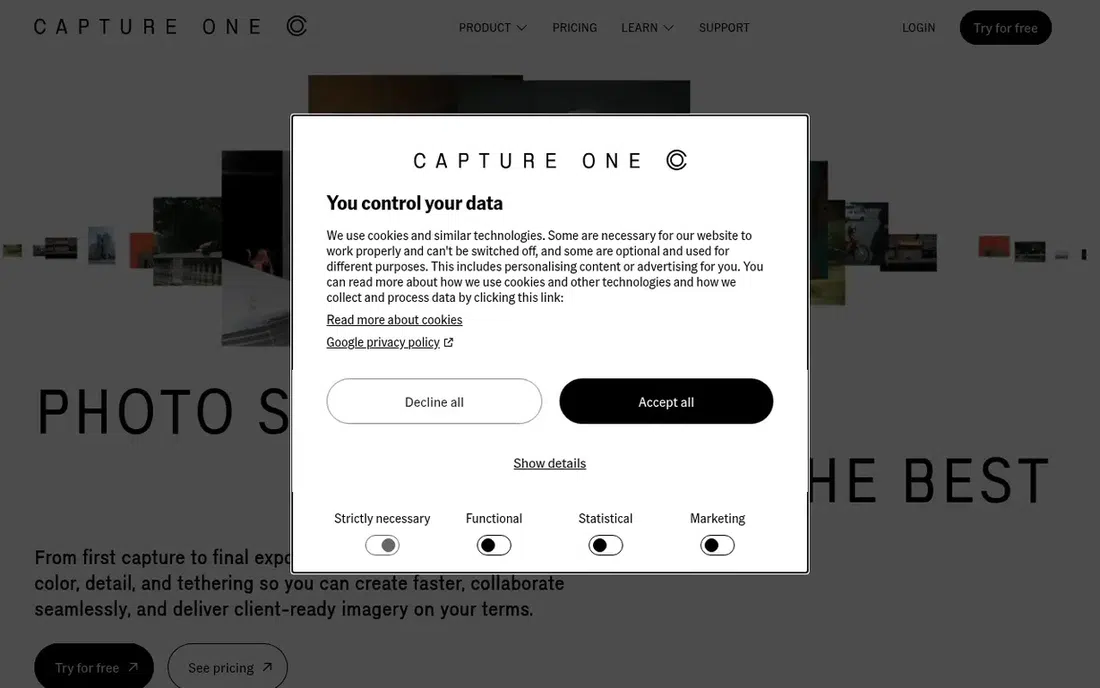
Where Capture One fits: precise RAW sharpening and tethering. The precision includes a ramp-up time, and the ecosystem is smaller than Adobe's, which can matter for collaboration.
What to check first: Smaller ecosystem than Adobe.
Capture One shows no starting price here, so confirm the cost on the vendor site. Free access: Not stated.
- Solid RAW handling
- Feature-rich tethering
- Ramp-up time for newcomers
ON1 Photo RAW makes the most sense for all-in-one RAW editing without subscription. The perpetual license model appeals to those who prefer to avoid continuing subscriptions.
Choose ON1 when an all-in-one RAW workflow with a perpetual license is the priority. Entry price for ON1 Photo RAW: $49.99. Free options: Free trial.
Trade-offs to know: Smaller ecosystem than Adobe.
- Editing and organizing combined
- AI-powered RAW processing
- Performance varies by hardware
Topaz Photo AI was built for rescuing soft or noisy images. Topaz Photo AI is a focused tool for sharpening, denoising, unblurring and upscaling images.
Highlights: denoise and upscale.
Where it falls short: Best used alongside another editor. From a buyer's view, pick Topaz Photo AI when rescue and enhancement are the goal, and pair it with a full editor for everything else. More specifically, instead of replacing a full editor, it targets problem files for example soft records, high-ISO noise or images that require enlargement. The starting price for Topaz Photo AI: $19 per month. Free options: Not stated.
- Works as a focused enhancement step
- Deals with hard files
- Not a full editing suite
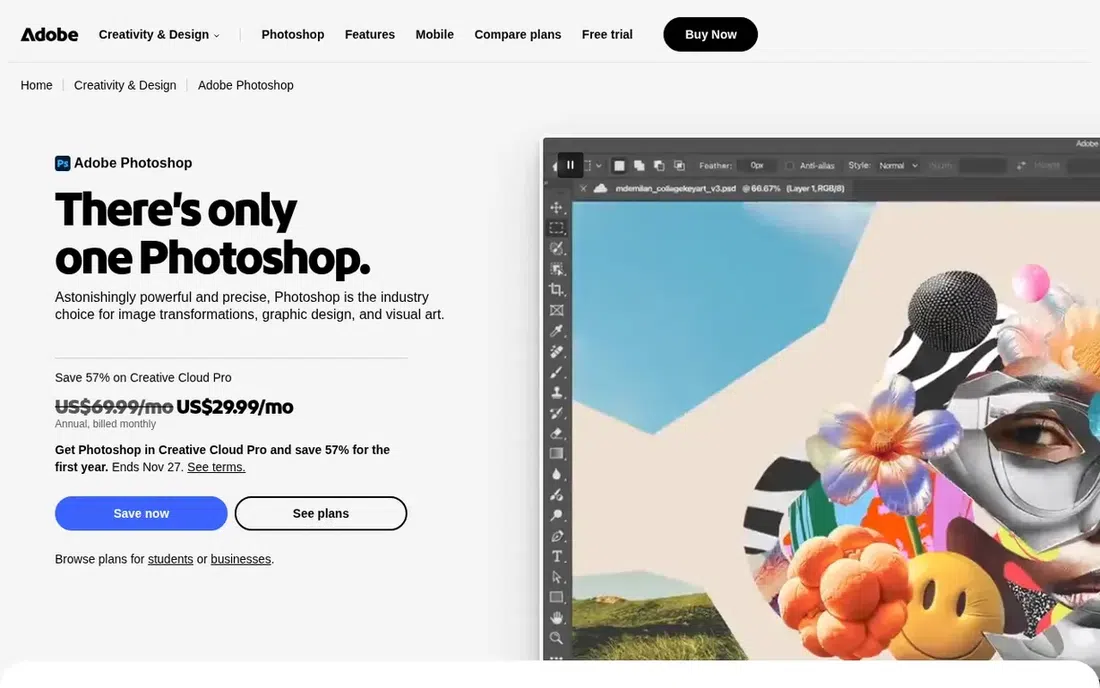
Adobe Photoshop is designed for deep, selective sharpening control. Photoshop is the reference editor for photographers who want full control over sharpening. It supports capture, creative and output sharpening through filters, masks and layers, so you can sharpen only the areas that require it.
Trade-offs to know: Subscription-based access.
What Adobe Photoshop does well: Deep sharpening and detail tools.
Worth adding: choose Photoshop when precise, localized control matters most. For everyday use, if your priority is quick batch sharpening inside a catalog, Lightroom Classic or a dedicated tool like Topaz Photo AI may be a better fit. On top of that, the depth includes complexity, and the interface can overwhelm casual shooters who only want fast sharpening. This comparison lists no price for Adobe Photoshop; ask the vendor. As for free access: Not stated.
- Output sharpening for print and web
- Layer-based selective sharpening
- Steeper ramp-up time
In short, Affinity Photo is for precise editing on a budget. Affinity Photo is a professional photo editor designed for precision, speed and creative freedom.
It provides layer-based workflows, so sharpening can be applied selectively and combined with masks and adjustments. From a buyer's view, external integrations are fewer than in the Adobe ecosystem. This comparison lists no price for Affinity Photo; ask the vendor. Free plan details: Not stated.
Limits to weigh: No built-in catalog.
- Layer-based precision editing
- No subscription required
- Fewer external integrations
ACDSee Photo Studio
Best for: Editing plus digital asset management
For editing plus digital asset management, ACDSee Photo Studio is a natural candidate. The combined feature set makes the interface dense, and the community and learning resources are smaller than Adobe's.
On top of that, if you want the deepest sharpening controls or the broadest ecosystem, Photoshop or Lightroom Classic may fit better. ACDSee Photo Studio shows no starting price here, so confirm the cost on the vendor site. Free options: Not stated.
Drawbacks to consider: Interface can feel dense.
- All-in-one organization and edits
- Built-in asset management
- Smaller community than Adobe
What went into this list
Before you commit
- Ask Capture One, Adobe Photoshop, Affinity Photo and ACDSee Photo Studio for a written quote, since no starting price is shown.
- Run a trial of ON1 Photo RAW with real work before paying for a year; your own workflow is the best test.
- Read the limits listed for Capture One first: learning curve for newcomers.
- Read the plan comparison for Capture One carefully; key features often start on a higher tier.
- Ask Affinity Photo how an export works before you move any records in; an easy exit lowers the risk.
FAQ
Can I try these tools before paying?
Often, yes. ON1 Photo RAW offers a free trial. Use your own data and a real task during the test, and check what the free tier or trial limits before you rely on it. All 6 picks in this Sharpening software for Photography comparison list a starting price, free plan details and the main limits on their cards above.
What is the cheapest option for sharpening software for photography in this list?
On published monthly entry prices, Topaz Photo AI is the lowest here at $19 per month. Entry price is only part of the cost, because seats, add-ons and billing terms can change the total. For the full picture, the cards above cover all 6 entries of this Sharpening software for Photography list, including price, free plan and limits.
How are the tools for sharpening software for photography ordered?
The order follows typical fit for sharpening software for photography, with Capture One first and ACDSee Photo Studio last, then price clarity and free access. It is editorial judgement, not a score, so another team could rank the tools differently.
Do these tools publish their prices?
Not all of them. Capture One, Adobe Photoshop, Affinity Photo and ACDSee Photo Studio publish no starting price, so expect a quote request for those. The rest, ON1 Photo RAW included, show a starting price, though seats and billing terms still change the final cost.
Should I sharpen for print and screen differently?
Screen output usually needs lighter sharpening, whereas print can tolerate more based on paper and size. Editors like Photoshop and Lightroom Classic support output sharpening settings, so you can tune the amount for each destination instead of applying one setting everywhere.
Sources
- https://www.captureone.com
- https://www.on1.com/products/photo-raw
- https://www.topazlabs.com/topaz-photo-ai
- https://www.adobe.com/products/photoshop.html
- https://affinity.serif.com/en-us/photo
- https://www.acdsee.com/en/products/photo-studio-ultimate