Top 5 3D Printing Software for Creality for 2026 (Prices and Free Plans)
5 options for the best 3D printing software for Creality, with entry costs, free tiers and the buyer each one serves. Each pick lists its main limit. No hype.
- Editor's choiceMatterControl
All-in-one design and print management
Starts atSee websiteVisit matterhackers.comFull review - Great alternativeOrcaSlicer
Tinkerers who want calibration control
Starts at$4 per user a monthVisit github.comFull review - Also consider
 UltiMaker Cura
Beginners and mixed-printer workshops
Starts atSee websiteVisit ultimaker.comFull review
Direct answer
MatterControl comes first here, mainly for all-in-one design and print management. Listed starting prices: OrcaSlicer from $4 per user a month. OrcaSlicer is better for Tinkerers who want calibration control, and UltiMaker Cura is better for beginners and mixed-printer workshops. The remaining 2 options are covered below with prices and limits.
TL;DR:
- Top of the list is MatterControl, which targets all-in-one design and print management.
- Autodesk Fusion is the one to check for designing parts before slicing.
- Before buying Creality Print, weigh this: less handy for other brands.
- OrcaSlicer has the lowest monthly starting price in this list: $4 per user per month.
- Just one of the 5 tools, OrcaSlicer, has a free plan.
Last checked November 2026. Prices and plan details were read from the vendors' own pages in November 2026; vendors change plans often, so confirm the current price on the vendor site before you buy.
Quick comparison
| Tool | Best for | Starts at | Free plan? | |
|---|---|---|---|---|
| MatterControl | All-in-one design and print management | See website | Not stated | Visit |
| OrcaSlicer | Tinkerers who want calibration control | $4 per user a month | Yes | Visit |
| UltiMaker Cura | Beginners and mixed-printer workshops | See website | Not stated | Visit |
| Creality Print | Creality printer owners wanting native integration | See website | Not stated | Visit |
 Autodesk Fusion | Designing parts before slicing | See website | Not stated | Visit |
3D Printing Software for Creality profiles
If you are comparing 3D printing software for Creality, this page covers 5 tools in one place: what each is best for, what it costs to start, whether it has a free plan, and the main limit to know about.
MatterControl
Best for: All-in-one design and print management
MatterControl targets all-in-one design and print management. The interface is less refined than some competitors.
In daily use, choose it when an integrated management approach appeals to you and you are comfortable with a smaller ecosystem. Pricing for MatterControl is not stated here, so ask the vendor for current figures. Free plan details: Not stated.
The main drawbacks: Smaller community.
- Merges design and slicing
- Print queue management
- Interface less refined than rivals
OrcaSlicer
Best for: Tinkerers who want calibration control
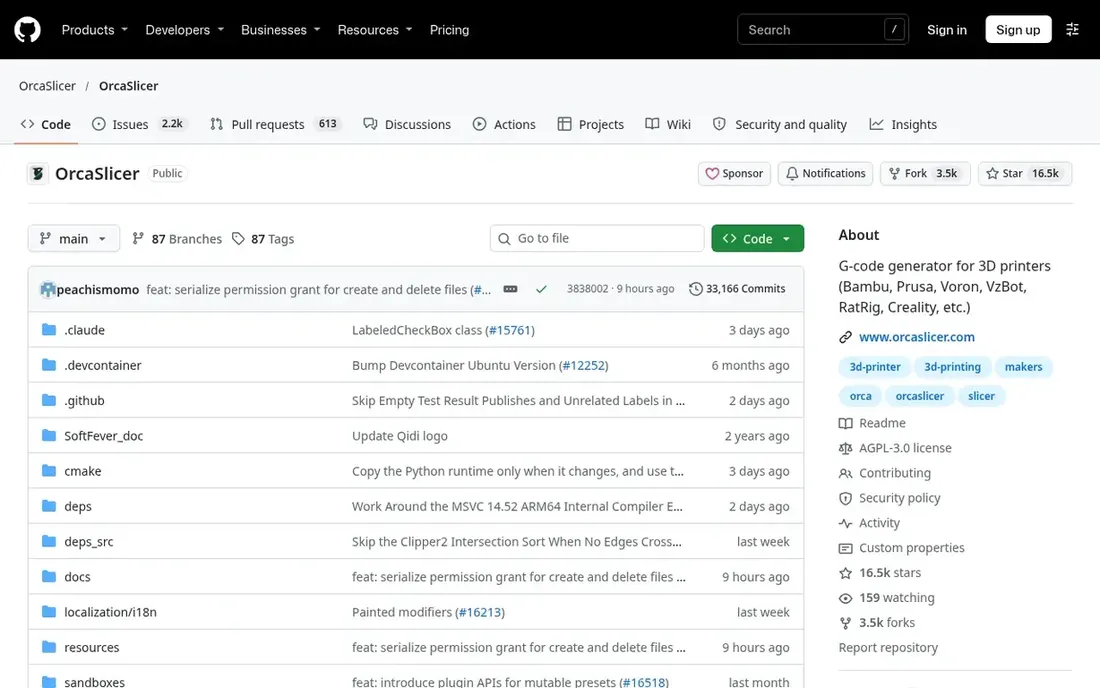
Pick OrcaSlicer if this describes you: Tinkerers who want calibration control. OrcaSlicer is an open-source G-code generator that lists support for printers from multiple brands, including Creality.
Limits to weigh: Interface can feel dense.
Choose OrcaSlicer when you are comfortable editing settings and want a tool that grows with your skills. Beginners may prefer a more straightforward slicer before moving up. Entry price for OrcaSlicer: $4 per user per month. Free access exists with OrcaSlicer.
- Open-source development
- Supports many printer brands
- More complicated for beginners
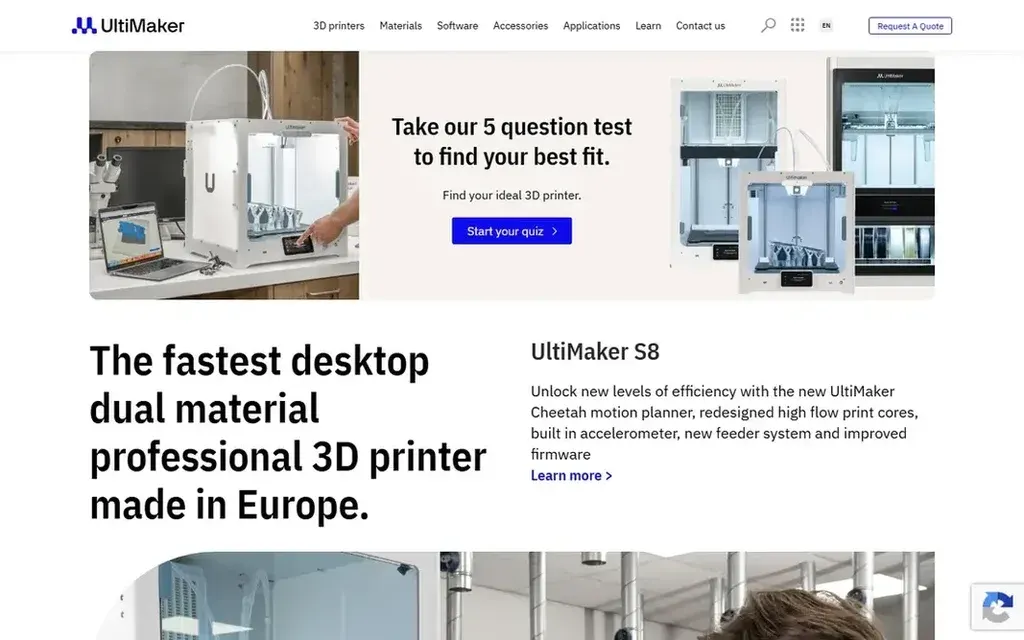
UltiMaker Cura makes the most sense for beginners and mixed-printer workshops. Plugin quality is inconsistent, so not every add-on is worth installing.
Limits to weigh: Some advanced settings are buried.
UltiMaker Cura is a long-standing slicing application from UltiMaker. This comparison lists no price for UltiMaker Cura; ask the vendor. Free plan details: Not stated.
- Beginner-friendly interface
- Mature and widely used
- Plugin quality varies
Creality Print
Best for: Creality printer owners wanting native integration
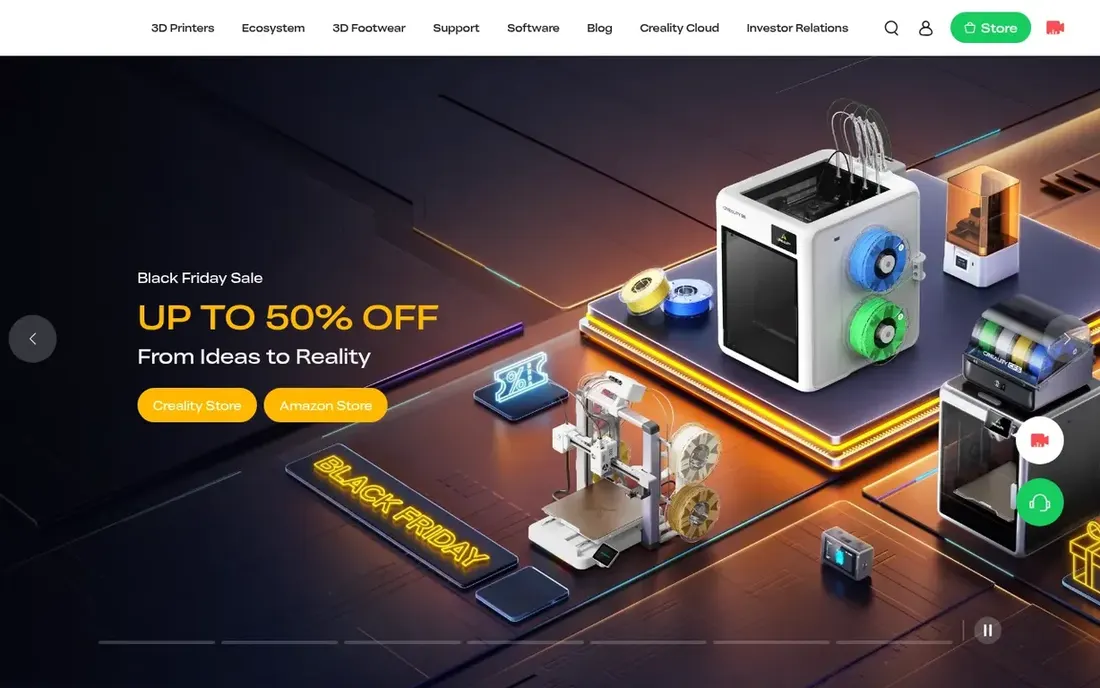
Pick Creality Print if this describes you: Creality printer owners wanting native integration. Advanced users may also find fewer deep calibration tools than in some open-source slicers. On top of that, Creality Print is the slicer developed by Creality, the company behind the printers themselves.
Where it falls short: Fewer advanced tuning choices than some rivals.
Its focus on Creality hardware means it is less compelling if you run printers from multiple brands. On top of that, choose it when convenience and native support matter more than maximum tweakability. No starting price is listed for Creality Print here; confirm pricing on the vendor site. Free plan details: Not stated.
- Part of a wide ecosystem
- Built by the printer maker
- Less handy for other brands
Autodesk Fusion was built for designing parts before slicing. For Creality owners who want to build or modify models, it includes the design side of the workflow.
Downsides: Not a dedicated slicer.
Fusion is a full design product, so it is overkill if you only have to slice downloaded models. Check the vendor site for Autodesk Fusion pricing; none is listed in this comparison. Free options: Not stated.
- Integrated CAD and CAM
- Wide modeling toolset
- Ramp-up time for CAD
What went into this list
Pricing pages, product documentation and feature lists were the main sources, and every entry carries at least one honest drawback. Where a vendor does not publish a price, the entry says quote. Where a price depends on seats or billing term, the entry says so. The sequence is a judgement call: typical use case first, then pricing transparency, then free access. Use the profiles to check fit.
Before you commit
- Ask MatterControl, UltiMaker Cura, Creality Print and Autodesk Fusion for a written quote, since no starting price is shown.
- Test the free plan from OrcaSlicer against your real workload before relying on it.
- Before choosing MatterControl, weigh its main limit: smaller community.
- Involve the people who will use OrcaSlicer daily; a short pilot beats a long feature checklist.
- Ask Creality Print whether prices are locked for the first term and what happens at renewal.
FAQ
How are the tools for 3D printing software for Creality ordered?
The order follows typical fit for 3D printing software for Creality, with MatterControl first and Autodesk Fusion last, then price clarity and free access. It is editorial judgement, not a score, so another team could rank the tools differently.
Which options for 3D printing software for Creality have a free plan?
OrcaSlicer is the only tool in this list with a free plan. Free plans usually cap users, projects or features, so check the limits on the vendor page. Prices, free plan details and limits for all 5 tools in this 3D printing software for Creality roundup sit on the individual cards above.
Is OrcaSlicer right for beginners?
New users can still learn it, but they may prefer to start with a more straightforward choice. It rewards users who want to calibrate and tune prints.
Do these tools publish their prices?
Not all of them. MatterControl, UltiMaker Cura, Creality Print and Autodesk Fusion publish no starting price, so expect a quote request for those. The rest, OrcaSlicer included, show a starting price, though seats and billing terms still change the final cost.
What is the cheapest option for 3D printing software for Creality in this list?
On published monthly entry prices, OrcaSlicer is the lowest here at $4 per user per month. Entry price is only part of the cost, because seats, add-ons and billing terms can change the total.
Sources
- https://www.matterhackers.com/store/l/mattercontrol/sk/MKZGTDW6
- https://github.com/SoftFever/OrcaSlicer
- https://ultimaker.com/software/ultimaker-cura
- https://www.creality.com
- https://www.autodesk.com/products/fusion-360