Top 5 Architectural Rendering Software for Remote Teams for 2026 (Prices and Free Plans)
5 best architectural rendering software for remote teams, compared on pricing, free plans and best-fit use. Each entry gets a plain verdict. Checked this month.
- Editor's choice
 Enscape
Live rendering inside design tools
Starts atSee websiteVisit enscape3d.comFull review - Great alternative
 Archicad
BIM authoring with built-in tools
Starts at$43 per seat a monthVisit graphisoft.comFull review - Also consider
 V-Ray
Photorealistic rendering across products
Starts atSee websiteVisit chaos.comFull review
Direct answer
This list puts Enscape first for live rendering inside design tools. Listed starting prices: Archicad from $43 per seat a month and Lumion from $96 named user a month. Archicad is the stronger choice for BIM authoring with built-in tools, while V-Ray suits Photorealistic rendering across systems. Prices, free plans and limits for all 5 tools follow.
TL;DR:
- Enscape takes the first slot, best suited to live rendering inside design tools.
- For the cheapest start, look at Archicad: $43 per seat per month.
- Lumion fits standalone live visualization.
- A permanent free plan is missing from all 5 tools, Enscape and Lumion included; plan for a trial or a premium start.
Last checked November 2026. Prices and plan details were read from the vendors' own pages in November 2026; vendors change plans often, so confirm the current price on the vendor site before you buy.
Quick comparison
| Tool | Best for | Starts at | Free plan? | |
|---|---|---|---|---|
| Enscape | Live rendering inside design tools | See website | Not stated | Visit |
| Archicad | BIM authoring with built-in tools | $43 per seat a month | Free trial | Visit |
| V-Ray | Photorealistic rendering across products | See website | Not stated | Visit |
 Autodesk Revit | BIM coordination with built-in visualization | See website | Not stated | Visit |
 Lumion | Standalone live visualization | $96 named user a month | Free trial | Visit |
Architectural Rendering Software for Remote Teams profiles
LinkVetted put together this guide to architectural rendering software for remote teams for readers who want a clear shortlist without reading every vendor page. It compares 5 tools on starting price, free plans, who each one suits and where each one falls short.
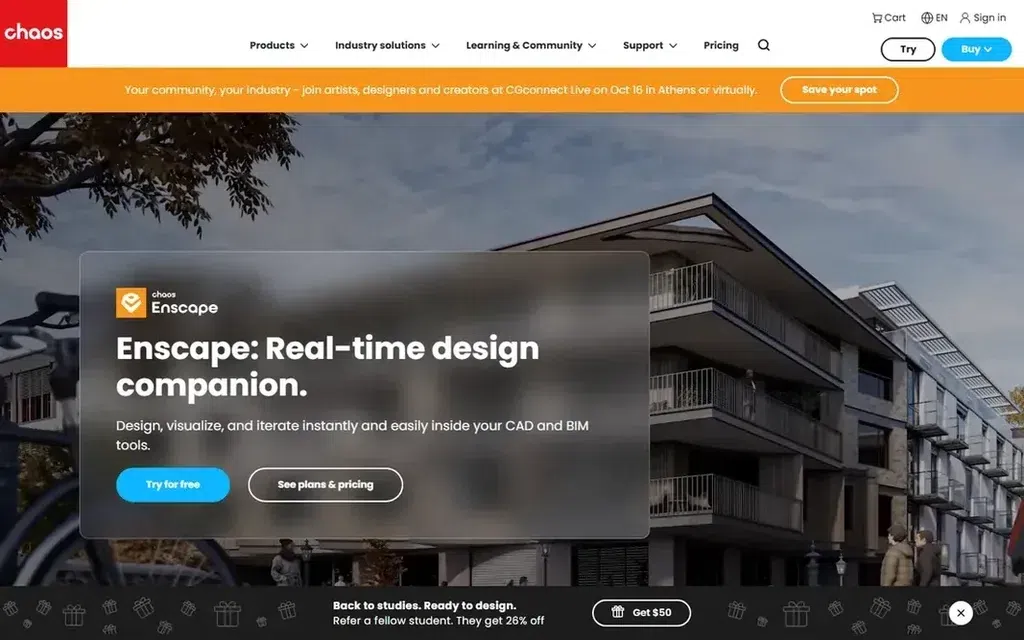
Think of Enscape for live rendering inside design tools. The one-click workflow lets designers see changes as they model, which fits remote teams reviewing choices together in live sessions.
Beyond that, Enscape is live rendering and virtual reality software from Chaos that plugs into Revit, SketchUp, Rhino, ArchiCAD and Vectorworks. From a buyer's view, pick a standalone renderer when final image quality is the priority. Check the vendor site for Enscape pricing; none is listed in this comparison. As for free access: Not stated.
Downsides: Relies on a host design application.
- Virtual reality output
- Works with Revit, SketchUp, Rhino
- Live focus rather than offline final rendering
Archicad is built with BIM authoring with built-in tools in mind. Graphisoft Archicad is BIM software for architects built around an efficient, easy-to-learn environment with a feature-rich suite of built-in tools and an approachable interface.
From a buyer's view, choose it when easy-to-learn BIM authoring is the priority. Teams heavily invested in another BIM ecosystem may not want to switch. Price to start with Archicad: $43 per seat per month. Free options: Free trial.
Honest limits: Needs BIM workflow adoption.
- Feature-rich built-in tool suite
- Easy-to-learn BIM environment
- Rendering depth relies on companion tools
V-Ray was built for Photorealistic rendering across systems. Teams already modeling in those tools can add high-quality rendering without changing their pipeline.
Downsides: Needs a supported host application.
It is a rendering engine, not a collaboration system. For everyday use, teams wanting instant in-model previews may prefer a live companion. Check the vendor site for V-Ray pricing; none is listed in this comparison. Free options: Not stated.
- Plugin for numerous widely used design products
- Fits existing modeling pipelines
- Setup and learning effort for quality results
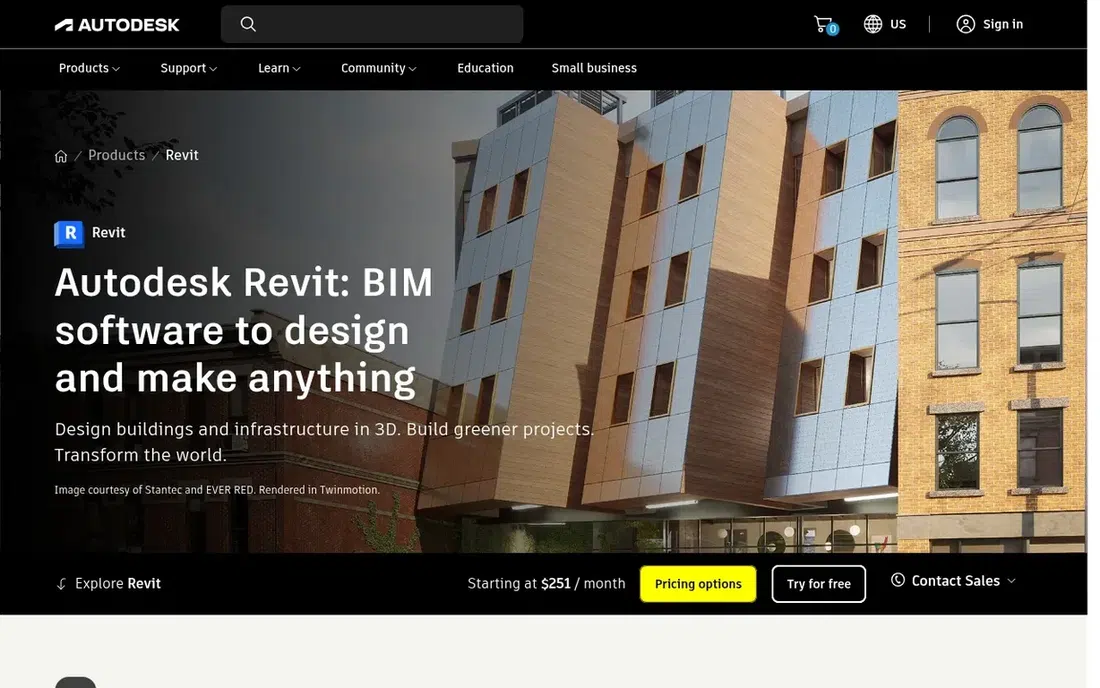
Autodesk Revit makes the most sense for BIM coordination with built-in visualization. The tradeoff is weight: Revit is a full BIM environment. So teams that only need fast still images may find it more than necessary.
Revit is Autodesk's BIM product for designing, documenting and coordinating building projects. It builds intelligent 3D models and updates drawings immediately when the model changes, which keeps remote teams working from one source of truth. No starting price is listed for Autodesk Revit here; confirm pricing on the vendor site. Free plan details: Not stated.
Limits to weigh: Needs BIM process discipline.
- Coordination across BIM project teams
- Intelligent 3D models with instant drawing updates
- Heavy for straightforward visualization tasks

Lumion was built for standalone live visualization. Its emphasis on speed, quality and simplicity makes it approachable for teams that want presentation-ready visuals without deep rendering setup. More specifically, Lumion is a separate environment, so models must be brought in and kept current, which can complicate coordination for distributed teams.
Where it falls short: Separate from the BIM authoring environment.
It is less about documentation and more about imagery. Choose a BIM-integrated renderer when model and drawing accuracy matter most. On cost, Lumion starts like this: $96 named user per month. On free options: Free trial.
- Live rendering from concept to final
- Speed and simplicity
- Import and sync steps add workflow overhead
How we compared the tools
The comparison looks at four things: starting price, free access, how well the feature set matches architectural rendering software for remote teams, and the main limit of each tool. Prices and plan limits come from vendor pages and can change, so confirm them on the vendor site before you buy. Position on the page reflects fit for a typical buyer first, with price clarity and free access breaking ties. Treat it as a guide, not a ruling.
What to confirm before you sign up
- Get a written quote from Enscape, V-Ray and Autodesk Revit; the list shows no starting price for them.
- Take the trial from Archicad and Lumion and push a live task through it before you pay.
- Read the limits listed for Enscape first: relies on a host design application.
- Read the plan comparison for Autodesk Revit carefully; key features often start on a higher tier.
- Test how quickly Archicad answers a pre-sales question; it hints at how support will feel later.
FAQ
Does any tool for architectural rendering software for remote teams here have a free plan?
No tool in this list, Enscape and Lumion included, has a permanent free plan. Archicad, Lumion offer a trial. Trials and quotes are the usual route, so plan a short evaluation period.
Is Enscape the right pick for everyone comparing architectural rendering software for remote teams?
No single tool suits every team. Enscape comes first because it fits real-time rendering inside design tools, while Archicad suits BIM authoring with built-in tools and V-Ray suits Photorealistic rendering across platforms. Match the tool to your own size, budget and workflow before deciding.
Can I try these tools before paying?
Often, yes. Archicad and Lumion offer a free trial. Use your own data and a real task during the test, and check what the free tier or trial limits before you rely on it.
How are the tools for architectural rendering software for remote teams ordered?
The order follows typical fit for architectural rendering software for remote teams, with Enscape first and Lumion last, then price clarity and free access. It is editorial judgement, not a score, so another team could rank the tools differently.
Which tool should a remote BIM team start with?
Autodesk Revit is a sensible starting point since it merges intelligent modeling, documentation and coordination in one project environment. Teams that require quicker visual feedback can pair it with a live renderer like Enscape.
Sources
- https://enscape3d.com
- https://graphisoft.com/solutions/archicad
- https://www.chaos.com/vray
- https://www.autodesk.com/products/revit/overview
- https://lumion.com