5 Architectural Rendering Software for Startups Worth Shortlisting in 2026
Compare 5 best architectural rendering software for startups, with prices, free plans and who each fits. Each pick lists its main limit. Updated November 2026.
- Editor's choice
 Cinema 4D
Motion and visualization work
Starts atSee websiteVisit maxon.netFull review - Great alternative
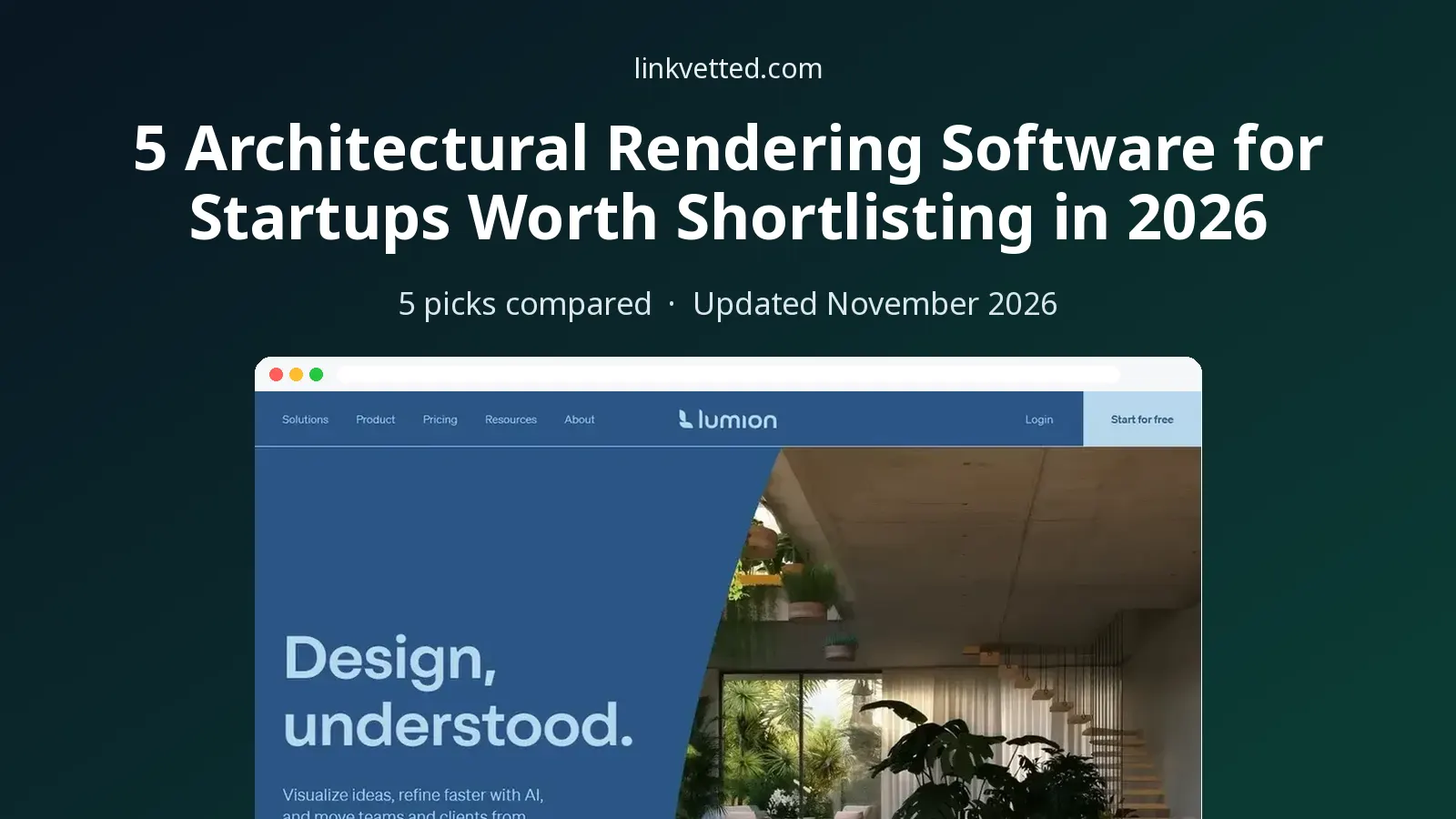
 Lumion
Quick standalone architectural visualization
Starts at$96 named user a monthVisit lumion.comFull review - Also consider
 V-Ray
Photorealistic rendering across systems
Starts atSee websiteVisit chaos.comFull review
Direct answer
Cinema 4D comes first here, mainly for motion and visualization work. Listed starting prices: Lumion from $96 named user a month. If your case is different, Lumion suits quick standalone architectural visualization and V-Ray suits Photorealistic rendering across platforms. All 5 tools are compared below on price, free plan and limits.
TL;DR:
- Cinema 4D is the opening pick, best for motion and visualization work.
- Neither Cinema 4D nor Enscape, nor any of the other 3 tools, has a permanent free plan; trials and quotes are the norm.
- V-Ray comes with a trade-off: needs learning render settings.
- Enscape suits live rendering inside design tools.
Last checked November 2026. Prices and plan details were read from the vendors' own pages in November 2026; vendors change plans often, so confirm the current price on the vendor site before you buy.
Quick comparison
| Tool | Best for | Starts at | Free plan? | |
|---|---|---|---|---|
| Cinema 4D | Motion and visualization work | See website | Not stated | Visit |
| Lumion | Quick standalone architectural visualization | $96 named user a month | Free trial | Visit |
| V-Ray | Photorealistic rendering across systems | See website | Not stated | Visit |
 Corona Renderer | Photorealistic archviz in Max and Cinema 4D | See website | Not stated | Visit |
 Enscape | Live rendering inside design tools | See website | Not stated | Visit |
The best architectural rendering software for startups
This LinkVetted guide covers 5 architectural rendering software for startups. Each profile lists a starting price, free plan details, strengths and drawbacks, so you can drop poor fits quickly.
Cinema 4D is designed for motion and visualization work. In architectural work it can host Corona Renderer and support animated presentations and stylized visuals. Cinema 4D is not designed for architecture, so architectural workflows depend on imported models and added setup.
Limits to weigh: Not architecture-specific.
Startups whose clients respond to motion and refined presentation may find it a handy complement to BIM and rendering tools. From a buyer's view, consider Cinema 4D when animation and design-led visuals are part of your offering. Pricing for Cinema 4D is not stated here, so ask the vendor for current figures. Trial and free access: Not stated.
- Fits motion-oriented presentation work
- Supports Corona Renderer as a host
- Extra cost alongside BIM tools

For quick standalone architectural visualization, Lumion is a natural candidate. It is a capable candidate for startups that want to turn models into presentable scenes without deep rendering expertise. Its focus on the entire path from concept to final render fits small teams that present often and cannot afford long iteration cycles.
Highlights: Made for architectural presentation workflows.
Lumion works as a visualization step alongside your modeling or BIM tool, so it layers on a handoff to the process. Worth adding: pick Lumion when presentation quality and fast scene building are the priority. What you pay to start with Lumion: $96 named user per month. Free access: Free trial.
What to check first: Live approach may limit some advanced effects.
- Quality and simplicity
- Live rendering from concept to final image
- Separate workflow from BIM authoring
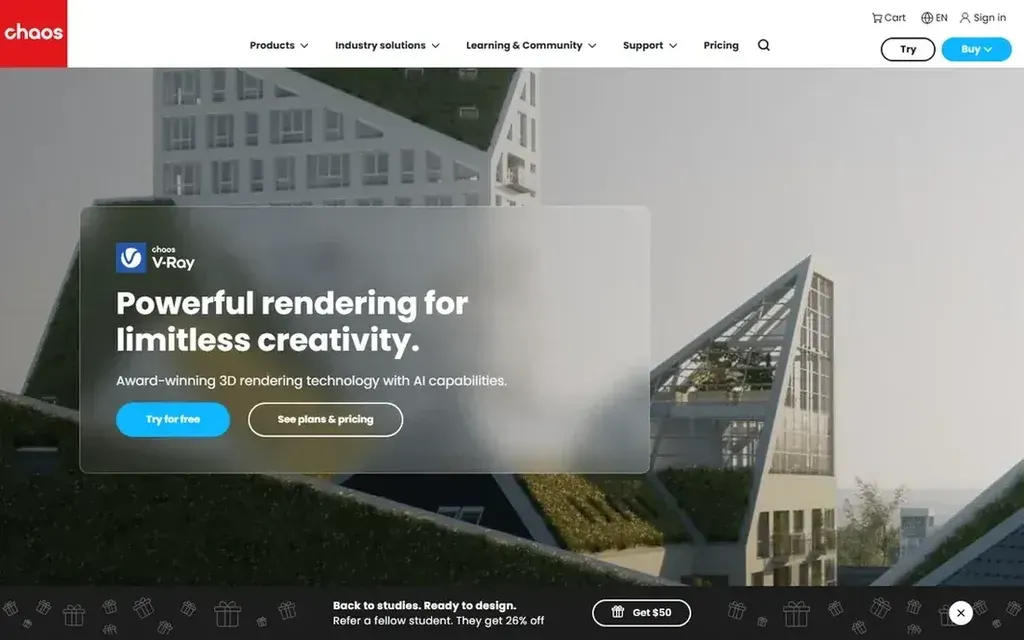
V-Ray is designed for Photorealistic rendering across systems. Its breadth means a startup can keep its existing modeling tool and add production-grade rendering on top. On top of that, V-Ray rewards users who learn its settings and lighting controls, so expect a ramp-up time and hardware demands for heavier scenes.
What users get: Suits 3ds Max, SketchUp, Rhino.
Watch-outs: Rendering can be compute intensive. Worth adding: choose V-Ray when image quality is the deciding factor. Teams aiming for refined marketing imagery and competition visuals commonly treat it as the rendering backbone of their pipeline. V-Ray does not show a starting price in this comparison, so check the vendor site for current pricing. Trial and free access: Not stated.
- Photorealistic output
- Maya and Blender workflows
- Needs learning render settings
Choose Corona Renderer for Photorealistic archviz in Max and Cinema 4D. Its narrower system support keeps the workflow focused, which can ease decisions for a small visualization team.
Points against: Not a live design tool.
This comparison lists no price for Corona Renderer; ask the vendor. As for free access: Not stated.
- Concentrated on photorealistic architectural visualization
- Runs in 3ds Max and Cinema 4D
- Restricted to two host applications
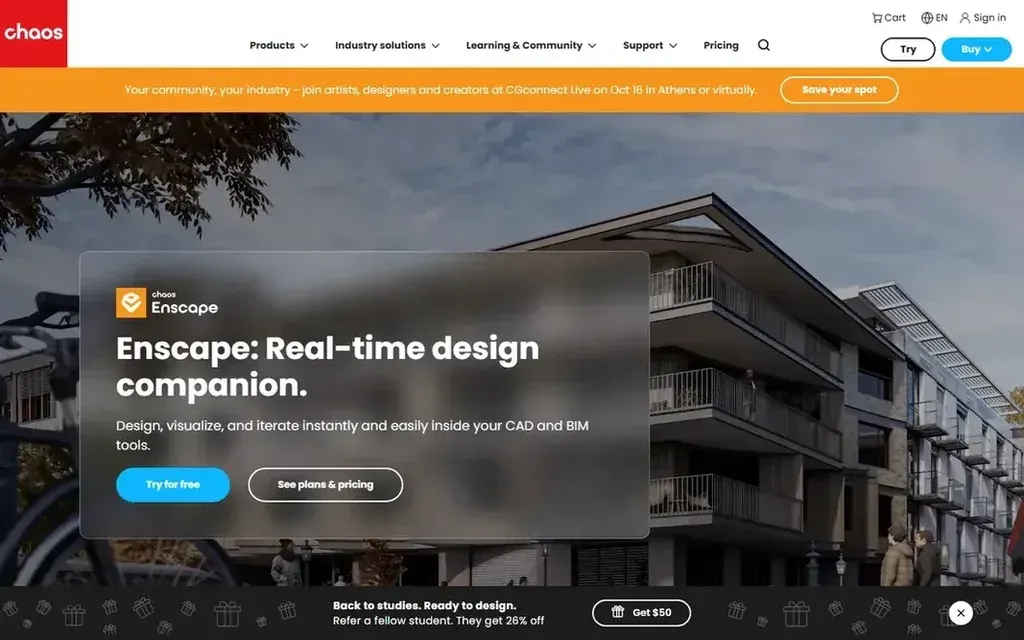
Enscape is designed for live rendering inside design tools. Choose Enscape when quick, interactive review and VR walkthroughs matter more than final-frame polish. Worth adding: teams needing heavily art-directed, offline photorealistic frames may find a dedicated render engine a better fit.
Drawbacks to consider: Less suited to offline high-end production rendering.
Where Enscape stands out: Live visualization and virtual reality. Beyond that, since Enscape relies on a host application, its value tracks the tools your studio already uses. For startups, that shortens the loop between design change and client-ready image, which matters when a small team deals with both design and presentation. Its one-click workflow means designers can visualize a model whereas they work instead of exporting to a separate engine. Enscape does not show a starting price in this comparison, so check the vendor site for current pricing. Free options: Not stated.
- Works with Revit, SketchUp, Rhino
- ArchiCAD and Vectorworks
- Tied to supported host applications
How we chose
What to confirm before you sign up
- Confirm the entry price on the vendor page. For Cinema 4D, V-Ray, Corona Renderer and Enscape that means a quote rather than a fixed price.
- Take the trial from Lumion and push a live task through it before you pay.
- Read the limits listed for Cinema 4D first: not architecture-specific.
- Ask Cinema 4D about contract length, onboarding fees and user minimums before you sign.
- Ask Lumion how an export works before you move any records in; an easy exit lowers the risk.
FAQ
What is the cheapest option for architectural rendering software for startups in this list?
On published monthly entry prices, Lumion is the lowest here at $96 named user per month. Entry price is only part of the cost, because seats, add-ons and billing terms can change the total. Prices, free plan details and limits for all 5 tools in this architectural Rendering software for startups roundup sit on the individual cards above.
Which rendering tool is a good match for a startup new to visualization?
Start with Cinema 4D if you need motion and visualization work. Lumion is the better match for quick standalone architectural visualization, and V-Ray for Photorealistic rendering across systems. The best choice depends on budget, team size and workflow.
Is Cinema 4D the right pick for everyone comparing architectural rendering software for startups?
No single tool suits every team. Cinema 4D comes first because it fits motion and visualization work, while Lumion suits fast standalone architectural visualization and V-Ray suits Photorealistic rendering across platforms. Match the tool to your own size, budget and workflow before deciding.
Do these tools publish their prices?
Not all of them. Cinema 4D, V-Ray, Corona Renderer and Enscape publish no starting price, so expect a quote request for those. The rest, Lumion included, show a starting price, though seats and billing terms still change the final cost.
Can I try these tools before paying?
Often, yes. Lumion offers a free trial. Use your own data and a real task during the test, and check what the free tier or trial limits before you rely on it. Each of the 5 options in this architectural Rendering software for startups guide has its own card above with the price, free plan and limits.
Sources
- https://www.maxon.net/en/cinema-4d
- https://lumion.com
- https://www.chaos.com/vray
- https://corona-renderer.com
- https://enscape3d.com