5 Adobe Photoshop Express Alternatives Worth Switching To in 2026
Weighing Adobe Photoshop Express alternatives? We lined up 5 products by cost, free access and fit. Weaknesses are named for every tool. Numbers first.
- Editor's choice
 Fotor
Straightforward online photo enhancement
Starts atSee websiteVisit fotor.comFull review - Great alternative
 Pixlr
AI-powered photo editing
Starts at$2.49 a monthVisit pixlr.comFull review - Also consider
 Canva
All-in-one design and editing
Starts atSee websiteVisit canva.comFull review
Direct answer
Start with Fotor if you need straightforward online photo enhancement. Listed starting prices: Pixlr from $2.49 a month and Picsart from $10.5 a month. Pixlr is better for AI-powered photo editing, and Canva is better for all-in-one design and editing. The full list of 5 tools follows, with prices and free plan facts.
TL;DR:
- This list starts with Fotor, which is built for straightforward online photo enhancement.
- One limit worth knowing about Canva: advanced photo editing tools are restricted.
- For the cheapest start, look at Pixlr: $2.49 per month.
- Only Fotor offers a free plan among these 5 tools.
- BeFunky suits photo editing and collage making.
Last checked November 2026. Prices and plan details were read from the vendors' own pages in November 2026; vendors change plans often, so confirm the current price on the vendor site before you buy.
Quick comparison
| Tool | Best for | Starts at | Free plan? | |
|---|---|---|---|---|
| Fotor | Straightforward online photo enhancement | See website | Yes | Visit |
| Pixlr | AI-powered photo editing | $2.49 a month | Not stated | Visit |
| Canva | All-in-one design and editing | See website | Not stated | Visit |
 Picsart | AI-driven creative system | $10.5 a month | Not stated | Visit |
 BeFunky | Photo editing and collage making | See website | Not stated | Visit |
The 5 tools in detail
LinkVetted put together this guide to Adobe Photoshop Express for readers who want a clear shortlist without reading every vendor page. It compares 5 tools on starting price, free plans, who each one suits and where each one falls short.
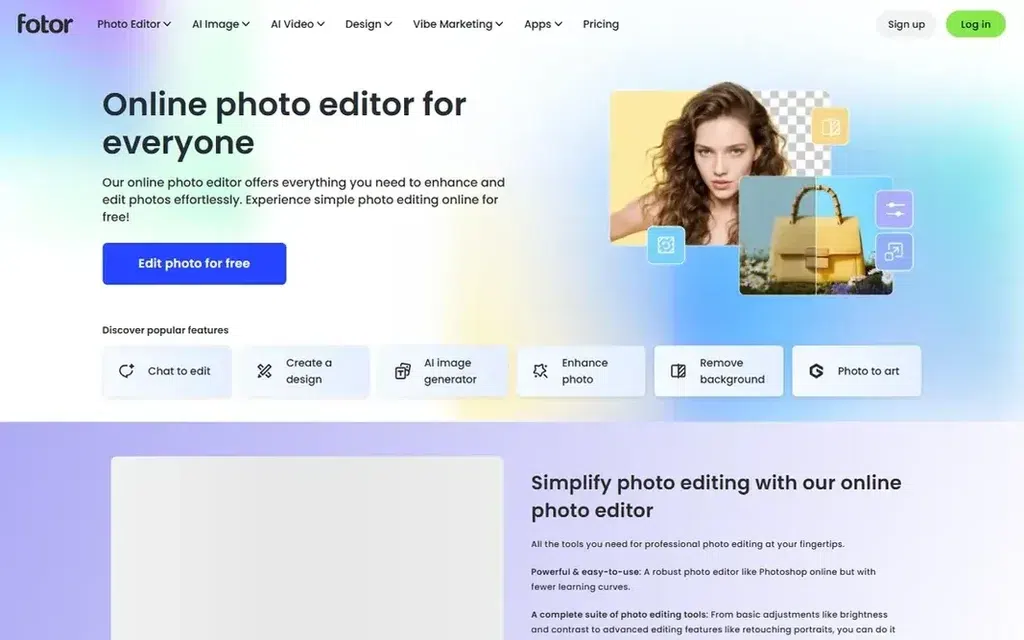
Fotor is aimed squarely at straightforward online photo enhancement. Fotor is a free online photo editor that supplies essential editing tools like cropping, adding text, applying effects, and retouching images.
Fotor is a solid fit for hobbyists and those who want straightforward editing for personal or social media use. No starting price is listed for Fotor here; confirm pricing on the vendor site. Fotor offers a free plan.
Drawbacks to consider: Advanced features may need a subscription.
- Easy-to-use interface for fast edits
- Free online access
- Restricted compared with full desktop editors
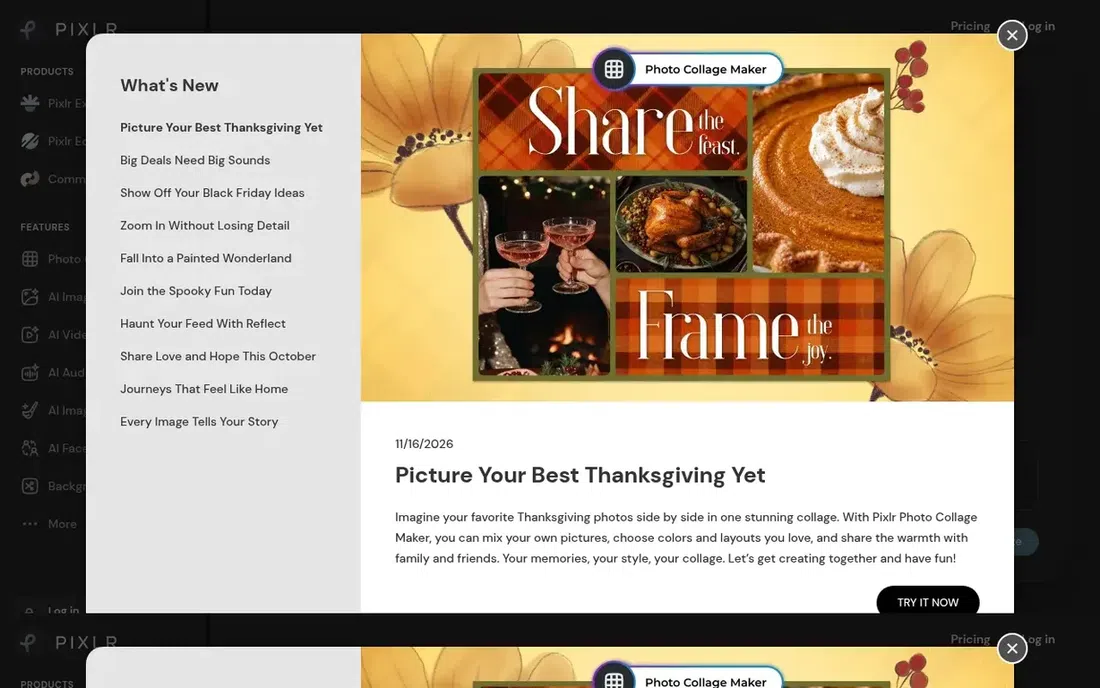
Pixlr is a good fit for AI-powered photo editing. Powered by advanced AI models, it gives you a solid set of tools without the need for installation.
Drawbacks to consider: Some AI features may have usage limits.
Pixlr is well-suited for users who want to experiment with AI-driven editing and need fast, feature-rich leads to a browser. What you pay to start with Pixlr: $2.49 per month. Trial and free access: Not stated.
- No installation required
- Works in browser
- Interface can be overwhelming for beginners
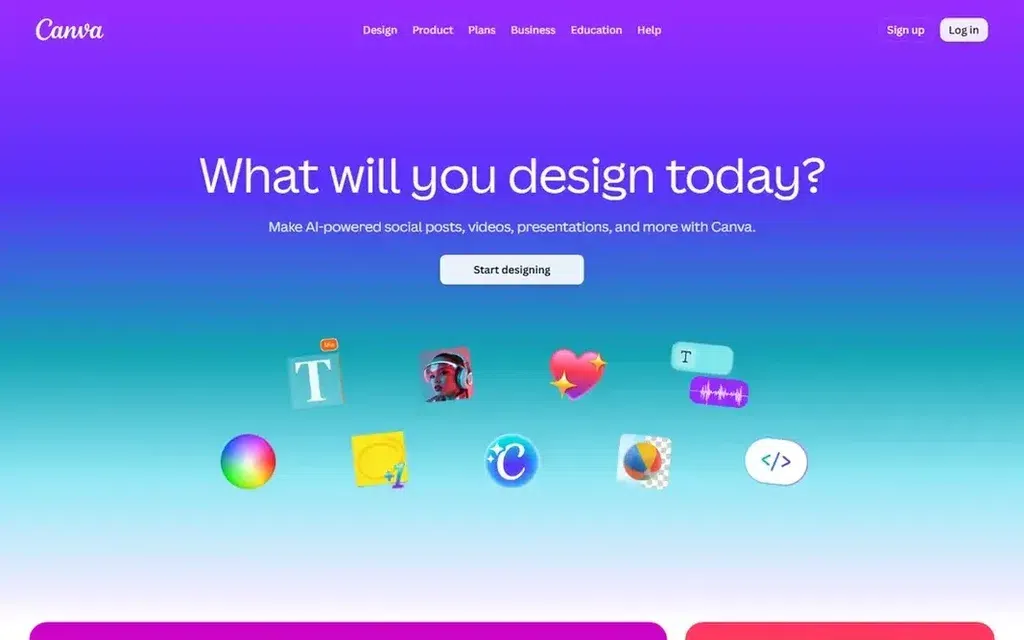
Canva makes the most sense for all-in-one design and editing. Canva is a free-to-use online graphic design tool that goes beyond entry-level photo editing. It lets you to build social media posts, presentations, posters, videos, logos, and more.
Where it is weaker: Advanced photo editing tools are restricted.
For everyday use, consider a more specialized tool for complicated photo edits. In practice, with its visual suite, Canva is a strong match for marketers, small business owners, and anyone who needs to produce professional-looking designs rapidly without broad editing skills. If you need advanced retouching or layer-based editing, Canva may not be sufficient. This comparison lists no price for Canva; ask the vendor. Free options: Not stated.
- Built-in asset library with photos, icons, fonts
- Approachable drag-and-drop interface
- Needs internet connection for full functionality
Picsart makes the most sense for AI-driven creative product. Picsart is an all-in-one creative system that provides a broad selection of free AI design tools. It makes it possible for users to produce content rapidly with expert-crafted templates, built-in asset libraries, and generative AI tools.
From a buyer's view, Picsart is a strong match for social media creators, influencers, and small firms looking to produce engaging visuals efficiently. Whereas Picsart is capable, its deep toolset might be too much for users who require only entry-level photo editing. Also, some advanced features may need a premium subscription. For more straightforward needs, a more simplified editor could be preferable. Picsart starts at: $10.5 per month. As for free access: Not stated.
Where it shines: Expert-crafted templates. Watch-outs: Can be overwhelming with numerous choices.
- Broad selection of AI design tools
- Built-in asset libraries
- Some features need a subscription
Where BeFunky fits: photo editing and collage making. It is known for its simplicity and creative choices, making it right for casual users, bloggers, and social media enthusiasts who want to produce fun, visually appealing content without installing software.
Its feature set is more oriented toward quick creative projects. This comparison lists no price for BeFunky; ask the vendor. Trial and free access: Not stated.
Drawbacks to consider: Less advanced than dedicated editors.
- Provides a mix of creative effects
- Merges photo editing with collage creation
- Some tools may be restricted in the free version
How we chose
We compared the tools on published pricing, free plan or trial availability, feature coverage for Adobe Photoshop Express, and the limits each vendor documents. Figures are shown as the vendors publish them. Billing terms, seat minimums and add-ons can change the real cost. The sequence is a judgement call: typical use case first, then pricing transparency, then free access. Use the profiles to check fit.
Before you commit
- Confirm the entry price on the vendor page. For Fotor, Canva and BeFunky that means a quote rather than a fixed price.
- Look at the free plan from Fotor closely: its caps decide whether it is usable for real work.
- Read the limits listed for Fotor first: advanced features may need a subscription.
- Test the integrations you rely on with Picsart before committing; some connectors sit on upper tiers.
- See whether Canva offers onboarding or training, and whether it is included in the price.
FAQ
Which options for Adobe Photoshop Express have a free plan?
Fotor is the only tool in this list with a free plan. Free plans usually cap users, projects or features, so check the limits on the vendor page. For the full picture, the cards above cover all 5 entries of this Adobe Photoshop Express alternatives list, including price, free plan and limits.
How are the tools for Adobe Photoshop Express ordered?
The order follows typical fit for Adobe Photoshop Express, with Fotor first and BeFunky last, then price clarity and free access. It is editorial judgement, not a score, so another team could rank the tools differently.
What is the cheapest option for Adobe Photoshop Express in this list?
On published monthly entry prices, Pixlr is the lowest here at $2.49 per month. Entry price is only part of the cost, because seats, add-ons and billing terms can change the total. Prices, free plan details and limits for all 5 tools in this Adobe Photoshop Express alternatives roundup sit on the individual cards above.
What is the best free alternative to Adobe Photoshop Express?
Fotor is the pick this page puts first, mainly for straightforward online photo enhancement. If your situation differs, Pixlr suits AI-powered photo editing, and Canva suits all-in-one design and editing. Compare price and limits before you decide.
Is Fotor the right pick for everyone comparing Adobe Photoshop Express?
No single tool suits every team. Fotor comes first because it fits simple online photo enhancement, while Pixlr suits AI-powered photo editing and Canva suits all-in-one design and editing. Match the tool to your own size, budget and workflow before deciding.
Sources
- https://www.fotor.com
- https://pixlr.com
- https://www.canva.com
- https://picsart.com
- https://www.befunky.com