5 Adobe Lightroom Classic Alternatives Worth Switching To in 2026
Compare 5 picks for Adobe Lightroom Classic alternatives, with prices, free plans and who each fits. Short, factual notes on every option. Numbers first.
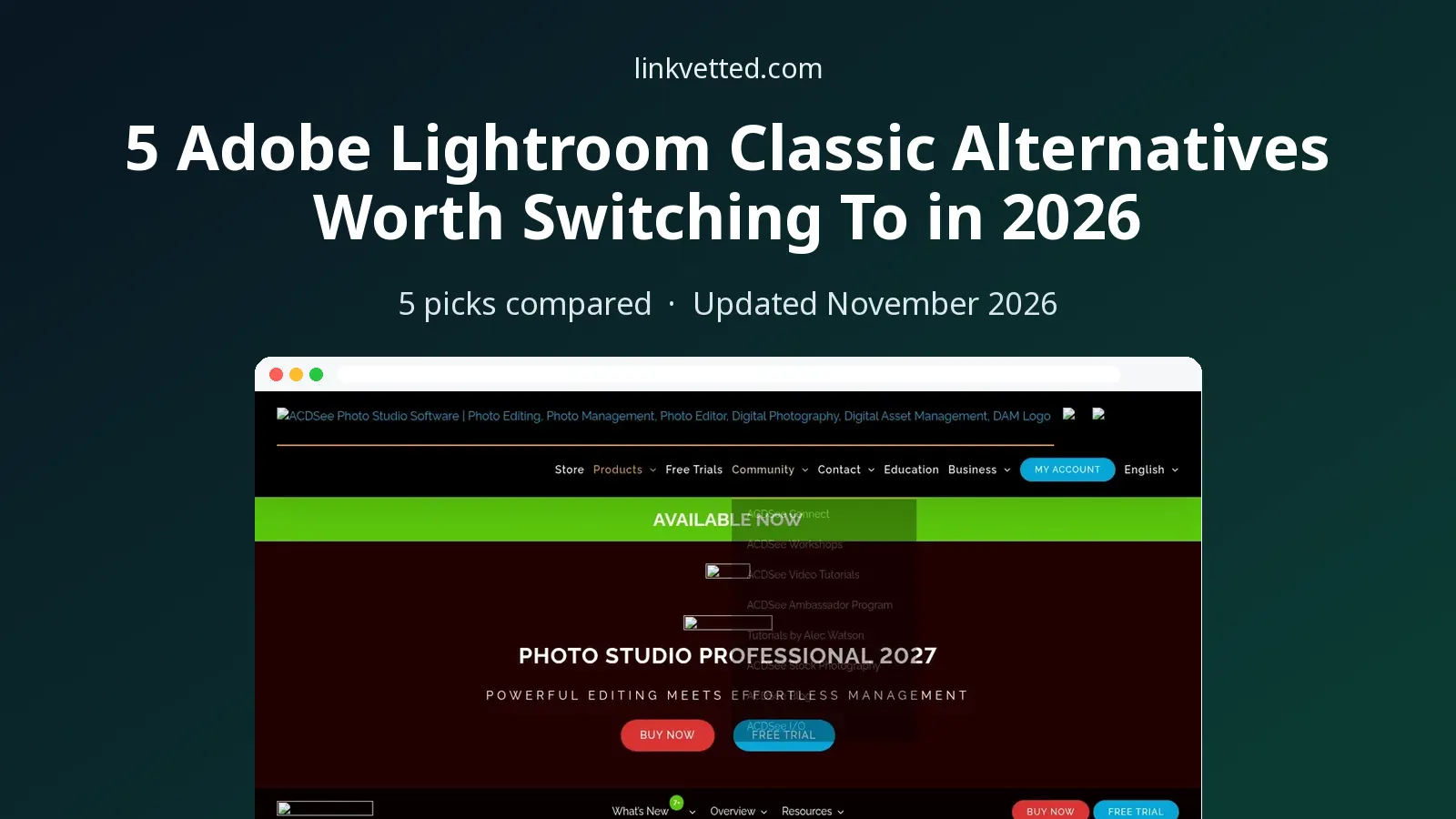
- Editor's choice
 Affinity Photo
Budget-conscious users needing advanced editing
Starts atSee websiteVisit affinity.serif.comFull review - Great alternative
 Luminar Neo
Beginners and creative editors seeking simplicity
Starts atSee websiteVisit skylum.comFull review - Also considerACDSee Photo Studio
Users needing solid digital asset management
Starts atSee websiteVisit acdsee.comFull review
Direct answer
Affinity Photo leads the list, best for budget-conscious users needing advanced editing. Listed starting prices: ON1 Photo RAW from $49.99. Luminar Neo is the stronger choice for beginners and creative editors seeking simplicity, while ACDSee Photo Studio suits users needing solid digital asset management. The other 2 tools in the list cover narrower or pricier cases.
TL;DR:
- Affinity Photo is the opening pick, best for budget-conscious users needing advanced editing.
- None of the 5 tools, from Affinity Photo to ON1 Photo RAW, has a free plan, so budget for a subscription or use a trial.
- Pricing for Affinity Photo, Luminar Neo, ACDSee Photo Studio and Capture One is quote-based, which adds a sales step before you can compare cost.
- ACDSee Photo Studio comes with a trade-off: limited advanced editing tools.
- For photographers wanting a one-time purchase, ON1 Photo RAW is worth a look.
Last checked November 2026. Prices and plan details were read from the vendors' own pages in November 2026; vendors change plans often, so confirm the current price on the vendor site before you buy.
Quick comparison
| Tool | Best for | Starts at | Free plan? | |
|---|---|---|---|---|
| Affinity Photo | Budget-conscious users needing advanced editing | See website | Not stated | Visit |
| Luminar Neo | Beginners and creative editors seeking simplicity | See website | No | Visit |
| ACDSee Photo Studio | Users needing solid digital asset management | See website | Not stated | Visit |
 Capture One | Professional photographers needing precision and tethering | See website | Not stated | Visit |
 ON1 Photo RAW | Photographers wanting a one-time purchase | $49.99 | Free trial | Visit |
Adobe Lightroom Classic profiles
If you are comparing Adobe Lightroom Classic, this page covers 5 tools in one place: what each is best for, what it costs to start, whether it has a free plan, and the main limit to know about.
Where Affinity Photo fits: budget-conscious users needing advanced editing. Choose Affinity Photo if you prioritize advanced editing and a one-time purchase, and are comfortable managing your own library. The software emphasizes speed and creative freedom, making it a capable alternative for those who do not need integrated asset management.
Watch-outs: Steeper ramp-up time.
Its ramp-up time can be steep for beginners. More specifically, Affinity Photo is a professional photo editor made for power and precision, offering a full set of editing tools without a subscription. It is right for photographers and retouchers who require advanced features like layers, masks, and precise adjustments. Affinity Photo does not show a starting price in this comparison, so check the vendor site for current pricing. Free plan details: Not stated.
- Precise editing tools
- Fast performance
- No built-in DAM
Luminar Neo serves beginners and creative editors seeking simplicity. Luminar Neo is photo editing software for PC and Mac that uses AI to help users edit photos as they imagine.
Where it falls short: Restricted manual controls.
The software supplies a set of AI-powered tools and creative effects, appealing to photographers who want fast, impactful results without deep technical knowledge. On top of that, Luminar Neo provides fewer manual controls than traditional editors and may slow down when processing large batches of images. Check the vendor site for Luminar Neo pricing; none is listed in this comparison. Luminar Neo has no free tier.
- Straightforward interface
- Creative filters and effects
- Can be slow with large batches
ACDSee Photo Studio
Best for: Users needing solid digital asset management
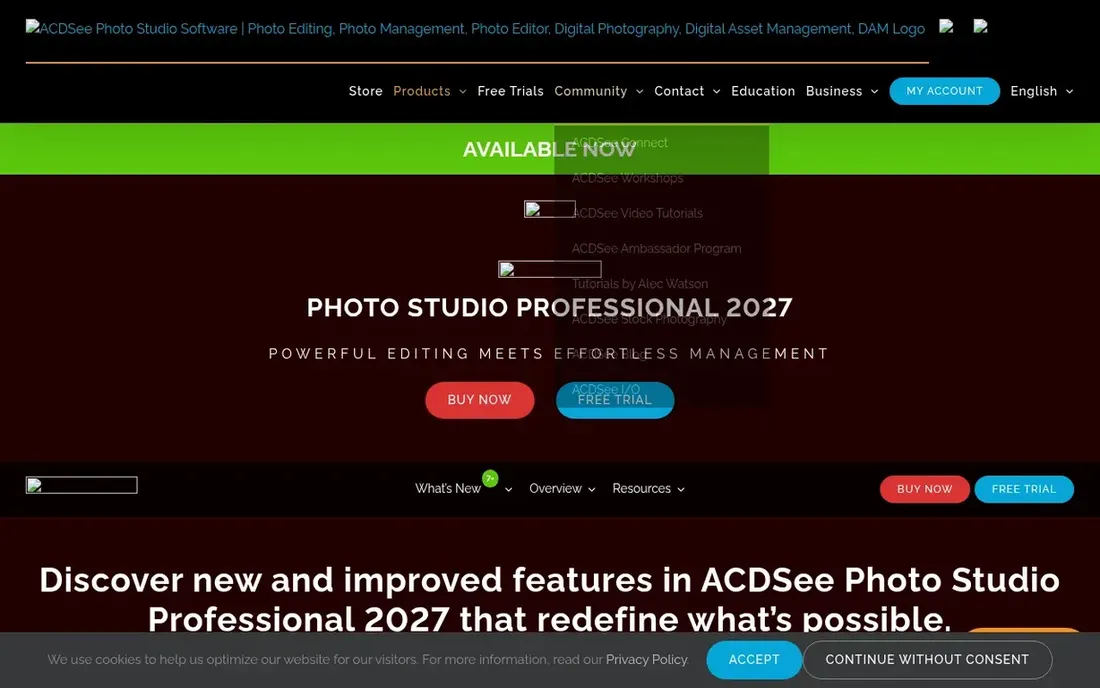
In short, ACDSee Photo Studio is for users needing solid digital asset management. ACDSee Photo Studio Professional is RAW photo editing and digital asset management software fortified with AI-powered features to enhance workflow. It is a strong match for photographers who require to organize large libraries efficiently whereas performing edits.
In daily use, the software balances capable management tools with editing capabilities, making it a solid fit for those who value organization as much as editing. For everyday use, ACDSee Photo Studio may lack some of the advanced editing tools found in dedicated editors. Its development has historically focused on Windows. In practice, for modern editing features, consider other choices. No starting price is listed for ACDSee Photo Studio here; confirm pricing on the vendor site. As for free access: Not stated.
Downsides: Restricted advanced editing tools.
- AI-powered features
- Approachable interface
- Windows-centric development
Capture One
Best for: Professional photographers needing precision and tethering
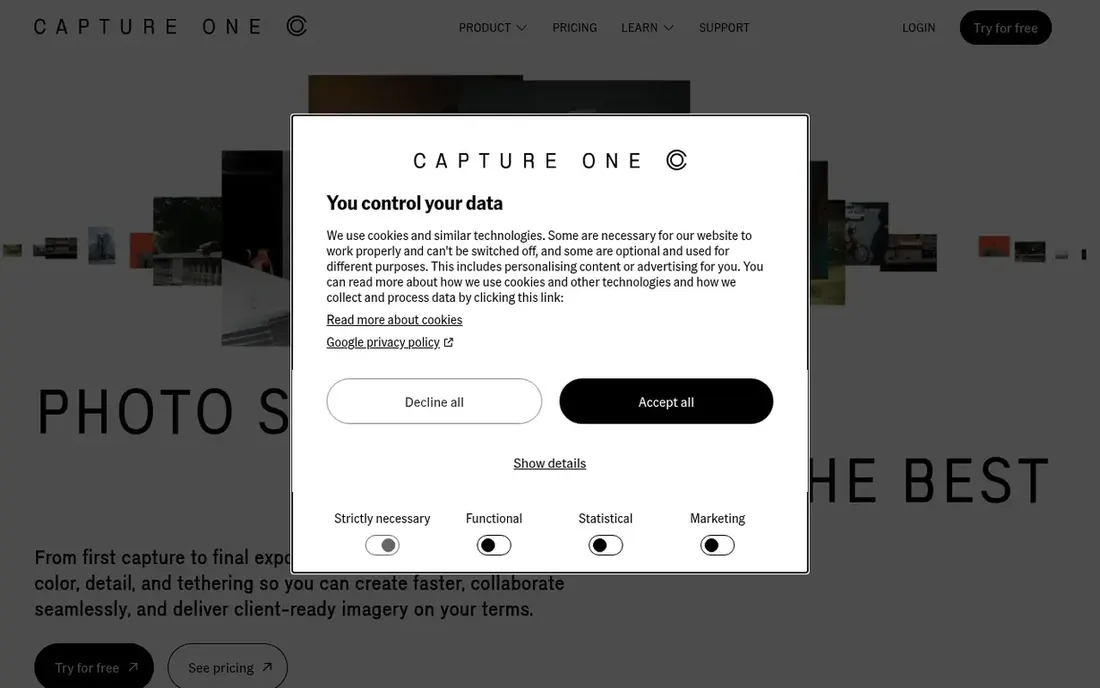
Capture One makes the most sense for professional photographers needing precision and tethering. Capture One is professional photo editing software built for photographers who demand precision and control. It provides advanced editing tools, smooth RAW handling, and capable tethering capabilities, making it a solid choice for studio and commercial photographers.
Where it falls short: Higher cost than some alternatives.
For everyday use, the software concentrates on color accuracy and workflow efficiency, appealing to those who require steady leads to high-pressure environments. From a buyer's view, Capture One has a steeper learning curve and may be overkill for casual users. Its pricing is higher than some alternatives, so budget-conscious photographers might consider other choices. Check the vendor site for Capture One pricing; none is listed in this comparison. Free plan details: Not stated.
- Smooth RAW handling
- Advanced color control
- Steeper ramp-up time
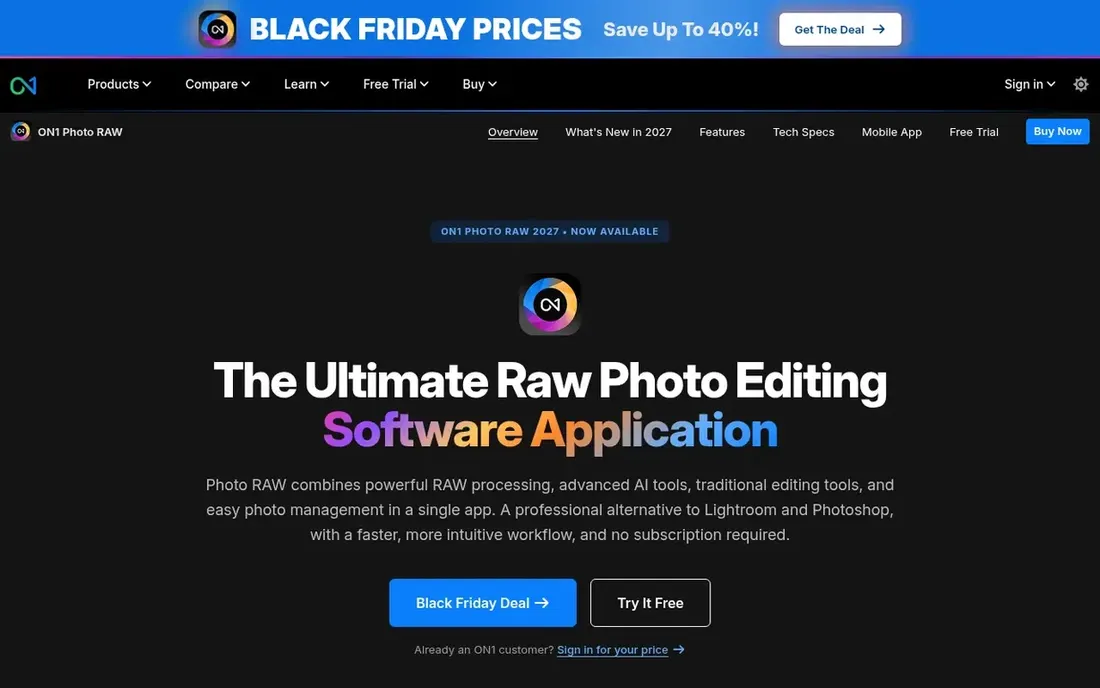
ON1 Photo RAW is a good fit for photographers wanting a one-time purchase. It is aimed at photographers who want pro-level quality without a subscription, offering a one-time purchase model. ON1 Photo RAW may struggle with performance on older computers and has fewer third-party plugins compared to some competitors.
Where it is weaker: Less external plugin support.
Even so, those needing broad plugin integration might look elsewhere. More specifically, the software bundles AI-driven tools for enhancing images and simplifying workflow, making it right for enthusiasts and professionals alike. Entry price for ON1 Photo RAW: $49.99. Free access: Free trial.
- No subscription required
- AI-powered editing
- Can be slow on older hardware
How we compared the tools
For each of the 5 tools we noted price, free plan or trial, fit for Adobe Lightroom Classic and the main limit, using vendor pages and documentation. Where a price is missing, the vendor does not list one publicly or ties it to a quote. Always confirm before budgeting. The sequence is a judgement call: typical use case first, then pricing transparency, then free access. Use the profiles to check fit.
What to check before you buy
- Get a written quote from Affinity Photo, Luminar Neo, ACDSee Photo Studio and Capture One; the list shows no starting price for them.
- Use real work to test the free trial from ON1 Photo RAW, rather than a demo project.
- Before choosing Affinity Photo, weigh its main limit: no built-in DAM.
- Verify that exporting from ACDSee Photo Studio is possible on your plan and covers all your records.
- Test how quickly ON1 Photo RAW answers a pre-sales question; it hints at how support will feel later.
FAQ
Does any tool for Adobe Lightroom Classic here have a free plan?
No tool in this list, Affinity Photo and ON1 Photo RAW included, has a permanent free plan. ON1 Photo RAW offer a trial. Trials and quotes are the usual route, so plan a short evaluation period.
Do these tools publish their prices?
Not all of them. Affinity Photo, Luminar Neo, ACDSee Photo Studio and Capture One publish no starting price, so expect a quote request for those. The rest, ON1 Photo RAW included, show a starting price, though seats and billing terms still change the final cost.
What is the best free alternative to Lightroom Classic?
This list starts with Affinity Photo, which fits budget-conscious users needing advanced editing. For other needs, Luminar Neo is aimed at beginners and creative editors seeking simplicity, and ACDSee Photo Studio at users needing solid digital asset management. Check each tool's price and main limit first.
How are the tools for Adobe Lightroom Classic ordered?
The order follows typical fit for Adobe Lightroom Classic, with Affinity Photo first and ON1 Photo RAW last, then price clarity and free access. It is editorial judgement, not a score, so another team could rank the tools differently.
Is Affinity Photo the right pick for everyone comparing Adobe Lightroom Classic?
No single tool suits every team. Affinity Photo comes first because it fits budget-conscious users needing advanced editing, while Luminar Neo suits beginners and creative editors seeking simplicity and ACDSee Photo Studio suits users needing solid digital asset management. Match the tool to your own size, budget and workflow before deciding.
Sources
- https://affinity.serif.com/en-us/photo
- https://skylum.com/luminar
- https://www.acdsee.com/en/products/photo-studio-professional
- https://www.captureone.com
- https://www.on1.com/products/photo-raw