Top 5 3D Parts Catalog Software for Enterprise for 2026 (Prices and Free Plans)
Need the best 3D parts catalog software for enterprise? We compare 5 tools on cost, free access and who each suits. Verdicts stay brief and factual. No filler.
- Editor's choiceAutodesk Inventor
Industrial design with simulation and documentation
Starts atPricing on requestVisit autodesk.comFull review - Great alternativeSiemens Solid Edge
Mainstream engineering part and assembly design
Starts atPricing on requestVisit solidedge.siemens.comFull review - Also consider
 Aras Innovator
Adaptable PLM and digital thread
Starts atPricing on requestVisit aras.comFull review
Direct answer
If you need industrial design with simulation and documentation, Autodesk Inventor is the first tool to look at here. Look at Siemens Solid Edge for mainstream engineering part and assembly design, and at Aras Innovator for Adaptable PLM and digital thread. The other 2 tools in the list cover narrower or pricier cases. None of these vendors publish plan prices, so pricing is on request for every option.
TL;DR:
- Autodesk Inventor is the opening pick, best for industrial design with simulation and documentation.
- One limit worth knowing about PTC Creo: steep ramp-up time for new users.
- Pricing across the list, from Autodesk Inventor to Autodesk Fusion, is by quote only.
- Autodesk Fusion suits cloud-based CAD, CAM and CAE in one system.
Last checked November 2026. Pricing on request: vendors did not publish plan prices when this guide was last checked (November 2026), so ask each vendor for a written quote.
Quick comparison
| Tool | Best for | Starts at | Free plan? | |
|---|---|---|---|---|
| Autodesk Inventor | Industrial design with simulation and documentation | Pricing on request | Not stated | Visit |
| Siemens Solid Edge | Mainstream engineering part and assembly design | Pricing on request | Not stated | Visit |
| Aras Innovator | Adaptable PLM and digital thread | Pricing on request | Not stated | Visit |
| PTC Creo | Parametric 3D part design at scale | Pricing on request | Not stated | Visit |
 Autodesk Fusion | Cloud-based CAD, CAM and CAE in one product | Pricing on request | Not stated | Visit |
The 5 tools in detail
LinkVetted compared 5 tools for 3D parts catalog software for enterprise. The goal is a practical shortlist: published prices, free plan facts, best-fit use cases and honest limits for every entry.
Autodesk Inventor
Best for: Industrial design with simulation and documentation
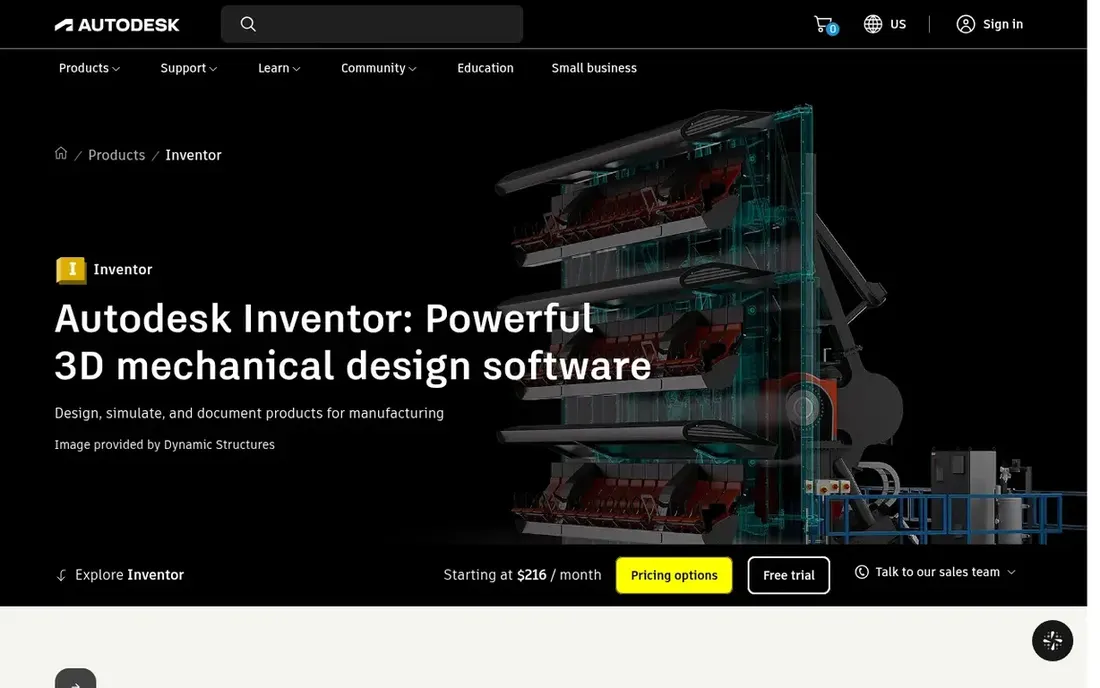
Autodesk Inventor is designed for industrial design with simulation and documentation. Inventor centres on design instead of catalog governance, so large enterprises usually pair it with a data management system. For an enterprise parts catalog, it suits organizations that want each part backed by an in-depth model plus drawings and validation.
Where it is weaker: Can be demanding for occasional users.
Reasons to shortlist it: simulation and documentation.
Its combination of modeling and documentation makes it handy where catalog entries must be technically complete. On top of that, Autodesk Inventor is 3D CAD software that supports industrial design, simulation and documentation. This comparison lists no price for Autodesk Inventor; ask the vendor. Trial and free access: Not stated.
- Solid part and assembly modeling
- Supports design
- Full value needs complementary data tools
Siemens Solid Edge
Best for: Mainstream engineering part and assembly design
Siemens Solid Edge was built for mainstream engineering part and assembly design. Siemens Solid Edge is a CAD product from Siemens Digital Industries Software, geared toward mechanical design work including parts and assemblies. For everyday use, pick it when modeling productivity is the priority and catalog management is handled elsewhere.
In practice, teams building a parts catalog can treat it as the modeling layer behind standardized components. It is a design tool instead of a dedicated catalog or PLM system, so governance and sharing normally need complementary software. Siemens Solid Edge shows no starting price here, so confirm the cost on the vendor site. On free options: Not stated.
Where it is weaker: Less suited to pure catalog browsing.
- Backed by Siemens industrial software
- Part and assembly design focus
- Needs engineering familiarity
Aras Innovator is a good fit for Adaptable PLM and digital thread. That adaptability is handy when a parts catalog must link to broader engineering and manufacturing data.
If you want a fixed, ready-to-run catalog with minimal tailoring, a more standardized tool may be simpler. Pricing for Aras Innovator is not stated here, so ask the vendor for current figures. Trial and free access: Not stated.
Limits to weigh: Adaptability needs configuration effort.
- Supports digital thread initiatives
- Designed for product lifecycle management
- Less known for pure CAD design
PTC Creo
Best for: Parametric 3D part design at scale
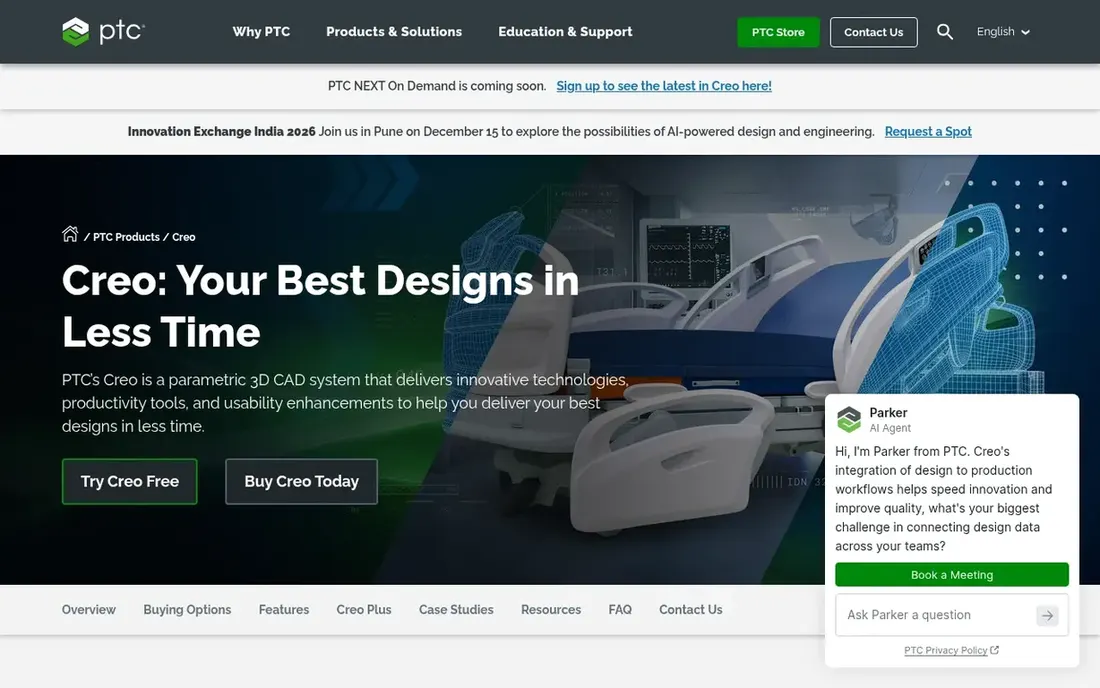
Choose PTC Creo for Parametric 3D part design at scale. If catalog governance and workflow matter more than modeling depth, a PLM-centered tool may be the better fit. For everyday use, PTC Creo is a 3D CAD suite centered on Creo Parametric, geared toward engineers who need precise control over part and assembly geometry.
Beyond that, the depth includes complexity, so smaller teams or those chiefly needing a browsable parts library may find it more than required. For an enterprise parts catalog, it fits teams that treat the CAD model as the source of truth and want rich design detail behind each catalog entry. Pricing for PTC Creo is not stated here, so ask the vendor for current figures. Free plan details: Not stated.
Points against: Heavier setup than straightforward catalog tools.
- Solid fit for in-depth part geometry
- Widely used in engineering organizations
- Steep ramp-up time for new users
Think of Autodesk Fusion for cloud-based CAD, CAM and CAE in one product. Autodesk Fusion, formerly Fusion 360, is a cloud-based system for 3D CAD, modeling, manufacturing, industrial design, electronics and mechanical engineering.
The main drawbacks: Enterprise governance needs extras.
Autodesk Fusion shows no starting price here, so confirm the cost on the vendor site. As for free access: Not stated.
- Merges CAD, CAM
- CAE and PCB
- Wide scope may exceed catalog needs
How we chose
Pricing pages, product documentation and feature lists were the main sources, and every entry carries at least one honest drawback. Plan names, prices and limits change often. Treat the figures here as a starting point and verify them with the vendor. The order reflects how well each tool fits the most common buying scenario for 3D parts catalog software for enterprise, then price clarity, then free plan access. It is a starting point, not a verdict.
Pre-purchase checklist
- Request quotes from Autodesk Inventor, Autodesk Fusion and the others; the list shows no fixed prices.
- Read the limits listed for Autodesk Inventor first: full value needs complementary data tools.
- Ask Siemens Solid Edge whether prices are locked for the first term and what happens at renewal.
- Work out what PTC Creo costs with your real seat count, add-ons and usage, not just the entry price.
- Map your must-have features to a specific Autodesk Fusion plan before you compare prices.
FAQ
Does any tool for 3D parts catalog software for enterprise here have a free plan?
A permanent free plan is not offered by Autodesk Inventor, Autodesk Fusion or the other tools here. Plan a short evaluation period instead.
Do these tools publish their prices?
No. None of the tools, from Autodesk Inventor to Autodesk Fusion, shows a fixed starting price here, so budget time for quotes.
Can I try these tools before paying?
Not by default. None of the tools, from Autodesk Inventor to Autodesk Fusion, lists a free plan or a free trial here, so ask each vendor for a demo before committing.
How are the tools for 3D parts catalog software for enterprise ordered?
Autodesk Inventor sits first and Autodesk Fusion last because the order follows typical fit for 3D parts catalog software for enterprise, then price clarity and free access. It is a judgement call, so read each profile for fit and limits.
What is the difference between CAD and PLM for a parts catalog?
PLM systems for example Windchill, ENOVIA and Aras Innovator govern that data, controlling versions, access and lifecycle across the enterprise. Numerous organizations use both together.
Sources
- https://www.autodesk.com/products/inventor
- https://solidedge.siemens.com
- https://www.aras.com
- https://www.ptc.com/en/products/creo
- https://www.autodesk.com/products/fusion-360