Top 6 Software for Bridal Shower Slideshow for 2026 (Prices and Free Plans)
Best software for bridal shower slideshow, compared. 6 tools with published prices, free plans and limits. Short, factual notes on every option. Clear verdicts.
- Editor's choice
 Prezi
Interactive presentations with audience participation
Starts atPricing on requestVisit prezi.comFull review - Great alternative
 Microsoft PowerPoint
In-depth slide control and transitions
Starts atPricing on requestVisit microsoft.comFull review - Also consider
 Animoto
Fast photo and music video montages
Starts atPricing on requestVisit animoto.comFull review
Direct answer
For interactive presentations with audience participation, Prezi is where this list starts. Look at Microsoft PowerPoint for in-depth slide control and transitions, and at Animoto for fast photo and music video montages. Details and limits for the rest of the 6 tools are below. None of these vendors publish plan prices, so pricing is on request for every option.
TL;DR:
- This list starts with Prezi, which is built for interactive presentations with audience participation.
- Vimeo is the only tool of the 6 with a free plan.
- One limit worth knowing about Prezi: ramp-up time for the canvas.
- Google Slides is the one to check for collaborative cloud-based slide building.
Last checked November 2026. Pricing on request: vendors did not publish plan prices when this guide was last checked (November 2026), so ask each vendor for a written quote.
Quick comparison
| Tool | Best for | Starts at | Free plan? | |
|---|---|---|---|---|
| Prezi | Interactive presentations with audience participation | Pricing on request | Not stated | Visit |
| Microsoft PowerPoint | In-depth slide control and transitions | Pricing on request | Not stated | Visit |
| Animoto | Fast photo and music video montages | Pricing on request | Not stated | Visit |
 Canva | Template-driven slideshow and video design | Pricing on request | Not stated | Visit |
 Vimeo | Hosting and sharing the finished video | Pricing on request | Yes | Visit |
 Google Slides | Collaborative cloud-based slide building | Pricing on request | Not stated | Visit |
Software for Bridal Shower Slideshow profiles
Short on time? The summary and table above give the quick view of 6 tools for software for bridal shower slideshow, and the profiles that follow give the detail behind each entry.
For interactive presentations with audience participation, Prezi is a natural candidate. Prezi is an interactive presentation system for educators, trainers, and teams, with live polls and quizzes that guests join from their phones.
What to check first: Less suited to straightforward photo reels.
For everyday use, for a bridal shower, that interactivity can turn a slideshow into a playful game or trivia moment. Worth adding: Prezi's canvas style takes time to learn and can feel elaborate for a short, straightforward slideshow. Prezi shows no starting price here, so confirm the cost on the vendor site. Free options: Not stated.
- Nonlinear presentation flow
- Shareable presentation link
- Learning curve for the canvas
Microsoft PowerPoint works best for in-depth slide control and transitions. Exporting a long slideshow to video can also take time. For a bridal shower, it provides full control over each slide, speaker notes, transitions, and timing, which helps when the slideshow follows a scripted program.
Downsides: Video export can be slow.
More specifically, Microsoft PowerPoint is a presentation maker for clean slideshows and in-depth decks. From a buyer's view, PowerPoint does not supply a large library of bridal-specific templates, so design decisions fall to you. On top of that, pick it when control and a traditional presentation file matter more than ready-made styling. No starting price is listed for Microsoft PowerPoint here; confirm pricing on the vendor site. As for free access: Not stated.
- Rich transitions and animations
- Precise slide layouts
- Manual design work
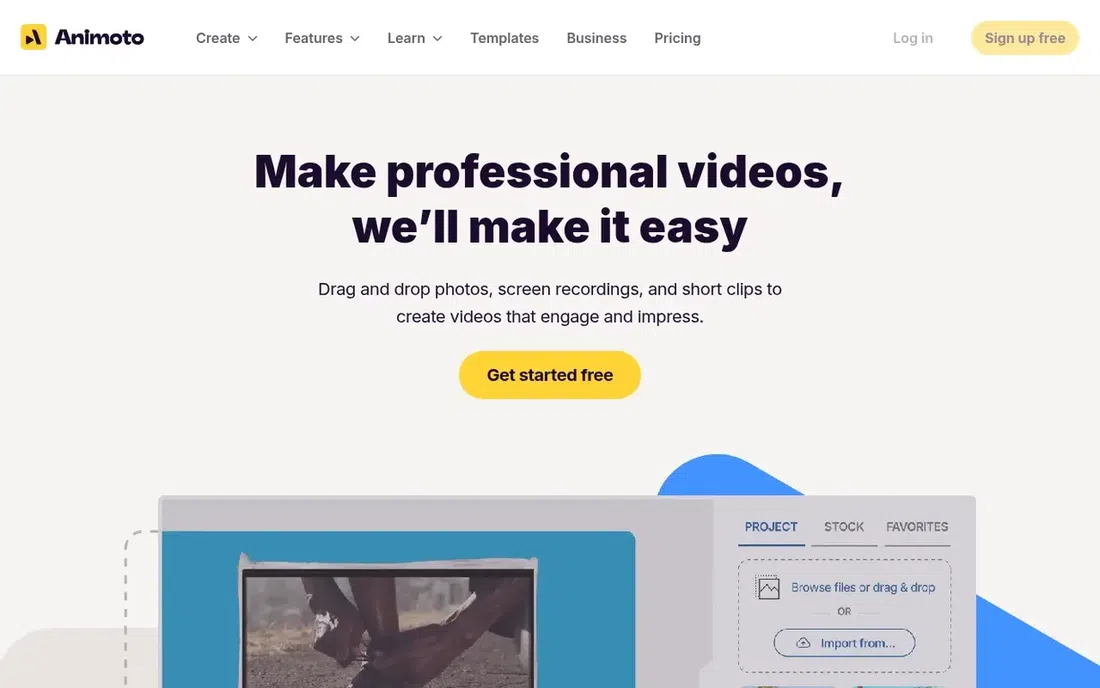
Animoto serves fast photo and music video montages. Animoto is a video maker that merges photos, video clips, and music into a finished video in minutes. That makes it a natural fit for a bridal shower highlight reel of the couple's story, set to a chosen song and played during the event.
Also, Animoto is built around video montages, so precise slide layouts and text-heavy storytelling are less adaptable than in a presentation tool. In practice, hosts who want motion and music instead of static slides will feel at home. Animoto does not show a starting price in this comparison, so check the vendor site for current pricing. Free access: Not stated.
Trade-offs to know: Less slide-level control.
- Photo-to-video workflow
- Music integration
- Restricted design adaptability
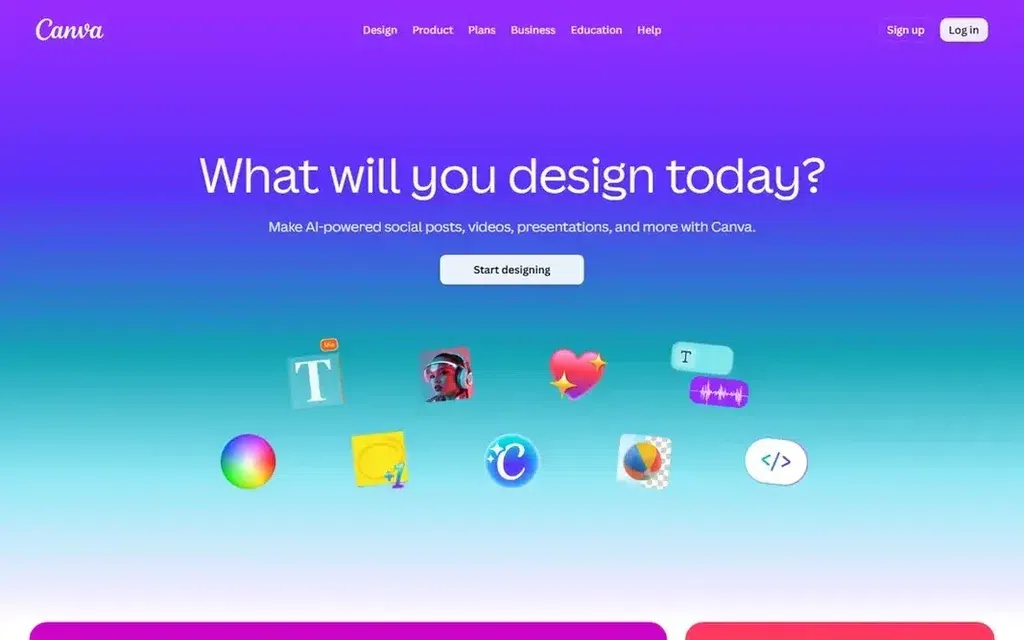
Choose Canva for template-driven slideshow and video design. Pick Canva when visual consistency matters most; if you only need an entry-level photo montage, a dedicated video maker may be more straightforward.
Canva does not show a starting price in this comparison, so check the vendor site for current pricing. Trial and free access: Not stated.
Points against: Advanced edits need practice.
- Exports slides and video
- Large template library
- Large projects can feel busy
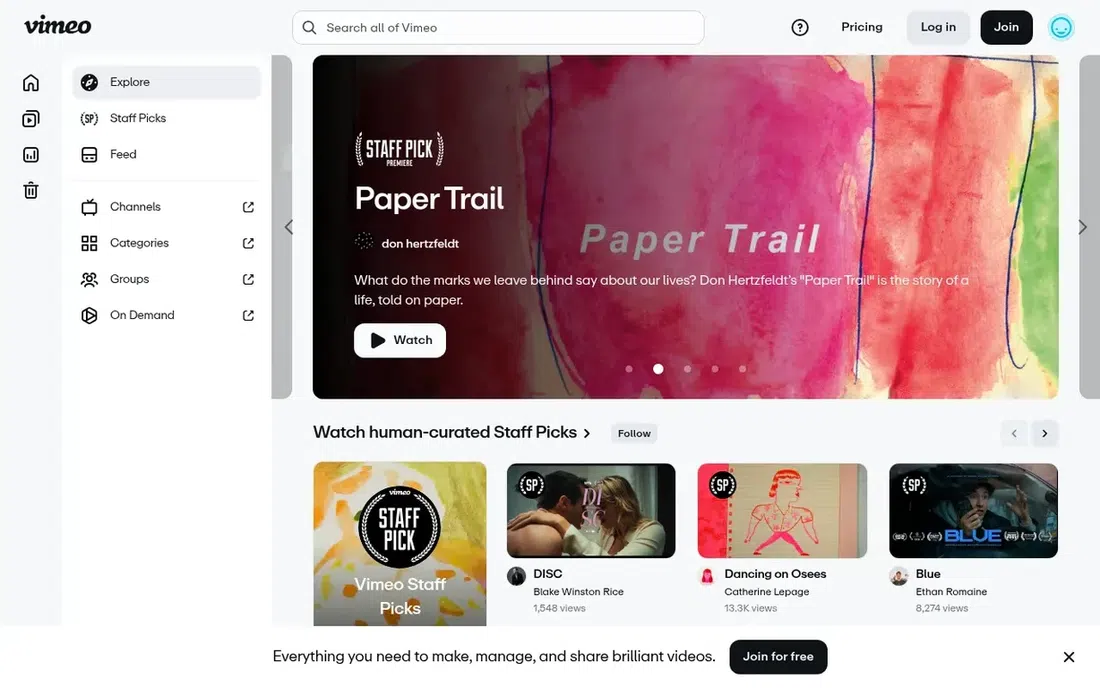
Choose Vimeo for hosting and sharing the finished video. Vimeo does not build slideshows, so you still need another tool to build the video first.
From a buyer's view, in a bridal shower workflow it serves as the place to upload the finished slideshow video and share a private link with guests or family who could not attend. In practice, Vimeo is a video product for watching and sharing films, shorts, and documentaries in HD without ads. Pricing for Vimeo is not stated here, so ask the vendor for current figures. Vimeo includes a free tier.
The main drawbacks: Needs a finished file.
- Ad-free viewing
- Clean video playback
- Not a slideshow builder
Google Slides makes the most sense for collaborative cloud-based slide building. Google Slides is a presentation slideshow maker within Google Workspace, offering templates and AI-assisted visualizations.
It fits hosts who want a shared, always-accessible file instead of a local one. Pricing for Google Slides is not stated here, so ask the vendor for current figures. Free options: Not stated.
Limits to weigh: Fewer animation choices.
- Access from any browser
- Template gallery
- Needs internet access
How the list was put together
We compared the tools on published pricing, free plan or trial availability, feature coverage for software for bridal shower slideshow, and the limits each vendor documents. Seat minimums, billing terms and add-ons can move the real cost, so the starting prices here are a guide and not a quote. Position on the page reflects fit for a typical buyer first, with price clarity and free access breaking ties. Treat it as a guide, not a ruling.
Pre-purchase checklist
- Confirm the entry price with every vendor: no tool from Prezi to Google Slides shows a fixed starting price.
- Look at the free plan from Vimeo closely: its caps decide whether it is usable for real work.
- Before choosing Prezi, weigh its main limit: ramp-up time for the canvas.
- Look at the renewal terms for Microsoft PowerPoint: auto-renewal, notice periods and price changes can matter more than the first-year price.
- See whether Vimeo offers onboarding or training, and whether it is included in the price.
FAQ
Can I make a bridal shower slideshow as a video rather than slides?
Animoto is designed for turning photos, clips, and music into a video, and Canva can export video as well. A video file is convenient for venues that prefer a single file to play during the event.
Which options for software for bridal shower slideshow have a free plan?
Vimeo is the only tool in this list with a free plan. Free plans usually cap users, projects or features, so check the limits on the vendor page.
Do these tools publish their prices?
No. None of the tools, from Prezi to Google Slides, shows a fixed starting price here, so budget time for quotes.
How are the tools for software for bridal shower slideshow ordered?
The order follows typical fit for software for bridal shower slideshow, with Prezi first and Google Slides last, then price clarity and free access. It is editorial judgement, not a score, so another team could rank the tools differently.
Can I try these tools before paying?
Often, yes. Vimeo has a free plan. Use your own data and a real task during the test, and check what the free tier or trial limits before you rely on it.
Which tool is easiest for a first-time slideshow maker?
Canva is frequently the easiest starting point since its templates guide layout and photo placement. Both cut the have to design from a blank page.
Sources
- https://prezi.com
- https://www.microsoft.com/microsoft-365/powerpoint
- https://animoto.com
- https://www.canva.com
- https://vimeo.com
- https://workspace.google.com/products/slides