Top 6 Software for Designing Business Cards for 2026 (Prices and Free Plans)
Best software for designing business cards, compared. 6 tools with published prices, free plans and limits. Short verdicts, no fluff. Full profiles inside.
- Editor's choice
 Vistaprint
Design and order printed cards
Starts atPricing on requestVisit vistaprint.comFull review - Great alternativeMoo
Design-focused print ordering
Starts atPricing on requestVisit moo.comFull review - Also consider
 Adobe Illustrator
Precise vector card artwork
Starts atPricing on requestVisit adobe.comFull review
Direct answer
Vistaprint leads the list, best for design and order printed cards. If your case is different, Moo suits design-focused print ordering and Adobe Illustrator suits precise vector card artwork. Details and limits for the rest of the 6 tools are below. None of these vendors publish plan prices, so pricing is on request for every option.
TL;DR:
- The list opens with Vistaprint, aimed at design and order printed cards.
- Every tool from Vistaprint to CorelDRAW works by quote, with no list price shown.
- For vector and illustration versatility, CorelDRAW is worth a look.
- Check the limits for Affinity Designer before you commit: smaller ecosystem than Adobe tools.
Last checked November 2026. Pricing on request: vendors did not publish plan prices when this guide was last checked (November 2026), so ask each vendor for a written quote.
Quick comparison
| Tool | Best for | Starts at | Free plan? | |
|---|---|---|---|---|
| Vistaprint | Design and order printed cards | Pricing on request | Not stated | Visit |
| Moo | Design-focused print ordering | Pricing on request | Not stated | Visit |
| Adobe Illustrator | Precise vector card artwork | Pricing on request | Not stated | Visit |
 Affinity Designer | Vector design without subscriptions | Pricing on request | Not stated | Visit |
 Canva | Quick template-based card design | Pricing on request | Not stated | Visit |
 CorelDRAW | Vector and illustration versatility | Pricing on request | Not stated | Visit |
Our 6 software for designing business cards
Short on time? The summary and table above give the quick view of 6 software for designing business cards, and the profiles that follow give the detail behind each entry.
Vistaprint is designed for design and order printed cards. Design control is bounded by what the service supplies, so highly custom artwork may have to be prepared elsewhere first.
Check the vendor site for Vistaprint pricing; none is listed in this comparison. Trial and free access: Not stated.
Trade-offs to know: Not a full professional design suite.
- Business cards alongside signage and gifts
- Design and printing in one service
- Design control tied to the service
Moo
Best for: Design-focused print ordering
Moo was built for design-focused print ordering. Moo makes design and print for customers worldwide, with a country selector to route visitors to the right regional site.
The main drawbacks: Less control than desktop design software.
Choose Moo when print quality and a guided ordering path matter, and a desktop editor when you need total design control. No starting price is listed for Moo here; confirm pricing on the vendor site. Free plan details: Not stated.
- Design and print for customers worldwide
- Country selector for regional ordering
- Design tools are tied to the print service
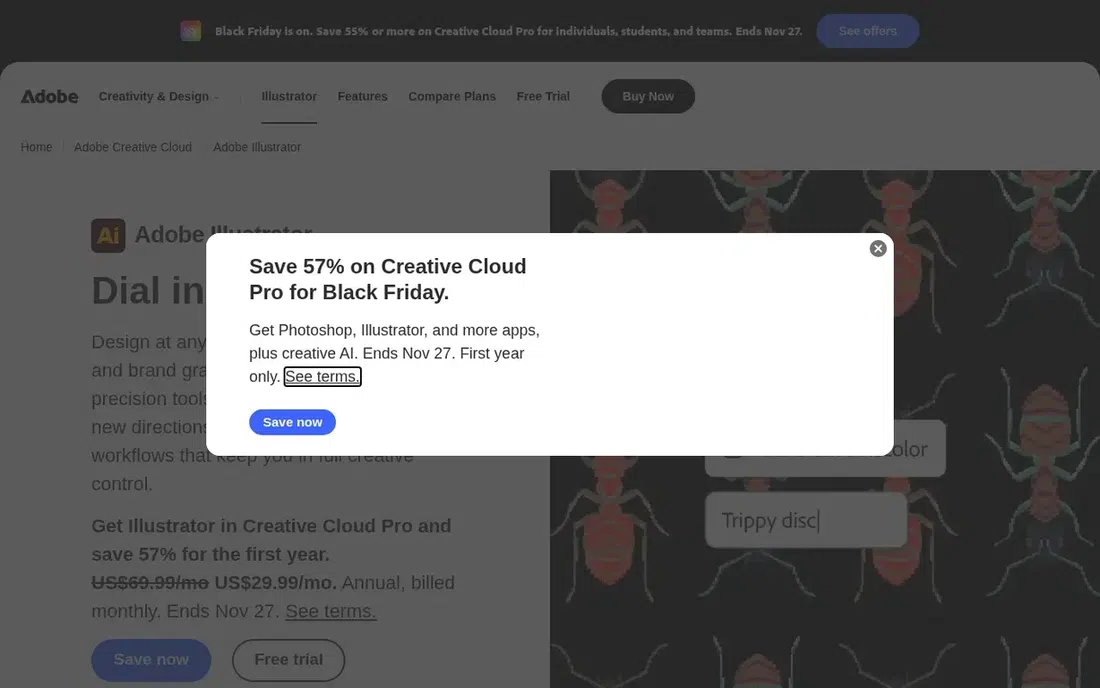
Where Adobe Illustrator fits: precise vector card artwork. Adobe Illustrator is a vector graphics application positioned as industry-leading software for drawing and illustration. As for the details, choose Illustrator when artwork precision and reusable vector assets matter more than speed.
Worth adding: the depth of Illustrator includes a ramp-up time, and it is desktop software instead of a browser-based tool. In daily use, if you only need a straightforward card from a template, a lighter online editor may be quicker. Pricing for Adobe Illustrator is not stated here, so ask the vendor for current figures. On free options: Not stated.
What to check first: Subscription-based desktop software.
- Industry-standard vector drawing tools
- Generative AI can turn prompts into editable vectors
- Steeper ramp-up time for beginners
Affinity Designer is aimed squarely at vector design without subscriptions. Its ecosystem and external integrations are smaller than Adobe's, which can matter when collaborating with agencies or printers expecting native Adobe files.
Points against: Fewer external integrations.
In practice, export choices are solid but workflows differ. This comparison lists no price for Affinity Designer; ask the vendor. Trial and free access: Not stated.
- Aimed at speed and creative freedom
- Manages crisp vector art and bold graphics
- Smaller ecosystem than Adobe tools
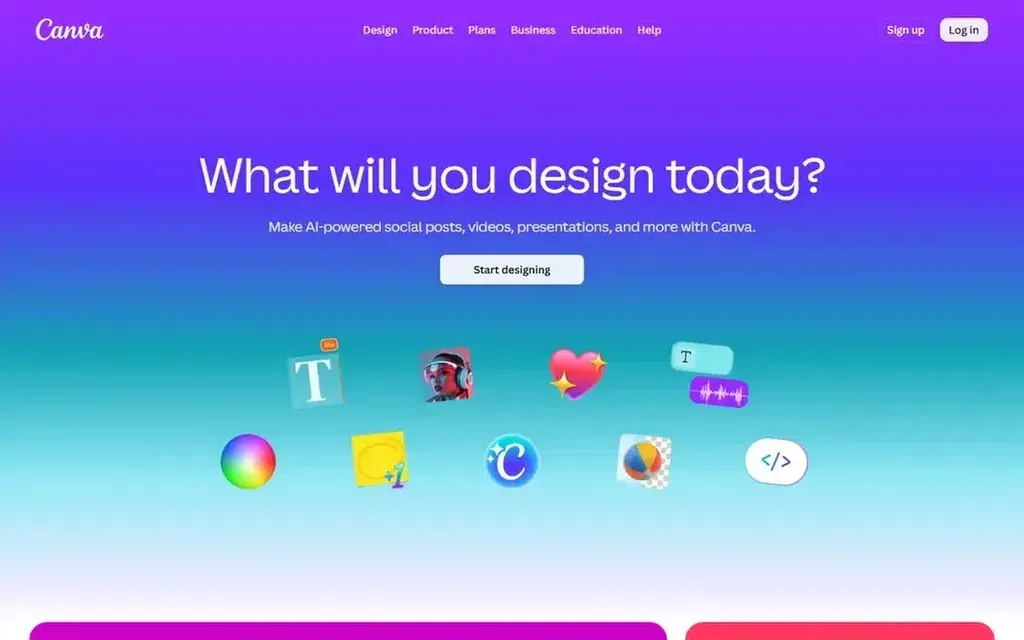
Canva is designed for quick template-based card design. Canva prioritizes ease over fine vector control, so complicated print requirements or exact color management may be harder to satisfy.
This comparison lists no price for Canva; ask the vendor. Free options: Not stated.
Where it falls short: Advanced output choices may be restricted.
- Browser-based and simple to start
- Deals with logos
- Less precise vector control than pro tools
For vector and illustration versatility, CorelDRAW is a natural candidate. Choose CorelDRAW when it matches your existing workflow or you want vector and illustration tools together.
On top of that, the interface and conventions differ from Adobe tools, so switching or sharing files with Adobe-based collaborators can add friction. From a buyer's view, the breadth of features may overwhelm beginners. CorelDRAW shows no starting price here, so confirm the cost on the vendor site. Free plan details: Not stated.
Where it shines: illustration and CAD-style choices.
Honest limits: Feature breadth can overwhelm new users.
- Vector
- Posters and drafting
- Interface differs from Adobe conventions
What went into this list
Selection started from tools commonly considered for software for designing business cards, then narrowed to 6 that have clear pricing information or a clear quote process. Seat minimums, billing terms and add-ons can move the real cost, so the starting prices here are a guide and not a quote. We ordered the tools by general fit, then by how clearly pricing is shown, then by free access. A buyer with unusual needs may reorder them.
What to confirm before you sign up
- Confirm the entry price with every vendor: no tool from Vistaprint to CorelDRAW shows a fixed starting price.
- Before choosing Vistaprint, weigh its main limit: design control tied to the service.
- Test how quickly Adobe Illustrator answers a pre-sales question; it hints at how support will feel later.
- A short pilot of Affinity Designer with your real workflow tells you more than a feature table.
- Ask CorelDRAW about contract length, onboarding fees and user minimums before you sign.
FAQ
Is Vistaprint the right pick for everyone comparing software for designing business cards?
No single tool suits every team. Vistaprint comes first because it fits design and order printed cards, while Moo suits design-focused print ordering and Adobe Illustrator suits precise vector card artwork. Match the tool to your own size, budget and workflow before deciding.
What is the difference between vector and layout software for cards?
Vector software for example Illustrator, Affinity Designer or CorelDRAW is a good match for logos, shapes and artwork that must stay crisp at any size.
How are the tools for software for designing business cards ordered?
Vistaprint sits first and CorelDRAW last because the order follows typical fit for software for designing business cards, then price clarity and free access. It is a judgement call, so read each profile for fit and limits.
Can I try these tools before paying?
Not by default. None of the tools, from Vistaprint to CorelDRAW, lists a free plan or a free trial here, so ask each vendor for a demo before committing.
Do I need professional design software for business cards?
Straightforward cards can be built in an online editor or straight within a print service. Professional vector or layout software matters when you need precise control, reusable brand assets, or files that a print shop can adjust.
Do these tools publish their prices?
No. None of the tools, from Vistaprint to CorelDRAW, shows a fixed starting price here, so budget time for quotes.
Sources
- https://www.vistaprint.com
- https://www.moo.com
- https://www.adobe.com/products/illustrator.html
- https://affinity.serif.com/en-us/designer
- https://www.canva.com
- https://www.coreldraw.com