Switching From PhotoStage Slideshow Producer? 5 Alternatives for 2026
PhotoStage Slideshow Producer alternatives in 2026: 5 tools with starting prices, free plans and limits. Compare costs and catches in one place. Facts only.
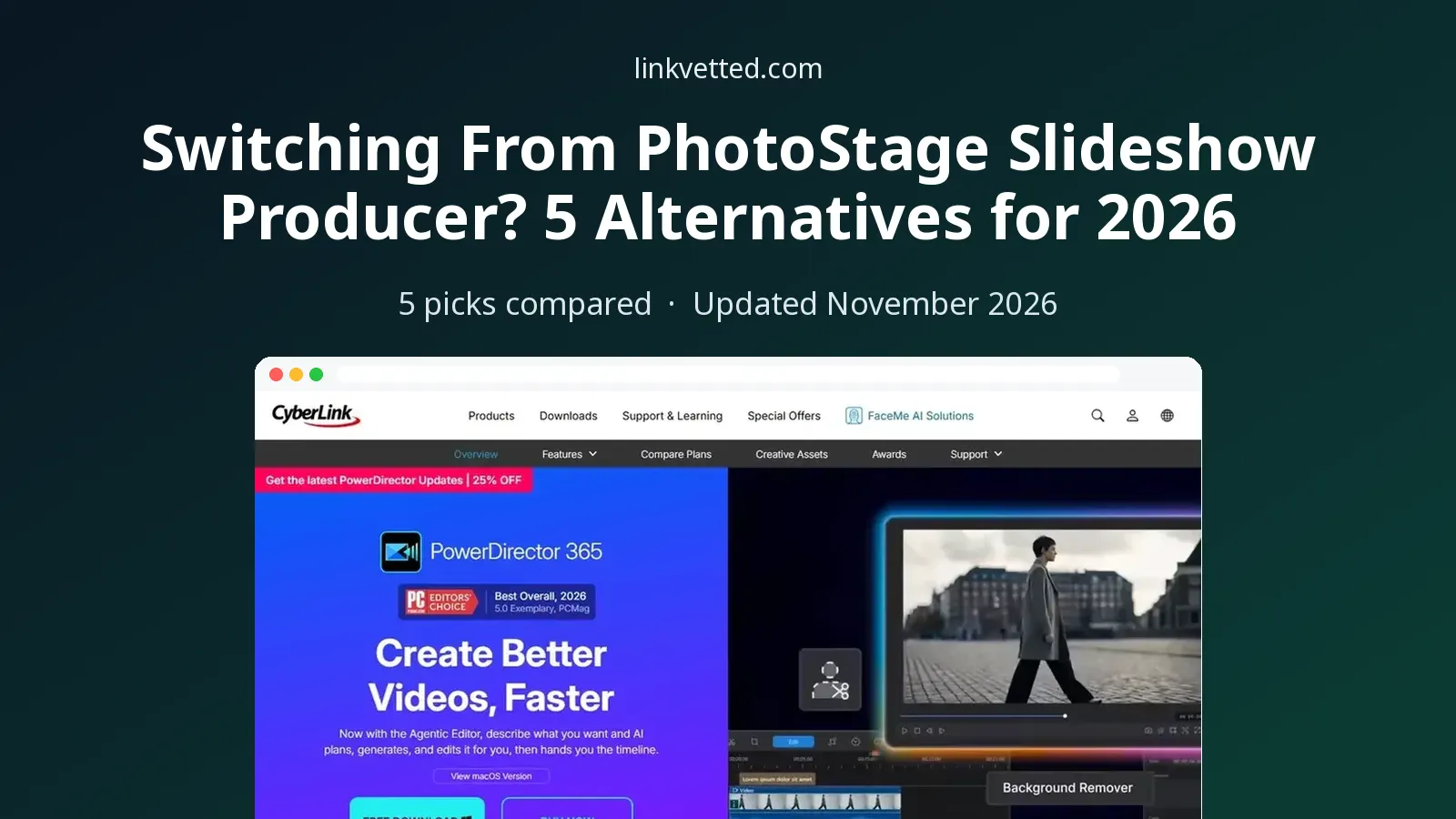
- Editor's choiceMagix Movie Edit Pro
Beginner-friendly editing with creative content
Starts atSee websiteVisit magix.comFull review - Great alternativePinnacle Studio
Precise advanced moviemaking on Windows
Starts atSee websiteVisit pinnaclesys.comFull review - Also consider
 CyberLink PowerDirector
Quicker video creation with AI tools
Starts at$54.99 a monthVisit cyberlink.comFull review
Direct answer
This list puts Magix Movie Edit Pro first for beginner-friendly editing with creative content. Listed starting prices: CyberLink PowerDirector from $54.99 a month. Pinnacle Studio fits precise advanced moviemaking on Windows; CyberLink PowerDirector fits quicker video creation with AI tools. Prices, free plans and limits for all 5 tools follow.
TL;DR:
- Magix Movie Edit Pro sits first on this list: beginner-friendly editing with creative content.
- Adobe Premiere Pro fits professional editing and postproduction work.
- Neither Magix Movie Edit Pro nor Adobe Premiere Pro, nor any of the other 3 tools, has a permanent free plan; trials and quotes are the norm.
- The lowest published monthly entry price here is $54.99 per month, from CyberLink PowerDirector.
Last checked November 2026. Prices and plan details were read from the vendors' own pages in November 2026; vendors change plans often, so confirm the current price on the vendor site before you buy.
Quick comparison
| Tool | Best for | Starts at | Free plan? | |
|---|---|---|---|---|
| Magix Movie Edit Pro | Beginner-friendly editing with creative content | See website | Not stated | Visit |
| Pinnacle Studio | Precise advanced moviemaking on Windows | See website | Not stated | Visit |
| CyberLink PowerDirector | Quicker video creation with AI tools | $54.99 a month | Not stated | Visit |
| Corel VideoStudio | Accessible editing with learning resources | See website | Not stated | Visit |
 Adobe Premiere Pro | Professional editing and postproduction work | See website | Not stated | Visit |
PhotoStage Slideshow Producer, one by one
Choosing PhotoStage Slideshow Producer usually comes down to price, fit and limits. This LinkVetted guide sets 5 tools side by side on those three points, with the facts kept short and checkable.
Magix Movie Edit Pro
Best for: Beginner-friendly editing with creative content
Magix Movie Edit Pro is aimed squarely at beginner-friendly editing with creative content. Magix Movie Edit Pro, sold as Video deluxe, emphasizes beginner-friendly operation alongside diverse editing tools and creative content. The creative content can accelerate projects that mix photos, clips and music.
More specifically, editors with advanced color or effects demands may find it less deep than professional suites. Consider it for approachable everyday editing, and look to a professional application when complicated postproduction becomes routine. Magix Movie Edit Pro shows no starting price here, so confirm the cost on the vendor site. Trial and free access: Not stated.
Downsides: Windows-oriented audience.
- Beginner-friendly operation
- Diverse editing tools
- Less depth than pro suites
Pinnacle Studio
Best for: Precise advanced moviemaking on Windows
In short, Pinnacle Studio is for precise advanced moviemaking on Windows. The Windows requirement limits it for mixed-device households, and the advanced focus can be more than a straightforward slideshow needs.
Drawbacks to consider: Less suited to casual slideshows.
It can serve slideshow creators ready to move beyond templates into a more deliberate editing process. No starting price is listed for Pinnacle Studio here; confirm pricing on the vendor site. Free access: Not stated.
- Precise editing tools
- Windows-focused workflow
- Windows only
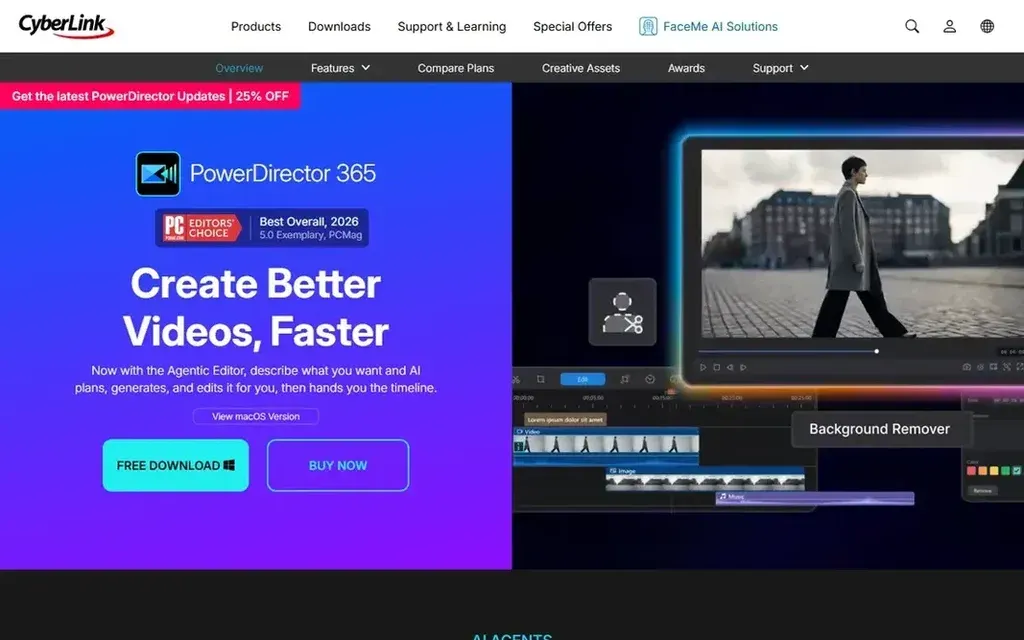
CyberLink PowerDirector is built with quicker video creation with AI tools in mind. CyberLink PowerDirector is video editing software built around AI tools, pro-grade effects and a large royalty-free asset library. The guided tools can help slideshow makers step up without rebuilding their entire workflow from scratch.
The main drawbacks: Windows-centric workflow.
Also, consider a lighter editor if you seldom use effects or AI features, and pick PowerDirector when speed and built-in assets are central to your output. As for the details, the breadth of tools means menus and choices can feel crowded for straightforward slideshow projects. Price to start with CyberLink PowerDirector: $54.99 per month. Free access: Not stated.
- AI-assisted editing tools
- Pro-grade effects library
- Feature set can overwhelm beginners
Corel VideoStudio
Best for: Accessible editing with learning resources
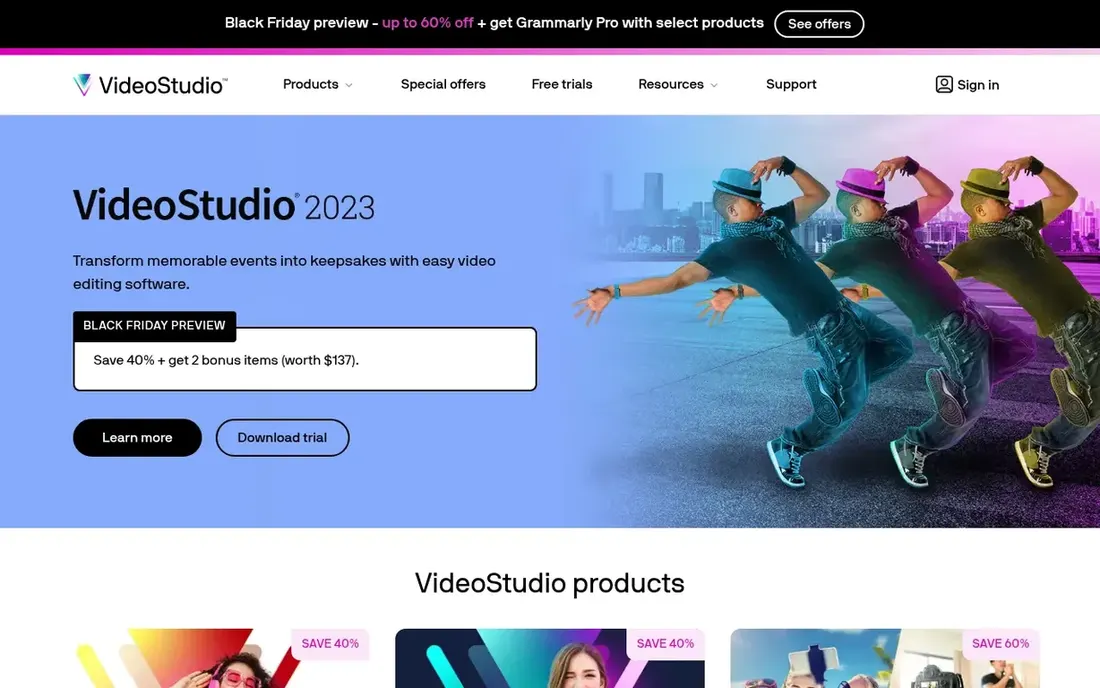
Corel VideoStudio is built with accessible editing with learning resources in mind. Corel VideoStudio is the VideoStudio Pro family of video editing products, with product information, updates, tutorials and videos on the official site.
From a buyer's view, choose VideoStudio for approachable editing with guidance, and look elsewhere if advanced postproduction is the priority. For everyday use, complicated multi-track productions may push past what the family is aimed at, and moving from a slideshow tool means learning new habits. Pricing for Corel VideoStudio is not stated here, so ask the vendor for current figures. As for free access: Not stated.
Watch-outs: Interface differs from slideshow apps.
- Product family with updates
- Balanced editing toolset
- Advanced work may need another tool
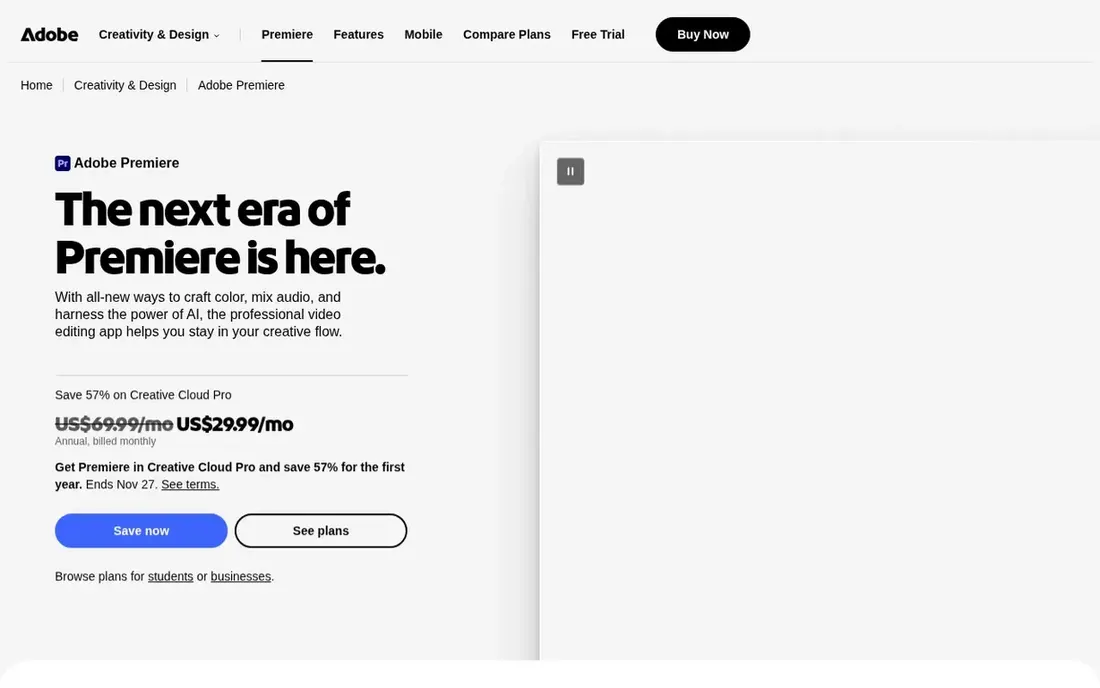
Adobe Premiere Pro is designed for professional editing and postproduction work. Adobe Premiere Pro is professional video editing and postproduction software for trimming and editing footage, adding effects, mixing audio and extending video.
Its depth can feel heavy if you only have to assemble photos with music and titles, and the interface takes time to learn. In daily use, pick something more straightforward when fast slideshows are the entire job, and choose Premiere Pro when editing and postproduction are continuing needs. This comparison lists no price for Adobe Premiere Pro; ask the vendor. Free plan details: Not stated.
Trade-offs to know: Deeper ramp-up time.
- Suits professional postproduction workflows
- Effects and audio mixing in one app
- Heavier than straightforward slideshow tools
Our selection method
LinkVetted looked at what each vendor publishes: pricing, plan limits, feature coverage for PhotoStage Slideshow Producer and stated drawbacks. No hands-on testing is claimed. Where a vendor does not publish a price, the entry says quote. Where a price depends on seats or billing term, the entry says so. Order on the page follows fit for the typical buyer first, then price transparency and free access. Your own requirements should decide the final pick.
Things to verify first
- Ask Magix Movie Edit Pro, Pinnacle Studio, Corel VideoStudio and Adobe Premiere Pro for a written quote, since no starting price is shown.
- Before choosing Magix Movie Edit Pro, weigh its main limit: less depth than pro suites.
- The entry price of Adobe Premiere Pro is only the starting point; model the full cost with seats and extras.
- Look at the help docs and support options for Magix Movie Edit Pro before you commit.
- Let daily users try Pinnacle Studio on real work; their feedback beats any feature checklist.
FAQ
How are the tools for PhotoStage Slideshow Producer ordered?
Magix Movie Edit Pro sits first and Adobe Premiere Pro last because the order follows typical fit for PhotoStage Slideshow Producer, then price clarity and free access. It is a judgement call, so read each profile for fit and limits.
Do these tools publish their prices?
Not all of them. Magix Movie Edit Pro, Pinnacle Studio, Corel VideoStudio and Adobe Premiere Pro publish no starting price, so expect a quote request for those. The rest, CyberLink PowerDirector included, show a starting price, though seats and billing terms still change the final cost.
What should I look for in a PhotoStage Slideshow Producer alternative?
Focus on the workflow you need next: timeline editing, effects, audio mixing or color work. Confirm system support and hardware requirements on the vendor site before committing, since full editors are heavier than slideshow tools.
Does any tool for PhotoStage Slideshow Producer here have a free plan?
A permanent free plan is not offered by Magix Movie Edit Pro, Adobe Premiere Pro or the other tools here. Plan a short evaluation period instead.
Can I try these tools before paying?
Not by default. None of the tools, from Magix Movie Edit Pro to Adobe Premiere Pro, lists a free plan or a free trial here, so ask each vendor for a demo before committing.
Sources
- https://www.magix.com/us/video/movie-edit-pro
- https://www.pinnaclesys.com
- https://www.cyberlink.com/products/powerdirector/overview_en_US.html
- https://www.videostudiopro.com
- https://www.adobe.com/products/premiere.html