Switching From R-Studio? 5 Alternatives for 2026
Comparing R-Studio alternatives? 5 contenders, each with entry cost, free tier and best-fit buyer. Every pick includes one clear drawback. Straight answers.
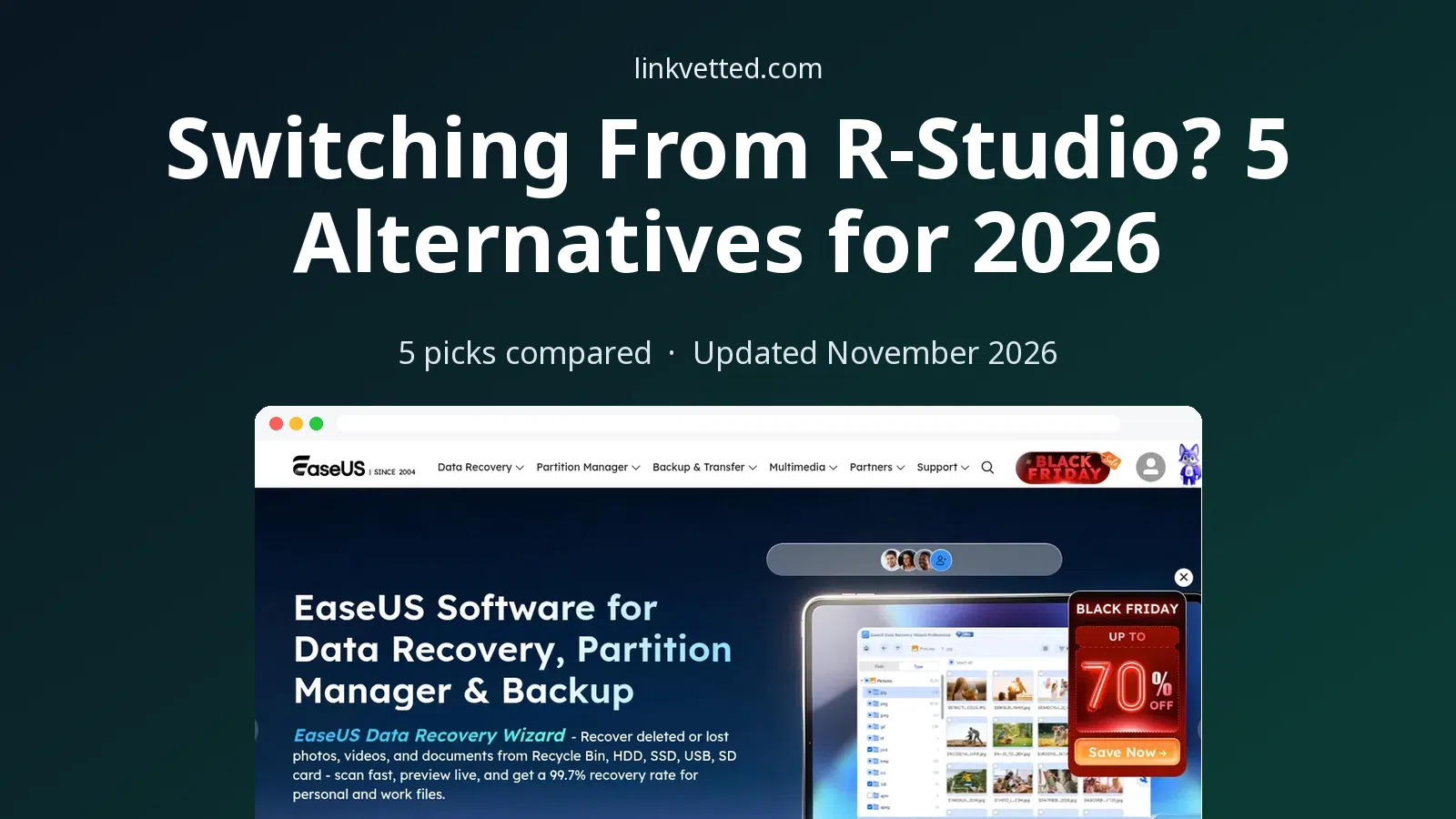
- Editor's choiceMiniTool Power Data Recovery
Windows users wanting a multi-tool suite
Starts atSee websiteVisit minitool.comFull review - Great alternative
 Recuva
Straightforward file undelete on Windows
Starts atSee websiteVisit ccleaner.comFull review - Also considerEaseUS Data Recovery Wizard
Users who want recovery plus backup utilities
Starts at$19.90 per monthVisit easeus.comFull review
Direct answer
MiniTool Power Data Recovery comes first here, mainly for Windows users wanting a multi-tool suite. Listed starting prices: EaseUS Data Recovery Wizard from $19.90 per month and Wondershare Recoverit from $99.95 a year. Recuva is better for straightforward file undelete on Windows, and EaseUS Data Recovery Wizard is better for users who want recovery plus backup utilities. The full list of 5 tools follows, with prices and free plan facts.
TL;DR:
- Top of the list is MiniTool Power Data Recovery, which targets Windows users wanting a multi-tool suite.
- Wondershare Recoverit suits AI-assisted recovery across Windows and Mac.
- EaseUS Data Recovery Wizard comes with a trade-off: Recovery limits apply in the trial.
- For the cheapest start, look at EaseUS Data Recovery Wizard: $19.90 per month.
- Wondershare Recoverit stands alone as the one tool in this list with a free plan.
Last checked November 2026. Prices and plan details were read from the vendors' own pages in November 2026; vendors change plans often, so confirm the current price on the vendor site before you buy.
Quick comparison
| Tool | Best for | Starts at | Free plan? | |
|---|---|---|---|---|
| MiniTool Power Data Recovery | Windows users wanting a multi-tool suite | See website | Not stated | Visit |
| Recuva | Straightforward file undelete on Windows | See website | Not stated | Visit |
| EaseUS Data Recovery Wizard | Users who want recovery plus backup utilities | $19.90 per month | Not stated | Visit |
 Disk Drill | Mac users who also recover from mobile devices | See website | Not stated | Visit |
| Wondershare Recoverit | AI-assisted recovery across Windows and Mac | $99.95 a year | Yes | Visit |
The 5 tools in detail
LinkVetted put together this guide to R-Studio for readers who want a clear shortlist without reading every vendor page. It compares 5 tools on starting price, free plans, who each one suits and where each one falls short.
MiniTool Power Data Recovery
Best for: Windows users wanting a multi-tool suite
MiniTool Power Data Recovery is built with Windows users wanting a multi-tool suite in mind. Feature availability can differ between editions. Worth adding: if your priority is maximum recovery depth on hard cases, compare with Stellar or a specialist tool before committing.
Points against: The suite is Windows-focused.
For everyday use, MiniTool Power Data Recovery is part of a MiniTool lineup that contains partition management, data backup, video editing, PDF editing and system boost tools for Windows. The recovery module deals with typical lost-file scenarios without requiring deep technical setup. This comparison lists no price for MiniTool Power Data Recovery; ask the vendor. As for free access: Not stated.
- Also spans partition management and backup
- Recovery within a wider Windows toolkit
- Recovery depth varies by edition
Recuva is a good fit for straightforward file undelete on Windows. Recuva is a file recovery tool from the makers of CCleaner, concentrated on recovering and un-deleting files. It is a practical pick for users who want a small, straightforward program to restore accidentally deleted documents, photos or media from a local drive.
Recuva is not aimed at complicated cases like failing drives, RAID arrays or deep forensic analysis, and success drops when files have been overwritten. It is also Windows-oriented. If you need wide device support or mobile recovery, look at Disk Drill or EaseUS instead. Pricing for Recuva is not stated here, so ask the vendor for current figures. As for free access: Not stated.
Limits to weigh: Most useful for recently deleted files.
- Made by the developers of CCleaner
- Straightforward undelete workflow
- Restricted advanced recovery features
EaseUS Data Recovery Wizard
Best for: Users who want recovery plus backup utilities
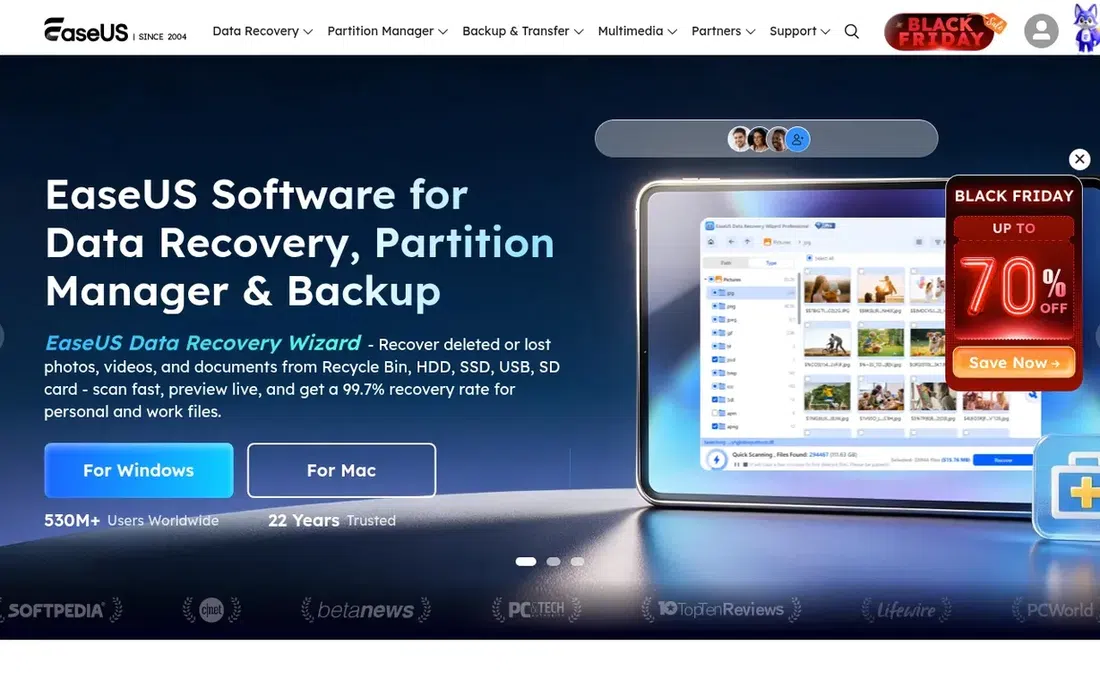
In short, EaseUS Data Recovery Wizard is for users who want recovery plus backup utilities. EaseUS Data Recovery Wizard sits within a bigger EaseUS portfolio that bundles backup software, a partition manager, a data transfer tool and a video editor.
Worth adding: since EaseUS spreads effort across numerous utilities, specialists may find the recovery module less deep than a dedicated forensic tool. The wizard style keeps the recovery steps guided, which helps users who found R-Studio's interface too technical. Entry price for EaseUS Data Recovery Wizard: $19.90 per month. As for free access: Not stated.
Watch-outs: Recovery limits apply in the trial.
- Handles typical storage devices
- Wizard-driven workflow for beginners
- The suite can feel wide if you only need recovery
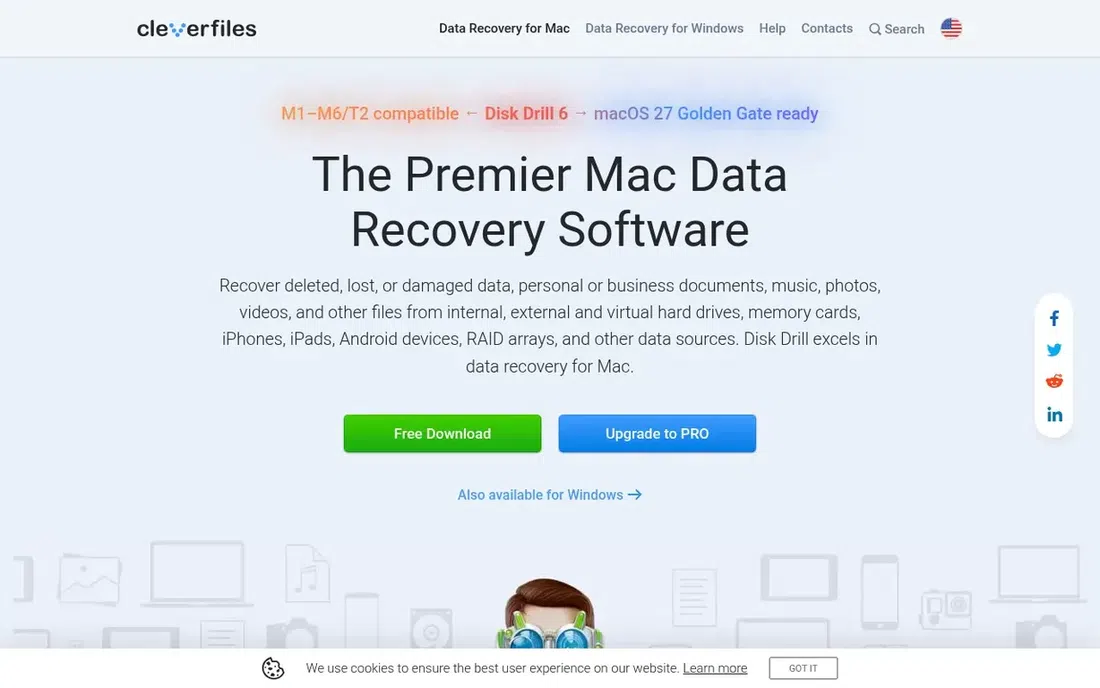
Disk Drill works best for Mac users who also recover from mobile devices. Disk Drill is data recovery software built around macOS, and its homepage also flags recovery from iOS and Android devices. It is geared toward everyday users who want a graphical tool that scans a drive or phone and previews what can be recovered before deciding.
The free download is primarily for scanning, so actual recovery relies on the premium edition. As for the details, if you are moving away from R-Studio since its interface feels technical, Disk Drill is a gentler starting point for typical deletion and loss cases. Disk Drill shows no starting price here, so confirm the cost on the vendor site. As for free access: Not stated.
Limits to weigh: Advanced RAID and forensic choices are restricted.
- Free scanning before you commit
- Supports macOS plus iOS and Android recovery
- Full recovery needs the premium version
How these tools were picked
For each of the 5 tools we noted price, free plan or trial, fit for R-Studio and the main limit, using vendor pages and documentation. Prices and plan limits come from vendor pages and can change, so confirm them on the vendor site before you buy. Position on the page reflects fit for a typical buyer first, with price clarity and free access breaking ties. Treat it as a guide, not a ruling.
What to confirm before you sign up
- Get a written quote from MiniTool Power Data Recovery, Recuva and Disk Drill; the list shows no starting price for them.
- Look at the free plan from Wondershare Recoverit closely: its caps decide whether it is usable for real work.
- Read the limits listed for MiniTool Power Data Recovery first: Recovery depth varies by edition.
- Check whether EaseUS Data Recovery Wizard bills monthly or annually, and what cancelling early costs.
- Check the integration list for Disk Drill against the tools you run today, and note which ones need a higher plan.
FAQ
Can I try these tools before paying?
Often, yes. Wondershare Recoverit has a free plan. Use your own data and a real task during the test, and check what the free tier or trial limits before you rely on it. Each of the 5 options in this R-Studio alternatives guide has its own card above with the price, free plan and limits.
What is the best R-Studio alternative for beginners?
For most readers this guide would start with MiniTool Power Data Recovery, built for Windows users wanting a multi-tool suite. Recuva is the alternative for straightforward file undelete on Windows, and EaseUS Data Recovery Wizard for users who want recovery plus backup utilities. The right answer depends on budget and workflow.
How are the tools for R-Studio ordered?
The order follows typical fit for R-Studio, with MiniTool Power Data Recovery first and Wondershare Recoverit last, then price clarity and free access. It is editorial judgement, not a score, so another team could rank the tools differently.
Do these tools publish their prices?
Not all of them. MiniTool Power Data Recovery, Recuva and Disk Drill publish no starting price, so expect a quote request for those. The rest, EaseUS Data Recovery Wizard included, show a starting price, though seats and billing terms still change the final cost.
What is the cheapest option for R-Studio in this list?
On published monthly entry prices, EaseUS Data Recovery Wizard is the lowest here at $19.90 per month. Entry price is only part of the cost, because seats, add-ons and billing terms can change the total. All 5 picks in this R-Studio alternatives comparison list a starting price, free plan details and the main limits on their cards above.
Sources
- https://www.minitool.com
- https://www.ccleaner.com/recuva
- https://www.easeus.com
- https://www.cleverfiles.com
- https://recoverit.wondershare.com