Switching From Adobe Scan? 5 Alternatives for 2026
Adobe Scan alternatives, compared. 5 tools with published prices, free plans and limits. Costs and caveats sit beside each pick. Skim the table first.
- Editor's choice
 Google Drive
Scanning into Google's cloud storage ecosystem
Starts atSee websiteVisit drive.google.comFull review - Great alternativePrizmo
Mac users needing OCR and editing control
Starts atSee websiteVisit creaceed.comFull review - Also considerKofax Mobile Capture
Enterprise document capture and workflow automation
Starts atSee websiteVisit kofax.comFull review
Direct answer
Our first pick is Google Drive, best for scanning into Google's cloud storage ecosystem. Listed starting prices: Dropbox from $9.99 a month. If your case is different, Prizmo suits Mac users needing OCR and editing control and Kofax Mobile Capture suits enterprise document capture and workflow automation. All 5 tools are compared below on price, free plan and limits.
TL;DR:
- Google Drive sits first on this list: scanning into Google's cloud storage ecosystem.
- Dropbox suits scanning plus secure cloud storage and sharing.
- The lowest published monthly entry price here is $9.99 per month, from Dropbox.
- Just one of the 5 tools, Evernote, has a free plan.
Last checked November 2026. Prices and plan details were read from the vendors' own pages in November 2026; vendors change plans often, so confirm the current price on the vendor site before you buy.
Quick comparison
| Tool | Best for | Starts at | Free plan? | |
|---|---|---|---|---|
| Google Drive | Scanning into Google's cloud storage ecosystem | See website | Not stated | Visit |
| Prizmo | Mac users needing OCR and editing control | See website | Not stated | Visit |
| Kofax Mobile Capture | Enterprise document capture and workflow automation | See website | Not stated | Visit |
 Evernote | Capturing documents alongside notes and tasks | See website | Yes | Visit |
 Dropbox | Scanning plus secure cloud storage and sharing | $9.99 a month | Free trial | Visit |
The best Adobe Scan
Choosing Adobe Scan usually comes down to price, fit and limits. This LinkVetted guide sets 5 tools side by side on those three points, with the facts kept short and checkable.
Google Drive targets scanning into Google's cloud storage ecosystem. Google Drive is a file sharing and cloud storage system that offers personal, secure storage for sharing content with others.
In practice, users outside the Google ecosystem may not gain as much. On mobile, Google's scanning features let users capture paper documents and save them straight to Drive. Pricing for Google Drive is not stated here, so ask the vendor for current figures. Free options: Not stated.
Watch-outs: OCR depth varies by tool.
- Secure cloud storage and file sharing
- Plugs into Google Workspace
- Scanning relies on companion apps
Prizmo
Best for: Mac users needing OCR and editing control
Choose Prizmo for Mac users needing OCR and editing control. Since it is made for Mac, it does not serve Windows, Android or mixed-device teams looking for a shared capture workflow. It is also a scanning and OCR tool instead of a storage system, so cloud organization happens elsewhere.
The editing and export choices make it a stronger fit for document-heavy personal or office work. As for the details, choose it when OCR quality and editing on a Mac are the deciding factors. This comparison lists no price for Prizmo; ask the vendor. Free plan details: Not stated.
Honest limits: Not geared toward team storage workflows.
- Feature-rich editing and text-to-speech
- OCR in numerous languages
- Mac only
Kofax Mobile Capture
Best for: Enterprise document capture and workflow automation
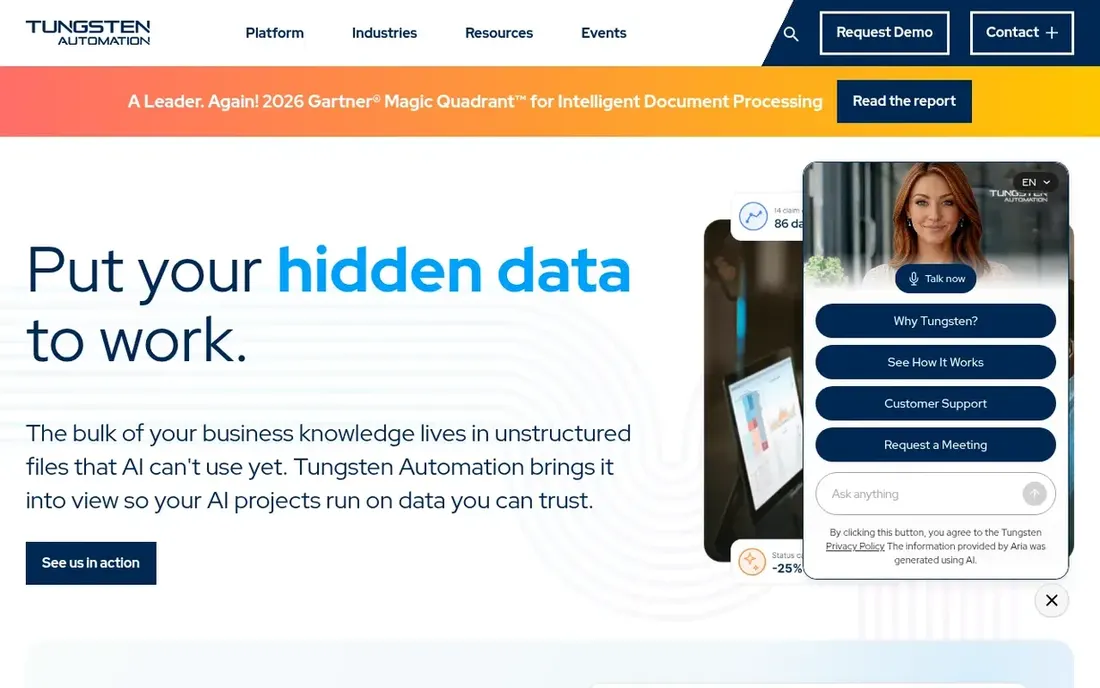
Kofax Mobile Capture is aimed squarely at enterprise document capture and workflow automation. Kofax Mobile Capture is part of Tungsten Automation's workflow automation system, which concentrates on helping global enterprises simplify document-heavy processes. Rather than acting as a straightforward scanning utility, it is meant to feed captured documents into broader business workflows.
For everyday use, consider it when document capture is part of a bigger operational process that involves several people and systems. From a buyer's view, since it is an enterprise-oriented product, it is likely more than a solo user or small household needs for occasional scanning. Check the vendor site for Kofax Mobile Capture pricing; none is listed in this comparison. Trial and free access: Not stated.
Downsides: Setup can need IT involvement.
- Suits structured business processes
- Aimed at enterprise workflow automation
- Targeted at organizations, not casual users
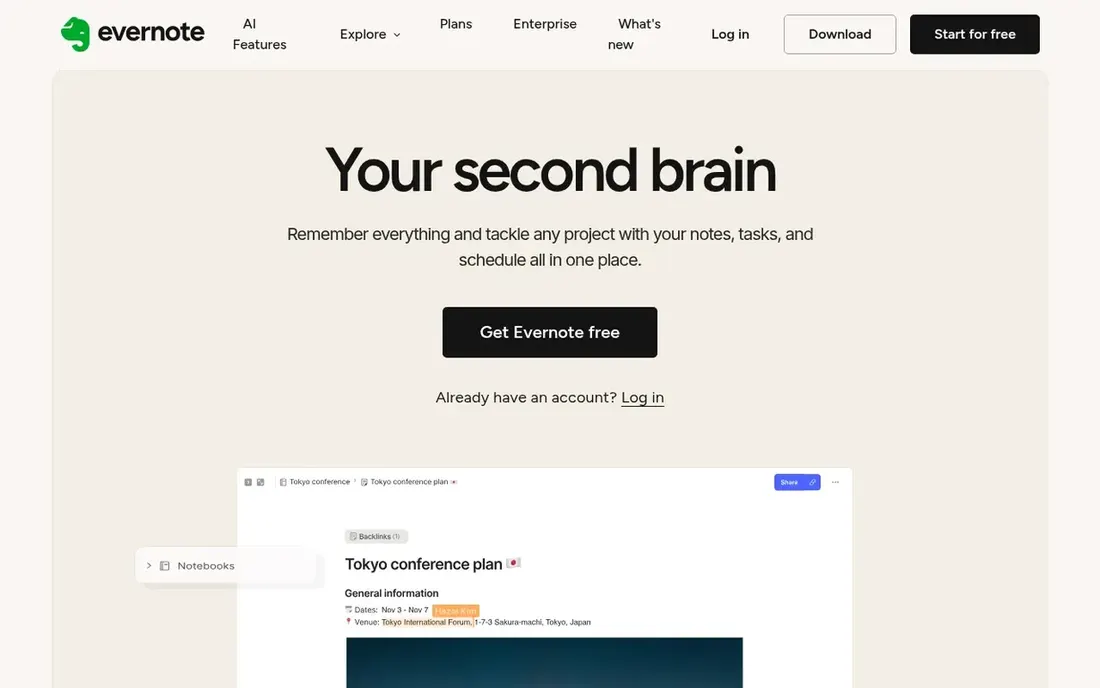
Evernote is a good fit for capturing documents alongside notes and tasks. Evernote is a note taking app that helps users capture and prioritize ideas, projects and to-do lists so nothing falls through the cracks. Heavy note users will get the most value.
In practice, scanning is a supporting feature instead of the core purpose, so anyone who needs advanced image cleanup or precise OCR control may prefer a dedicated scanning tool. For everyday use, document capture suits naturally into that workflow, since scanned material can sit beside related notes and tasks. For everyday use, if your primary goal is just converting paper to PDF and storing it, a cloud drive or a focused scanner app may be a better fit. No starting price is listed for Evernote here; confirm pricing on the vendor site. Evernote includes a free tier.
Watch-outs: Not a dedicated OCR powerhouse.
- Helps prioritize projects and to-dos
- Notes and documents in one place
- Scanning is one feature among numerous
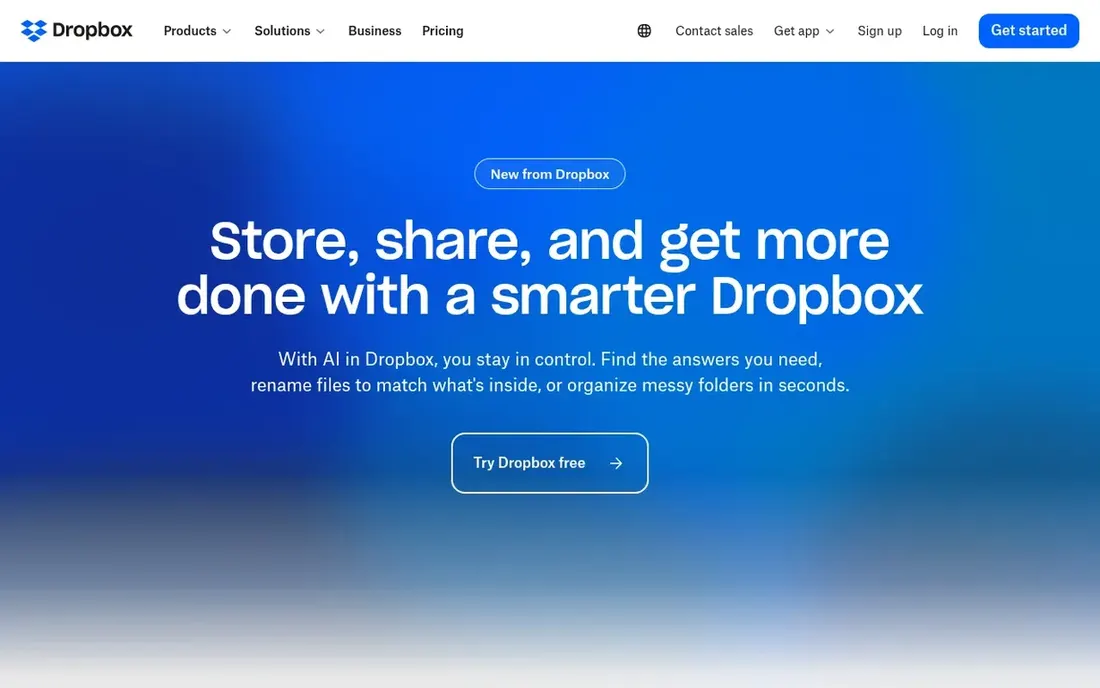
Dropbox is built with scanning plus secure cloud storage and sharing in mind. Dropbox is a cloud storage and file sharing service that lets users store, sync, sign and share files from any device. Its mobile apps bundle document scanning, so captured pages can go straight into a shared folder.
Pick Dropbox when organization and sharing matter more than scanning features themselves. For everyday use, the scanning tools are practical but not the product's primary focus. So users needing sophisticated OCR, batch processing or document cleanup may want a dedicated app. Also, storage capacity and sharing needs should drive the decision here. Dropbox pricing: $9.99 per month. Free options: Free trial.
Reasons to shortlist it: Widely used for file collaboration; Mobile document scanning built in.
Watch-outs: Scanning is secondary to storage.
- Store
- Sync and share files from any device
- Advanced capture features are restricted
How these tools were picked
For each of the 5 tools we noted price, free plan or trial, fit for Adobe Scan and the main limit, using vendor pages and documentation. Seat minimums, billing terms and add-ons can move the real cost, so the starting prices here are a guide and not a quote. Order on the page follows fit for the typical buyer first, then price transparency and free access. Your own requirements should decide the final pick.
Things to verify first
- Get a written quote from Google Drive, Prizmo, Kofax Mobile Capture and Evernote; the list shows no starting price for them.
- Test the free plan from Evernote against your real workload before relying on it.
- Run a trial of Dropbox with real work before paying for a year; your own workflow is the best test.
- Read the limits listed for Google Drive first: scanning relies on companion apps.
- Confirm the exact Prizmo plan that includes your must-have features.
- Confirm you can export your data from Kofax Mobile Capture, so leaving later does not mean losing records.
FAQ
How are the tools for Adobe Scan ordered?
Google Drive sits first and Dropbox last because the order follows typical fit for Adobe Scan, then price clarity and free access. It is a judgement call, so read each profile for fit and limits.
What is the cheapest option for Adobe Scan in this list?
On published monthly entry prices, Dropbox is the lowest here at $9.99 per month. Entry price is only part of the cost, because seats, add-ons and billing terms can change the total.
Can I try these tools before paying?
Often, yes. Evernote has a free plan and Dropbox offers a free trial. Use your own data and a real task during the test, and check what the free tier or trial limits before you rely on it.
Do these tools publish their prices?
Not all of them. Google Drive, Prizmo, Kofax Mobile Capture and Evernote publish no starting price, so expect a quote request for those. The rest, Dropbox included, show a starting price, though seats and billing terms still change the final cost.
Do these tools work for organizing scanned notes?
Evernote is the closest fit, since it combines note taking and task organization with document capture. Scanned material can sit alongside related notes, which helps when you want context instead of just a file archive.
Sources
- https://drive.google.com
- https://creaceed.com/prizmo
- https://www.kofax.com
- https://evernote.com
- https://www.dropbox.com