Switching From Photo Mechanic? 5 Alternatives for 2026
Photo Mechanic alternatives in 2026: 5 tools with starting prices, free plans and limits. The weak spots sit next to the strengths. Reviewed this month.
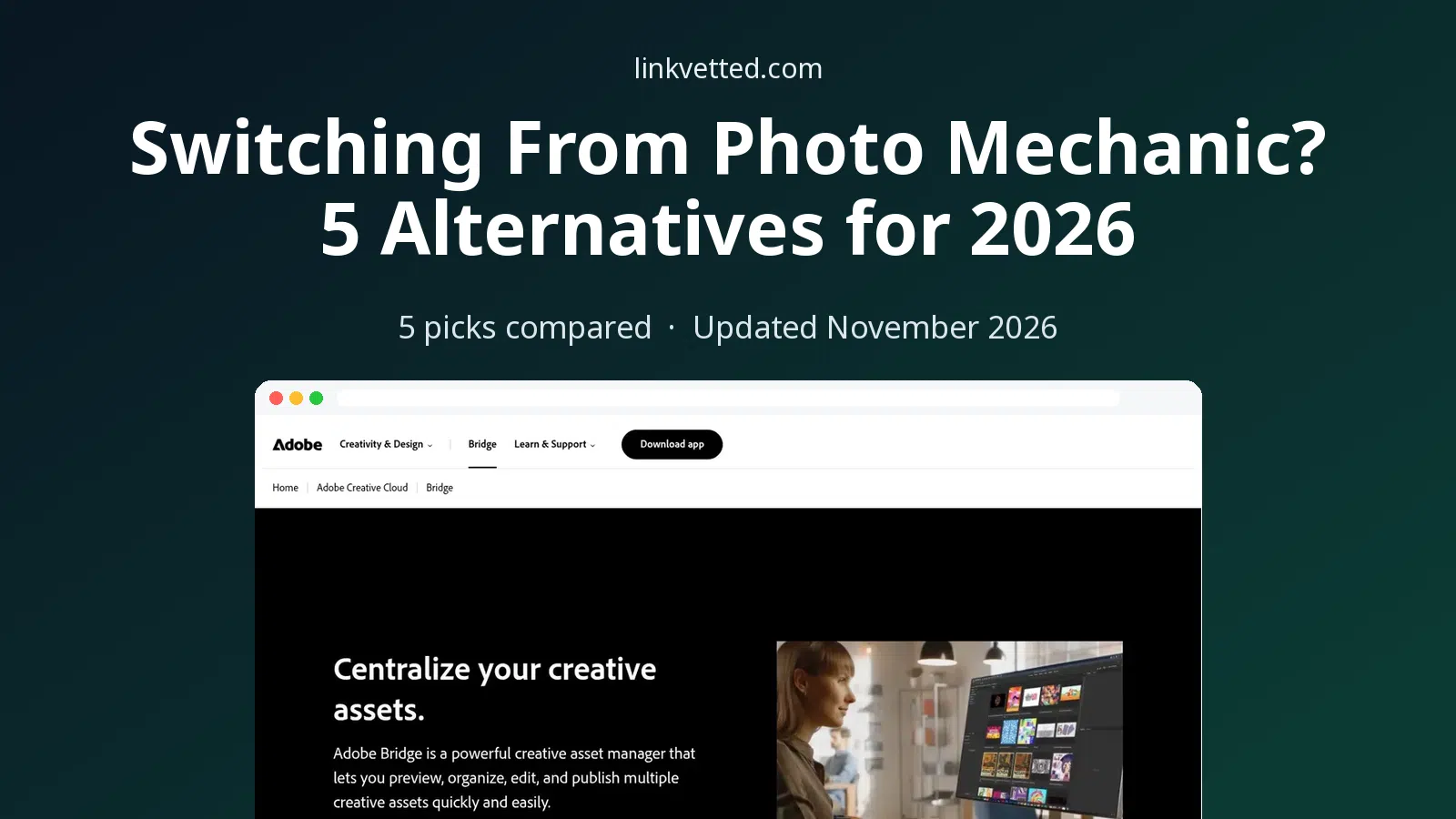
- Editor's choiceFastRawViewer
Quick RAW file review and culling
Starts atPricing on requestVisit fastrawviewer.comFull review - Great alternativedigiKam
Open-source photo management
Starts atPricing on requestVisit digikam.orgFull review - Also considerAdobe Bridge
Central browsing across Adobe apps
Starts atPricing on requestVisit adobe.comFull review
Direct answer
Our first pick is FastRawViewer, best for quick RAW file review and culling. digiKam is better for open-source photo management, and Adobe Bridge is better for central browsing across Adobe apps. The full list of 5 tools follows, with free plan facts. None of these vendors publish plan prices, so pricing is on request for every option.
TL;DR:
- This list starts with FastRawViewer, which is built for quick RAW file review and culling.
- What to know about Adobe Bridge first: tied to the Adobe ecosystem.
- FastRawViewer, Capture One and the 3 others all sell by quote; expect sales conversations before you see a price.
- Capture One suits precise RAW editing and tethering.
- A permanent free plan is missing from all 5 tools, FastRawViewer and Capture One included; plan for a trial or a premium start.
Last checked November 2026. Pricing on request: vendors did not publish plan prices when this guide was last checked (November 2026), so ask each vendor for a written quote.
Quick comparison
| Tool | Best for | Starts at | Free plan? | |
|---|---|---|---|---|
| FastRawViewer | Quick RAW file review and culling | Pricing on request | Not stated | Visit |
| digiKam | Open-source photo management | Pricing on request | Not stated | Visit |
| Adobe Bridge | Central browsing across Adobe apps | Pricing on request | Not stated | Visit |
 Excire Foto | AI-assisted photo management | Pricing on request | Not stated | Visit |
 Capture One | Precise RAW editing and tethering | Pricing on request | Not stated | Visit |
5 options for Photo Mechanic in detail
LinkVetted compared 5 tools for Photo Mechanic. The goal is a practical shortlist: published prices, free plan facts, best-fit use cases and honest limits for every entry.
FastRawViewer
Best for: Quick RAW file review and culling
Think of FastRawViewer for quick RAW file review and culling. FastRawViewer is an utility designed for viewing and reviewing RAW files, created by a team that needed the tool themselves.
Also, choose it when speed of RAW review matters more than all-in-one features. As a focused viewer, it does not replace a full organizer or editor, so you will still need another application for cataloging and adjustments. FastRawViewer does not show a starting price in this comparison, so check the vendor site for current pricing. Free options: Not stated.
Watch-outs: Narrow feature scope.
- Light purpose
- Focused on RAW viewing
- Not a full editor
digiKam
Best for: Open-source photo management
digiKam is designed for open-source photo management. digiKam is an open-source photo management application that helps users organize, tag and browse image libraries.
It suits photographers who prefer open-source software and want a capable manager without a proprietary ecosystem. digiKam does not show a starting price in this comparison, so check the vendor site for current pricing. Free access: Not stated.
Points against: Setup may take time.
- Cross-platform photo manager
- Open-source project
- Interface can feel dense
Adobe Bridge
Best for: Central browsing across Adobe apps
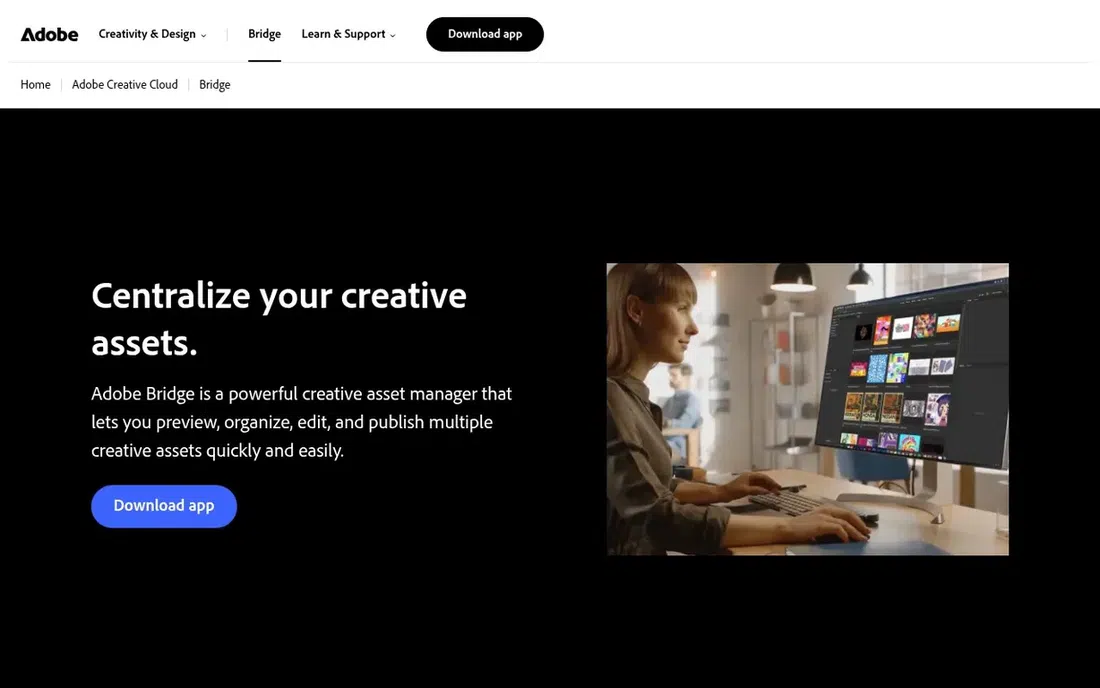
For central browsing across Adobe apps, Adobe Bridge is a natural candidate. Those who require dedicated rapid culling or deep catalog editing may prefer a more specialized tool instead.
This comparison lists no price for Adobe Bridge; ask the vendor. Trial and free access: Not stated.
Where it falls short: Tied to the Adobe ecosystem.
- Works alongside Creative Cloud applications
- Familiar Adobe interface
- Less concentrated on rapid culling
Pick Excire Foto if this describes you: AI-assisted photo management. Excire Foto is photo management software that uses AI to help organize and search image collections, geared toward professionals, hobbyists and companies. It is described as working with Mac, Windows and Lightroom.
Main advantages: AI-based photo management.
The tool centers on management instead of full editing, so it complements instead of replaces an editor. Users who prefer manual control over AI-driven organization may want a more traditional manager. Check the vendor site for Excire Foto pricing; none is listed in this comparison. Free options: Not stated.
Downsides: AI features need trust in automation.
- Lightroom integration mentioned
- Works with Mac and Windows
- Not an editing suite
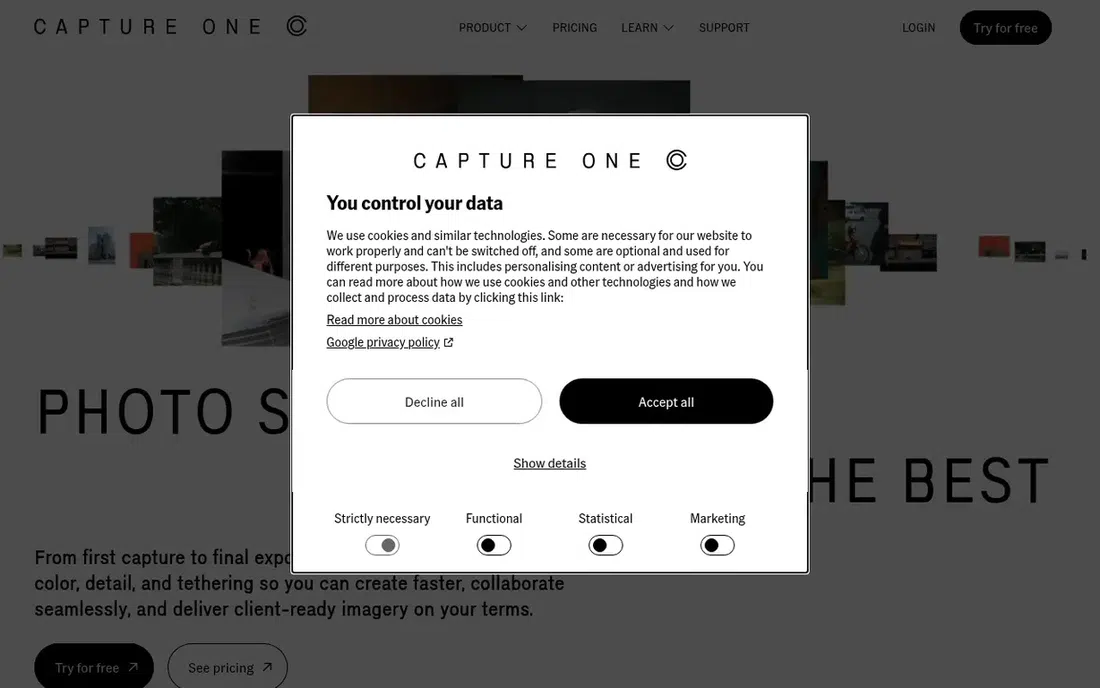
Capture One makes the most sense for precise RAW editing and tethering. It suits studio and commercial photographers who require in-depth adjustments and a steady tethered capture workflow.
What to check first: Targeted at demanding workflows.
- In-depth editing controls
- Solid tethering capabilities
- Editing focus over quick browsing
How we built this list
LinkVetted looked at what each vendor publishes: pricing, plan limits, feature coverage for Photo Mechanic and stated drawbacks. No hands-on testing is claimed. Plan names, prices and limits change often. Treat the figures here as a starting point and verify them with the vendor. Order on the page follows fit for the typical buyer first, then price transparency and free access. Your own requirements should decide the final pick.
What to confirm before you sign up
- Confirm the entry price with every vendor: no tool from FastRawViewer to Capture One shows a fixed starting price.
- Read the limits listed for FastRawViewer first: narrow feature scope.
- Make sure Adobe Bridge lets you export your data in a format another tool can read.
- Confirm that Excire Foto connects to the apps your team already uses, on the plan you would actually buy.
- Get the contract term, renewal terms and any onboarding fees from FastRawViewer in writing.
FAQ
Which alternative is a good match for quick RAW culling?
This list starts with FastRawViewer, which fits fast RAW file review and culling. For other needs, digiKam is aimed at open-source photo management, and Adobe Bridge at central browsing across Adobe apps. Check each tool's price and main limit first.
What is the best free alternative to Photo Mechanic?
For most readers this guide would start with FastRawViewer, built for quick RAW file review and culling. digiKam is the alternative for open-source photo management, and Adobe Bridge for central browsing across Adobe apps. The right answer depends on budget and workflow.
Is FastRawViewer the right pick for everyone comparing Photo Mechanic?
No single tool suits every team. FastRawViewer comes first because it fits fast RAW file review and culling, while digiKam suits open-source photo management and Adobe Bridge suits central browsing across Adobe apps. Match the tool to your own size, budget and workflow before deciding.
Can I try these tools before paying?
Not by default. None of the tools, from FastRawViewer to Capture One, lists a free plan or a free trial here, so ask each vendor for a demo before committing.
How are the tools for Photo Mechanic ordered?
The order follows typical fit for Photo Mechanic, with FastRawViewer first and Capture One last, then price clarity and free access. It is editorial judgement, not a score, so another team could rank the tools differently.
Do these tools publish their prices?
No. None of the tools, from FastRawViewer to Capture One, shows a fixed starting price here, so budget time for quotes.
Sources
- https://www.fastrawviewer.com
- https://www.digikam.org
- https://www.adobe.com/products/bridge.html
- https://excire.com
- https://www.captureone.com