Switching From Desmos 3D Calculator? 5 Alternatives for 2026
Shortlisting Desmos 3D Calculator alternatives? 5 products compared on cost, free access and ideal buyer. Clear notes on pricing gaps and limits. Start here.

- Editor's choiceMathcad
Documented engineering calculations
Starts atPricing on requestVisit mathcad.comFull review - Great alternativeMathematica Online
Cloud access to Mathematica notebooks
Starts atPricing on requestVisit wolfram.comFull review - Also considerSageMath
Open-source mathematical software system
Starts atPricing on requestVisit sagemath.orgFull review
Direct answer
Mathcad leads the list, best for documented engineering calculations. Mathematica Online is better for cloud access to Mathematica notebooks, and SageMath is better for open-source mathematical software system. The remaining 2 options are covered below with pricing notes and limits. None of these vendors publish plan prices, so pricing is on request for every option.
TL;DR:
- This list starts with Mathcad, which is built for documented engineering calculations.
- Maple is the one to check for symbolic and numeric math in one place.
- Check the limits for Mathcad before you commit: less suited to exploratory 3D graphing.
- Neither Mathcad nor Maple, nor any of the other 3 tools, has a permanent free plan; trials and quotes are the norm.
Last checked November 2026. Pricing on request: vendors did not publish plan prices when this guide was last checked (November 2026), so ask each vendor for a written quote.
Quick comparison
| Tool | Best for | Starts at | Free plan? | |
|---|---|---|---|---|
| Mathcad | Documented engineering calculations | Pricing on request | Not stated | Visit |
| Mathematica Online | Cloud access to Mathematica notebooks | Pricing on request | Free trial | Visit |
| SageMath | Open-source mathematical software system | Pricing on request | Not stated | Visit |
| Wolfram Mathematica | Wide technical computing and 3D plots | Pricing on request | Free trial | Visit |
 Maple | Symbolic and numeric math in one place | Pricing on request | Not stated | Visit |
The full Desmos 3D Calculator list
LinkVetted put together this guide to Desmos 3D Calculator for readers who want a clear shortlist without reading every vendor page. It compares 5 tools on starting price, free plans, who each one suits and where each one falls short.
Mathcad
Best for: Documented engineering calculations
Mathcad was built for documented engineering calculations. PTC Mathcad Prime is engineering calculation software that lets you solve, analyze, document and share calculations in a single worksheet.
It suits engineers who require traceable, presentable math instead of free-form plotting, and its document-centered approach keeps units, formulas and results together. No starting price is listed for Mathcad here; confirm pricing on the vendor site. Free options: Not stated.
The main drawbacks: Less suited to exploratory 3D graphing.
Where it shines: Solve.
- Engineering-focused workflow
- Calculations documented in place
- Commercial product with a ramp-up time
Mathematica Online
Best for: Cloud access to Mathematica notebooks
Think of Mathematica Online for cloud access to Mathematica notebooks. Mathematica Online brings the Mathematica environment to the cloud, letting you access your work anywhere, collaborate with others and store notebooks, code and documents. It supports embedding web assets and sharing documents publicly, which fits users who want Mathematica's computational depth without being tied to one machine.
What to check first: Same ramp-up time as desktop Mathematica.
It relies on a browser and network access, and the Wolfram Language still demands time to learn. In daily use, if offline work or a more straightforward interface matters more, consider the desktop version or a lighter tool. This comparison lists no price for Mathematica Online; ask the vendor. Free options: Free trial.
- Code and documents
- Collaboration and public sharing
- Needs a browser and connection
SageMath
Best for: Open-source mathematical software system
For open-source mathematical software system, SageMath is a natural candidate. Installation and setup can be technical, and the interface is less approachable for casual graphing users.
SageMath is a free and open-source mathematical software system that brings together plenty of open mathematical libraries under one interface. This comparison lists no price for SageMath; ask the vendor. Free options: Not stated.
Watch-outs: Setup can be technical.
- Free and open source
- Built on established open libraries
- Interface less refined for casual users
Wolfram Mathematica
Best for: Wide technical computing and 3D plots
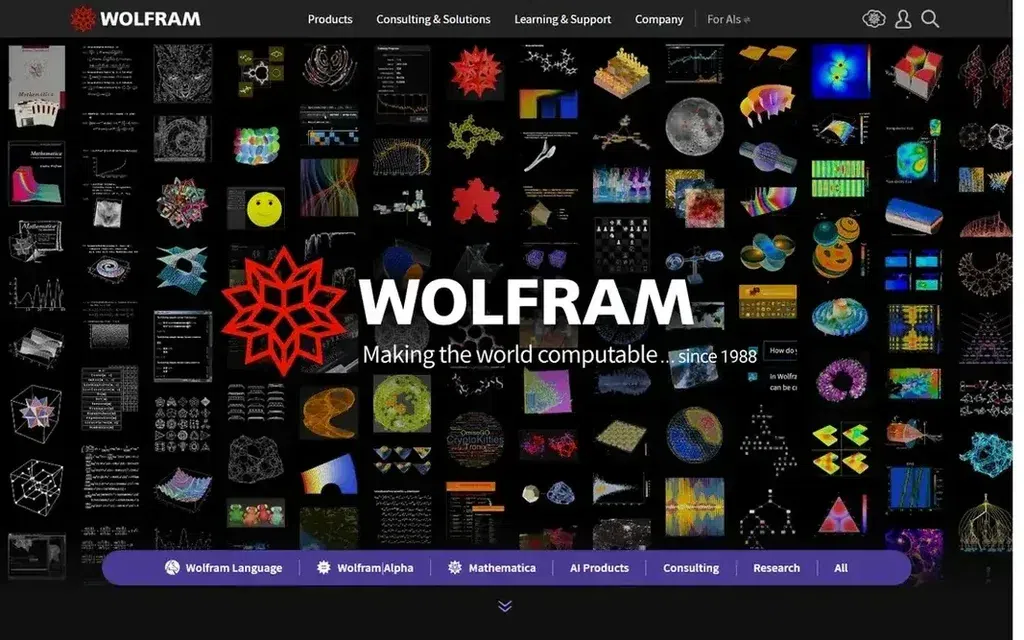
Wolfram Mathematica was built for wide technical computing and 3D plots. Wolfram Mathematica is a technical computing system built around the Wolfram Language, offering high-powered computation with thousands of functions, natural language input and real-world data.
Honest limits: Heavier than a straightforward graphing tool.
Check the vendor site for Wolfram Mathematica pricing; none is listed in this comparison. On free options: Free trial.
- Natural language input
- Real-world data and mobile support
- Steep ramp-up time for beginners
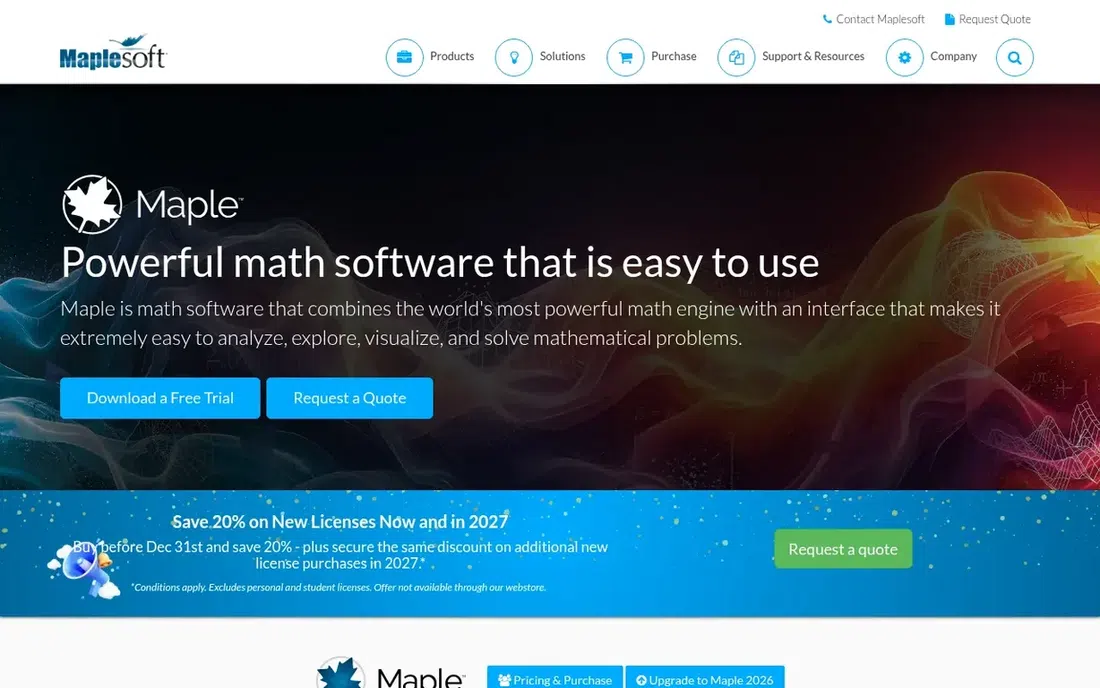
Maple targets symbolic and numeric math in one place. Maple is math software that merges symbolic and numeric computation in a single environment, targeted at educators, students and technical professionals. It deals with algebra, calculus and visualization, so it suits those who want a math-first workspace for exploring problems and producing 3D plots instead of a general programming product.
What to check first: Less typical in general engineering workflows.
As commercial math software it carries a ramp-up time, and teams already standardized on matrix-based engineering tools may prefer something else. More specifically, choose Maple when symbolic manipulation is central to your work. Maple does not show a starting price in this comparison, so check the vendor site for current pricing. Free access: Not stated.
- Capable math-focused environment
- Suited to teaching and technical work
- Commercial software with a ramp-up time
How we compared the tools
Pricing pages, product documentation and feature lists were the main sources, and every entry carries at least one honest drawback. Prices and plan limits come from vendor pages and can change, so confirm them on the vendor site before you buy. The order reflects how well each tool fits the most common buying scenario for Desmos 3D Calculator, then price clarity, then free plan access. It is a starting point, not a verdict.
Questions to settle before buying
- Request quotes from Mathcad, Maple and the others; the list shows no fixed prices.
- Take the trial from Mathematica Online and Wolfram Mathematica and push a live task through it before you pay.
- Before choosing Mathcad, weigh its main limit: less suited to exploratory 3D graphing.
- Work out what Mathcad costs with your real seat count, add-ons and usage, not just the entry price.
- Look at which plan of Wolfram Mathematica unlocks the features you need; entry tiers are often cut down.
FAQ
What is the best free alternative to Desmos 3D Calculator?
Start with Mathcad if you need documented engineering calculations. Mathematica Online is the better match for cloud access to Mathematica notebooks, and SageMath for open-source mathematical software system. The best choice depends on budget, team size and workflow.
How are the tools for Desmos 3D Calculator ordered?
Mathcad sits first and Maple last because the order follows typical fit for Desmos 3D Calculator, then price clarity and free access. It is a judgement call, so read each profile for fit and limits.
Does any tool for Desmos 3D Calculator here have a free plan?
No tool in this list, Mathcad and Maple included, has a permanent free plan. Mathematica Online, Wolfram Mathematica offer a trial. Trials and quotes are the usual route, so plan a short evaluation period.
Do these tools publish their prices?
No. None of the tools, from Mathcad to Maple, shows a fixed starting price here, so budget time for quotes.
Is Mathcad the right pick for everyone comparing Desmos 3D Calculator?
No single tool suits every team. Mathcad comes first because it fits documented engineering calculations, while Mathematica Online suits cloud access to Mathematica notebooks and SageMath suits open-source mathematical software system. Match the tool to your own size, budget and workflow before deciding.
Sources
- https://www.mathcad.com
- https://www.wolfram.com/mathematica/online
- https://www.sagemath.org
- https://www.wolfram.com/mathematica
- https://www.maplesoft.com/products/Maple