Switching From CapCut Commerce Pro? 5 Alternatives for 2026
CapCut Commerce Pro alternatives, compared. 5 tools with published prices, free plans and limits. Each profile ends with a plain caveat. Decide faster.
- Editor's choice
 Vimeo
Hosting and sharing finished videos
Starts atSee websiteVisit vimeo.comFull review - Great alternative
 DaVinci Resolve
All-in-one editing, color and audio
Starts atSee websiteVisit blackmagicdesign.comFull review - Also consider
 Adobe Premiere Pro
Professional timeline editing and postproduction
Starts atSee websiteVisit adobe.comFull review
Direct answer
This list puts Vimeo first for hosting and sharing finished videos. Listed starting prices: Descript from $16 per person per month. DaVinci Resolve is the stronger choice for all-in-one editing, color and audio, while Adobe Premiere Pro suits professional timeline editing and postproduction. The full list of 5 tools follows, with prices and free plan facts.
TL;DR:
- Vimeo sits first on this list: hosting and sharing finished videos.
- Free plans exist at 2 of 5 tools (Vimeo, Descript).
- What to know about Descript first: less suited to cinematic editing.
- Final Cut Pro is the one to check for Mac and iPad editors wanting speed.
Last checked November 2026. Prices and plan details were read from the vendors' own pages in November 2026; vendors change plans often, so confirm the current price on the vendor site before you buy.
Quick comparison
| Tool | Best for | Starts at | Free plan? | |
|---|---|---|---|---|
| Vimeo | Hosting and sharing finished videos | See website | Yes | Visit |
| DaVinci Resolve | All-in-one editing, color and audio | See website | Not stated | Visit |
| Adobe Premiere Pro | Professional timeline editing and postproduction | See website | Not stated | Visit |
 Descript | Text-based video and audio editing | $16 per person per month | Yes | Visit |
 Final Cut Pro | Mac and iPad editors wanting speed | See website | Not stated | Visit |
CapCut Commerce Pro compared in detail
If you are comparing CapCut Commerce Pro, this page covers 5 tools in one place: what each is best for, what it costs to start, whether it has a free plan, and the main limit to know about.
Pick Vimeo if this describes you: hosting and sharing finished videos. Vimeo is a video product for watching and sharing films, shorts, documentaries and more in HD, with discovery across categories like comedy, animation and drama. For commerce teams it works as a hosting and publishing destination for finished promotional videos instead of an editing tool, complementing whichever editor you choose.
In daily use, if you have to cut, color or mix, pair it with Premiere Pro, Resolve, Final Cut Pro or Descript. From a buyer's view, choose Vimeo when distribution and presentation of completed videos are the priority instead of production. Vimeo does not show a starting price in this comparison, so check the vendor site for current pricing. You can start on Vimeo without paying.
Watch-outs: Editing must happen elsewhere.
- Streams videos in HD
- Handy for publishing finished work
- Not a video editor
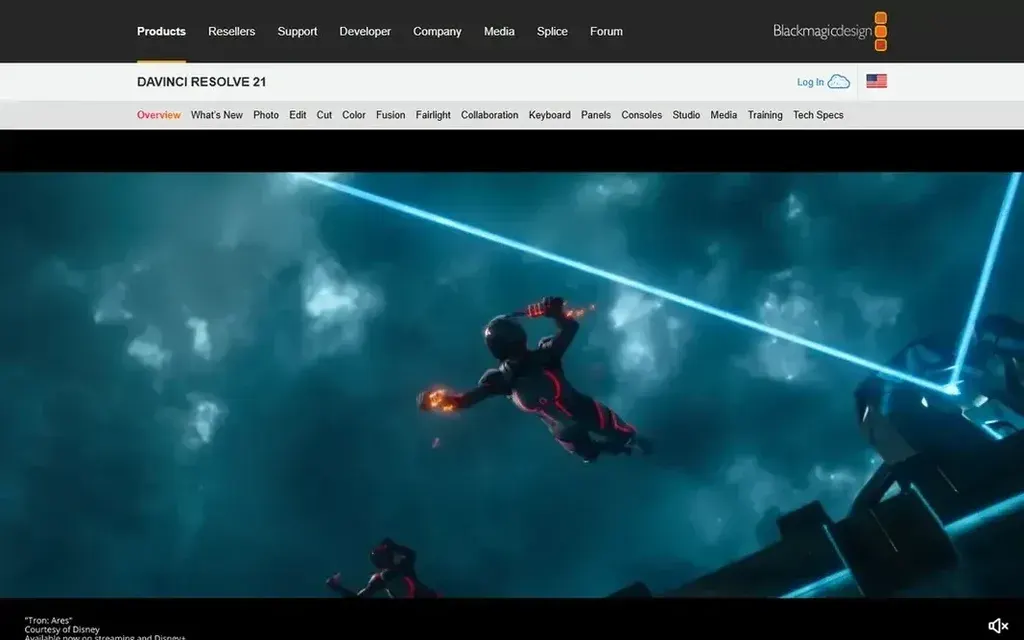
Pick DaVinci Resolve if this describes you: all-in-one editing, color and audio. If you only need fast template-based social edits, a more straightforward design tool may be enough.
Where it is weaker: Plenty of panels can overwhelm beginners.
No starting price is listed for DaVinci Resolve here; confirm pricing on the vendor site. Free access: Not stated.
- Audio post production in the same application
- Windows and Linux
- Demands capable hardware
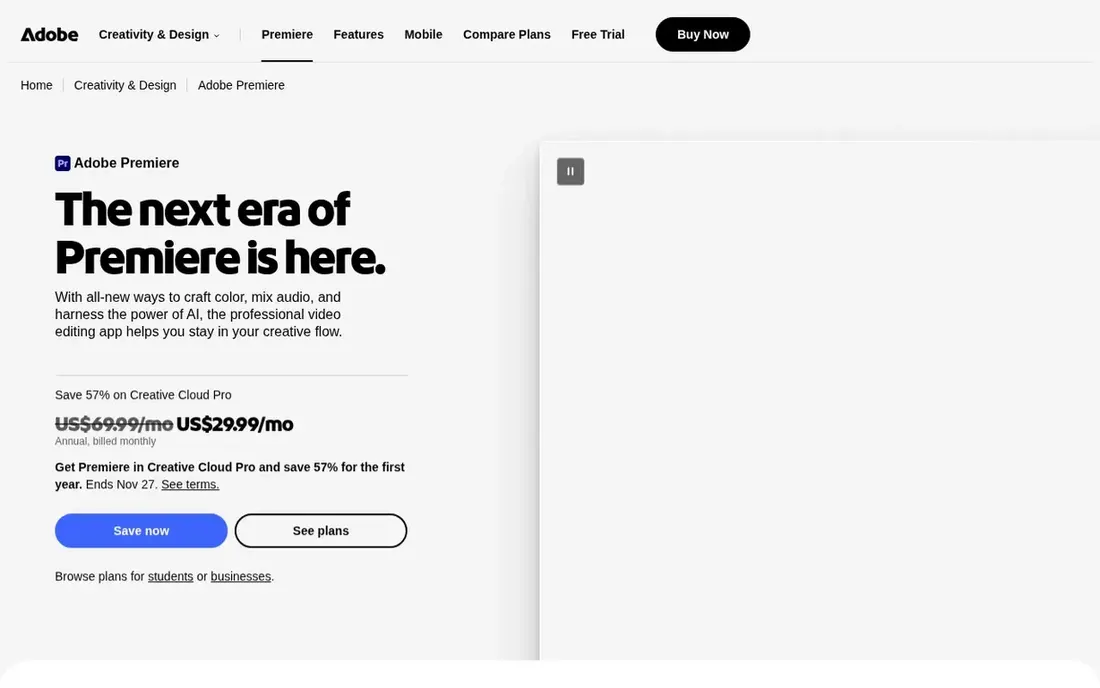
Adobe Premiere Pro serves professional timeline editing and postproduction. Adobe Premiere Pro is professional video editing and postproduction software for editing and trimming footage, adding effects, mixing audio and extending video. Those moving up from a commerce-focused editor will find the depth handy when projects grow beyond straightforward cuts.
Choose Premiere Pro when editing depth and effects control matter more than speed. As for the details, the tradeoff is complexity: new users face a real ramp-up time, and the tool is heavier than fast social editors. Beyond that, if your work is largely short promotional clips with templates, a lighter design-led tool may be quicker. No starting price is listed for Adobe Premiere Pro here; confirm pricing on the vendor site. Free plan details: Not stated.
Honest limits: Ramp-up time for newer editors.
- Audio mixing and video extension built in
- Deep editing
- Heavier than fast social editors
Descript is designed for text-based video and audio editing. It fits podcasters, creators and marketing teams producing spoken content, where removing filler words and restructuring a script by editing text is far quicker than cutting clips manually.
Where it falls short: Less suited to cinematic editing.
What users get: Record, transcribe.
Pick Descript when transcripts and quick spoken-word editing drive your workflow. The starting price for Descript: $16 per person per month. Free access exists with Descript.
- Edit and publish in one tool
- AI features accelerate spoken content
- Best for talking-head and audio content
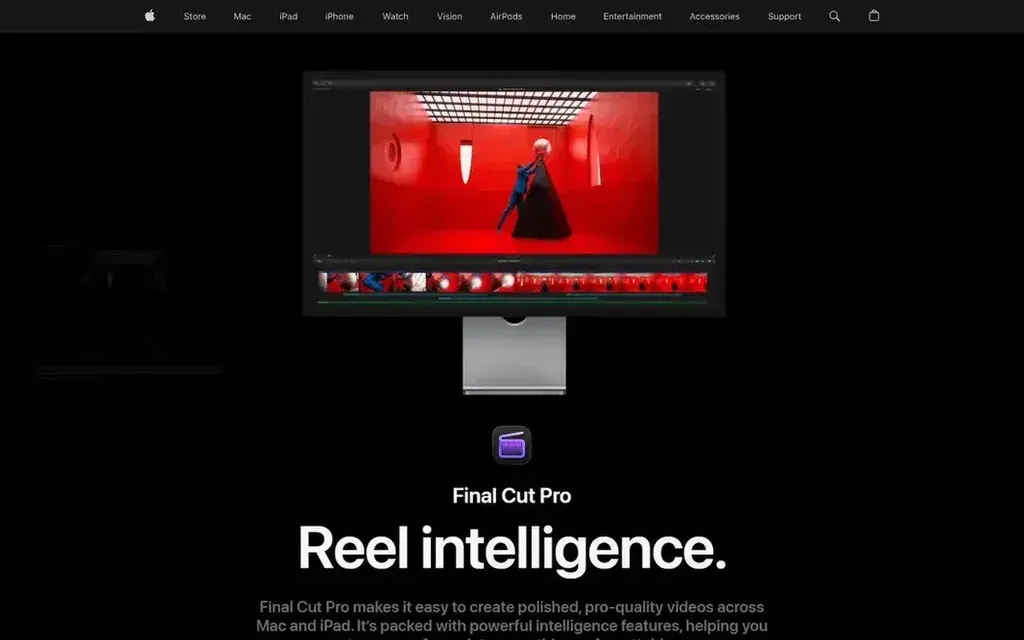
Pick Final Cut Pro if this describes you: Mac and iPad editors wanting speed. Final Cut Pro is Apple's professional editing application, packed with intelligence features that make pro-quality video creation and editing simpler on Mac and iPad.
Where it is weaker: Less handy for Windows teams.
From a buyer's view, choose Final Cut Pro when your team is Apple-centered and values a simplified editing experience. Worth adding: editors who require cross-platform collaboration should look at Premiere Pro or DaVinci Resolve instead. This comparison lists no price for Final Cut Pro; ask the vendor. Free access: Not stated.
- Feature-rich intelligence features for pro-quality creation
- Runs on both Mac and iPad
- Tied to the Apple ecosystem
How these tools were picked
For each of the 5 tools we noted price, free plan or trial, fit for CapCut Commerce Pro and the main limit, using vendor pages and documentation. Figures are shown as the vendors publish them. Billing terms, seat minimums and add-ons can change the real cost. Order on the page follows fit for the typical buyer first, then price transparency and free access. Your own requirements should decide the final pick.
Things to verify first
- Ask Vimeo, DaVinci Resolve, Adobe Premiere Pro and Final Cut Pro for a written quote, since no starting price is shown.
- Check what the free option really includes: Vimeo and Descript offer a free plan, and usage caps differ.
- Read the limits listed for Vimeo first: not a video editor.
- Ask Final Cut Pro whether prices are locked for the first term and what happens at renewal.
- Price DaVinci Resolve for your actual team size; headline prices rarely include add-ons or overage.
FAQ
What is the cheapest option for CapCut Commerce Pro in this list?
On published monthly entry prices, Descript is the lowest here at $16 per person per month. Entry price is only part of the cost, because seats, add-ons and billing terms can change the total. Each of the 5 options in this CapCut Commerce Pro alternatives guide has its own card above with the price, free plan and limits.
Can I try these tools before paying?
Often, yes. Vimeo and Descript have a free plan. Use your own data and a real task during the test, and check what the free tier or trial limits before you rely on it.
How are the tools for CapCut Commerce Pro ordered?
Vimeo sits first and Final Cut Pro last because the order follows typical fit for CapCut Commerce Pro, then price clarity and free access. It is a judgement call, so read each profile for fit and limits.
Is Vimeo the right pick for everyone comparing CapCut Commerce Pro?
No single tool suits every team. Vimeo comes first because it fits hosting and sharing finished videos, while DaVinci Resolve suits all-in-one editing, color and audio and Adobe Premiere Pro suits professional timeline editing and postproduction. Match the tool to your own size, budget and workflow before deciding.
Sources
- https://vimeo.com
- https://www.blackmagicdesign.com/products/davinciresolve
- https://www.adobe.com/products/premiere.html
- https://www.descript.com
- https://www.apple.com/final-cut-pro