Switching From DesignEvo? 5 Alternatives for 2026
5 options for DesignEvo alternatives, with entry costs, free tiers and the buyer each one serves. Verdicts stay brief and factual. Budget notes included.
- Editor's choice
 Tailor Brands
Guided branding for new companies
Starts at$199 a yearVisit tailorbrands.comFull review - Great alternative
 LogoMakr
Original logos with vector export
Starts at$29 one-timeVisit logomakr.comFull review - Also consider
 BrandCrowd
Template-driven logos and business cards
Starts atSee websiteVisit brandcrowd.comFull review
Direct answer
If you need guided branding for new businesses, Tailor Brands is the first tool to look at here. Listed starting prices: Tailor Brands from $199 a year, LogoMakr from $29 one-time and Hatchful from $19 a month. If your case is different, LogoMakr suits original logos with vector export and BrandCrowd suits template-driven logos and business cards. Details, prices and limits for the rest of the 5 tools are below.
TL;DR:
- This list starts with Tailor Brands, which is built for guided branding for new firms.
- Tailor Brands is the only tool of the 5 with a free plan.
- Starting prices begin at $19 per month with Hatchful.
- One limit worth knowing about BrandCrowd: template-led results can feel less unique.
- For all-around visual design work, Canva is worth a look.
Last checked November 2026. Prices and plan details were read from the vendors' own pages in November 2026; vendors change plans often, so confirm the current price on the vendor site before you buy.
Quick comparison
| Tool | Best for | Starts at | Free plan? | |
|---|---|---|---|---|
| Tailor Brands | Guided branding for new companies | $199 a year | Yes | Visit |
| LogoMakr | Original logos with vector export | $29 one-time | No | Visit |
| BrandCrowd | Template-driven logos and business cards | See website | Not stated | Visit |
 Hatchful | Fast AI-generated logos | $19 a month | Free trial | Visit |
 Canva | All-around visual design work | See website | Not stated | Visit |
The full DesignEvo list
This LinkVetted guide covers 5 options for DesignEvo. Each profile lists a starting price, free plan details, strengths and drawbacks, so you can drop poor fits quickly.
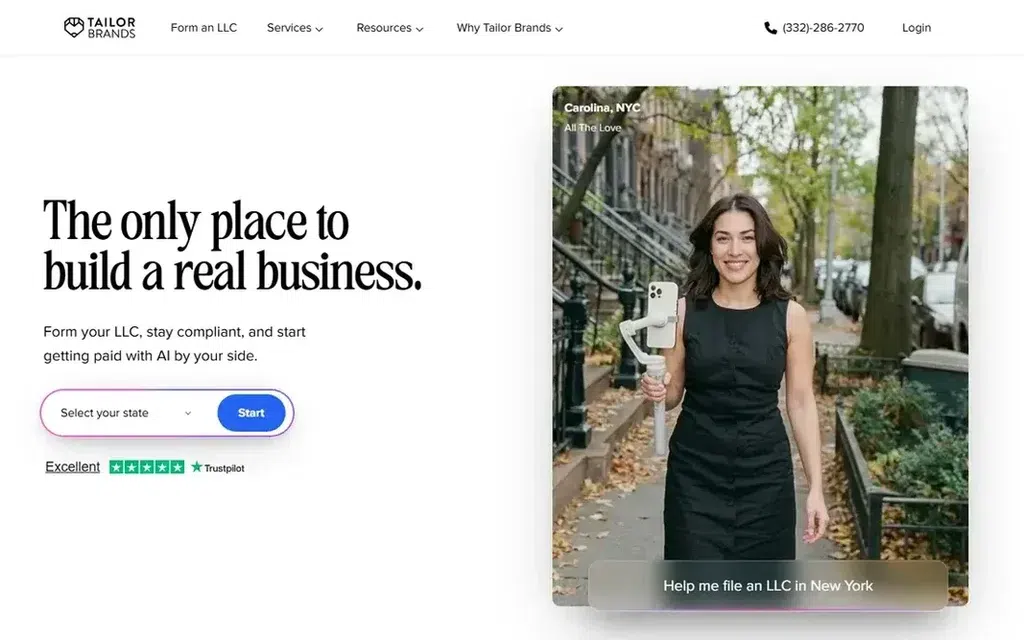
Where Tailor Brands fits: guided branding for new companies. Pick Tailor Brands when brand setup and business identity matter together.
Where it is weaker: Guided flow supplies fewer manual design controls.
Worth adding: Tailor Brands positions itself as a guided business building system that helps you set up, run and grow a business, with logo creation as part of that journey. The starting price for Tailor Brands: $199 per year. Free access exists with Tailor Brands.
- Guided product for setting up and managing a business
- Bundles logo work with wider brand setup tools
- Less handy if you only want a standalone logo file
For original logos with vector export, LogoMakr is a natural candidate. Pick it when vector and print-ready logo files are the priority, and look to a visual suite when you need plenty of design types. As for the details, the canvas approach also hands more practical control than purely template-driven makers, whereas staying straightforward enough for non-designers.
Its template variety is also smaller than what large libraries offer. LogoMakr describes itself as a custom logo maker for small companies, letting you design on a canvas or with AI, convert a logo into vector form and get print-ready files. What you pay to start with LogoMakr: $29 one-time. LogoMakr has no free tier.
Honest limits: Concentrated on logos instead of full design suites.
- Turns logos into vector and print-ready files
- Canvas editor plus AI logo options
- Fewer templates than large marketplace-style tools
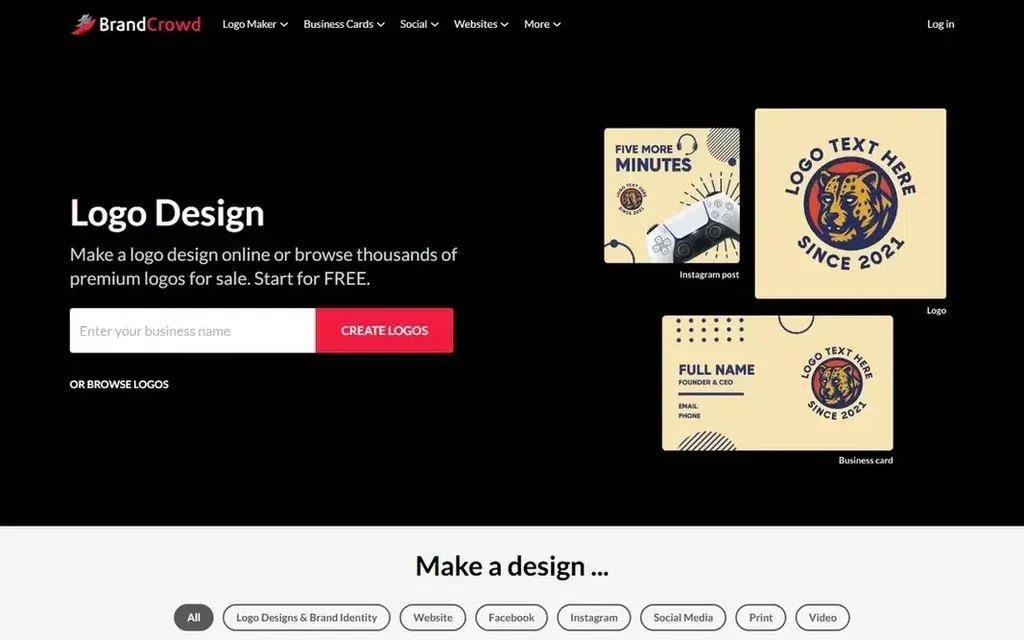
BrandCrowd is built with template-driven logos and business cards in mind. The flow is quick: choose a template, customize it, then download.
Choose it when speed and ready-made layouts matter most. BrandCrowd does not show a starting price in this comparison, so check the vendor site for current pricing. Trial and free access: Not stated.
Trade-offs to know: Template-led results can feel less unique.
- Instant download after customizing a design
- Large template library across logos
- Less suited to broader design projects
Where Hatchful fits: fast AI-generated logos. The pitch is speed and simplicity, so you can move on to setting up the rest of your business. Hatchful is built around logo generation, so it does not replace a full design suite for social posts, print layouts or continuing campaigns.
In practice, choose it for a quick starting logo, and pair it with a broader design tool when you need more asset types. Beyond that, AI-generated results can also need adjustment to match a specific brand direction. The starting price for Hatchful: $19 per month. Free access: Free trial.
Honest limits: AI output may need refinement for precise brand needs.
- High-resolution downloads described as instant
- AI logo generation with no design skills required
- Narrow scope beyond logo creation
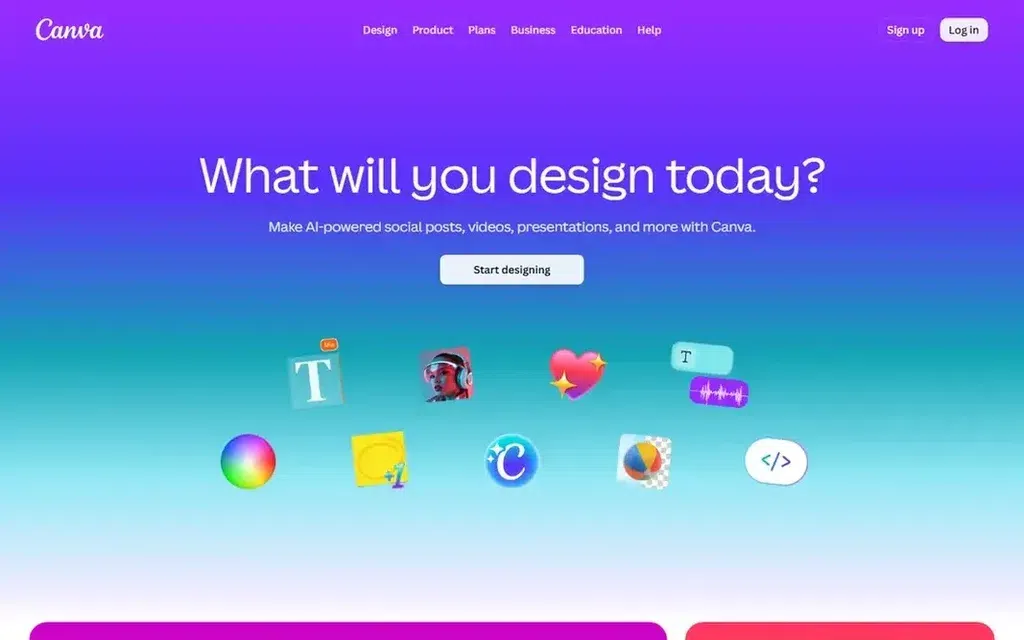
Canva was built for all-around visual design work. Since Canva is made for general design, its logo workflow is less specialized than dedicated logo makers, and very precise vector control may be restricted.
Trade-offs to know: Wide feature set can feel busy for a single logo task.
Worth adding: pick it when you need numerous asset types in one place. For everyday use, for people leaving a single-purpose logo maker, that breadth is the central draw: one workspace manages the logo plus the surrounding brand assets. No starting price is listed for Canva here; confirm pricing on the vendor site. As for free access: Not stated.
- Spans social posts, presentations, posters
- Browser-based visual suite for non-designers
- Logo-specific controls are lighter than dedicated makers
What went into this list
Pricing pages, product documentation and feature lists were the main sources, and every entry carries at least one honest drawback. Seat minimums, billing terms and add-ons can move the real cost, so the starting prices here are a guide and not a quote. Tools are placed by general fit for DesignEvo, with price clarity and free access as tie-breakers. A different team can reasonably rank them differently.
Before you commit
- Ask BrandCrowd and Canva for a written quote, since no starting price is shown.
- Test the free plan from Tailor Brands against your real workload before relying on it.
- Run a trial of Hatchful with real work before paying for a year; your own workflow is the best test.
- Before choosing Tailor Brands, weigh its main limit: less handy if you only want a standalone logo file.
- Check whether the features you need in LogoMakr sit on the entry plan or only on higher tiers.
- Ask BrandCrowd about contract length, onboarding fees and user minimums before you sign.
FAQ
How are the tools for DesignEvo ordered?
The order follows typical fit for DesignEvo, with Tailor Brands first and Canva last, then price clarity and free access. It is editorial judgement, not a score, so another team could rank the tools differently.
What is the cheapest option for DesignEvo in this list?
On published monthly entry prices, Hatchful is the lowest here at $19 per month. Entry price is only part of the cost, because seats, add-ons and billing terms can change the total. All 5 picks in this DesignEvo alternatives comparison list a starting price, free plan details and the main limits on their cards above.
Can I try these tools before paying?
Often, yes. Tailor Brands has a free plan and Hatchful offers a free trial. Use your own data and a real task during the test, and check what the free tier or trial limits before you rely on it. For the full picture, the cards above cover all 5 entries of this DesignEvo alternatives list, including price, free plan and limits.
Do these tools publish their prices?
Not all of them. BrandCrowd and Canva publish no starting price, so expect a quote request for those. The rest, Tailor Brands included, show a starting price, though seats and billing terms still change the final cost.
Sources
- https://www.tailorbrands.com
- https://logomakr.com
- https://www.brandcrowd.com
- https://hatchful.shopify.com
- https://www.canva.com