Best Capcut Alternatives for 2026 (5 Compared)
Weighing capcut alternatives video editing apps? We lined up 5 products by cost, free access and fit. The catches are listed up front. Clear verdicts.

- Editor's choice
 CyberLink PowerDirector
Quick AI-driven edits with effects
Starts at$54.99 per monthVisit cyberlink.comFull review - Great alternative
 DaVinci Resolve
Color correction and all-in-one post
Starts atSee websiteVisit blackmagicdesign.comFull review - Also consider
 Vegas Pro
Windows editing with audio and VFX
Starts atSee websiteVisit vegascreativesoftware.comFull review
Direct answer
CyberLink PowerDirector is the first pick on this list for quick AI-driven edits with effects. Listed starting prices: CyberLink PowerDirector from $54.99 per month. DaVinci Resolve is the stronger choice for color correction and all-in-one post, while Vegas Pro suits Windows editing with audio and VFX. The other 2 tools in the list cover narrower or pricier cases.
TL;DR:
- The list opens with CyberLink PowerDirector, aimed at quick AI-driven edits with effects.
- Filmora is the one to check for approachable AI-assisted editing.
- A permanent free plan is missing from all 5 tools, CyberLink PowerDirector and Filmora included; plan for a trial or a premium start.
- For the cheapest start, look at CyberLink PowerDirector: $54.99 per month.
- Check the limits for CyberLink PowerDirector before you commit: feature depth varies by edition.
Last checked November 2026. Prices and plan details were read from the vendors' own pages in November 2026; vendors change plans often, so confirm the current price on the vendor site before you buy.
Quick comparison
| Tool | Best for | Starts at | Free plan? | |
|---|---|---|---|---|
| CyberLink PowerDirector | Quick AI-driven edits with effects | $54.99 per month | Not stated | Visit |
| DaVinci Resolve | Color correction and all-in-one post | See website | Not stated | Visit |
| Vegas Pro | Windows editing with audio and VFX | See website | Not stated | Visit |
 Adobe Premiere Pro | Professional timeline editing and postproduction | See website | Not stated | Visit |
 Filmora | Approachable AI-assisted editing | See website | Not stated | Visit |
Capcut Alternatives Video Editing Apps compared in detail
If you are comparing capcut alternatives video editing apps, this page covers 5 tools in one place: what each is best for, what it costs to start, whether it has a free plan, and the main limit to know about.
CyberLink PowerDirector is aimed squarely at quick AI-driven edits with effects. Pick PowerDirector for speed and effects, and look to Premiere Pro or Resolve when you need deeper manual control.
Entry price for CyberLink PowerDirector: $54.99 per month. Trial and free access: Not stated.
Drawbacks to consider: Feature depth varies by edition.
- Pro-grade effects library
- AI tools for quicker editing
- Busy interface for newcomers
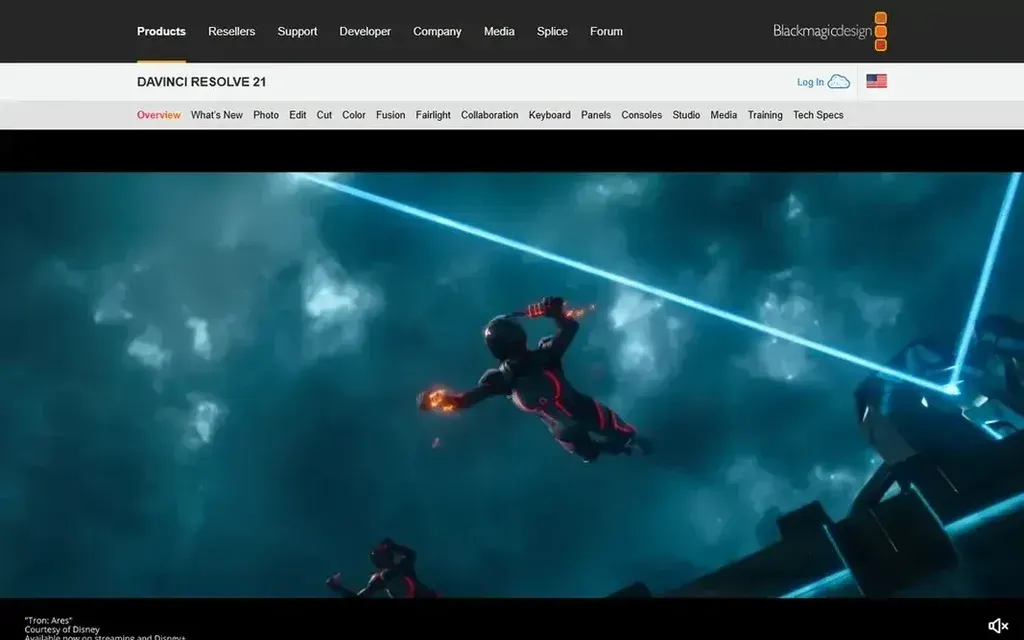
In short, DaVinci Resolve is for color correction and all-in-one post. DaVinci Resolve from Blackmagic Design bundles professional editing, color correction, visual effects and audio postproduction in a single application. Its homepage notes free and premium versions for Mac, Windows and Linux.
What to check first: Dense interface for beginners.
That breadth makes it appealing to creators who want color grading and sound work alongside cutting, and to anyone who prefers one application over multiple separate tools. Pick something lighter such as Filmora if you want fast results, and choose Resolve when color and finishing work are central to your projects. DaVinci Resolve shows no starting price here, so confirm the cost on the vendor site. Trial and free access: Not stated. Main advantages: Available for Mac.
- VFX and audio in one app
- Editing, color
- Demanding on hardware
Vegas Pro serves Windows editing with audio and VFX. The app appeals to Windows editors who want a capable suite with strong audio handling and a workflow that differs from the track conventions of other professional tools.
Honest limits: Windows only.
More specifically, choose Vegas Pro when you work on Windows and want AI tools, color and audio in one professional package. Vegas Pro shows no starting price here, so confirm the cost on the vendor site. As for free access: Not stated.
- AI tools and color grading
- Visual effects and audio features
- Interface differs from mainstream editors
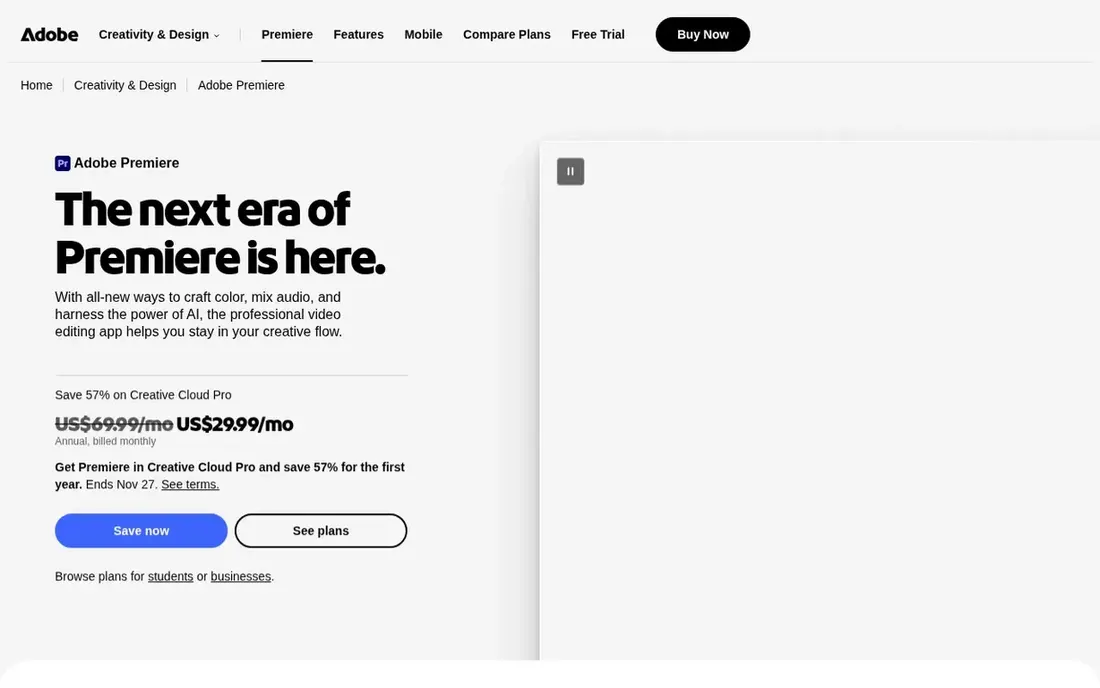
Adobe Premiere Pro targets professional timeline editing and postproduction. Adobe Premiere Pro is professional video editing and postproduction software for desktop. Its homepage flags editing and trimming, effects, audio mixing and extended video work, which makes it a fit for editors who want a full timeline and a wide toolset instead of a fast mobile-style edit.
Upsides: Deep editing.
Drawbacks to consider: Steeper ramp-up time.
In daily use, choose Premiere Pro when depth and workflow integration matter more than simplicity. As for the details, people moving up from CapCut commonly choose it when projects grow longer and need finer control. Also, if you primarily want quick social edits with AI helpers, a lighter app like Filmora or PowerDirector may suit you better. Check the vendor site for Adobe Premiere Pro pricing; none is listed in this comparison. Free access: Not stated.
- Suits Creative Cloud workflows
- Audio mixing built into the workflow
- Subscription required
Think of Filmora for approachable AI-assisted editing. Filmora from Wondershare is AI-powered video editing software for desktop and mobile, with easy-to-learn timeline tools plus AI features, effects, captions and audio tools. The mobile choice helps when edits have to happen away from a desk.
Drawbacks to consider: Some features tied to premium access.
From a buyer's view, pick Filmora when speed, AI assistance and a simple timeline matter more than advanced postproduction control. In practice, some capabilities rely on premium access. No starting price is listed for Filmora here; confirm pricing on the vendor site. Trial and free access: Not stated.
- Easy-to-learn timeline tools
- Effects and captions
- Less depth than pro suites
How we compared the tools
Before you commit
- Confirm the entry price on the vendor page. For DaVinci Resolve, Vegas Pro, Adobe Premiere Pro and Filmora that means a quote rather than a fixed price.
- Read the limits listed for CyberLink PowerDirector first: feature depth varies by edition.
- Check how data leaves CyberLink PowerDirector: formats, limits and whether exports are available on every plan.
- Map your must-have features to a specific DaVinci Resolve plan before you compare prices.
- Look at the help docs and support options for Vegas Pro before you commit.
FAQ
Can I try these options before paying?
Not by default. None of the tools, from CyberLink PowerDirector to Filmora, lists a free plan or a free trial here, so ask each vendor for a demo before committing.
Which app is a good match for color grading?
The first pick on this list is CyberLink PowerDirector, because it suits quick AI-driven edits with effects. DaVinci Resolve is better for color correction and all-in-one post, and Vegas Pro for Windows editing with audio and VFX. Check price and limits against your own needs before choosing.
Does any tool for capcut alternatives video editing apps here have a free plan?
No tool in this list, CyberLink PowerDirector and Filmora included, has a permanent free plan. Trials and quotes are the usual route, so plan a short evaluation period.
How are the capcut alternatives video editing apps ordered?
CyberLink PowerDirector sits first and Filmora last because the order follows typical fit for capcut alternatives video editing apps, then price clarity and free access. It is a judgement call, so read each profile for fit and limits.
Can I edit professionally without a subscription?
DaVinci Resolve gives you both free and premium versions, so it is worth checking its current terms on the vendor site. Adobe Premiere Pro is subscription-based, so compare how each suits your budget and workflow before committing.
Which CapCut alternative is a good match for beginners?
The first pick on this list is CyberLink PowerDirector, because it suits quick AI-driven edits with effects. DaVinci Resolve is better for color correction and all-in-one post, and Vegas Pro for Windows editing with audio and VFX. Check price and limits against your own needs before choosing.
Sources
- https://www.cyberlink.com/products/powerdirector/overview_en_US.html
- https://www.blackmagicdesign.com/products/davinciresolve
- https://www.vegascreativesoftware.com/us/vegas-pro
- https://www.adobe.com/products/premiere.html
- https://filmora.wondershare.com