Bookmark Manager for Designers in 2026: The 5 Best Options Side by Side
Need the best bookmark manager for designers? We compare 5 tools on cost, free access and who each suits. Limits and pricing notes included. Read the profiles.
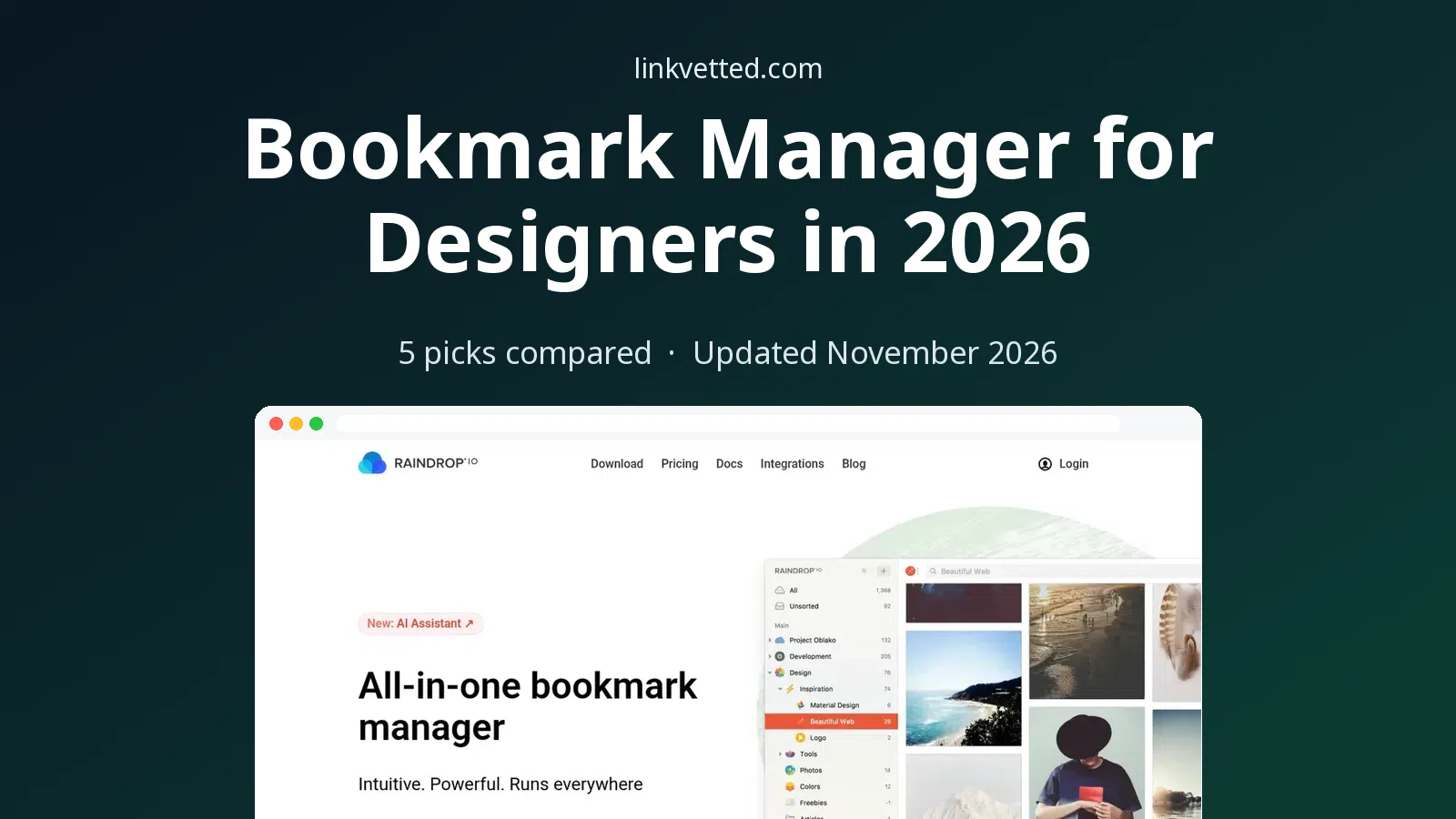
- Editor's choice
 Raindrop.io
Quick bookmark capture and organization
Starts atSee websiteVisit raindrop.ioFull review - Great alternative
 Pinterest
Discovering and pinning visual inspiration
Starts atSee websiteVisit pinterest.comFull review - Also consider
 Notion
Adaptable workspace with saved references
Starts at$10 per member a monthVisit notion.soFull review
Direct answer
If you need quick bookmark capture and organization, Raindrop.io is the first tool to look at here. Listed starting prices: Notion from $10 per member a month and Milanote from $9.99 per person a month billed annually. Look at Pinterest for discovering and pinning visual inspiration, and at Notion for adaptable workspace with saved references. Prices, free plans and limits for all 5 tools follow.
TL;DR:
- This list starts with Raindrop.io, which is built for quick bookmark capture and organization.
- Raindrop.io, Notion, Milanote: these are the 3 tools out of 5 that offer a free plan.
- For the cheapest start, look at Milanote: $9.99 per person per month billed annually.
- One limit worth knowing about Notion: needs setup to work as a bookmark tool.
- For visual boards for creative projects, Milanote is worth a look.
Last checked November 2026. Prices and plan details were read from the vendors' own pages in November 2026; vendors change plans often, so confirm the current price on the vendor site before you buy.
Quick comparison
| Tool | Best for | Starts at | Free plan? | |
|---|---|---|---|---|
| Raindrop.io | Quick bookmark capture and organization | See website | Yes | Visit |
| Pinterest | Discovering and pinning visual inspiration | See website | Not stated | Visit |
| Notion | Adaptable workspace with saved references | $10 per member a month | Yes | Visit |
 Are.na | Connecting ideas and building knowledge | See website | Not stated | Visit |
 Milanote | Visual boards for creative projects | $9.99 per person a month billed annually | Yes | Visit |
The 5 tools in detail
If you are comparing bookmark manager for designers, this page covers 5 tools in one place: what each is best for, what it costs to start, whether it has a free plan, and the main limit to know about.
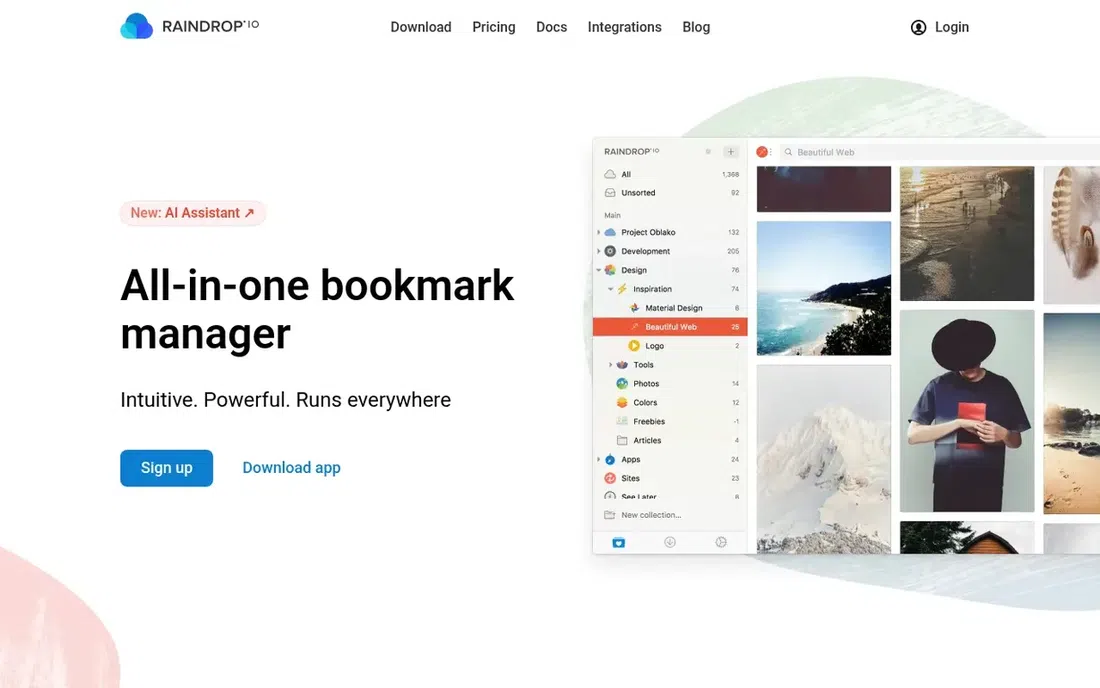
Raindrop.io is a good fit for quick bookmark capture and organization. Raindrop.io presents itself as an all-in-one bookmark manager for inspiration, read-later content, media and more.
Downsides: Not designed around design files.
It is a bookmark manager first, so it is weaker for storing and previewing large design files for example layered artwork. Pricing for Raindrop.io is not stated here, so ask the vendor for current figures. Raindrop.io has a free plan.
- All-in-one bookmark manager for links and media
- Organizes saved items in one place
- Visual board style is secondary to bookmarking
Pinterest works best for discovering and pinning visual inspiration. Pinterest is a discovery system for recipes, home ideas, style inspiration and other ideas to try.
Honest limits: Discovery-led rather than archive-led.
More specifically, pick a dedicated manager when you need tight control over filing and search. Pinterest does not show a starting price in this comparison, so check the vendor site for current pricing. As for free access: Not stated.
- Broad range of style and home ideas
- Capable for visual discovery
- Less control over in-depth filing
Pick Notion if this describes you: adaptable workspace with saved references. Notion is an AI workspace for building custom tools, searching across apps and automating busywork. As for the details, designers can shape it into a reference database with linked pages, notes and embedded material, which fits teams that want their inspiration, project notes and documentation to live in the same workspace.
It does not capture bookmarks or files as straight as dedicated tools, so it takes deliberate setup and upkeep. In daily use, choose a purpose-built manager if you want to save references in a couple of clicks without designing a system first. Entry price for Notion: $10 per member per month. Free access exists with Notion.
Where it falls short: Needs setup to work as a bookmark tool.
- Adaptable pages and databases for organizing
- Search across connected apps
- Visual board feel is not the core focus
Where Are.na fits: connecting ideas and building knowledge. Designers with a research-heavy practice can use channels to gather references and relate them to one another, which fits conceptual projects where the thinking behind the collection matters as much as the items in it. Its slower, reflective style is not well suited to rapid bookmark capture or large file libraries.
Honest limits: Interface favors reflection over speed.
If you want quick saving and heavy search, a conventional manager will be more efficient. Are.na describes itself as a product for connecting ideas and building knowledge. Are.na does not show a starting price in this comparison, so check the vendor site for current pricing. As for free access: Not stated.
- Fits research-driven design work
- Made for connecting ideas together
- Less of a quick-save bookmark tool
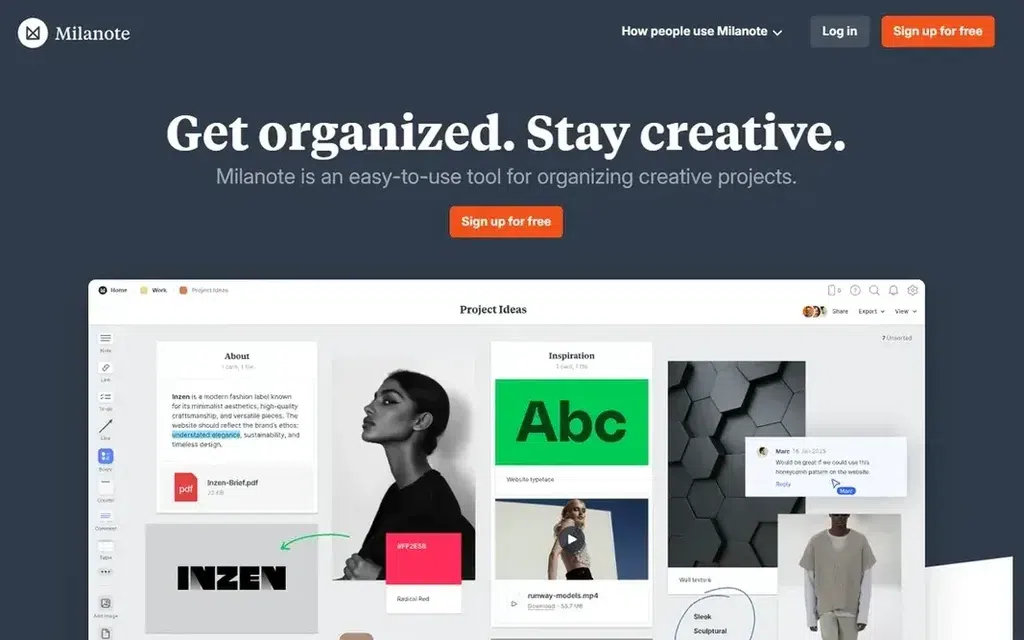
Milanote is designed for visual boards for creative projects. Since it is built around boards, Milanote is less suited to capturing links at speed whereas browsing, and heavy bookmark hoarders may want a dedicated manager alongside it. Also, choose something else if your primary need is a large, searchable archive of saved URLs instead of a visual workspace.
Best features of Milanote: links and files together.
The main drawbacks: Less centred on quick one-click bookmark capture.
For designers, that makes it a natural home for moodboards, reference collections and early project thinking, since links and visual material sit side by side rather than being buried in folders. Beyond that, Milanote is a tool for organizing creative projects into visual boards. Starting cost for Milanote: $9.99 per person per month billed annually. Free access exists with Milanote.
- Boards can be shared with a team
- Accepts notes, images
- Visual approach may feel loose for strict filing
How we compared the tools
Questions to settle before buying
- Get a written quote from Raindrop.io, Pinterest and Are.na; the list shows no starting price for them.
- Read the fine print on the free plans from Raindrop.io, Notion and Milanote; seat, project and feature caps differ.
- Read the limits listed for Raindrop.io first: not shaped around design files.
- Look at which plan of Raindrop.io unlocks the features you need; entry tiers are often cut down.
- A short pilot of Are.na with your real workflow tells you more than a feature table.
FAQ
Can I try these tools before paying?
Often, yes. Raindrop.io, Notion and Milanote have a free plan. Use your own data and a real task during the test, and check what the free tier or trial limits before you rely on it.
What is the best bookmark manager for designers overall?
For most readers this guide would start with Raindrop.io, built for quick bookmark capture and organization. Pinterest is the alternative for discovering and pinning visual inspiration, and Notion for adaptable workspace with saved references. The right answer depends on budget and workflow.
Which options for bookmark manager for designers have a free plan?
On this list, Raindrop.io, Notion and Milanote include a free plan. Caps on seats, usage or features are common, so test the free plan against your real workload.
What is the cheapest option for bookmark manager for designers in this list?
On published monthly entry prices, Milanote is the lowest here at $9.99 per person per month billed annually. Entry price is only part of the cost, because seats, add-ons and billing terms can change the total. Each of the 5 options in this Bookmark manager for designers guide has its own card above with the price, free plan and limits.
How are the tools for bookmark manager for designers ordered?
The order follows typical fit for bookmark manager for designers, with Raindrop.io first and Milanote last, then price clarity and free access. It is editorial judgement, not a score, so another team could rank the tools differently.