Design Manager Alternatives in 2026: 5 Options Vetted
5 products for Design Manager alternatives, ranked by fit, with starting costs and free tiers. Clear notes on pricing gaps and limits. Updated November 2026.
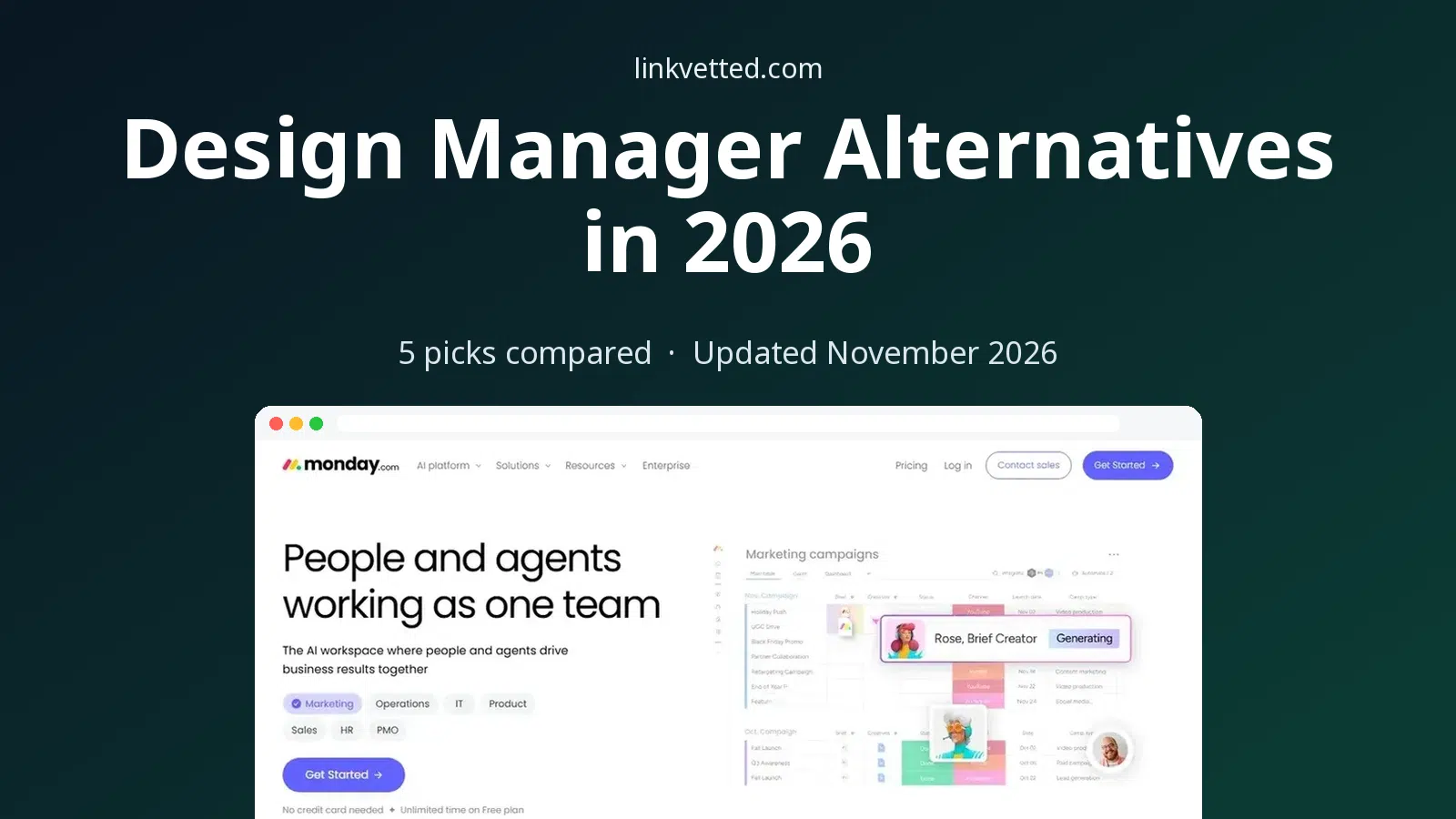
- Editor's choice
 Monday.com
Visual boards and adaptable workflows
Starts at$9 per seat per monthVisit monday.comFull review - Great alternative
 Wrike
Enterprise work delivery control
Starts atSee websiteVisit wrike.comFull review - Also consider
 Asana
Structured project and workflow tracking
Starts at$10.99 per user a monthVisit asana.comFull review
Direct answer
This list puts Monday.com first for visual boards and flexible workflows. Listed starting prices: Monday.com from $9 per seat per month, Asana from $10.99 per user a month and ClickUp from $9 per user a month. If your case is different, Wrike suits enterprise work delivery control and Asana suits structured project and workflow tracking. All 5 tools are compared below on price, free plan and limits.
TL;DR:
- Monday.com is the opening pick, best for visual boards and adaptable workflows.
- One limit worth knowing about Asana: design-specific review features are restricted.
- The lowest published monthly entry price here is $9 per seat per month, from Monday.com.
- 4 of 5 tools offer a free plan: Monday.com, Asana, ClickUp, Airtable.
- For custom databases and automatic workflows, Airtable is worth a look.
Last checked November 2026. Prices and plan details were read from the vendors' own pages in November 2026; vendors change plans often, so confirm the current price on the vendor site before you buy.
Quick comparison
| Tool | Best for | Starts at | Free plan? | |
|---|---|---|---|---|
| Monday.com | Visual boards and adaptable workflows | $9 per seat per month | Yes | Visit |
| Wrike | Enterprise work delivery control | See website | Not stated | Visit |
| Asana | Structured project and workflow tracking | $10.99 per user a month | Yes | Visit |
 ClickUp | All-in-one productivity in one app | $9 per user a month | Yes | Visit |
 Airtable | Custom databases and automatic workflows | $20 per user a month | Yes | Visit |
The best Design Manager
LinkVetted put together this guide to Design Manager for readers who want a clear shortlist without reading every vendor page. It compares 5 tools on starting price, free plans, who each one suits and where each one falls short.
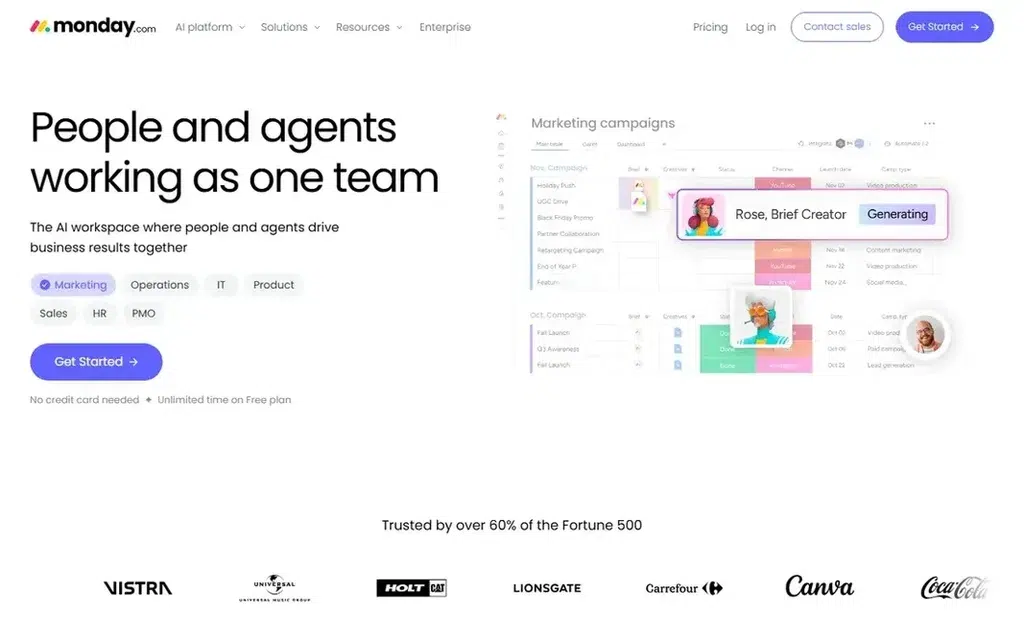
In short, Monday.com is for visual boards and adaptable workflows. Monday.com describes itself as an AI workspace for people and agents, where teams execute, run and operate together to drive business results.
Where it is weaker: Numerous features can overwhelm new users.
Beyond that, consider a different choice if you need strict enterprise governance or spreadsheet-native planning instead of visual boards. On top of that, marketing, creative and operations teams commonly use it to handle requests and campaigns in a single shared workspace. The starting price for Monday.com: $9 per seat per month. Monday.com offers a free plan.
- Visual board-based interface
- Adaptable workflow building
- Customization can grow complicated over time
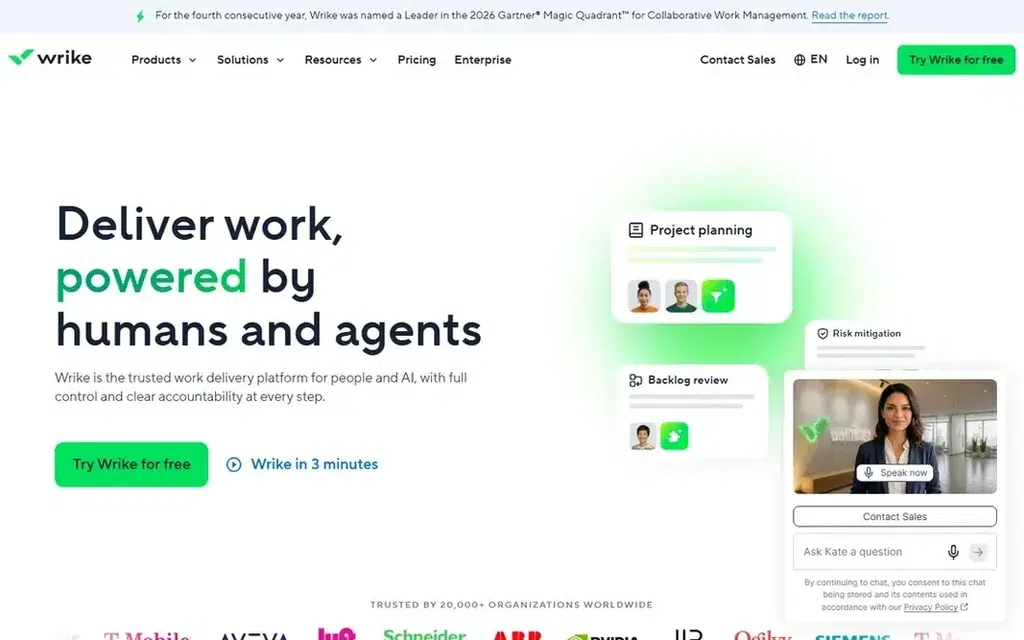
Wrike targets enterprise work delivery control. In practice, look elsewhere if you want a light board tool or a spreadsheet-first approach instead of governed delivery workflows.
From a buyer's view, Wrike is oriented toward enterprise needs, so small teams may find the interface and configuration heavier than necessary. Creative operations and marketing teams in complicated environments are a typical fit. Pricing for Wrike is not stated here, so ask the vendor for current figures. As for free access: Not stated.
The main drawbacks: Interface can feel dense for small teams.
- Supports people and AI in workflows
- Aimed at enterprise work delivery
- Configuration needs planning
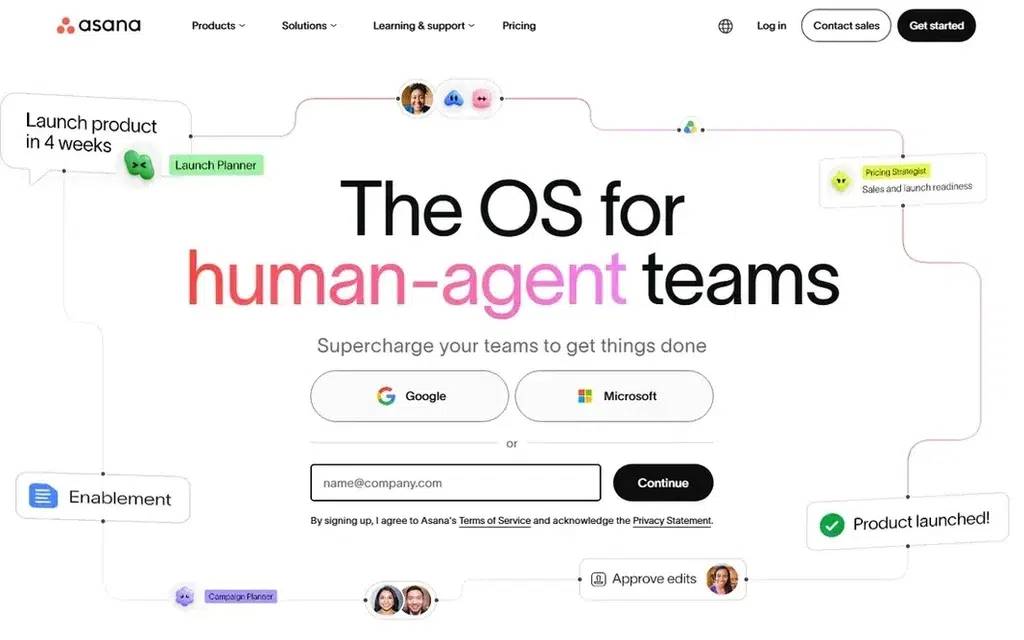
In short, Asana is for structured project and workflow tracking. Asana is work management software for teams and AI agents, built around planning, automating and executing critical workflows together.
As for the details, pick something else if your priority is spreadsheet-style tracking or a highly configurable database structure instead of task-based project plans. In daily use, Asana is general-purpose work management, so teams needing dedicated design file review or asset versioning may find it less specialized. Entry price for Asana: $10.99 per user per month. Asana includes a free tier.
Honest limits: Complicated programs need setup discipline.
- Supports teams working with AI agents
- Clear task and project organization
- Design-specific review features are limited
Pick ClickUp if this describes you: all-in-one productivity in one app. It can serve creative teams managing requests alongside broader company work.
The main drawbacks: Feature depth can overwhelm newcomers.
It is general productivity software instead of a design-specific system. The starting price for ClickUp: $9 per user per month. ClickUp includes a free tier.
- Aims to consolidate scattered tools
- Goals and chat together
- Plenty of settings need careful setup
Airtable is aimed squarely at custom databases and automatic workflows. Airtable is positioned around building enterprise-ready AI workflows, apps and agents, enabling live collaboration and automation of repetitive tasks to simplify business processes. It performs well for creative operations that need customized views over structured records.
Points against: Less prescriptive for project plans.
It is not a dedicated design review tool. On top of that, pick a different product if you want ready-made project templates and timelines instead of a build-your-own workflow system. On cost, Airtable starts like this: $20 per user per month. Airtable offers a free plan.
- Live collaboration on records
- Adaptable database-style structure
- Needs design thinking to structure
How we chose
LinkVetted looked at what each vendor publishes: pricing, plan limits, feature coverage for Design Manager and stated drawbacks. No hands-on testing is claimed. Treat prices as a snapshot: vendors change plans often, so check the vendor site for the figure that applies today. The sequence is a judgement call: typical use case first, then pricing transparency, then free access. Use the profiles to check fit.
What to check before you buy
- Confirm the entry price on the vendor page. For Wrike that means a quote rather than a fixed price.
- Read the fine print on the free plans from Monday.com, Asana, ClickUp and Airtable; seat, project and feature caps differ.
- Before choosing Monday.com, weigh its main limit: plenty of features can overwhelm new users.
- Verify that exporting from Asana is possible on your plan and covers all your records.
- Ask ClickUp which support channels and response times come with the plan you would buy.
FAQ
Which options for Design Manager have a free plan?
On this list, Monday.com, Asana, ClickUp and Airtable include a free plan. Caps on seats, usage or features are common, so test the free plan against your real workload.
How are the tools for Design Manager ordered?
The order follows typical fit for Design Manager, with Monday.com first and Airtable last, then price clarity and free access. It is editorial judgement, not a score, so another team could rank the tools differently.
What should I look for in a Design Manager alternative?
Focus on how your team tracks requests, reviews and approvals, then match that to a system's project views, automation and reporting. Consider whether you need visual boards, spreadsheet-style grids or a configurable database.
Is Monday.com the right pick for everyone comparing Design Manager?
No single tool suits every team. Monday.com comes first because it fits visual boards and flexible workflows, while Wrike suits enterprise work delivery control and Asana suits structured project and workflow tracking. Match the tool to your own size, budget and workflow before deciding.
Do these tools publish their prices?
Not all of them. Wrike publishes no starting price, so expect a quote request for it. The rest, Monday.com included, show a starting price, though seats and billing terms still change the final cost. For the full picture, the cards above cover all 5 entries of this Design Manager alternatives list, including price, free plan and limits.
Sources
- https://monday.com
- https://www.wrike.com
- https://asana.com
- https://clickup.com
- https://www.airtable.com