Daz 3D Alternatives in 2026: 5 Options Vetted
Daz 3D alternatives: 5 contenders ranked by fit, with entry costs and free tiers. Cinema 4D takes the lead for motion graphics and general 3D work. No filler.
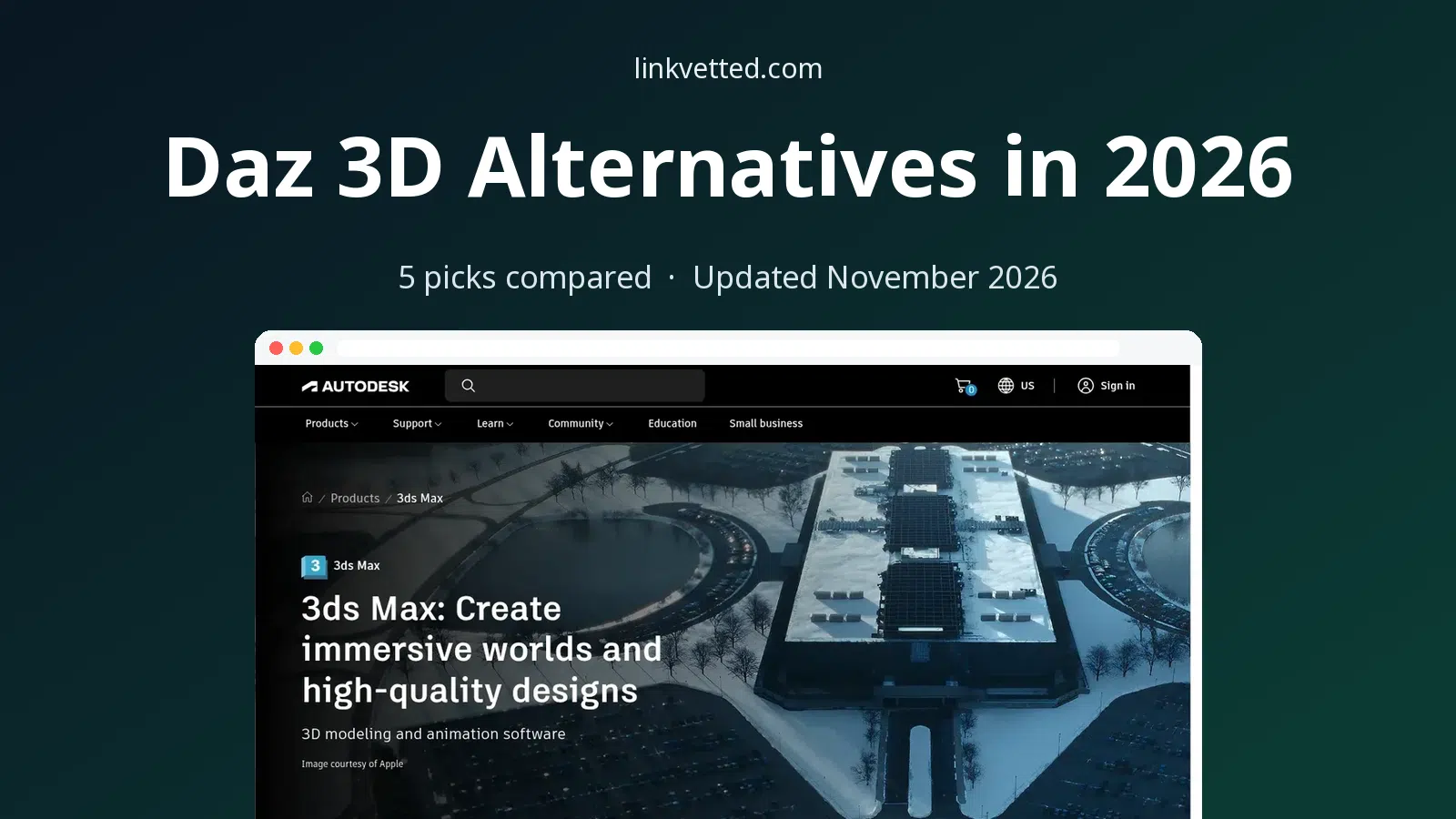
- Editor's choice
 Cinema 4D
Motion graphics and general 3D work
Starts atPricing on requestVisit maxon.netFull review - Great alternativePoser
Figure posing and rendering
Starts atPricing on requestVisit posersoftware.comFull review - Also consider
 ZBrush
Digital sculpting and detail work
Starts atPricing on requestVisit maxon.netFull review
Direct answer
If you need motion graphics and general 3D work, Cinema 4D is the first tool to look at here. Poser is better for figure posing and rendering, and ZBrush is better for digital sculpting and detail work. Free plan facts and limits for all 5 tools follow. None of these vendors publish plan prices, so pricing is on request for every option.
TL;DR:
- This list starts with Cinema 4D, which is built for motion graphics and general 3D work.
- For rigged game-ready character design, Character Creator is worth a look.
- Check the limits for ZBrush before you commit: sculpting focus, not animation.
- Cinema 4D, Character Creator and the 3 others all need a premium plan or a trial, since no free plan is listed.
- Pricing across the list, from Cinema 4D to Character Creator, is by quote only.
Last checked November 2026. Pricing on request: vendors did not publish plan prices when this guide was last checked (November 2026), so ask each vendor for a written quote.
Quick comparison
| Tool | Best for | Starts at | Free plan? | |
|---|---|---|---|---|
| Cinema 4D | Motion graphics and general 3D work | Pricing on request | Not stated | Visit |
| Poser | Figure posing and rendering | Pricing on request | Not stated | Visit |
| ZBrush | Digital sculpting and detail work | Pricing on request | Not stated | Visit |
 Autodesk 3ds Max | Professional modeling, animation, and rendering | Pricing on request | Not stated | Visit |
| Character Creator | Rigged game-ready character design | Pricing on request | Not stated | Visit |
Daz 3D, one by one
This LinkVetted guide covers 5 options for Daz 3D. Each profile lists a starting price, free plan details, strengths and drawbacks, so you can drop poor fits quickly.
Cinema 4D is a good fit for motion graphics and general 3D work. It deals with characters, products, and abstract design in a single environment, which makes it an adaptable alternative for Daz 3D users who want to expand beyond figure posing.
Honest limits: Not character-library focused.
Cinema 4D shows no starting price here, so confirm the cost on the vendor site. Free plan details: Not stated.
- Wide rendering choices
- Widely used for motion graphics
- Generalist ramp-up time
Poser
Best for: Figure posing and rendering
Think of Poser for figure posing and rendering. In practice, Poser's content and community ecosystem is smaller than some competing systems.
Its toolset has not kept pace with newer character suites in every area. Poser shows no starting price here, so confirm the cost on the vendor site. Free access: Not stated.
What to check first: Aging compared to newer tools.
- Approachable for hobbyist workflows
- Long-standing figure posing focus
- Smaller ecosystem than some rivals
ZBrush is designed for digital sculpting and detail work. Beyond that, if you need ready-made rigged figures, a character design suite is the better pick.
ZBrush is built around sculpting, so rigging, animation, and scene assembly are restricted or handled elsewhere. Its interface and brush-based approach differ sharply from Daz 3D, which means a real adjustment period. No starting price is listed for ZBrush here; confirm pricing on the vendor site. On free options: Not stated.
Downsides: Sculpting focus, not animation.
- Used across film and games
- Industry-standard sculpting brushes
- Different workflow from posing tools
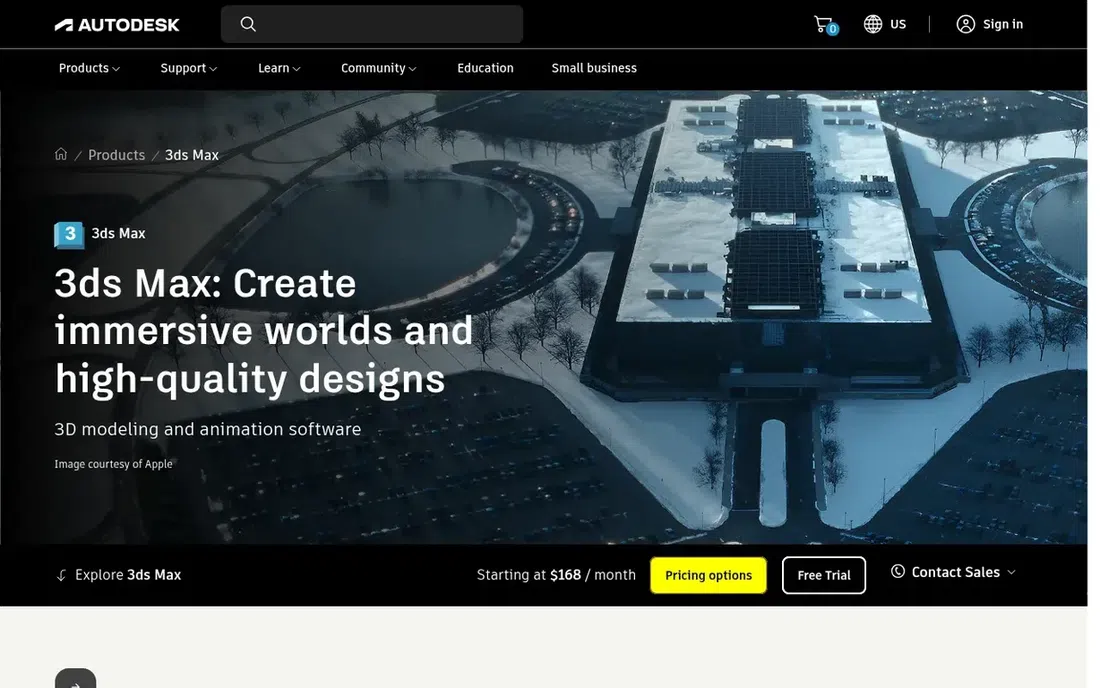
Autodesk 3ds Max was built for professional modeling, animation, and rendering. Autodesk 3ds Max is a professional 3D modeling, animation, and rendering application targeted at building expansive worlds and high-quality designs. It is a generalist suite, so it includes characters, environments, and product work in one pipeline.
Downsides: Generalist instead of character-specific.
From a buyer's view, Daz 3D users who want to move beyond character posing into full scene creation, lighting, and rendering will find it capable, particularly in studios with established 3D workflows. Its breadth includes complexity, and it is not tailored to character morphs the way Daz-style tools are. If you only have to pose and render characters, a lighter specialized tool is simpler to adopt. Pricing for Autodesk 3ds Max is not stated here, so ask the vendor for current figures. As for free access: Not stated.
- Rendering for expansive worlds
- Long-standing industry pipeline
- Complicated for beginners
Character Creator
Best for: Rigged game-ready character design
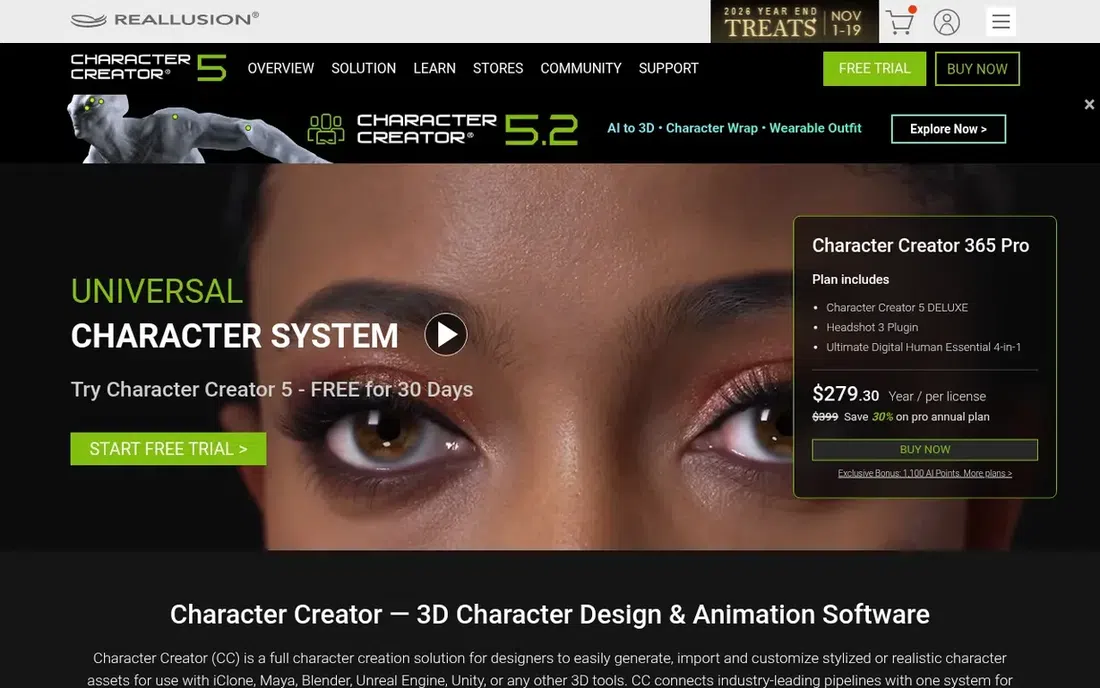
In short, Character Creator is for rigged game-ready character design. Character Creator is a dedicated 3D character design tool from Reallusion. It emphasizes full-body rigging, high-definition morphs, and pipelines that link to Unreal, Unity, and Blender.
Honest limits: Learning curve for morph and rig workflows.
That makes it a natural landing spot for Daz 3D users who want more control over rigs and engine-ready export. For everyday use, if you primarily want to sculpt organic shapes instead of rig and reuse characters, a sculpting tool is the better fit. Since it is character-centric, it is not a full environment or effects package, so scene building happens elsewhere. Character Creator does not show a starting price in this comparison, so check the vendor site for current pricing. Free plan details: Not stated.
- Full-body rigging and HD morphs
- Aimed at games, film, animation
- Centred on characters instead of full scenes
What went into this list
For each of the 5 tools we noted price, free plan or trial, fit for Daz 3D and the main limit, using vendor pages and documentation. Figures are shown as the vendors publish them. Billing terms, seat minimums and add-ons can change the real cost. Tools are placed by general fit for Daz 3D, with price clarity and free access as tie-breakers. A different team can reasonably rank them differently.
Pre-purchase checklist
- Request quotes from Cinema 4D, Character Creator and the others; the list shows no fixed prices.
- Read the limits listed for Cinema 4D first: not character-library focused.
- Make sure ZBrush lets you export your data in a format another tool can read.
- Work out what Cinema 4D costs with your real seat count, add-ons and usage, not just the entry price.
- Ask the daily users to test Autodesk 3ds Max on a live task before you roll it out to everyone.
FAQ
Can I try these tools before paying?
Not by default. None of the tools, from Cinema 4D to Character Creator, lists a free plan or a free trial here, so ask each vendor for a demo before committing.
Is Cinema 4D the right pick for everyone comparing Daz 3D?
No single tool suits every team. Cinema 4D comes first because it fits motion graphics and general 3D work, while Poser suits figure posing and rendering and ZBrush suits digital sculpting and detail work. Match the tool to your own size, budget and workflow before deciding.
How are the tools for Daz 3D ordered?
Cinema 4D sits first and Character Creator last because the order follows typical fit for Daz 3D, then price clarity and free access. It is a judgement call, so read each profile for fit and limits.
Does any tool for Daz 3D here have a free plan?
A permanent free plan is not offered by Cinema 4D, Character Creator or the other tools here. Plan a short evaluation period instead.
Sources
- https://www.maxon.net/en/cinema-4d
- https://www.posersoftware.com
- https://www.maxon.net/en/zbrush
- https://www.autodesk.com/products/3ds-max
- https://www.reallusion.com/character-creator