Best Photo Editing Software for Enterprise in 2026: Prices, Free Plans and 5 Picks
Best photo editing software for enterprise: 5 tools compared on price, free plans and fit. Details on cost, catches and fit. Current for November 2026.
- Editor's choice
 Affinity Photo
Professional editing with creative freedom
Starts atSee websiteVisit affinity.serif.comFull review - Great alternative
 Capture One
Precision RAW work and tethering
Starts atSee websiteVisit captureone.comFull review - Also consider
 ON1 Photo RAW
All-in-one RAW editing and organizing
Starts at$49.99Visit on1.comFull review
Direct answer
If you need professional editing with creative freedom, Affinity Photo is the first tool to look at here. Listed starting prices: ON1 Photo RAW from $49.99. Alternatives: Capture One for precision RAW work and tethering, and ON1 Photo RAW for all-in-one RAW editing and organizing. All 5 tools are compared below on price, free plan and limits.
TL;DR:
- Top of the list is Affinity Photo, which targets professional editing with creative freedom.
- No starting price is published for Affinity Photo, Capture One, Adobe Photoshop and Skylum Luminar Neo; expect a quote.
- Skylum Luminar Neo suits AI-assisted editing for quicker results.
- None of the 5 tools, from Affinity Photo to Skylum Luminar Neo, has a free plan, so budget for a subscription or use a trial.
- What to know about Adobe Photoshop first: feature depth can overwhelm casual users.
Last checked November 2026. Prices and plan details were read from the vendors' own pages in November 2026; vendors change plans often, so confirm the current price on the vendor site before you buy.
Quick comparison
| Tool | Best for | Starts at | Free plan? | |
|---|---|---|---|---|
| Affinity Photo | Professional editing with creative freedom | See website | Not stated | Visit |
| Capture One | Precision RAW work and tethering | See website | Not stated | Visit |
| ON1 Photo RAW | All-in-one RAW editing and organizing | $49.99 | Free trial | Visit |
 Adobe Photoshop | Complicated editing and composite design | See website | Not stated | Visit |
| Skylum Luminar Neo | AI-assisted editing for quicker results | See website | No | Visit |
The 5 tools in detail
Choosing photo editing software for enterprise usually comes down to price, fit and limits. This LinkVetted guide sets 5 tools side by side on those three points, with the facts kept short and checkable.
Choose Affinity Photo for professional editing with creative freedom. Affinity Photo is a professional photo editor built for power and precision, with the vendor emphasizing speed and total creative freedom. Its ecosystem and external integrations are narrower than Adobe's, which can matter for teams standardized on shared libraries.
Points against: Fewer built-in collaboration features.
Organizations needing deep cross-app collaboration may prefer Photoshop. More specifically, choose Affinity Photo when editing power and creative control are the primary requirements. No starting price is listed for Affinity Photo here; confirm pricing on the vendor site. Free access: Not stated.
- Layered professional editing
- Precision and speed
- Smaller ecosystem than Adobe
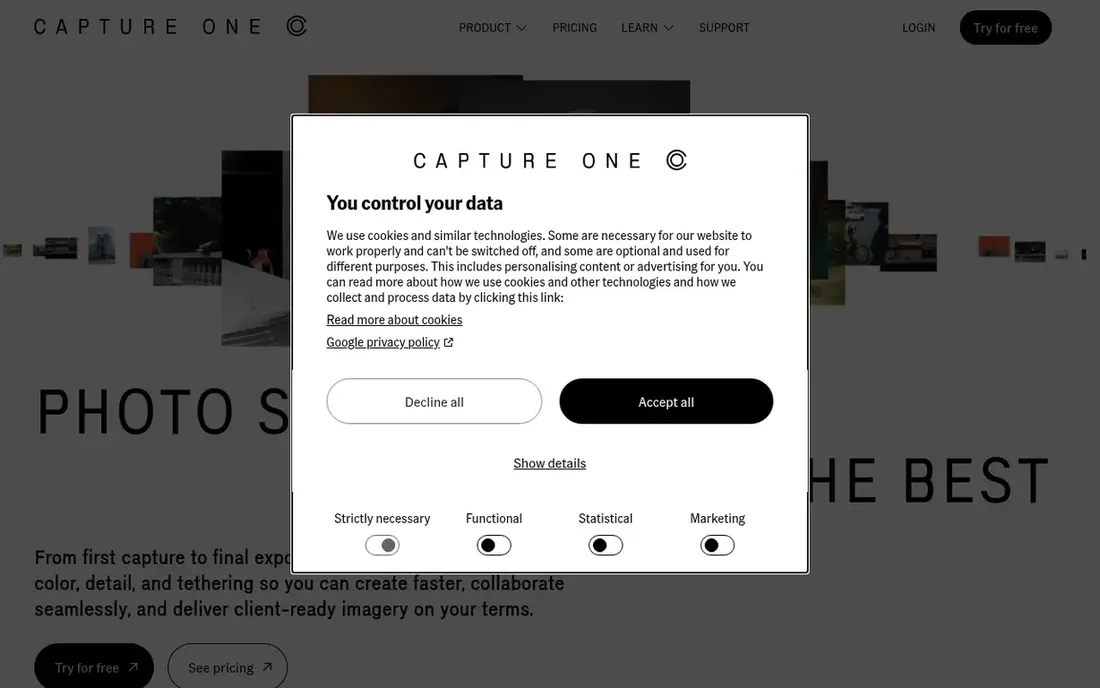
In short, Capture One is for precision RAW work and tethering. Capture One is made for photographers who demand precision and control, based on the vendor. It emphasizes advanced editing tools, smooth RAW handling and capable tethering, which fits studio and commercial photography teams that shoot tethered and need consistent color and detail.
Watch-outs: Steeper ramp-up time.
Its focus on photography means it is less of a general design tool than Photoshop. New users may need time to learn its workflow. Check the vendor site for Capture One pricing; none is listed in this comparison. Free plan details: Not stated.
- Capable RAW handling
- Advanced editing tools
- Narrower focus than general editors
ON1 Photo RAW is a good fit for all-in-one RAW editing and organizing. It suits teams that want a single application for raw workflow and asset organization without recurring licensing complexity.
It is not a full design suite, so complicated compositing may need another tool. Price to start with ON1 Photo RAW: $49.99. Free options: Free trial.
Where it falls short: Advanced compositing is restricted.
- One-time purchase model
- Editing and organizing combined
- Smaller ecosystem than major suites
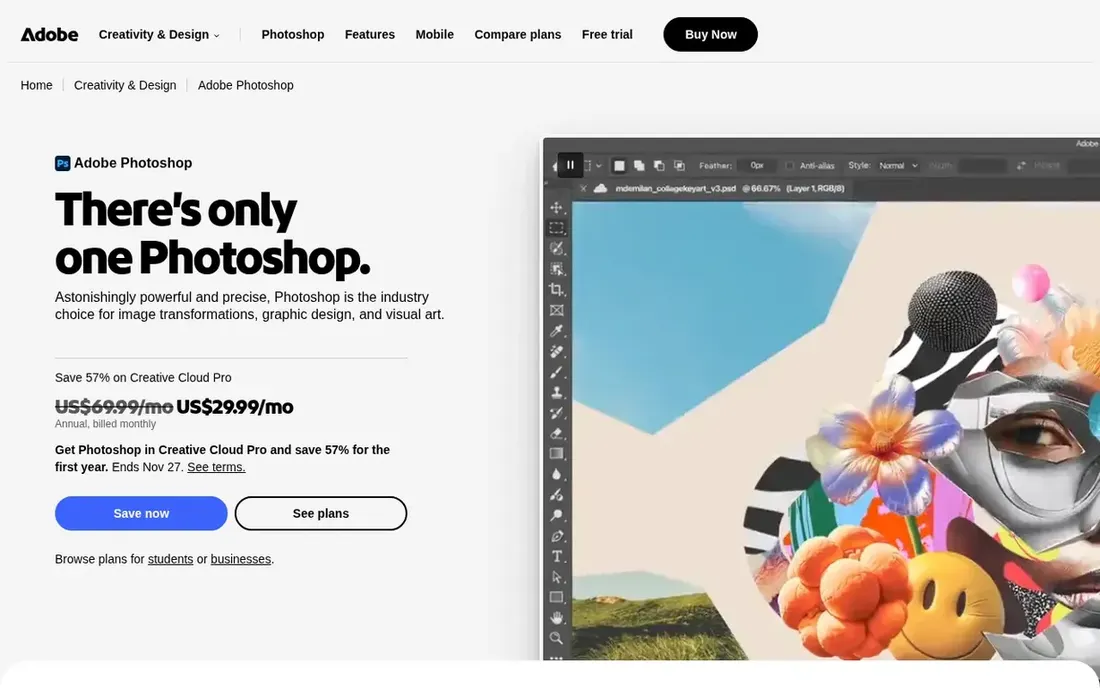
Adobe Photoshop targets complicated editing and composite design. The vendor flags fast ways to build custom scenes, make complicated edits and combine images online or in the mobile app. Its breadth brings a ramp-up time, and casual editors may find more straightforward tools quicker for routine adjustments.
Drawbacks to consider: Subscription model to run.
Also, Adobe Photoshop is the long-standing reference for layered image editing, from retouching to complicated composite scenes. On top of that, teams that largely process large photo batches may prefer a dedicated organizer. Check the vendor site for Adobe Photoshop pricing; none is listed in this comparison. Trial and free access: Not stated.
- Works online and on mobile
- Suits design and photo teams together
- Feature depth can overwhelm casual users
Skylum Luminar Neo
Best for: AI-assisted editing for quicker results
In short, Skylum Luminar Neo is for AI-assisted editing for quicker results. It gives you less depth for intricate compositing and precision retouching than Photoshop or Capture One.
Choose Luminar Neo when speed and simplicity matter more than exhaustive manual control. Pricing for Skylum Luminar Neo is not stated here, so ask the vendor for current figures. Skylum Luminar Neo has no free plan.
Trade-offs to know: Smaller professional ecosystem.
- Fast creative adjustments
- AI-assisted editing
- Less depth for complicated retouching
How the list was put together
Pre-purchase checklist
- Ask Affinity Photo, Capture One, Adobe Photoshop and Skylum Luminar Neo for a written quote, since no starting price is shown.
- Use real work to test the free trial from ON1 Photo RAW, rather than a demo project.
- Read the limits listed for Affinity Photo first: smaller ecosystem than Adobe.
- Let daily users try ON1 Photo RAW on real work; their feedback beats any feature checklist.
- See whether Capture One offers onboarding or training, and whether it is included in the price.
FAQ
Do these tools publish their prices?
Not all of them. Affinity Photo, Capture One, Adobe Photoshop and Skylum Luminar Neo publish no starting price, so expect a quote request for those. The rest, ON1 Photo RAW included, show a starting price, though seats and billing terms still change the final cost.
Is Affinity Photo the right pick for everyone comparing photo editing software for enterprise?
No single tool suits every team. Affinity Photo comes first because it fits professional editing with creative freedom, while Capture One suits precision RAW work and tethering and ON1 Photo RAW suits all-in-one RAW editing and organizing. Match the tool to your own size, budget and workflow before deciding.
Can I try these tools before paying?
Often, yes. ON1 Photo RAW offers a free trial. Use your own data and a real task during the test, and check what the free tier or trial limits before you rely on it. Each of the 5 options in this photo editing software for enterprise guide has its own card above with the price, free plan and limits.
Does any tool for photo editing software for enterprise here have a free plan?
No tool in this list, Affinity Photo and Skylum Luminar Neo included, has a permanent free plan. ON1 Photo RAW offer a trial. Trials and quotes are the usual route, so plan a short evaluation period. All 5 picks in this photo editing software for enterprise comparison list a starting price, free plan details and the main limits on their cards above.
Is a subscription or one-time purchase better for enterprise teams?
ON1 Photo RAW states a one-time purchase with no subscription required, while Adobe tools use subscription licensing. Evaluate long-term cost management and update cadence with your procurement team.
Do enterprise teams need more than one photo editor?
A layered editor like Photoshop or Affinity Photo can manage retouching and composites, whereas Lightroom or ACDSee runs organization. Pairing tools by task can be more efficient than forcing one application to handle everything.
Sources
- https://affinity.serif.com/en-us/photo
- https://www.captureone.com
- https://www.on1.com/products/photo-raw
- https://www.adobe.com/products/photoshop.html
- https://skylum.com/luminar