Best Photo Editing Software Recommendations in 2026: 7 Tools Compared
Our best photo editing software recommendations for 2026 cover Lightroom, Photoshop, Capture One, Affinity, and free options for every skill level today.
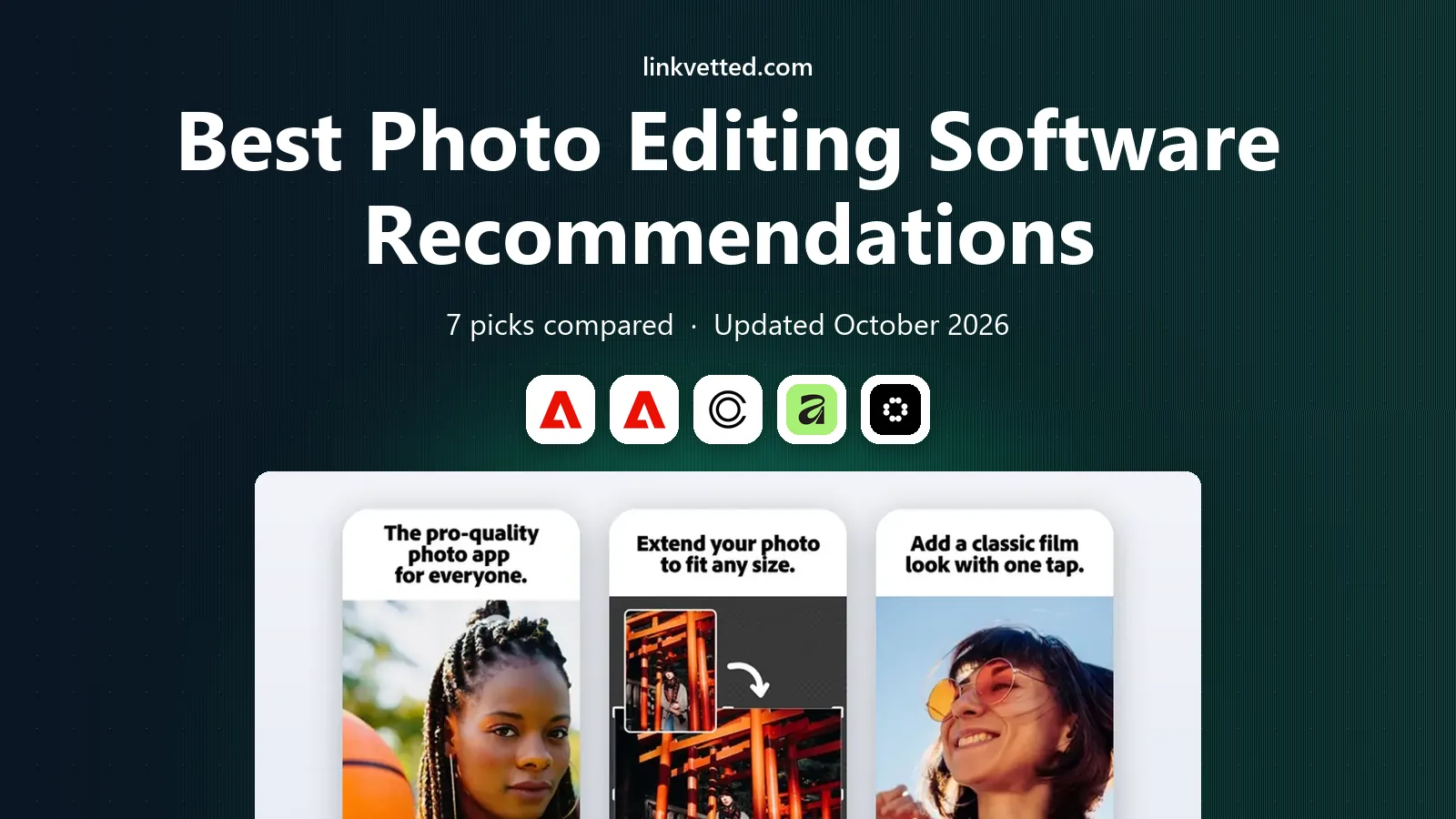
- Editor's choice
 Adobe Lightroom
Most photographers editing raw and JPEG files
Starts at$9.99 per monthVisit adobe.comFull review - Great alternative
 Adobe Photoshop
Detailed retouching, layers, and compositing
Starts at$22.99 per monthVisit adobe.comFull review - Also consider
 Capture One
Studio shooters and color-critical work
Starts atSee websiteVisit captureone.comFull review
TL;DR:
- Adobe Lightroom is our pick for most photographers because it pairs strong raw editing with simple organization and presets.
- Photoshop suits detailed retouching, compositing, and graphic work that goes beyond basic photo edits.
- Capture One suits studio and tethered shooters who want precise color control and fast session workflows.
- Affinity Photo 2 is the best value paid option for buyers who want a one-time purchase instead of a subscription.
- GIMP is the best free option, though its interface and raw workflow need more patience than Lightroom.
Quick comparison
| Tool | Best for | Starts at | Free plan? | |
|---|---|---|---|---|
| Adobe Lightroom | Most photographers editing raw and JPEG files | $9.99 per month | Free trial | Visit |
| Adobe Photoshop | Detailed retouching, layers, and compositing | $22.99 per month | Free trial | Visit |
| Capture One | Studio shooters and color-critical work | See website | Free trial | Visit |
 Affinity Photo 2 | Buyers who want a one-time purchase | See website | Free trial | Visit |
 Luminar Neo | Fast edits with AI assistance | See website | Free trial | Visit |
 DxO PhotoLab | Raw quality, noise reduction, and lens corrections | See website | Free trial | Visit |
 GIMP | Free editing on any budget | Free | Yes | Visit |
The best photo editing software recommendations
Photo editing software ranges from simple mobile-style editors to pro tools for raw files, layers, and print. The right pick depends on whether you shoot raw, how much retouching you do, and whether you want a subscription or a one-time purchase. The seven tools below cover those main paths.
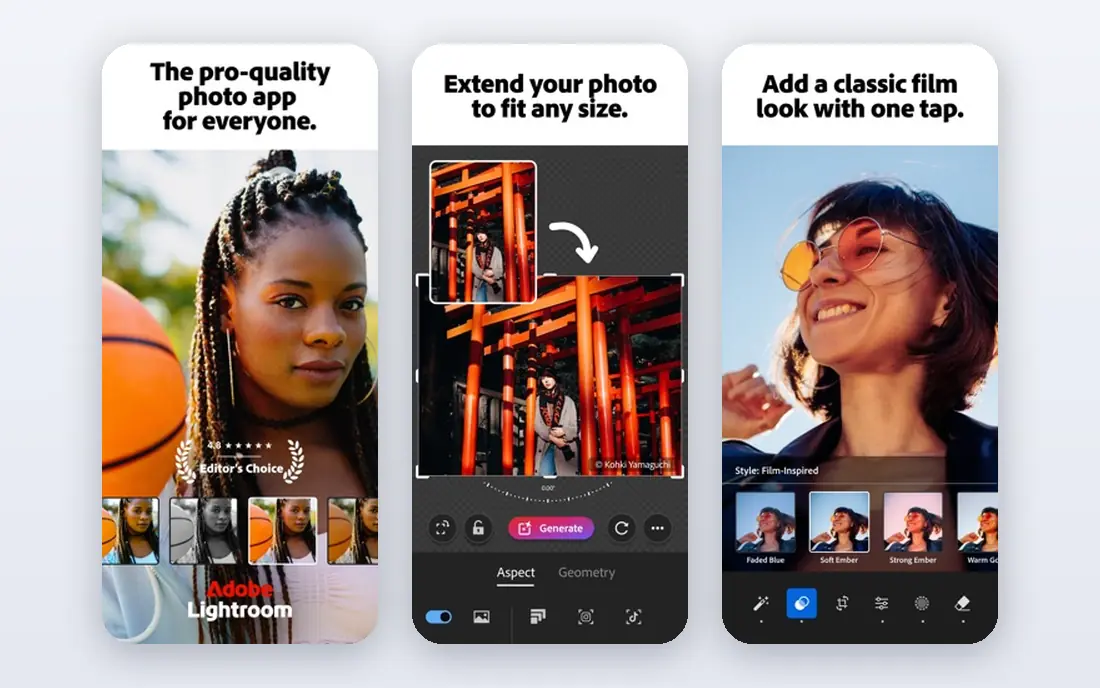
Lightroom is the default recommendation for most photographers because it handles the full photo workflow. Import, cull, edit, and export sit in one place, and raw files from most cameras are supported with lens profiles. Presets, masking tools, and mobile sync help a photographer edit on a phone and finish on a desktop.
The main drawback is the subscription model, which costs over time even when you edit less. Cloud storage limits also vary by plan, so a photographer with a large library should check local storage options. For most hobbyists and pros who edit often, Lightroom remains the most balanced choice.
- Strong raw editing
- Easy organization
- Presets and mobile sync
- Subscription only
- Local file management needs setup for large libraries

Photoshop is the tool for work that goes beyond exposure and color. Skin retouching, object removal, compositing, text, and graphic design all sit in one app, with layers and masks that give precise control. That depth is why many pros pair Photoshop with Lightroom, using Lightroom for most edits and Photoshop for special images.
It is not the best first editor for a beginner who only needs quick fixes. The interface is dense, and the subscription adds cost. For detailed retouching or creative composites, no other tool here matches its range.
- Deepest retouching and layer tools
- Huge plugin and tutorial base
- Strong selection tools
- Steeper learning curve
- Overkill for simple edits
- Subscription cost
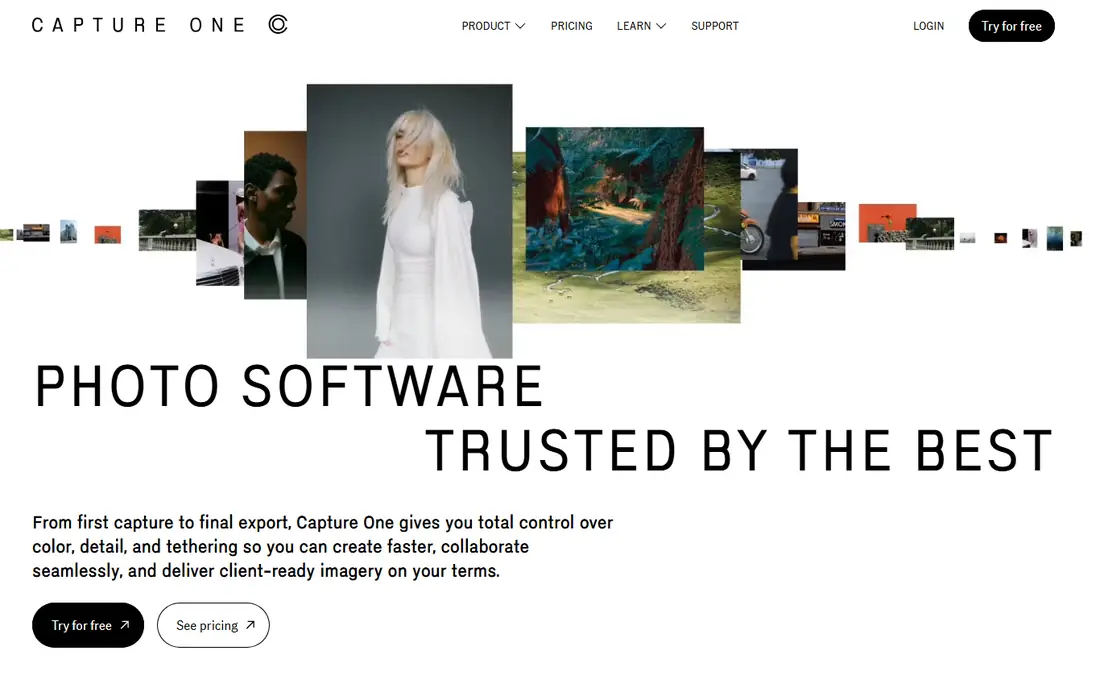
Capture One is favored by many studio photographers for color accuracy and tethered shooting. A camera can feed images straight into a session, so a client or art director can review shots as they are taken. Color tools, layers, and styles give fine control over skin tones and product colors.
It costs more than Lightroom for many buyers, and its community of presets and tutorials is smaller. A casual shooter may also find its workflow more complex. For studio, fashion, and product work where color matters most, Capture One is a strong pro pick.
- Precise color editing
- Tethered shooting tools
- Strong session workflow
- Higher price
- Smaller preset and plugin community than Adobe
Affinity Photo 2 appeals to photographers who dislike subscriptions. A one-time purchase buys a capable editor with layers, masks, raw development, and retouching tools. It runs on desktop and iPad, and its price is far lower over several years than a monthly plan.
The trade-off is ecosystem size. Plugins, presets, and tutorials are fewer than for Photoshop, and support for brand-new cameras can arrive later. For a photographer who wants strong editing without a monthly bill, Affinity Photo 2 is the best value paid option here.
- No subscription
- Layer and raw tools
- Good value for the feature set
- Smaller plugin base
- Raw support updates can lag new cameras
Luminar Neo suits a photographer who wants quick, pleasing results without learning every manual slider. AI tools can replace a sky, enhance a portrait, or adjust lighting with a few clicks, and the interface stays friendly for beginners. It can also work as a plugin inside Lightroom or Photoshop.
Manual control is thinner than in Lightroom or Capture One, so a pro who wants exact color work may feel limited. Performance can also vary on older computers when AI tools run. For fast social, travel, and family edits, Luminar Neo is enjoyable and quick.
- Easy AI tools for sky, portrait, and relight edits
- Simple interface
- Works as a plugin
- Less precise manual control than Lightroom
- Performance varies on older machines
DxO PhotoLab stands out for raw image quality. Its noise reduction and lens correction profiles, built from lab tests of camera and lens pairs, can produce clean detail from high ISO files. Raw development tools are precise, and local adjustments help with portraits and outdoor scenes.
Organization is weaker than Lightroom, so many users pair PhotoLab with another catalog tool or use it for selected images. Pricing is by version, with paid upgrades over time. For a photographer who values raw quality above all, PhotoLab is a strong choice.
- Strong noise reduction
- Automatic lens corrections
- Good raw detail
- Organization tools are thinner than Lightroom
- Price is by version
GIMP is the best free photo editor for users who need layers, masks, and retouching without paying. It handles JPEG and PNG work well, supports plugins, and runs on Windows, Mac, and Linux. For a student, a volunteer, or a hobbyist on a tight budget, it covers most basic and intermediate edits.
Raw editing is less direct than in Lightroom, since GIMP often needs a plugin or a separate raw converter. The interface also feels less polished than paid tools. Still, for free software, GIMP offers remarkable depth, and it is a fair pick when cost is the main constraint.
- Free and open source
- Layers, masks, and plugins
- Runs on major systems
- Raw workflow needs a plugin
- Interface feels dated to new users
How we picked these
We compared official pricing pages, feature lists, and public reviews for photo editors available in October 2026. We favored tools with raw support, non-destructive editing or layers, and export options for web and print. We also weighed cost models, since a subscription, a one-time purchase, and a free tool lead to very different long-term costs.
How to choose a photo editor
Decide raw or JPEG first
If you shoot raw, pick a tool with strong raw support and lens profiles, such as Lightroom, Capture One, or DxO PhotoLab. If you shoot JPEG for social or family photos, a simpler editor such as Luminar Neo or GIMP may be enough. Raw support is the first filter.
Test organization, not just sliders
Import a real set of photos and test culling, keywording, and export. A tool with great sliders but weak organization will slow you down as your library grows. Lightroom wins here for most users, while PhotoLab and GIMP need a separate catalog plan.
Compare total cost over three years
Add up subscription fees, upgrade costs, and storage for three years. A $9.99 monthly plan costs more than a one-time purchase over that period, but it also includes updates and cloud tools. Choose the model that fits how often you edit and how long you plan to keep the tool.
A final point on photo editor choice is backup habits. Keep original raw files backed up in at least two places, and export finished edits separately from catalog files. A strong editor cannot recover lost originals, so a simple backup routine matters as much as sliders and presets. Test a restore once, before you need it for real.
FAQ
What are the best photo editing software recommendations for beginners?
Lightroom is our pick for most beginners because it combines editing and organization in a clear workflow. Luminar Neo is easier for quick AI edits, while GIMP is best when budget is zero. Try a trial with your own photos before you buy.
Is Lightroom or Photoshop better?
Lightroom is better for most photo editing and organization, while Photoshop is better for detailed retouching and compositing. Many photographers use both, with Lightroom for daily edits and Photoshop for special images. A photography plan that includes both can be good value.
Can I get good photo editing software without a subscription?
Yes. Affinity Photo 2 offers a one-time purchase with strong editing tools, and GIMP is free. DxO PhotoLab also uses version pricing rather than a monthly plan. Check upgrade costs, since one-time tools still charge for major new versions.
What software do professional photographers use?
Many pros use Lightroom and Photoshop together, while studio photographers often use Capture One for tethered work and color control. DxO PhotoLab is also used for raw quality. The pro choice depends on genre, workflow, and client needs.
Is GIMP good enough for serious editing?
GIMP is good enough for many intermediate edits, including layers, masks, and retouching. It is less direct for raw workflow and lacks some pro catalog tools. For free software, it is strong, but a paid raw editor will be faster for large raw libraries.
Do I need a fast computer for photo editing?
Raw editing, AI tools, and large files benefit from a modern processor, enough memory, and fast storage. Luminar Neo and Photoshop AI tools are more demanding than basic GIMP edits. Check system requirements and test a trial on your own machine.