The 6 Best Software for Sports Highlights in 2026, Ranked
Best software for Sports highlights in 2026: 6 contenders with entry costs and free tiers. Each listing flags where it falls short. Reviewed in November 2026.
- Editor's choiceVizrt
Live production and live graphics
Starts atPricing on requestVisit vizrt.comFull review - Great alternative
 Magnifi
AI-assisted clip creation from video
Starts atPricing on requestVisit magnifi.aiFull review - Also consider
 Avid Media Composer
Structured post-production workflows
Starts atPricing on requestVisit avid.comFull review
Direct answer
This list puts Vizrt first for live production and live graphics. Alternatives: Magnifi for AI-assisted clip creation from video, and Avid Media Composer for structured post-production workflows. The other 3 tools in the list cover narrower or pricier cases. None of these vendors publish plan prices, so pricing is on request for every option.
TL;DR:
- Vizrt is the opening pick, best for live production and live graphics.
- Adobe Premiere Pro suits adaptable professional highlight editing.
- None of the 6 tools, from Vizrt to Adobe Premiere Pro, has a free plan, so budget for a subscription or use a trial.
- What to know about Magnifi first: depends on source footage quality.
Last checked November 2026. Pricing on request: vendors did not publish plan prices when this guide was last checked (November 2026), so ask each vendor for a written quote.
Quick comparison
| Tool | Best for | Starts at | Free plan? | |
|---|---|---|---|---|
| Vizrt | Live production and live graphics | Pricing on request | Not stated | Visit |
| Magnifi | AI-assisted clip creation from video | Pricing on request | Not stated | Visit |
| Avid Media Composer | Structured post-production workflows | Pricing on request | Not stated | Visit |
 Final Cut Pro | Quick editing on Mac and iPad | Pricing on request | Not stated | Visit |
| WSC Sports | Automatic flags for sports organizations | Pricing on request | Not stated | Visit |
 Adobe Premiere Pro | Adaptable professional highlight editing | Pricing on request | Not stated | Visit |
Software for Sports Highlights compared in detail
Short on time? The summary and table above give the quick view of 6 software for Sports highlights, and the profiles that follow give the detail behind each entry.
Vizrt
Best for: Live production and live graphics
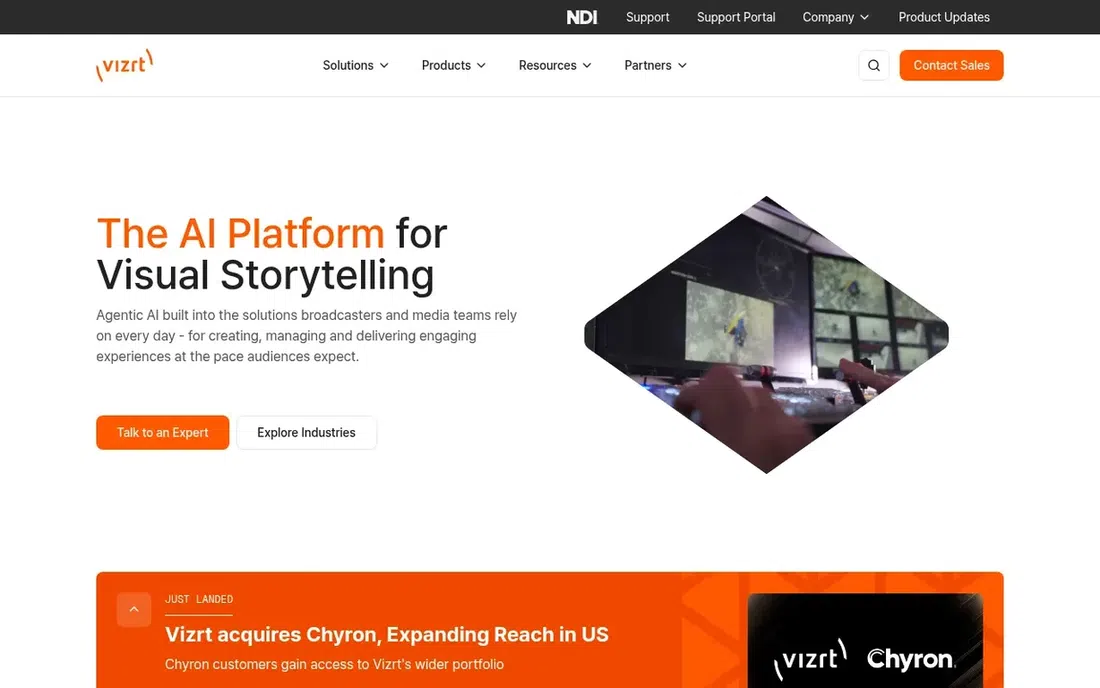
Pick Vizrt if this describes you: live production and live graphics. Vizrt offers software-defined visual storytelling tools, including live 3D graphics, live production systems and studio automation. Consider Vizrt when live graphics and studio automation are central.
Watch-outs: Broadcast-oriented complexity.
More specifically, Vizrt is made for professional live production instead of fast social highlight clipping, so the learning curve and setup are substantial. Teams that only have to cut short clips may prefer a more straightforward editor or an automatic highlight tool. This comparison lists no price for Vizrt; ask the vendor. Free access: Not stated.
- Live 3D graphics
- Live production systems
- Not a straightforward highlight editor
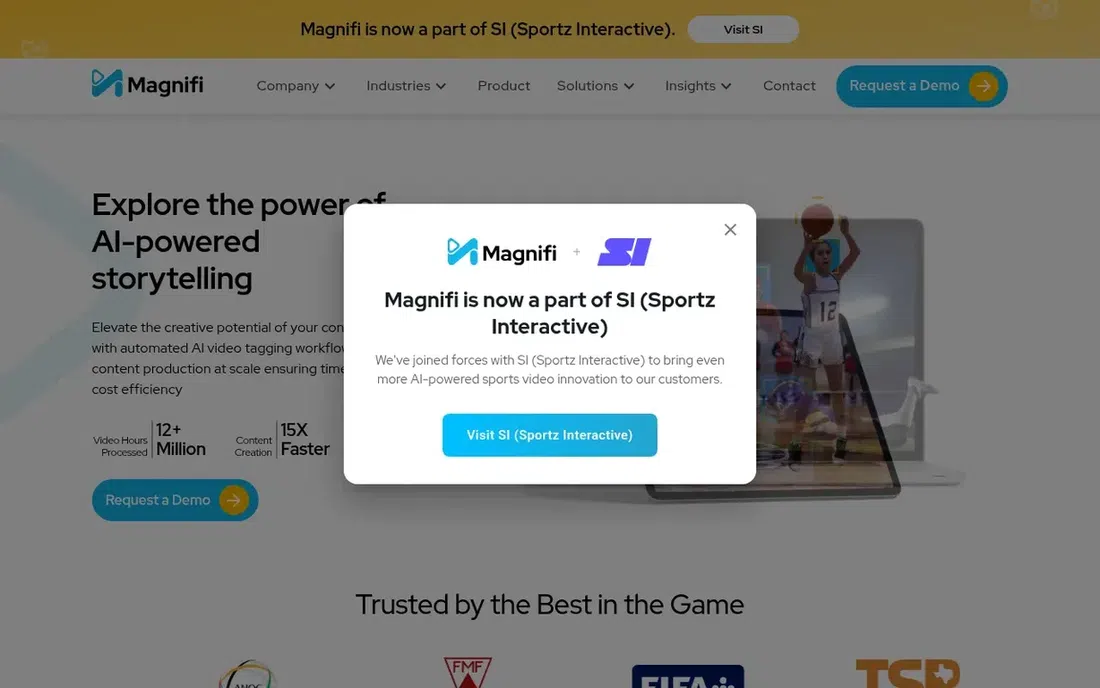
Think of Magnifi for AI-assisted clip creation from video. Choose Magnifi when speed of clip discovery is the priority. Automatic results still rely on clean source footage and clear action, and manual review is commonly needed for the final cut.
If you need deep color work, effects or multi-track editing, a dedicated editor is the better companion. Magnifi supplies video intelligence options powered by AI, with automatic tools for creating flags and transforming existing videos into handy assets. Pricing for Magnifi is not stated here, so ask the vendor for current figures. As for free access: Not stated.
Trade-offs to know: Depends on source footage quality.
- Automated highlight tools
- AI-powered video intelligence
- Less suited to complicated manual edits
Avid Media Composer is aimed squarely at structured post-production workflows. Media Composer is not meant to automatically find highlight moments, so clip selection stays with the editor.
In daily use, newcomers may find its workflow less approachable than more straightforward editors. From a buyer's view, consider it when your organization already standardizes on Avid and needs consistent post-production handling. Check the vendor site for Avid Media Composer pricing; none is listed in this comparison. Free plan details: Not stated.
Downsides: No automatic highlight generation.
- Supports creative storytelling
- Made for professional post-production
- Workflow can feel rigid to newcomers
Where Final Cut Pro fits: quick editing on Mac and iPad. Final Cut Pro is Apple's professional editing application, packed with intelligence features that make pro-quality video creation and editing simpler on Mac and iPad. It is restricted to Apple hardware, which can constrain mixed-platform teams, and it does not automate highlight discovery.
In practice, editors who require Windows or Linux support should look at other choices. Beyond that, pick Final Cut Pro when you want efficient practical editing on Mac or iPad. Pricing for Final Cut Pro is not stated here, so ask the vendor for current figures. As for free access: Not stated.
Trade-offs to know: Apple products only.
- Simplified pro editing interface
- Runs on Mac and iPad
- Manual highlight selection
WSC Sports
Best for: Automatic flags for sports organizations
WSC Sports is a good fit for automated flags for sports organizations. WSC Sports is a product centred on automatically generating sports flags and short-form content from game footage.
Since it centers on automation for sports content, it is not a substitute for a full nonlinear editor when you need in-depth creative control. Worth adding: consider it when volume and speed matter more than frame-level editing. No starting price is listed for WSC Sports here; confirm pricing on the vendor site. Free options: Not stated.
Watch-outs: Best fit for organizations, not casual users.
- Geared toward sports media workflows
- Built around automatic highlight generation
- Not a general-purpose editor
Adobe Premiere Pro is designed for adaptable professional highlight editing. Adobe Premiere Pro is professional video editing and postproduction software for editing and trimming video, adding effects, mixing audio and more. Pick it when creative control matters more than automatic output.
Limits to weigh: Manual work for each highlight.
Premiere Pro does not automate highlight discovery, so every clip is assembled by an editor, which can be slow at high volume. It also assumes a capable machine and some editing experience. Pricing for Adobe Premiere Pro is not stated here, so ask the vendor for current figures. As for free access: Not stated.
- Effects and audio mixing
- Wide postproduction workflow
- Needs editing skill
Our selection method
Things to verify first
- Request quotes from Vizrt, Adobe Premiere Pro and the others; the list shows no fixed prices.
- Before choosing Vizrt, weigh its main limit: broadcast-oriented complexity.
- A short pilot of WSC Sports with your real workflow tells you more than a feature table.
- Before rolling out Vizrt, verify the integrations your workflow depends on.
- Ask Avid Media Composer which support channels and response times come with the plan you would buy.
FAQ
Do these tools publish their prices?
No. None of the tools, from Vizrt to Adobe Premiere Pro, shows a fixed starting price here, so budget time for quotes.
Can I try these tools before paying?
Not by default. None of the tools, from Vizrt to Adobe Premiere Pro, lists a free plan or a free trial here, so ask each vendor for a demo before committing.
Does any tool for software for Sports highlights here have a free plan?
No tool in this list, Vizrt and Adobe Premiere Pro included, has a permanent free plan. Trials and quotes are the usual route, so plan a short evaluation period.
How are the tools for software for Sports highlights ordered?
The order follows typical fit for software for Sports highlights, with Vizrt first and Adobe Premiere Pro last, then price clarity and free access. It is editorial judgement, not a score, so another team could rank the tools differently.
Sources
- https://www.vizrt.com
- https://www.magnifi.ai
- https://www.avid.com/media-composer
- https://www.apple.com/final-cut-pro
- https://www.wsc-sports.com
- https://www.adobe.com/products/premiere.html