The 6 Best Design Software for Quick Prototyping in 2026, Ranked
6 tools for the best design software for quick prototyping, compared on pricing, free plans and best-fit use. Hidden costs and gaps are flagged. Details below.
- Editor's choice
 Adobe XD
Adobe ecosystem users
Starts atSee websiteVisit adobe.comFull review - Great alternative
 ProtoPie
Advanced, AI-driven interactions
Starts atSee websiteVisit protopie.ioFull review - Also consider
 Figma
Collaborative, quick prototyping
Starts at$3 a monthVisit figma.comFull review
Direct answer
Adobe XD comes first here, mainly for Adobe ecosystem users. Listed starting prices: Figma from $3 a month, Sketch from $12 per editor a month and Balsamiq from $16 per editor a month. ProtoPie fits advanced, AI-driven interactions; Figma fits collaborative, fast prototyping. The remaining 3 options are covered below with prices and limits.
TL;DR:
- Number one here is Adobe XD, a fit for Adobe ecosystem users.
- Only Marvel offers a free plan among these 6 tools.
- Adobe XD comes with a trade-off: no longer actively developed.
- Balsamiq is the one to check for quick, low-fidelity wireframing.
Last checked November 2026. Prices and plan details were read from the vendors' own pages in November 2026; vendors change plans often, so confirm the current price on the vendor site before you buy.
Quick comparison
| Tool | Best for | Starts at | Free plan? | |
|---|---|---|---|---|
| Adobe XD | Adobe ecosystem users | See website | Not stated | Visit |
| ProtoPie | Advanced, AI-driven interactions | See website | Not stated | Visit |
| Figma | Collaborative, quick prototyping | $3 a month | Not stated | Visit |
| Marvel | All-in-one design and testing | See website | Yes | Visit |
 Sketch | Mac designers seeking focus | $12 per editor a month | Free trial | Visit |
 Balsamiq | Quick, low-fidelity wireframing | $16 per editor a month | Free trial | Visit |
Our 6 picks for design software for quick prototyping
This LinkVetted guide covers 6 options for design software for quick prototyping. Each profile lists a starting price, free plan details, strengths and drawbacks, so you can drop poor fits quickly.
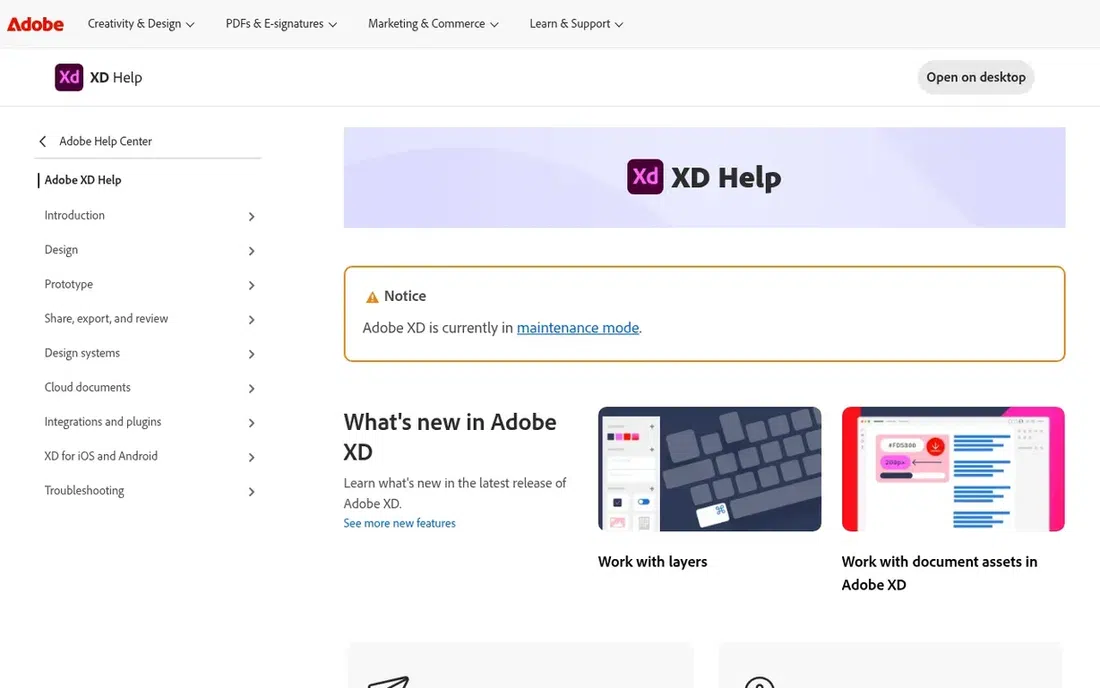
Pick Adobe XD if this describes you: Adobe ecosystem users. Adobe XD is a vector-based design and prototyping tool from Adobe, well known for its integration with the Creative Cloud ecosystem. It provides features like Repeat Grid for quickly replicating elements and supports interactive prototypes.
Limits to weigh: No longer actively developed.
Adobe XD is no longer actively developed, so it may lack newer features and long-term support. If you need a tool with continuing updates and active community support, consider Figma or Sketch instead. This comparison lists no price for Adobe XD; ask the vendor. Free plan details: Not stated.
What works well: Connects with other Adobe tools.
- Repeat grid for rapid layout
- Vector-based design and prototyping
- Restricted collaboration features
ProtoPie works best for advanced, AI-driven interactions. ProtoPie is an AI-driven prototyping system that uses AI to produce interactions, perfect them credit-free, and hand off clean specs. It is built for creating sophisticated, interactive prototypes that mimic real-world behavior, making it a good match for teams that require to test complicated gestures and animations.
If you need an all-in-one design and prototyping option, Figma or Sketch might be better. On top of that, ProtoPie has a steeper ramp-up time and is centred on interactions instead of full-fledged design. So it may not replace a complete design tool. This comparison lists no price for ProtoPie; ask the vendor. Free options: Not stated.
Where it is weaker: Steeper ramp-up time.
- Credit-free perfection
- AI-generated interactions
- Focus on interactions over full design
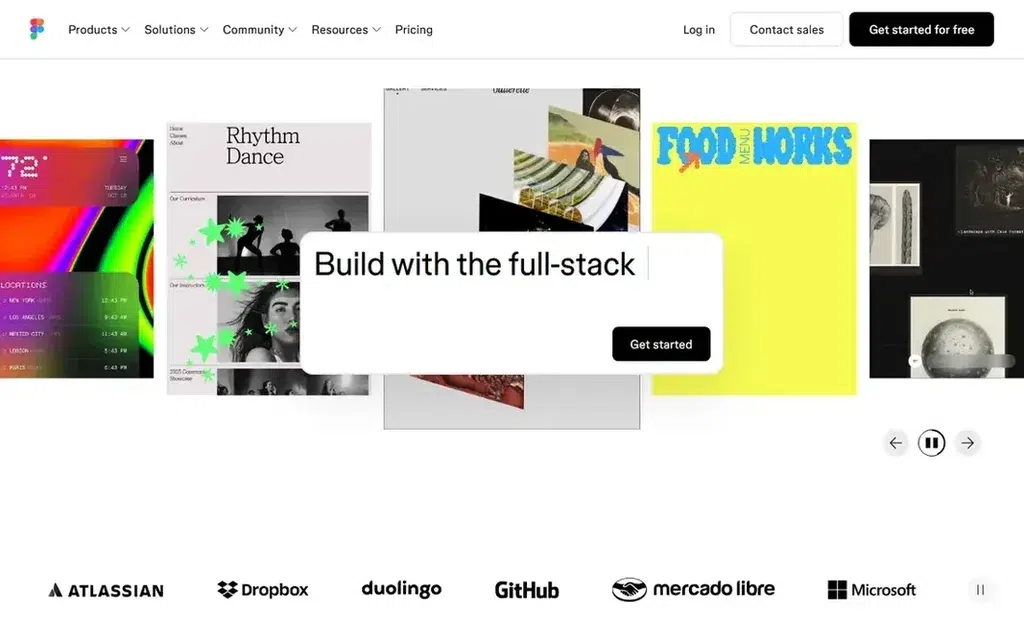
For collaborative, quick prototyping, Figma is a natural candidate. Figma is a collaborative canvas where design, code, and AI come together. It lets teams to go from concept to production in one place, making it ideal for fast prototyping with input from several stakeholders.
If you need an offline-first tool or prefer a more straightforward wireframing approach, consider Balsamiq or Sketch instead. For everyday use, Figma's broad feature set can be daunting for new users, and it depends on a stable internet connection for full functionality. The starting price for Figma: $3 per month. Free access: Not stated.
Drawbacks to consider: Can be overwhelming for beginners.
- AI-assisted features
- All-in-one design and prototyping
- Needs internet connection
Marvel
Best for: All-in-one design and testing
Pick Marvel if this describes you: all-in-one design and testing. Marvel is a collaborative design product that lets you wireframe, prototype, user test, design, and inspect designs in one place.
Points against: May need other tools for high-fidelity work.
- Integrated user testing
- API for integrations
- Less advanced design tools
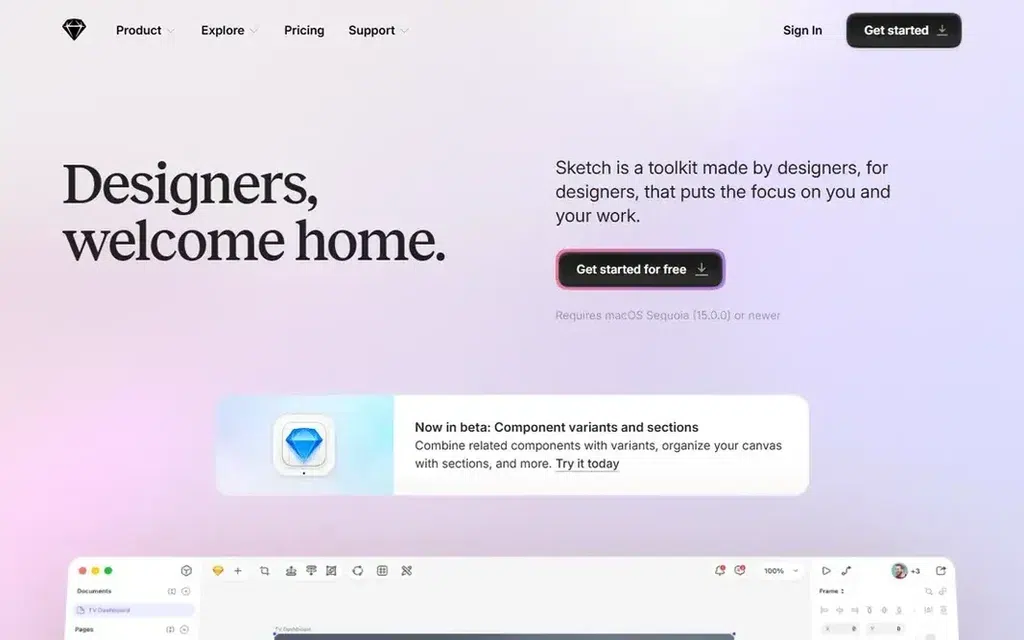
In short, Sketch is for Mac designers seeking focus. It puts the focus back on you and your work, offering a clean interface for creating fast prototypes. Also, the tool bundles prototyping and collaboration features, and its plugin ecosystem extends functionality, making it a solid choice for Mac-based designers who value a dedicated design environment.
Points against: Mac only.
From a buyer's view, Sketch is exclusive to macOS, which limits team adaptability. Its live collaboration is less solid than some web-based alternatives. More specifically, if you need cross-platform access or deep live co-editing, Figma might be a better fit. Sketch pricing: $12 per editor per month. On free options: Free trial.
- Prototyping and handoff built in
- Designer-centric interface
- Restricted live collaboration compared with some tools
Balsamiq was built for quick, low-fidelity wireframing. Balsamiq gives you wireframes and prototypes without the friction. It is a quick wireframing and prototyping tool for product, tech, and business minds, allowing you to sketch, test, and refine your UI rapidly.
Where it falls short: Restricted high-fidelity design.
Upsides: Encourages iteration.
Its intentionally low-fidelity style helps teams focus on structure and flow instead of visual details, making it well suited to early-stage prototyping. Also, Balsamiq is not intended for high-fidelity design or complicated interactions, so it may not suit projects that need refined visuals. The starting price for Balsamiq: $16 per editor per month. Trial and free access: Free trial.
- Fast to learn
- Focus on wireframes
- Entry-level prototyping features
How we compared the tools
Selection started from tools commonly considered for design software for quick prototyping, then narrowed to 6 that have clear pricing information or a clear quote process. Figures are shown as the vendors publish them. Billing terms, seat minimums and add-ons can change the real cost. The ranking is editorial: typical fit first, then clear pricing, then free access. If your needs are unusual, read the profiles rather than relying on position.
What to check before you buy
- Get a written quote from Adobe XD, ProtoPie and Marvel; the list shows no starting price for them.
- Look at the free plan from Marvel closely: its caps decide whether it is usable for real work.
- Use real work to test the free trial from Sketch and Balsamiq, rather than a demo project.
- Before choosing Adobe XD, weigh its main limit: no longer actively developed.
- Get the contract term, renewal terms and any onboarding fees from Adobe XD in writing.
- Find out what support ProtoPie includes on your plan, and whether onboarding help costs extra.
FAQ
Can I try these tools before paying?
Often, yes. Marvel has a free plan and Sketch and Balsamiq offer a free trial. Use your own data and a real task during the test, and check what the free tier or trial limits before you rely on it.
Which options for design software for quick prototyping have a free plan?
Marvel is the only tool in this list with a free plan. Free plans usually cap users, projects or features, so check the limits on the vendor page. Several others offer a trial instead. For the full picture, the cards above cover all 6 entries of this design software for quick Prototyping list, including price, free plan and limits.
What is the cheapest option for design software for quick prototyping in this list?
On published monthly entry prices, Figma is the lowest here at $3 per month. Entry price is only part of the cost, because seats, add-ons and billing terms can change the total. Prices, free plan details and limits for all 6 tools in this design software for quick Prototyping roundup sit on the individual cards above.
How are the tools for design software for quick prototyping ordered?
The order follows typical fit for design software for quick prototyping, with Adobe XD first and Balsamiq last, then price clarity and free access. It is editorial judgement, not a score, so another team could rank the tools differently.
Which tool is a good match for complicated interactive prototypes?
For most readers this guide would start with Adobe XD, built for Adobe ecosystem users. ProtoPie is the alternative for advanced, AI-driven interactions, and Figma for collaborative, quick prototyping. The right answer depends on budget and workflow.
Sources
- https://www.adobe.com/products/xd.html
- https://www.protopie.io
- https://www.figma.com
- https://marvelapp.com
- https://www.sketch.com
- https://balsamiq.com