Best Prototyping Software for Startups (2026): 6 Picks Checked on Vendor Pages
Weighing the best prototyping software for startups? We lined up 6 products by cost, free access and fit. Every entry states what it lacks. Refreshed for 2026.
- Editor's choice
 Adobe XD
Teams already using Adobe tools
Starts atSee websiteVisit adobe.comFull review - Great alternative
 Axure RP
Complicated interactive prototypes and specifications
Starts at$29 per user a monthVisit axure.comFull review - Also consider
 Sketch
Designers who want a focused design and handoff tool
Starts at$12 per editor per monthVisit sketch.comFull review
Direct answer
Start with Adobe XD if you need teams already using Adobe tools. Listed starting prices: Axure RP from $29 per user a month, Sketch from $12 per editor per month and Balsamiq from $16 per editor per month. Axure RP fits complicated interactive prototypes and specifications; Sketch fits designers who want a focused design and handoff tool. All 6 tools are compared below on price, free plan and limits.
TL;DR:
- The list opens with Adobe XD, aimed at teams already using Adobe tools.
- Just one of the 6 tools, Framer, has a free plan.
- Figma fits collaborative design and prototyping in one place.
- The main caution on Balsamiq: restricted high-fidelity design features.
- Figma is the lowest-priced starter here at $3 per month.
Last checked November 2026. Prices and plan details were read from the vendors' own pages in November 2026; vendors change plans often, so confirm the current price on the vendor site before you buy.
Quick comparison
| Tool | Best for | Starts at | Free plan? | |
|---|---|---|---|---|
| Adobe XD | Teams already using Adobe tools | See website | Not stated | Visit |
| Axure RP | Complicated interactive prototypes and specifications | $29 per user a month | Not stated | Visit |
| Sketch | Designers who want a focused design and handoff tool | $12 per editor per month | Free trial | Visit |
 Balsamiq | Quick, low-fidelity wireframing | $16 per editor per month | Free trial | Visit |
 Framer | Designing and launching websites with AI assistance | $10 a month | Yes | Visit |
 Figma | Collaborative design and prototyping in one place | $3 per month | Not stated | Visit |
Every option for prototyping software for startups explained
LinkVetted put together this guide to prototyping software for startups for readers who want a clear shortlist without reading every vendor page. It compares 6 tools on starting price, free plans, who each one suits and where each one falls short.
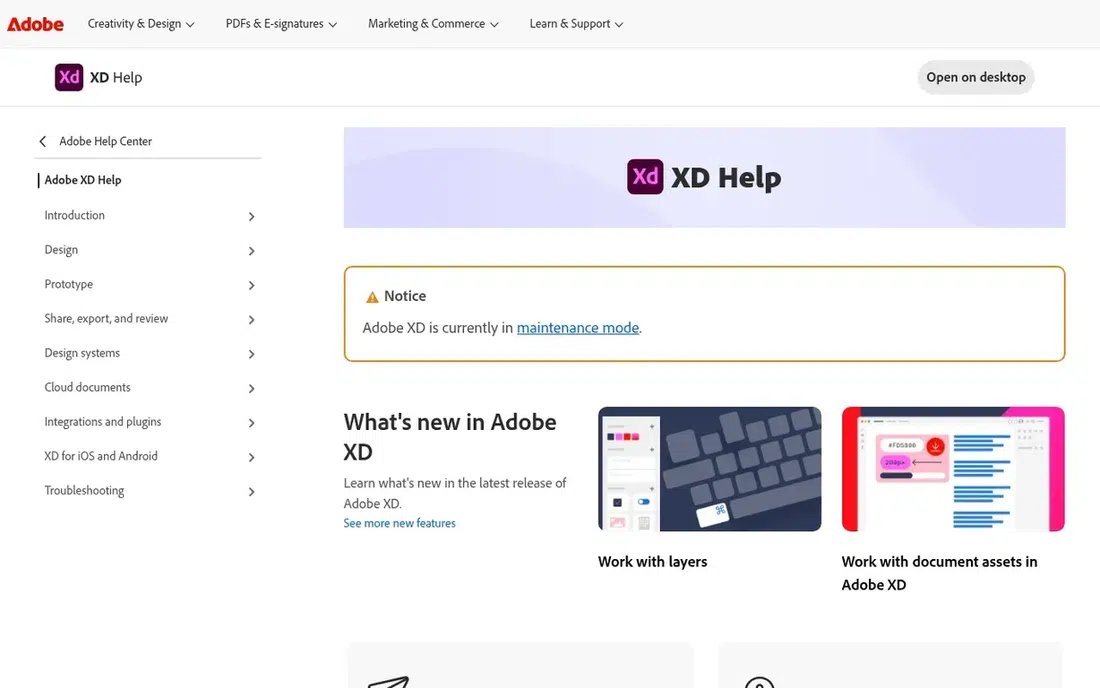
Adobe XD is aimed squarely at teams already using Adobe tools. If live collaboration is central, Figma is a more solid choice. From a buyer's view, Adobe XD is Adobe's design and prototyping tool, geared toward teams that already use Adobe products and want a familiar interface.
What to check first: Restricted recent updates compared with rivals.
On top of that, Adobe XD has seen fewer feature updates than some competitors. So teams needing the latest collaboration or AI features may look elsewhere. This comparison lists no price for Adobe XD; ask the vendor. Free options: Not stated.
- Design and prototyping features
- Familiar Adobe interface
- Needs Adobe account
Think of Axure RP for complicated interactive prototypes and specifications. Consider Axure when in-depth specifications and diagrams are part of the deliverable.
Limits to weigh: Steeper ramp-up time.
Upsides: Well suited to documentation-heavy projects. It fits startups that require to document complicated interactions and produce detailed specifications alongside prototypes, like teams building enterprise or data-heavy products where logic and documentation matter as much as visual design. The starting price for Axure RP: $29 per user per month. As for free access: Not stated.
- Diagrams in one tool
- Supports in-depth interactions
- Overkill for straightforward wireframes
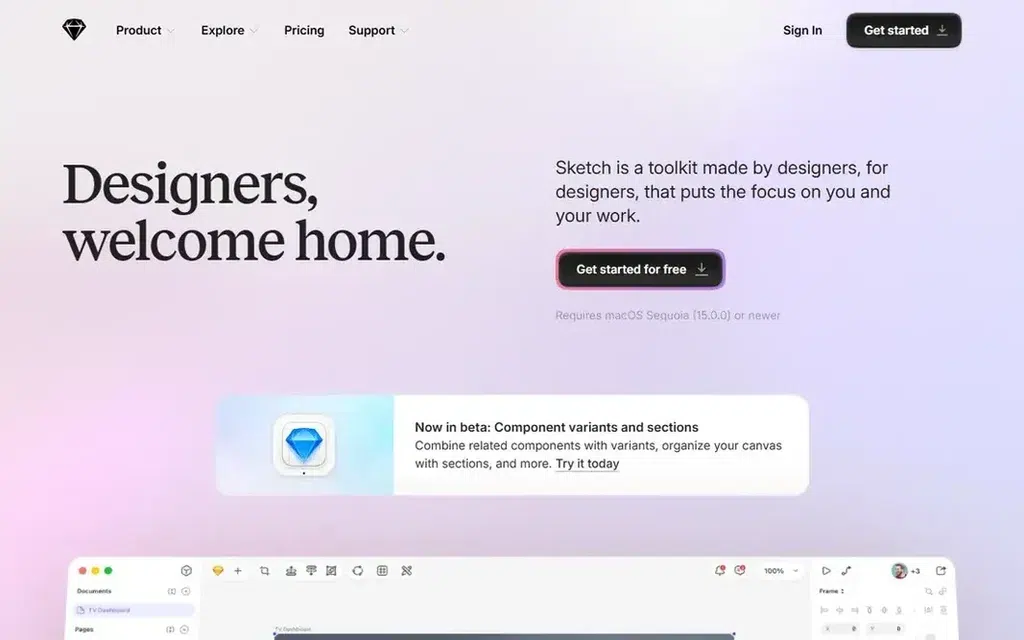
Sketch works best for designers who want a focused design and handoff tool. It spans design, prototyping, collaboration, and handoff.
Trade-offs to know: Collaboration features are less central than in Figma.
On top of that, Sketch runs only on macOS, which can be a limitation for cross-platform teams. Its collaboration model is less centered on live co-editing than Figma's. Sketch cost at the entry level: $12 per editor per month. As for free access: Free trial.
- Focus on you and your work
- Design, prototype, collaborate, handoff
- Mac-only system
Balsamiq targets quick, low-fidelity wireframing. Balsamiq is a quick wireframing and prototyping tool for product, tech, and business minds. It lets you sketch, test, and refine your UI rapidly without the friction of more complicated design tools.
Drawbacks to consider: Restricted high-fidelity design features.
Startups that want to validate ideas early with low-fidelity wireframes, notably when non-designers are involved, will find it approachable and efficient. On top of that, use Balsamiq for early-stage ideation and wireframing. For in-depth interactions and specifications, Axure RP is a better fit. The starting price for Balsamiq: $16 per editor per month. Free plan details: Free trial.
- Fast wireframing without friction
- Centred on sketching and refining UI
- Not well suited to complicated interactive prototypes
Pick Framer if this describes you: designing and launching websites with AI assistance. Framer is a website builder with a design agent that takes you from idea to launch, with changes staying editable and hosting, CMS, analytics, SEO, and AEO built in.
Framer is oriented toward websites instead of complicated app prototyping. So teams building in-depth product interfaces may need a dedicated design tool like Figma. Price to start with Framer: $10 per month. A free plan is available with Framer.
Honest limits: Concentrated on websites instead of app prototyping.
- Hosting, CMS, analytics, SEO
- AI design agent from idea to launch
- May be less suited to complicated product design
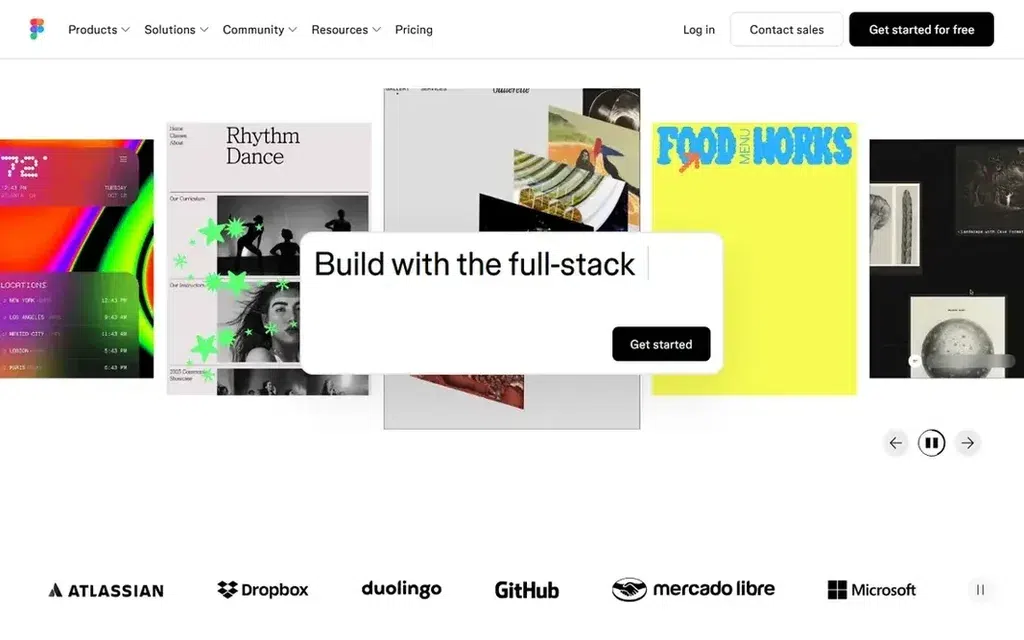
Figma was built for collaborative design and prototyping in one place. If you only need quick wireframes, a focused tool like Balsamiq may be more straightforward. As for the details, Figma is a collaborative canvas where design, code, and AI come together.
As for the details, Figma's breadth can be more than a small team needs for fast, low-fidelity wireframes. It relies on a stable connection for collaborative work. Startups that require designers, developers, and stakeholders working together on prototypes will find it a solid fit, particularly when the same file can move from concept to production. The starting price for Figma: $3 per month. Free access: Not stated.
Limits to weigh: Needs internet connection for full use.
- Live team collaboration
- Design, code
- Can be complicated for very straightforward wireframes
How the list was put together
LinkVetted looked at what each vendor publishes: pricing, plan limits, feature coverage for prototyping software for startups and stated drawbacks. No hands-on testing is claimed. Where a vendor does not publish a price, the entry says quote. Where a price depends on seats or billing term, the entry says so. The sequence is a judgement call: typical use case first, then pricing transparency, then free access. Use the profiles to check fit.
Before you commit
- Confirm the entry price on the vendor page. For Adobe XD that means a quote rather than a fixed price.
- Test the free plan from Framer against your real workload before relying on it.
- Take the trial from Sketch and Balsamiq and push a live task through it before you pay.
- Before choosing Adobe XD, weigh its main limit: restricted recent updates compared with rivals.
- Total up the real monthly cost of Adobe XD, including add-ons, extra users and usage-based fees.
- Confirm you can export your data from Sketch, so leaving later does not mean losing records.
FAQ
Can I try these tools before paying?
Often, yes. Framer has a free plan and Sketch and Balsamiq offer a free trial. Use your own data and a real task during the test, and check what the free tier or trial limits before you rely on it.
What should I check before committing to a prototyping tool?
Confirm product support, collaboration features, handoff choices, and integrations with your existing tools. These checks help ensure the tool fits your team's workflow.
Which prototyping tool is a good match for a small startup team?
Start with Adobe XD if you need teams already using Adobe tools. Axure RP is the better match for complicated interactive prototypes and specifications, and Sketch for designers who want a focused design and handoff tool. The best choice depends on budget, team size and workflow.
Which options for prototyping software for startups have a free plan?
Framer is the only tool in this list with a free plan. Free plans usually cap users, projects or features, so check the limits on the vendor page. Several others offer a trial instead. Prices, free plan details and limits for all 6 tools in this Prototyping software for startups roundup sit on the individual cards above.
Can I use a website builder for prototyping?
Framer is a website builder with a design agent and built-in hosting, CMS, analytics, SEO, and AEO. For complicated app interfaces, a dedicated design tool like Figma may be more appropriate.
Do these tools publish their prices?
Not all of them. Adobe XD publishes no starting price, so expect a quote request for it. The rest, Axure RP included, show a starting price, though seats and billing terms still change the final cost.
Sources
- https://www.adobe.com/products/xd.html
- https://www.axure.com
- https://www.sketch.com
- https://balsamiq.com
- https://www.framer.com
- https://www.figma.com