The 5 Best Software for UI Design and Vector Editing in 2026, Ranked
Best software for UI design and vector editing in 2026: 5 tools with starting prices, free plans and limits. Short, factual notes on every option. Facts only.
- Editor's choice
 Affinity Designer
Professional vector design with precision
Starts atSee websiteVisit affinity.serif.comFull review - Great alternative
 Adobe XD
UI design and prototyping within Adobe
Starts atSee websiteVisit adobe.comFull review - Also consider
 Figma
Collaborative UI design and prototyping
Starts at$3 per monthVisit figma.comFull review
Direct answer
This list puts Affinity Designer first for professional vector design with precision. Listed starting prices: Figma from $3 per month, Axure RP from $29 per user per month and Sketch from $12 per editor a month. Adobe XD fits UI design and prototyping within Adobe; Figma fits collaborative UI design and prototyping. Details, prices and limits for the rest of the 5 tools are below.
TL;DR:
- Affinity Designer is the opening pick, best for professional vector design with precision.
- Affinity Designer, Sketch and the 3 others all need a premium plan or a trial, since no free plan is listed.
- Sketch is the one to check for Mac-based UI design and prototyping.
- For the cheapest start, look at Figma: $3 per month.
Last checked November 2026. Prices and plan details were read from the vendors' own pages in November 2026; vendors change plans often, so confirm the current price on the vendor site before you buy.
Quick comparison
| Tool | Best for | Starts at | Free plan? | |
|---|---|---|---|---|
| Affinity Designer | Professional vector design with precision | See website | Not stated | Visit |
| Adobe XD | UI design and prototyping within Adobe | See website | Not stated | Visit |
| Figma | Collaborative UI design and prototyping | $3 per month | Not stated | Visit |
 Axure RP | UX prototyping and specifications | $29 per user per month | Not stated | Visit |
 Sketch | Mac-based UI design and prototyping | $12 per editor a month | Free trial | Visit |
Tool-by-tool breakdown
This LinkVetted guide covers 5 options for software for UI design and vector editing. Each profile lists a starting price, free plan details, strengths and drawbacks, so you can drop poor fits quickly.
Pick Affinity Designer if this describes you: professional vector design with precision. Affinity Designer is a vector graphics editor developed by Serif, offering professional design tools for creating crisp vector art and bold graphics.
From a buyer's view, Affinity Designer is right for illustrators and designers who want a feature-rich, low-cost alternative to subscription-based tools. No starting price is listed for Affinity Designer here; confirm pricing on the vendor site. Free options: Not stated.
Watch-outs: Restricted live collaboration features.
- One-time purchase model
- Quick and responsive performance
- Smaller community and fewer integrations
Pick Adobe XD if this describes you: UI design and prototyping within Adobe. Adobe XD is a design tool for creating user interfaces and prototypes, part of the Adobe Creative Cloud suite. It gives you vector editing, prototyping, and sharing features, and connects with other Adobe applications like Photoshop and Illustrator.
On top of that, Adobe XD has seen slower development in recent years, and its collaboration features are not as solid as Figma's. XD is a solid fit for designers already invested in Adobe's ecosystem who require a dedicated UI design tool. In daily use, for advanced vector illustration, Illustrator remains the more solid Adobe choice. No starting price is listed for Adobe XD here; confirm pricing on the vendor site. On free options: Not stated.
Drawbacks to consider: Less collaborative than Figma.
- Supports vector editing and prototyping
- Available on several systems
- Development has slowed, with fewer updates
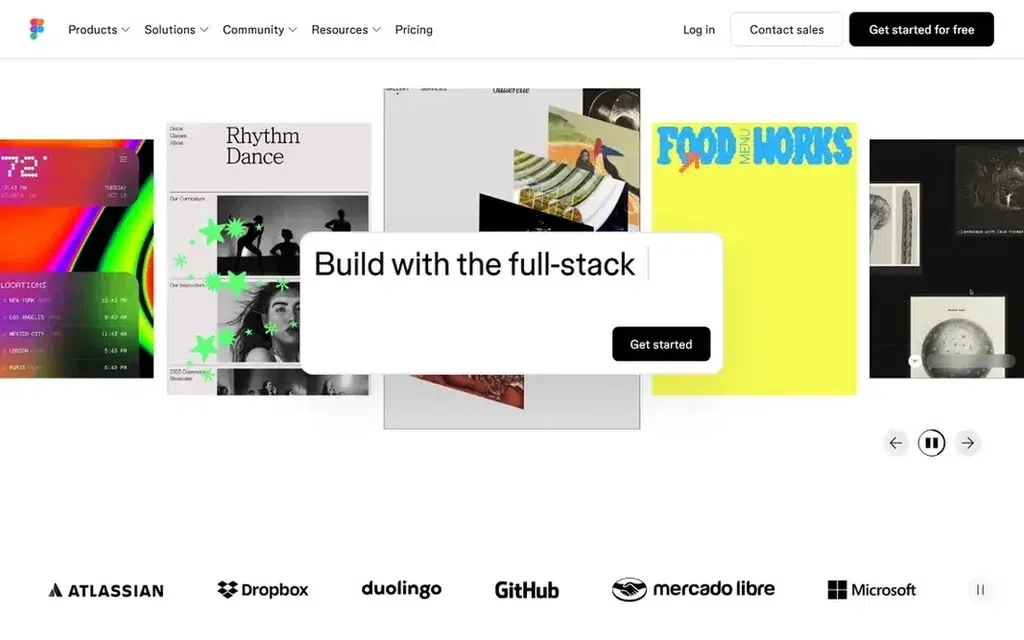
Where Figma fits: collaborative UI design and prototyping. Figma is a browser-based design product that brings design, code, and AI together in a single canvas. It supports UI design, prototyping, and vector editing, making it a strong match for teams that require to collaborate in live.
More specifically, Figma's reliance on an internet connection may be a drawback for those with unstable access, and its broad feature set can be daunting for new users. Beyond that, from first idea to shipped product, Figma aims to simplify the whole product development process for designers, developers, and stakeholders. On cost, Figma starts like this: $3 per month. Free plan details: Not stated.
Where it is weaker: Can be overwhelming for beginners.
- Code handoff
- Integrated design, prototyping
- Needs internet connection for full functionality
Choose Axure RP for UX prototyping and specifications. Axure RP is an all-in-one software design tool for creating prototypes, specifications, and diagrams.
Points against: Not a dedicated vector editing tool.
In practice, Axure RP is a strong match for teams that need in-depth specifications and flow diagrams on top of UI mockups. Starting cost for Axure RP: $29 per user per month. On free options: Not stated.
- Supports team collaboration
- Feature-rich prototyping with conditional logic
- Steeper ramp-up time
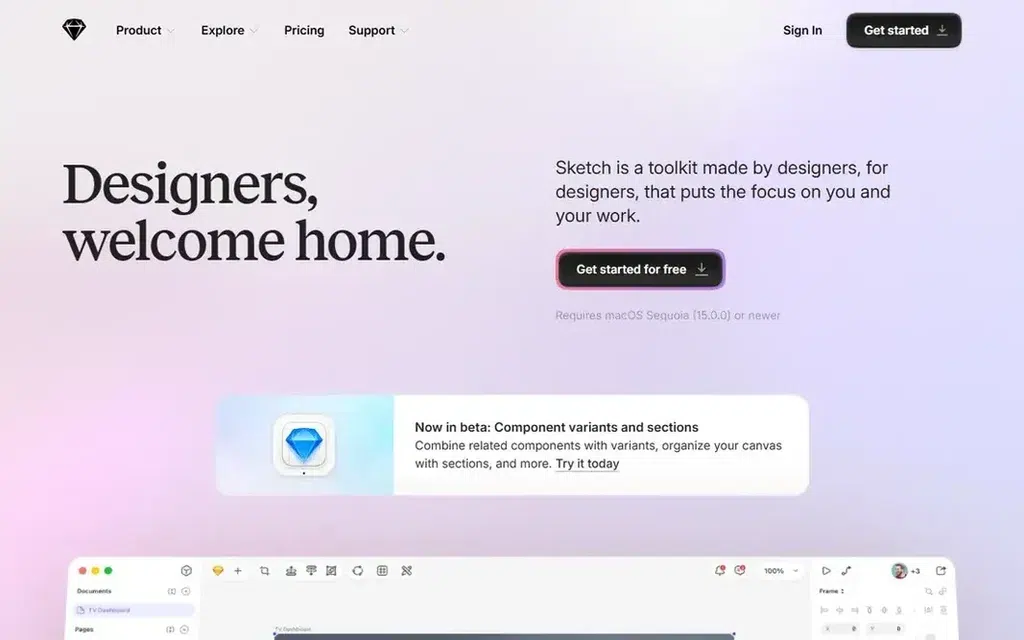
Sketch is aimed squarely at Mac-based UI design and prototyping. Sketch is a design tool built exclusively for macOS, offering a focused environment for UI design, prototyping, and collaboration.
Trade-offs to know: Collaboration features are less live than Figma.
If cross-platform collaboration is essential, Figma or Adobe XD may be a better choice. Entry price for Sketch: $12 per editor per month. Trial and free access: Free trial.
- Native Mac app with a clean interface
- Solid prototyping and handoff capabilities
- No Windows or Linux version
Selection criteria
The comparison looks at four things: starting price, free access, how well the feature set matches software for UI design and vector editing, and the main limit of each tool. Where a vendor does not publish a price, the entry says quote. Where a price depends on seats or billing term, the entry says so. Order on the page follows fit for the typical buyer first, then price transparency and free access. Your own requirements should decide the final pick.
A buyer's checklist
- Get a written quote from Affinity Designer and Adobe XD; the list shows no starting price for them.
- Run a trial of Sketch with real work before paying for a year; your own workflow is the best test.
- Read the limits listed for Affinity Designer first: restricted live collaboration features.
- Look at the help docs and support options for Affinity Designer before you commit.
- Make sure Sketch lets you export your data in a format another tool can read.
FAQ
What is the cheapest option for software for UI design and vector editing in this list?
On published monthly entry prices, Figma is the lowest here at $3 per month. Entry price is only part of the cost, because seats, add-ons and billing terms can change the total. For the full picture, the cards above cover all 5 entries of this software for UI design and vector editing list, including price, free plan and limits.
Does any tool for software for UI design and vector editing here have a free plan?
No tool in this list, Affinity Designer and Sketch included, has a permanent free plan. Sketch offer a trial. Trials and quotes are the usual route, so plan a short evaluation period.
How are the tools for software for UI design and vector editing ordered?
The order follows typical fit for software for UI design and vector editing, with Affinity Designer first and Sketch last, then price clarity and free access. It is editorial judgement, not a score, so another team could rank the tools differently.
Is Affinity Designer the right pick for everyone comparing software for UI design and vector editing?
No single tool suits every team. Affinity Designer comes first because it fits professional vector design with precision, while Adobe XD suits UI design and prototyping within Adobe and Figma suits collaborative UI design and prototyping. Match the tool to your own size, budget and workflow before deciding.
Sources
- https://affinity.serif.com/en-us/designer
- https://www.adobe.com/products/xd.html
- https://www.figma.com
- https://www.axure.com
- https://www.sketch.com