Best Professional UI Design Software for Teams (2026): 5 Picks Checked on Vendor Pages
Comparing the best professional UI design software for teams? 5 contenders, each with entry cost, free tier and best-fit buyer. Plus the drawbacks of each tool.
- Editor's choice
 ProtoPie
High-fidelity, AI-assisted prototyping
Starts atSee websiteVisit protopie.ioFull review - Great alternative
 Sketch
Designer-centric UI design and prototyping
Starts at$12 per editor per monthVisit sketch.comFull review - Also consider
 Figma
All-in-one collaborative design and handoff
Starts at$3 a monthVisit figma.comFull review
Direct answer
ProtoPie leads the list, best for high-fidelity, AI-assisted prototyping. Listed starting prices: Sketch from $12 per editor per month, Figma from $3 a month and Penpot from $7 per editor a month. Sketch is the stronger choice for designer-centric UI design and prototyping, while Figma suits all-in-one collaborative design and handoff. Prices, free plans and limits for all 5 tools follow.
TL;DR:
- This list starts with ProtoPie, which is built for high-fidelity, AI-assisted prototyping.
- What to know about ProtoPie first: centred on prototyping instead of full design.
- Framer suits designers who want to build and launch websites.
- Penpot, Framer: these are the 2 tools out of 5 that offer a free plan.
- The lowest published monthly entry price here is $3 per month, from Figma.
Last checked November 2026. Prices and plan details were read from the vendors' own pages in November 2026; vendors change plans often, so confirm the current price on the vendor site before you buy.
Quick comparison
| Tool | Best for | Starts at | Free plan? | |
|---|---|---|---|---|
| ProtoPie | High-fidelity, AI-assisted prototyping | See website | Not stated | Visit |
| Sketch | Designer-centric UI design and prototyping | $12 per editor per month | Free trial | Visit |
| Figma | All-in-one collaborative design and handoff | $3 a month | Not stated | Visit |
 Penpot | Open-source design collaboration at scale | $7 per editor a month | Yes | Visit |
 Framer | Designers who want to build and launch websites | $10 a month | Yes | Visit |
5 professional UI design software for teams in detail
LinkVetted compared 5 professional UI design software for teams. The goal is a practical shortlist: published prices, free plan facts, best-fit use cases and honest limits for every entry.
Choose ProtoPie for high-fidelity, AI-assisted prototyping. ProtoPie is primarily a prototyping tool, so it may not replace a full UI design tool for creating production-ready interfaces.
Limits to weigh: Centred on prototyping instead of full design.
No starting price is listed for ProtoPie here; confirm pricing on the vendor site. Free access: Not stated.
- AI-driven interaction generation
- Clean specification handoff
- May need complementary design tools
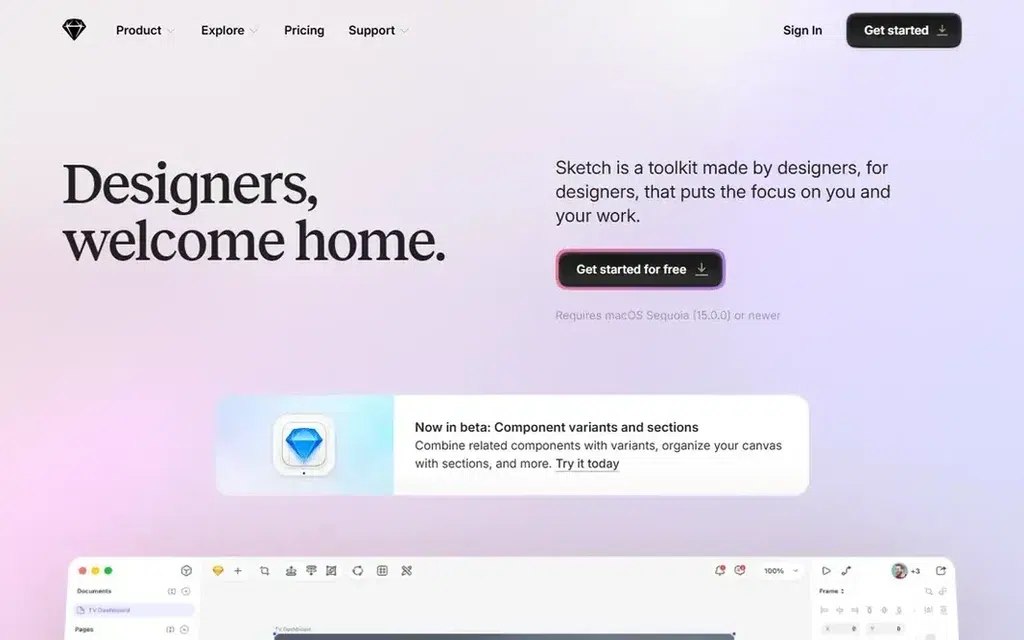
For designer-centric UI design and prototyping, Sketch is a natural candidate. Pick Sketch if you want a designer-first tool and your team is Mac-based. Sketch is presented as a tool that puts the focus back on you and your work, made by designers for designers.
Its homepage flags design, prototype, collaborate, and handoff capabilities. As for the details, Sketch is available only on macOS, so teams using Windows or mixed operating systems may face compatibility issues. On cost, Sketch starts like this: $12 per editor per month. Free access: Free trial.
Limits to weigh: Collaboration features may be less integrated than some competitors.
- Focus on core design work
- Made by designers for designers
- Mac-only system
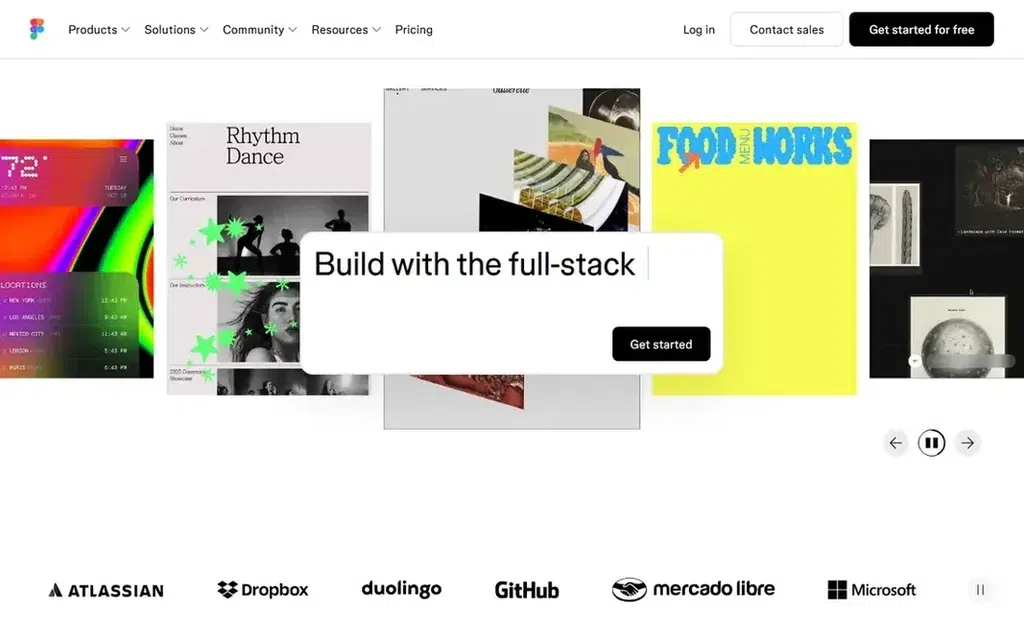
For all-in-one collaborative design and handoff, Figma is a natural candidate. This makes it a good fit for cross-functional teams that require design and development to work closely together, particularly those that value live collaboration and a single source of truth. Beyond that, consider Figma when collaboration and integrated handoff are top priorities.
Where it falls short: Complicated files can become resource-intensive.
More specifically, Figma relies on a stable internet connection for its collaborative features, and very large files may slow down on older hardware. From a buyer's view, teams that require a completely offline or open-source alternative might look at Penpot instead. What you pay to start with Figma: $3 per month. Trial and free access: Not stated.
- Design, prototyping
- AI features for concept to production
- Needs internet connection for full collaboration
Penpot was built for open-source design collaboration at scale. Penpot is the open-source design product for teams building digital products at scale, enabling deeper collaboration across design, code, and AI workflows, as stated on its homepage. It is a solid fit for organizations that value open-source software, data ownership, and the capacity to customize or self-host their design system.
Trade-offs to know: Smaller ecosystem than some commercial tools.
On top of that, teams that require deep third-party integrations or prefer a completely managed service might look at Figma. Beyond that, pick Penpot if open-source principles and self-hosting are important to your team. On cost, Penpot starts like this: $7 per editor per month. Free access exists with Penpot.
- Supports design, code
- Open-source and self-hostable
- May need technical setup for self-hosting
For designers who want to build and launch websites, Framer is a natural candidate. Choose Framer when your primary goal is to design and launch marketing or content-driven websites.
Framer is optimized for website creation, so teams designing complicated application interfaces might find it less flexible than dedicated UI tools. Framer is a free website builder with a design agent that takes you from idea to launch, based on its homepage. On cost, Framer starts like this: $10 per month. You can start on Framer without paying.
Points against: Primarily centred on websites.
- Editable changes after launch
- Built-in hosting, CMS, analytics, SEO
- Not general UI design
How we chose
We compared the tools on published pricing, free plan or trial availability, feature coverage for professional UI design software for teams, and the limits each vendor documents. Prices and plan limits come from vendor pages and can change, so confirm them on the vendor site before you buy. The order reflects how well each tool fits the most common buying scenario for professional UI design software for teams, then price clarity, then free plan access. It is a starting point, not a verdict.
What to check before you buy
- Confirm the entry price on the vendor page. For ProtoPie that means a quote rather than a fixed price.
- Read the fine print on the free plans from Penpot and Framer; seat, project and feature caps differ.
- Use real work to test the free trial from Sketch, rather than a demo project.
- Read the limits listed for ProtoPie first: centred on prototyping instead of full design.
- Compare total cost, not headline price: for Sketch, add extra seats, add-ons and any usage-based charges.
- Read the plan comparison for Framer carefully; key features often start on a higher tier.
FAQ
How are the tools for professional UI design software for teams ordered?
The order follows typical fit for professional UI design software for teams, with ProtoPie first and Framer last, then price clarity and free access. It is editorial judgement, not a score, so another team could rank the tools differently.
Can I use Framer for UI design beyond websites?
Framer is primarily a website builder with a design agent. So it is optimized for creating and launching websites instead of complicated application interfaces.
What is the best UI design software for teams that require live collaboration?
The first pick on this list is ProtoPie, because it suits high-fidelity, AI-assisted prototyping. Sketch is better for designer-centric UI design and prototyping, and Figma for all-in-one collaborative design and handoff. Check price and limits against your own needs before choosing.
Is ProtoPie the right pick for everyone comparing professional UI design software for teams?
No single tool suits every team. ProtoPie comes first because it fits high-fidelity, AI-assisted prototyping, while Sketch suits designer-centric UI design and prototyping and Figma suits all-in-one collaborative design and handoff. Match the tool to your own size, budget and workflow before deciding.
Which tool is a good match for creating complicated, interactive prototypes?
The first pick on this list is ProtoPie, because it suits high-fidelity, AI-assisted prototyping. Sketch is better for designer-centric UI design and prototyping, and Figma for all-in-one collaborative design and handoff. Check price and limits against your own needs before choosing.
Can I try these tools before paying?
Often, yes. Penpot and Framer have a free plan and Sketch offers a free trial. Use your own data and a real task during the test, and check what the free tier or trial limits before you rely on it.
Sources
- https://www.protopie.io
- https://www.sketch.com
- https://www.figma.com
- https://penpot.app
- https://www.framer.com