The 6 Best UI Design Software for Startups in 2026, Ranked
Compare 6 best UI design software for startups, with prices, free plans and who each fits. Trade-offs are spelled out for each entry. Updated for 2026.
- Editor's choiceMarvel
All-in-one wireframe to prototype workflow
Starts atSee websiteVisit marvelapp.comFull review - Great alternative
 Framer
Designers who also publish the site
Starts at$10 per monthVisit framer.comFull review - Also consider
 Figma
Collaborative end-to-end product design
Starts at$3 a monthVisit figma.comFull review
Direct answer
For all-in-one wireframe to prototype workflow, Marvel is where this list starts. Listed starting prices: Framer from $10 per month, Figma from $3 a month and Axure RP from $29 per user a month. Look at Framer for designers who also publish the site, and at Figma for collaborative end-to-end product design. Details, prices and limits for the rest of the 6 tools are below.
TL;DR:
- Marvel is the opening pick, best for all-in-one wireframe to prototype workflow.
- Sketch is the one to check for Mac-focused designers who want a dedicated app.
- A free plan is available from 2 of the 6 tools: Marvel, Framer.
- Starting prices begin at $3 per month with Figma.
- Before buying Figma, weigh this: browser-based work relies on connectivity.
Last checked November 2026. Prices and plan details were read from the vendors' own pages in November 2026; vendors change plans often, so confirm the current price on the vendor site before you buy.
Quick comparison
| Tool | Best for | Starts at | Free plan? | |
|---|---|---|---|---|
| Marvel | All-in-one wireframe to prototype workflow | See website | Yes | Visit |
| Framer | Designers who also publish the site | $10 per month | Yes | Visit |
| Figma | Collaborative end-to-end product design | $3 a month | Not stated | Visit |
 Axure RP | In-depth prototypes and specifications | $29 per user a month | Not stated | Visit |
 Balsamiq | Quick, low-fidelity wireframing | $16 per editor a month | Free trial | Visit |
 Sketch | Mac-focused designers who want a dedicated app | $12 per editor a month | Free trial | Visit |
6 UI design software for startups in detail
Short on time? The summary and table above give the quick view of 6 UI design software for startups, and the profiles that follow give the detail behind each entry.
Marvel
Best for: All-in-one wireframe to prototype workflow
Marvel was built for all-in-one wireframe to prototype workflow. Startups with mature design operations might outgrow it as their needs become more specialized.
Drawbacks to consider: Feature depth may trail specialized tools.
Upsides: API integration available.
It is a reasonable fit for lean teams that prioritize an integrated, straightforward workflow over maximum feature depth. Also, Marvel may not match the depth of specialized tools for advanced design systems or highly complicated prototyping. No starting price is listed for Marvel here; confirm pricing on the vendor site. Marvel includes a free tier.
- Comes with design and inspection features
- Test in one place
- Less known for advanced design systems
Think of Framer for designers who also publish the site. Startups that require deep prototyping logic or deep developer handoff may find it narrower.
Where Framer stands out: SEO built in.
More specifically, Framer is a website builder with a design agent that takes a concept from idea to launch. Framer starts at: $10 per month. Framer offers a free plan.
Honest limits: Advanced product flows may need another tool.
- Design agent moves from idea to launch
- Hosting, CMS, analytics
- Website focus may not include full product design
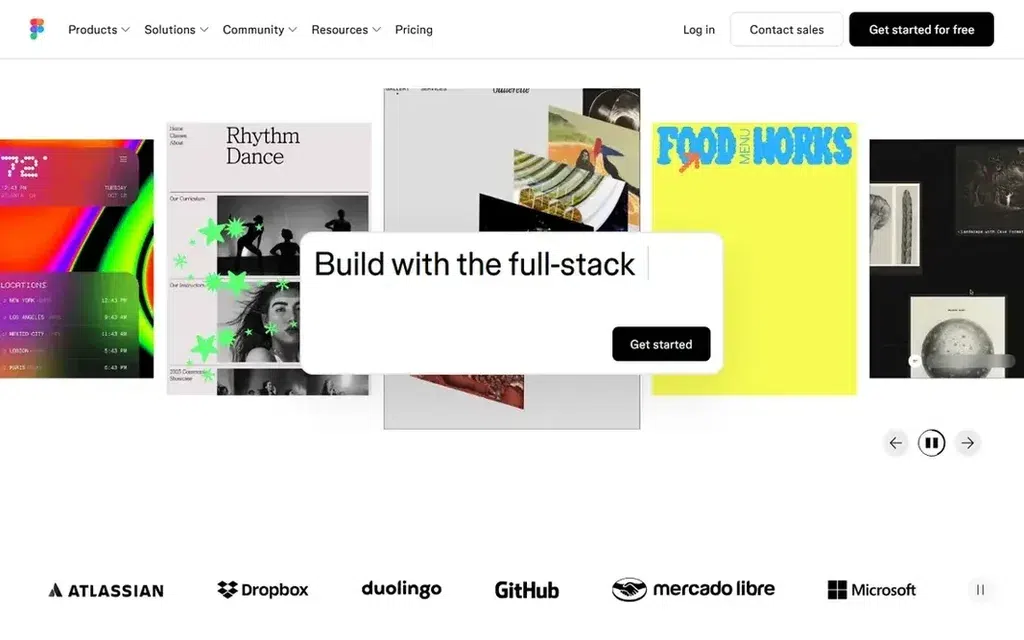
Pick Figma if this describes you: collaborative end-to-end product design. Figma presents itself as a collaborative canvas where design, code, and AI come together. It is aimed at teams that want to move from first idea to shipped product in one place, with designers and developers working side by side.
Limits to weigh: Large files can feel heavy on modest hardware.
In practice, for startups with cross-functional squads, this shared environment cuts the have to pass files between separate tools and keeps feedback close to the work. On top of that, since Figma runs primarily in the browser, teams with strict on-premises requirements or unreliable connections may find it less suitable. On top of that, otherwise, it is a practical default for most product teams. Figma pricing: $3 per month. Free access: Not stated.
- Shared canvas for design and code
- Supports concept-to-production work
- Browser-based work relies on connectivity
Axure RP is a good fit for in-depth prototypes and specifications. Axure RP is an all-in-one software design tool for creating prototypes, specifications, and diagrams.
Axure RP is best reserved for projects where interaction detail and specification quality matter most. Teams working on enterprise-style flows or regulated products often value the depth of documentation it supports. Entry price for Axure RP: $29 per user per month. Free plan details: Not stated.
What to check first: Steeper ramp-up time for new designers.
- Solid for complicated interaction logic
- Diagrams in one tool
- Interface can feel dense for straightforward projects
Balsamiq works best for quick, low-fidelity wireframing. Startups that require pixel-accurate UI work should move to a higher-fidelity tool after wireframing.
Balsamiq intentionally stays low-fidelity, so it is not the place to build final visual designs or in-depth design systems. What you pay to start with Balsamiq: $16 per editor per month. Free plan details: Free trial.
Downsides: Restricted for high-fidelity visual design.
- Encourages sketching and iteration
- Fast wireframing without friction
- Not a full production design environment
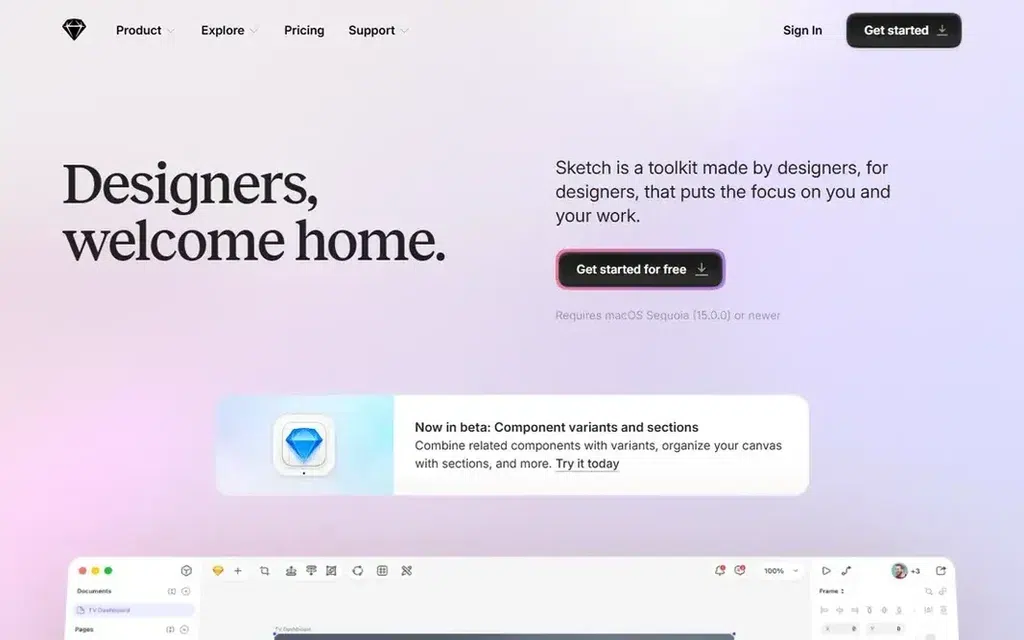
Sketch is built with Mac-focused designers who want a dedicated app in mind. The tool emphasizes the craft of interface design and keeps prototyping and developer handoff within the same environment.
Strengths: Contains prototyping and handoff.
Watch-outs: Mac-only system limits mixed-device teams. From a buyer's view, startups planning heavy cross-functional collaboration might choose a different primary tool. Beyond that, Sketch remains a solid fit for Mac-centric design groups with a clear handoff process. Sketch cost at the entry level: $12 per editor per month. Free options: Free trial.
- Clean
- Made by designers for designers
- Collaboration features are narrower than browser-first tools
Our selection method
For each of the 6 tools we noted price, free plan or trial, fit for UI design software for startups and the main limit, using vendor pages and documentation. Prices and plan limits come from vendor pages and can change, so confirm them on the vendor site before you buy. Position on the page reflects fit for a typical buyer first, with price clarity and free access breaking ties. Treat it as a guide, not a ruling.
A buyer's checklist
- Ask Marvel for a written quote, since no starting price is shown.
- Read the fine print on the free plans from Marvel and Framer; seat, project and feature caps differ.
- Run a trial of Balsamiq and Sketch with real work before paying for a year; your own workflow is the best test.
- Read the limits listed for Marvel first: feature depth may trail specialized tools.
- Compare total cost, not headline price: for Axure RP, add extra seats, add-ons and any usage-based charges.
- Check how data leaves Marvel: formats, limits and whether exports are available on every plan.
FAQ
Do these tools publish their prices?
Not all of them. Marvel publishes no starting price, so expect a quote request for it. The rest, Framer included, show a starting price, though seats and billing terms still change the final cost.
How are the tools for UI design software for startups ordered?
The order follows typical fit for UI design software for startups, with Marvel first and Sketch last, then price clarity and free access. It is editorial judgement, not a score, so another team could rank the tools differently.
Can I try these tools before paying?
Often, yes. Marvel and Framer have a free plan and Balsamiq and Sketch offer a free trial. Use your own data and a real task during the test, and check what the free tier or trial limits before you rely on it.
Which options for UI design software for startups have a free plan?
Marvel and Framer offer a free plan in this list. Free plans usually cap users, projects or features, so check the limits on the vendor page. Several others offer a trial instead.
How important is prototyping depth for a startup UI tool?
Startups validating complicated interactions may need in-depth prototyping and specifications, which tools like Axure RP support. In daily use, teams centred on visual design and collaboration can commonly depend on lighter prototyping built into their primary design tool.
Sources
- https://marvelapp.com
- https://www.framer.com
- https://www.figma.com
- https://www.axure.com
- https://balsamiq.com
- https://www.sketch.com