Best UI/UX Design Software for Startups for 2026: Our 5 Vetted Picks
Need the best UI/UX design software for startups? We compare 5 tools on cost, free access and who each suits. Each profile ends with a plain caveat. Start here.
- Editor's choice
 Sketch
Mac-native design and prototyping
Starts at$12 per editor a monthVisit sketch.comFull review - Great alternative
 Adobe XD
Teams already in the Adobe ecosystem
Starts atSee websiteVisit adobe.comFull review - Also consider
 Figma
Collaborative end-to-end product design
Starts at$3 per monthVisit figma.comFull review
Direct answer
This list puts Sketch first for Mac-native design and prototyping. Listed starting prices: Sketch from $12 per editor a month, Figma from $3 per month and Balsamiq from $16 per editor a month. Adobe XD is better for teams already in the Adobe ecosystem, and Figma is better for collaborative end-to-end product design. All 5 tools are compared below on price, free plan and limits.
TL;DR:
- Number one here is Sketch, a fit for Mac-native design and prototyping.
- Figma has the lowest monthly starting price in this list: $3 per month.
- Just one of the 5 tools, Framer, has a free plan.
- A fair warning about Adobe XD: less active development than some rivals.
- For design-to-website with built-in hosting, Framer is worth a look.
Last checked November 2026. Prices and plan details were read from the vendors' own pages in November 2026; vendors change plans often, so confirm the current price on the vendor site before you buy.
Quick comparison
| Tool | Best for | Starts at | Free plan? | |
|---|---|---|---|---|
| Sketch | Mac-native design and prototyping | $12 per editor a month | Free trial | Visit |
| Adobe XD | Teams already in the Adobe ecosystem | See website | Not stated | Visit |
| Figma | Collaborative end-to-end product design | $3 per month | Not stated | Visit |
 Balsamiq | Quick low-fidelity wireframing | $16 per editor a month | Free trial | Visit |
 Framer | Design-to-website with built-in hosting | $10 per month | Yes | Visit |
The full UI/UX design software for startups list
Choosing UI/UX design software for startups usually comes down to price, fit and limits. This LinkVetted guide sets 5 tools side by side on those three points, with the facts kept short and checkable.
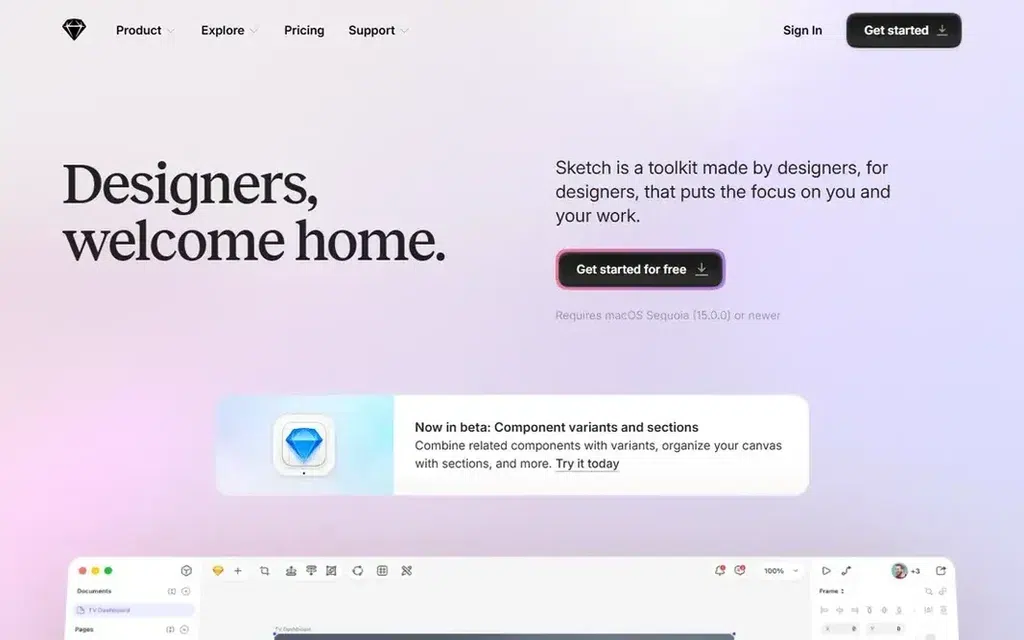
Sketch is designed for Mac-native design and prototyping. Startups with Mac-based design teams that value a dedicated desktop workflow commonly find Sketch a natural fit for interface design and prototyping.
Honest limits: Mac-only product.
Its collaboration model is less live than cloud-native canvases, which may matter for distributed startups. Entry price for Sketch: $12 per editor per month. On free options: Free trial.
- Prototyping and handoff included
- Focused native Mac experience
- Less live collaboration than cloud tools
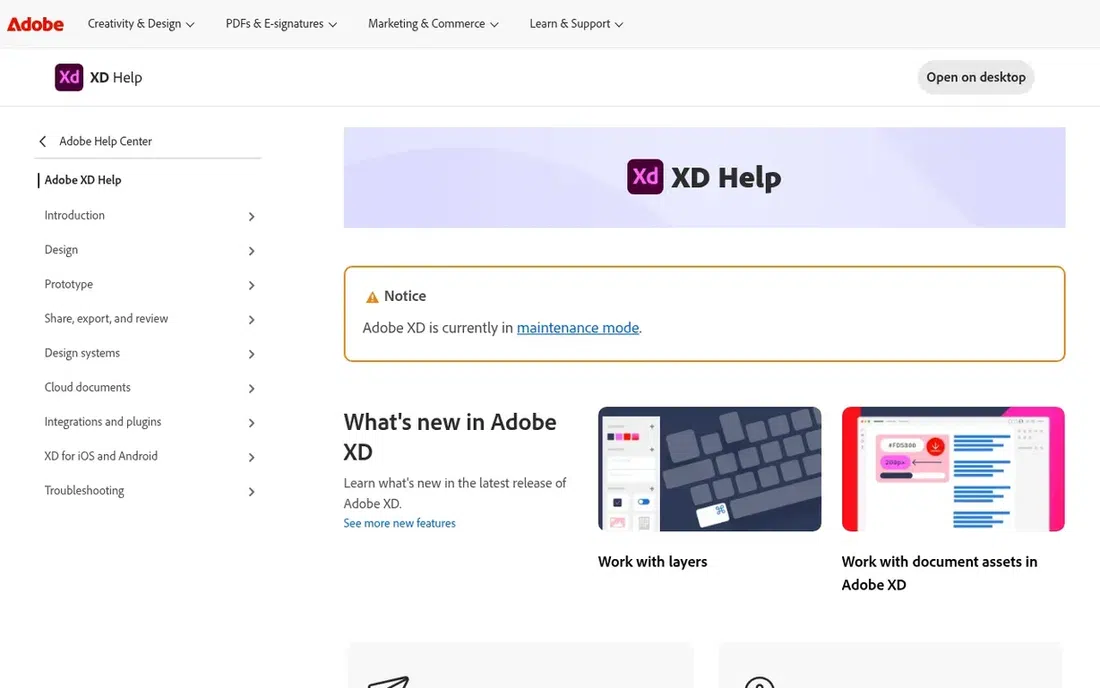
Adobe XD was built for teams already in the Adobe ecosystem. Adobe XD is an UI and UX design tool from Adobe that supports vector design, prototyping and sharing for digital products.
What to check first: Needs Adobe account.
As for the details, startups seeking the most active community and plugin ecosystem may prefer Figma. From a buyer's view, XD remains a reasonable choice for teams deeply invested in Adobe workflows. No starting price is listed for Adobe XD here; confirm pricing on the vendor site. Free options: Not stated.
- Supports design and prototyping
- Links up with Adobe creative tools
- Less active development than some rivals
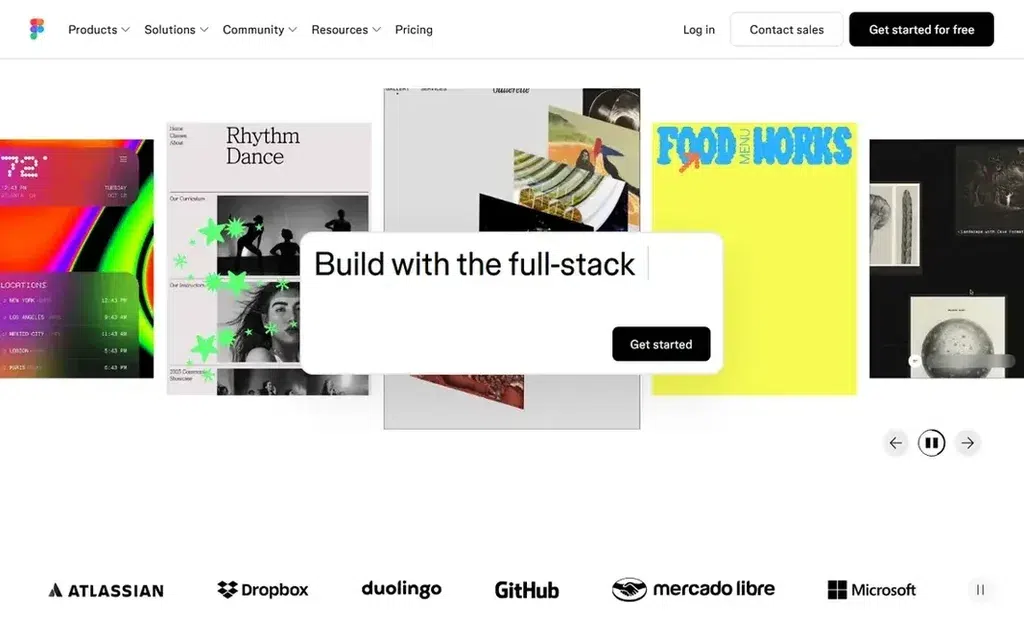
Pick Figma if this describes you: collaborative end-to-end product design. From first idea to shipped product, teams can move from concept to production in one place, which fits startups that require designers, developers and product managers working in the same environment. Its strength lies in keeping the entire team aligned without switching between separate tools for design and handoff.
Downsides: Browser-based performance can vary.
Reasons to shortlist it: Concept to production in one place.
Also, startups that prefer a native desktop app with a long-established Mac workflow might look at Sketch instead. Also, for most collaborative product teams, that said, Figma's shared canvas reduces friction between disciplines. Worth adding: Figma presents itself as a collaborative canvas where design, code and AI come together. Starting cost for Figma: $3 per month. Free access: Not stated.
- Design
- Code and AI in one canvas
- Needs internet for full collaboration
Choose Balsamiq for quick low-fidelity wireframing. Startups in early discovery phases benefit from Balsamiq's intentionally straightforward approach, which keeps attention on structure and flow instead of visual polish.
Beyond that, Balsamiq is not intended for high-fidelity visual design or in-depth developer handoff. So teams will eventually need a tool like Figma or Sketch for production-ready interfaces. Balsamiq cost at the entry level: $16 per editor per month. Trial and free access: Free trial.
Drawbacks to consider: Not a full product design suite.
- Fast wireframes and prototypes
- Low-friction sketching of UI
- Restricted high-fidelity design
Choose Framer for design-to-website with built-in hosting. Changes stay editable, with hosting, CMS, analytics, SEO and AEO built in. This makes Framer appealing to startups that require to design and publish marketing sites or landing pages rapidly, without handing off to a separate development team.
More specifically, Framer is oriented toward websites and marketing pages instead of full-fledged product design and prototyping for complicated applications. For quick, editable site launches with integrated hosting, Framer is a solid choice. On cost, Framer starts like this: $10 per month. Framer includes a free tier.
Points against: Less suited to complicated product design systems.
- Analytics and SEO built in
- Editable changes with hosting and CMS
- Centred on websites instead of full app design
How we chose
LinkVetted looked at what each vendor publishes: pricing, plan limits, feature coverage for UI/UX design software for startups and stated drawbacks. No hands-on testing is claimed. Prices and plan limits come from vendor pages and can change, so confirm them on the vendor site before you buy. Order on the page follows fit for the typical buyer first, then price transparency and free access. Your own requirements should decide the final pick.
Things to verify first
- Confirm the entry price on the vendor page. For Adobe XD that means a quote rather than a fixed price.
- Test the free plan from Framer against your real workload before relying on it.
- Use real work to test the free trial from Sketch and Balsamiq, rather than a demo project.
- Read the limits listed for Sketch first: Mac-only platform.
- Check the integration list for Figma against the tools you run today, and note which ones need a higher plan.
- Get the contract term, renewal terms and any onboarding fees from Balsamiq in writing.
FAQ
What is the cheapest option for UI/UX design software for startups in this list?
On published monthly entry prices, Figma is the lowest here at $3 per month. Entry price is only part of the cost, because seats, add-ons and billing terms can change the total. Prices, free plan details and limits for all 5 tools in this UI/UX design software for startups roundup sit on the individual cards above.
How are the tools for UI/UX design software for startups ordered?
The order follows typical fit for UI/UX design software for startups, with Sketch first and Framer last, then price clarity and free access. It is editorial judgement, not a score, so another team could rank the tools differently.
Can I try these tools before paying?
Often, yes. Framer has a free plan and Sketch and Balsamiq offer a free trial. Use your own data and a real task during the test, and check what the free tier or trial limits before you rely on it. Each of the 5 options in this UI/UX design software for startups guide has its own card above with the price, free plan and limits.
Is Sketch the right pick for everyone comparing UI/UX design software for startups?
No single tool suits every team. Sketch comes first because it fits Mac-native design and prototyping, while Adobe XD suits teams already in the Adobe ecosystem and Figma suits collaborative end-to-end product design. Match the tool to your own size, budget and workflow before deciding.
Sources
- https://www.sketch.com
- https://www.adobe.com/products/xd.html
- https://www.figma.com
- https://balsamiq.com
- https://www.framer.com