5 Best Ui/ux Design Software for Teams for 2026, Vetted and Compared
Shortlisting the best UI/UX design software for teams? 5 products compared on cost, free access and ideal buyer. Short verdicts, no fluff. Facts only.
- Editor's choice
 Balsamiq
Quick, low-fidelity wireframing
Starts at$16 per editor a monthVisit balsamiq.comFull review - Great alternative
 Axure RP
Complicated prototypes and in-depth specifications
Starts at$29 per user a monthVisit axure.comFull review - Also consider
 Figma
Collaborative end-to-end design and handoff
Starts at$3 a monthVisit figma.comFull review
Direct answer
Balsamiq is the first pick on this list for quick, low-fidelity wireframing. Listed starting prices: Balsamiq from $16 per editor a month, Axure RP from $29 per user a month and Figma from $3 a month. Axure RP is better for complicated prototypes and in-depth specifications, and Figma is better for collaborative end-to-end design and handoff. The other 2 tools in the list cover narrower or pricier cases.
TL;DR:
- Number one here is Balsamiq, a fit for quick, low-fidelity wireframing.
- What to know about Balsamiq first: not a good match for high-fidelity design.
- The cheapest monthly starting price in the list is $3 per month, offered by Figma.
- Miro fits visual collaboration and early-stage ideation.
Last checked November 2026. Prices and plan details were read from the vendors' own pages in November 2026; vendors change plans often, so confirm the current price on the vendor site before you buy.
Quick comparison
| Tool | Best for | Starts at | Free plan? | |
|---|---|---|---|---|
| Balsamiq | Quick, low-fidelity wireframing | $16 per editor a month | Free trial | Visit |
| Axure RP | Complicated prototypes and in-depth specifications | $29 per user a month | Not stated | Visit |
| Figma | Collaborative end-to-end design and handoff | $3 a month | Not stated | Visit |
 Sketch | Mac-based designers seeking a focused workflow | $12 per editor per month | Free trial | Visit |
 Miro | Visual collaboration and early-stage ideation | $8 per member a month | Yes | Visit |
UI/UX Design Software for Teams compared in detail
If you are comparing UI/UX design software for teams, this page covers 5 tools in one place: what each is best for, what it costs to start, whether it has a free plan, and the main limit to know about.
Balsamiq is designed for quick, low-fidelity wireframing. Balsamiq is intentionally low-fidelity, so it is not meant for refined UI design or in-depth prototyping. For everyday use, Balsamiq supplies quick, focused wireframing and prototyping tools built to reduce friction.
It lets product, tech, and business minds to sketch, test, and refine UI rapidly. This makes it an ideal choice for teams that need to iterate on layout and structure early in the design process without getting distracted by visual details. Beyond that, teams that require to produce production-ready designs or complicated interactions will need to pair it with a higher-fidelity tool. Price to start with Balsamiq: $16 per editor per month. As for free access: Free trial.
Where it is weaker: Not a good match for high-fidelity design.
- Low ramp-up time for non-designers
- Fast and simple wireframing
- Restricted prototyping and collaboration features
Think of Axure RP for complicated prototypes and in-depth specifications. Axure RP is an all-in-one software design tool for creating prototypes, specifications, and diagrams. It is noted for supporting complicated, interactive prototypes and in-depth documentation, making it a solid fit for UX professionals who require to communicate intricate behaviors and requirements.
Teams that value thorough specification and high-fidelity prototyping commonly choose Axure RP. Its collaboration features are not as smooth as those in browser-based tools like Figma. So teams prioritizing live co-editing might prefer a different option. Entry price for Axure RP: $29 per user per month. As for free access: Not stated.
Where it is weaker: Steeper ramp-up time than more straightforward tools.
- Advanced prototyping with conditional logic
- Solid for documentation-heavy workflows
- Less emphasis on live collaboration
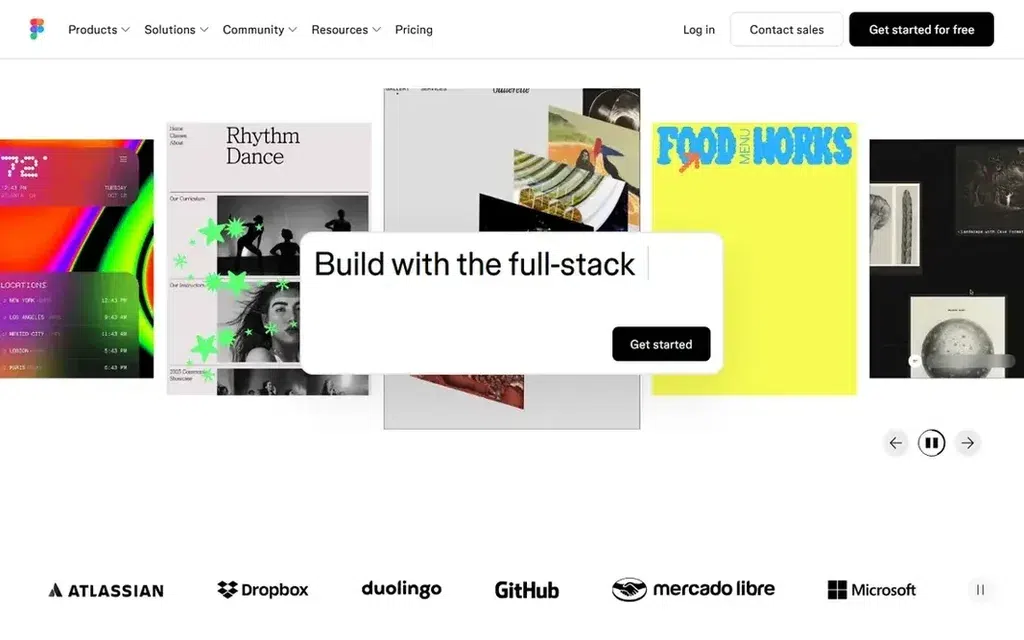
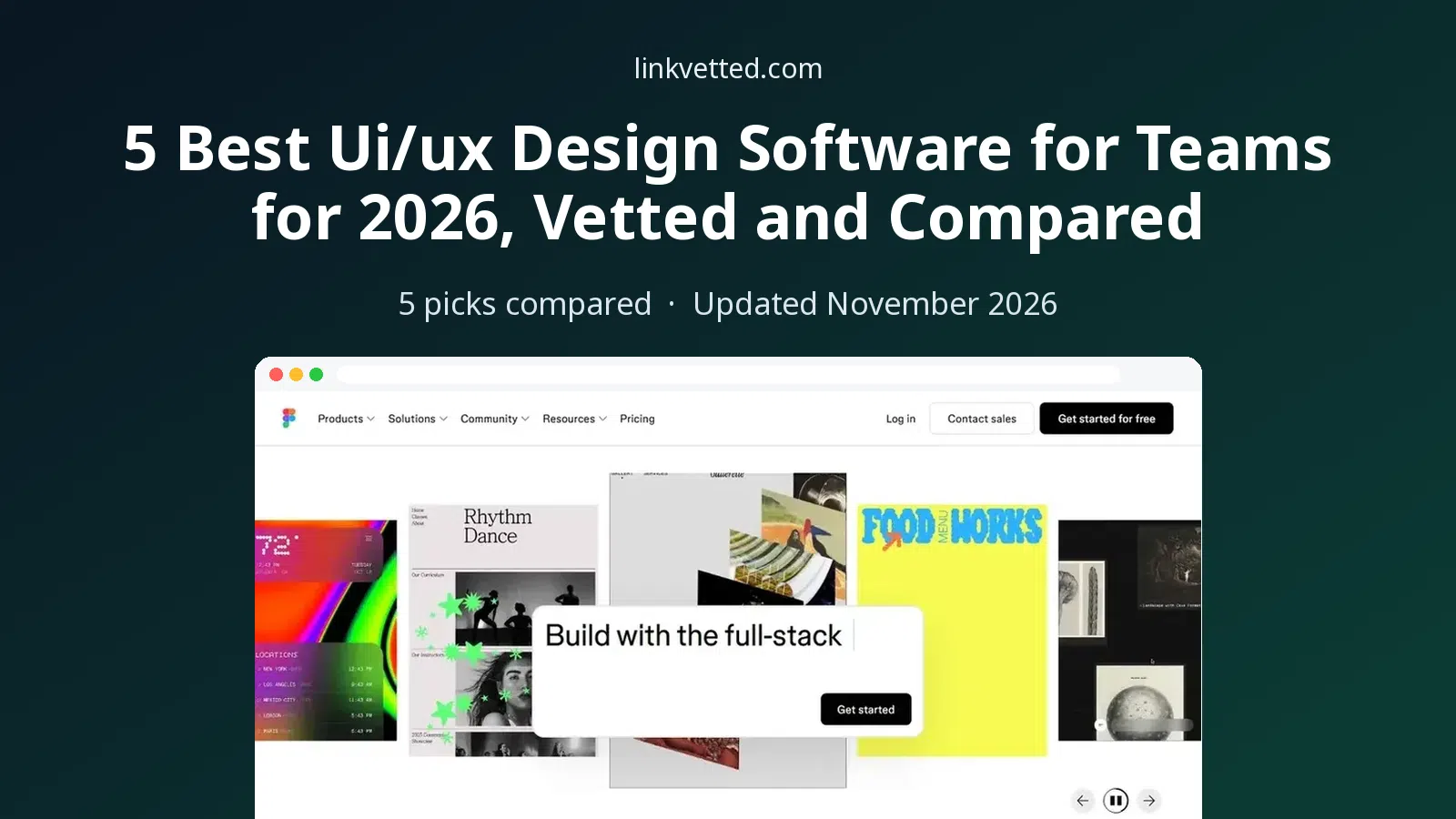
Choose Figma for collaborative end-to-end design and handoff. Figma is a browser-based design system that positions itself as a collaborative canvas where design, code, and AI come together. It supports the whole product development cycle, from first idea to shipped product, allowing teams to work in one place.
This makes it a good fit for cross-functional teams that require live collaboration, prototyping, and developer handoff without switching tools. In daily use, teams that primarily need low-fidelity wireframes or are deeply integrated into a different ecosystem might consider lighter or more specialized alternatives. What you pay to start with Figma: $3 per month. Trial and free access: Not stated.
Points against: Can feel overwhelming for simple wireframes.
- Unified canvas for design, code, AI
- Live multiplayer editing in the browser
- Needs steady internet for full functionality
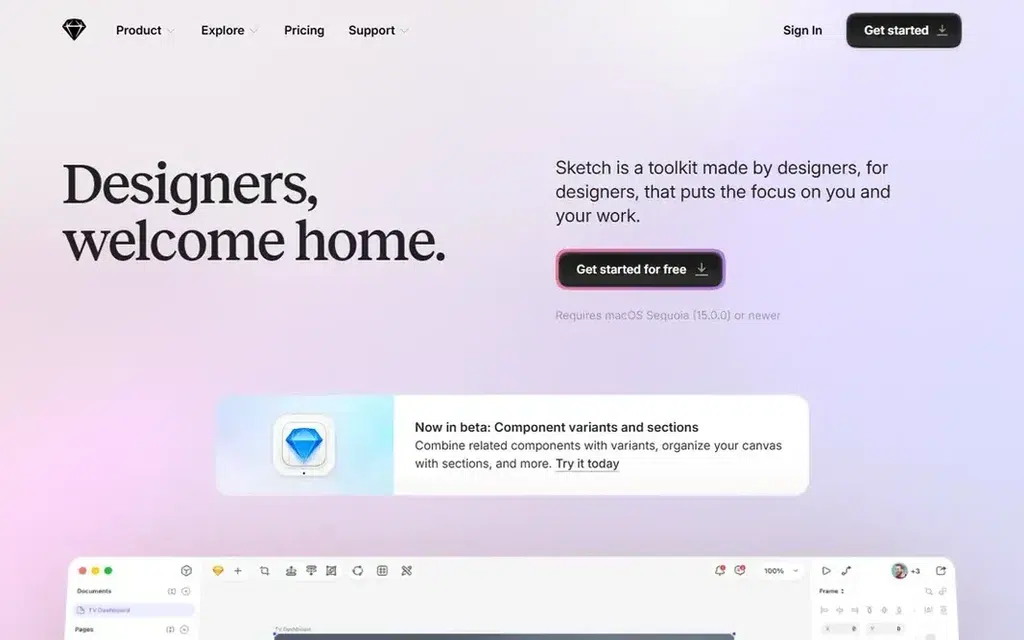
For Mac-based designers seeking a focused workflow, Sketch is a natural candidate. Since Sketch is primarily a Mac application, teams with Windows or mixed-device users may face compatibility challenges. On top of that, whereas it comes with collaboration features, teams that need smooth live co-editing in the browser might find Figma or similar tools more aligned with their needs.
Where it is weaker: Restricted to Mac users for design work.
Sketch is a design tool made by designers for designers, emphasizing a focused and simplified workflow. It provides design, prototyping, collaboration, and handoff capabilities in a native Mac application. Entry price for Sketch: $12 per editor per month. On free options: Free trial.
- Built-in prototyping and collaboration features
- Native Mac app with a clean interface
- Live collaboration may need extra setup
Miro targets visual collaboration and early-stage ideation. Miro is an AI-powered visual product designed to accelerate product development from ideation to launch. It makes it possible for teams to align, break tool silos, and ship products by supplying a shared canvas for workshops, mapping, and brainstorming.
Drawbacks to consider: Can become cluttered without proper organization.
It is a very good fit for cross-functional teams that require to collaborate visually during early product discovery and planning phases. Teams looking for an all-in-one design and prototyping option might find Figma or Sketch more suitable. In daily use, Miro is not intended for high-fidelity UI design or in-depth prototyping. So teams will need a separate design tool for those tasks. Also, without clear organization, Miro boards can become overwhelming. Miro starts at: $8 per member per month. Miro includes a free tier.
- AI-powered system for product development
- Breaks down silos between teams
- Not a dedicated UI design tool for high-fidelity work
How these tools were picked
For each of the 5 tools we noted price, free plan or trial, fit for UI/UX design software for teams and the main limit, using vendor pages and documentation. Figures are shown as the vendors publish them. Billing terms, seat minimums and add-ons can change the real cost. Tools are placed by general fit for UI/UX design software for teams, with price clarity and free access as tie-breakers. A different team can reasonably rank them differently.
What to check before you buy
- Check the vendor page for the current price: Figma starts at $3 per month here, and seats or billing terms can move it.
- Look at the free plan from Miro closely: its caps decide whether it is usable for real work.
- Take the trial from Balsamiq and Sketch and push a live task through it before you pay.
- Read the limits listed for Balsamiq first: not a good match for high-fidelity design.
- Ask the daily users to test Miro on a live task before you roll it out to everyone.
- Confirm the exact Balsamiq plan that includes your must-have features.
FAQ
Do these tools publish their prices?
Yes. Every tool from Balsamiq to Miro shows a starting price, though seats, add-ons and billing terms still change the final cost.
How are the tools for UI/UX design software for teams ordered?
Balsamiq sits first and Miro last because the order follows typical fit for UI/UX design software for teams, then price clarity and free access. It is a judgement call, so read each profile for fit and limits.
Which options for UI/UX design software for teams have a free plan?
Miro is the only tool in this list with a free plan. Free plans usually cap users, projects or features, so check the limits on the vendor page. Several others offer a trial instead. Each of the 5 options in this ui/ux design software for teams guide has its own card above with the price, free plan and limits.
What should I consider when choosing UI/UX software for my team?
Consider your team's size, device preferences, need for live collaboration, prototyping fidelity, and handoff requirements. Also, evaluate integration with existing tools and the ramp-up time for your team members.
Is Balsamiq the right pick for everyone comparing UI/UX design software for teams?
No single tool suits every team. Balsamiq comes first because it fits fast, low-fidelity wireframing, while Axure RP suits complex prototypes and detailed specifications and Figma suits collaborative end-to-end design and handoff. Match the tool to your own size, budget and workflow before deciding.
Sources
- https://balsamiq.com
- https://www.axure.com
- https://www.figma.com
- https://www.sketch.com
- https://miro.com