5 Best Photo Editing Software for Hobbyist for 2026, Vetted and Compared
Weighing the best photo editing software for hobbyist? We lined up 5 products by cost, free access and fit. Honest caveats for every entry. Checked this month.
- Editor's choice
 Affinity Photo
Professional features without subscription
Starts atSee websiteVisit affinity.serif.comFull review - Great alternative
 Adobe Lightroom
Photo organization and non-destructive editing
Starts atSee websiteVisit adobe.comFull review - Also consider
 ON1 Photo RAW
All-in-one RAW editing
Starts at$49.99Visit on1.comFull review
Direct answer
Affinity Photo leads the list, best for professional features without subscription. Listed starting prices: ON1 Photo RAW from $49.99. If your case is different, Adobe Lightroom suits Photo organization and non-destructive editing and ON1 Photo RAW suits all-in-one RAW editing. All 5 tools are compared below on price, free plan and limits.
TL;DR:
- Top of the list is Affinity Photo, which targets professional features without subscription.
- No starting price is published for Affinity Photo, Adobe Lightroom, Adobe Photoshop and ACDSee Photo Studio; expect a quote.
- Check the limits for ON1 Photo RAW before you commit: ramp-up time for beginners.
- ACDSee Photo Studio is the one to check for editing and digital asset management.
Last checked November 2026. Prices and plan details were read from the vendors' own pages in November 2026; vendors change plans often, so confirm the current price on the vendor site before you buy.
Quick comparison
| Tool | Best for | Starts at | Free plan? | |
|---|---|---|---|---|
| Affinity Photo | Professional features without subscription | See website | Not stated | Visit |
| Adobe Lightroom | Photo organization and non-destructive editing | See website | Not stated | Visit |
| ON1 Photo RAW | All-in-one RAW editing | $49.99 | Free trial | Visit |
 Adobe Photoshop | Versatile editing and compositing | See website | Not stated | Visit |
| ACDSee Photo Studio | Editing and digital asset management | See website | Not stated | Visit |
Every option for photo editing software for hobbyist explained
LinkVetted compared 5 tools for photo editing software for hobbyist. The goal is a practical shortlist: published prices, free plan facts, best-fit use cases and honest limits for every entry.
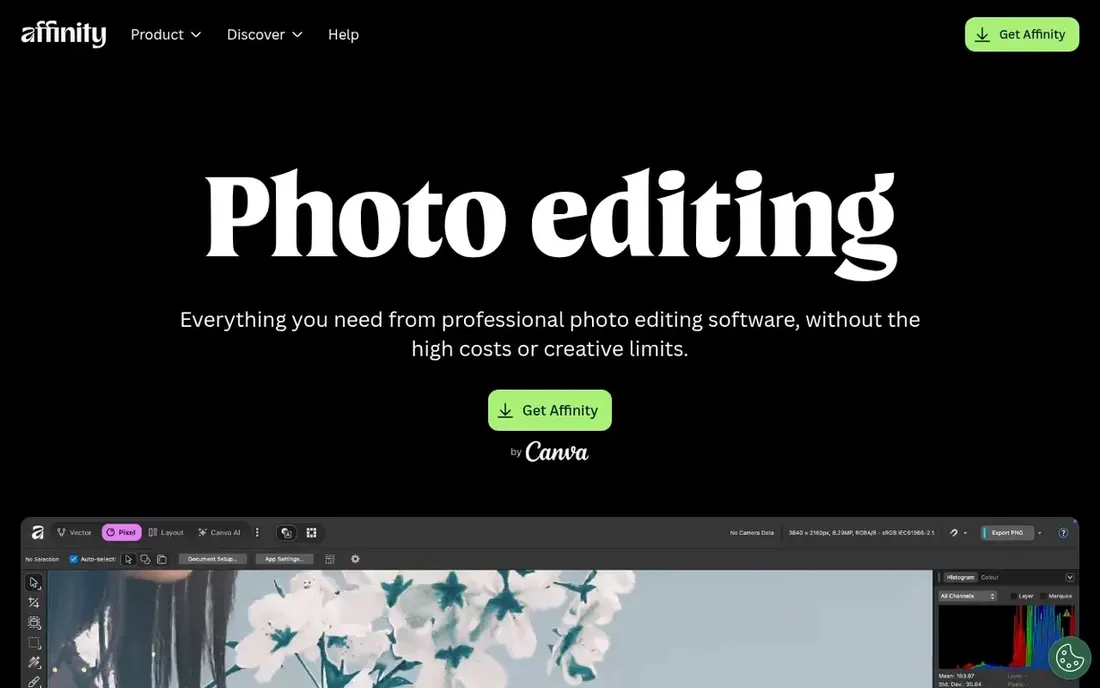
For professional features without subscription, Affinity Photo is a natural candidate. Affinity Photo lacks solid photo management features, so hobbyists with large libraries may need separate organization software.
Its interface can be daunting for beginners, and those seeking guided workflows might prefer Lightroom. Affinity Photo is a capable photo editor that provides professional-grade tools for retouching, compositing, and RAW processing. This comparison lists no price for Affinity Photo; ask the vendor. Free access: Not stated.
Downsides: No built-in organization.
- Supports RAW editing
- Precise editing tools
- Ramp-up time for advanced features
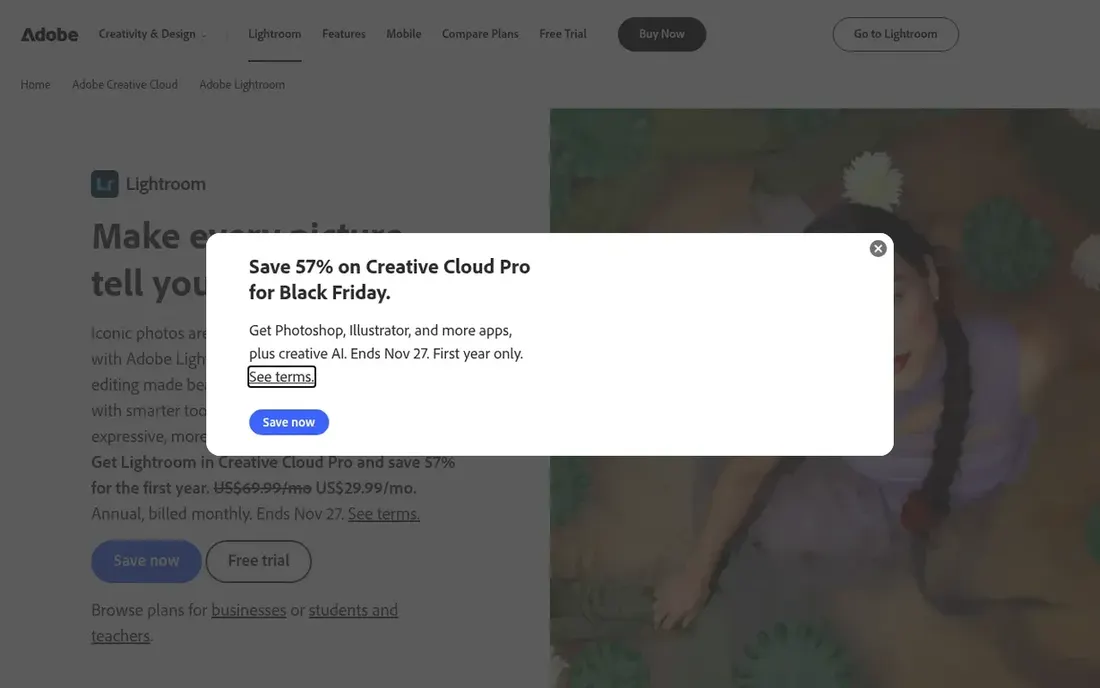
Adobe Lightroom targets Photo organization and non-destructive editing. Hobbyists needing advanced compositing should look to Photoshop or similar editors. It provides feature-rich cataloging and non-destructive editing tools, making it a strong match for hobbyists who shoot often and want a simplified workflow.
Where it falls short: Restricted advanced compositing.
In daily use, Lightroom's editing capabilities are centred on global and local adjustments instead of pixel-level manipulation. So it may not suffice for complicated retouching. It also needs a subscription. Adobe Lightroom does not show a starting price in this comparison, so check the vendor site for current pricing. On free options: Not stated.
- Efficient photo management
- Sync across devices
- Subscription-based
ON1 Photo RAW serves all-in-one RAW editing. ON1 Photo RAW may have a learning curve for those new to advanced editing, and its ecosystem is smaller compared with major players. It is a solid choice for those wanting a subscription-free RAW workflow.
Honest limits: Less established than some competitors.
Also, ON1 Photo RAW is an all-in-one RAW photo editor that merges editing, organizing, and processing tools. The software contains AI-powered features to enhance editing efficiency and is built for pro-level quality. What you pay to start with ON1 Photo RAW: $49.99. On free options: Free trial.
- No subscription required
- AI-powered editing
- Ramp-up time for beginners
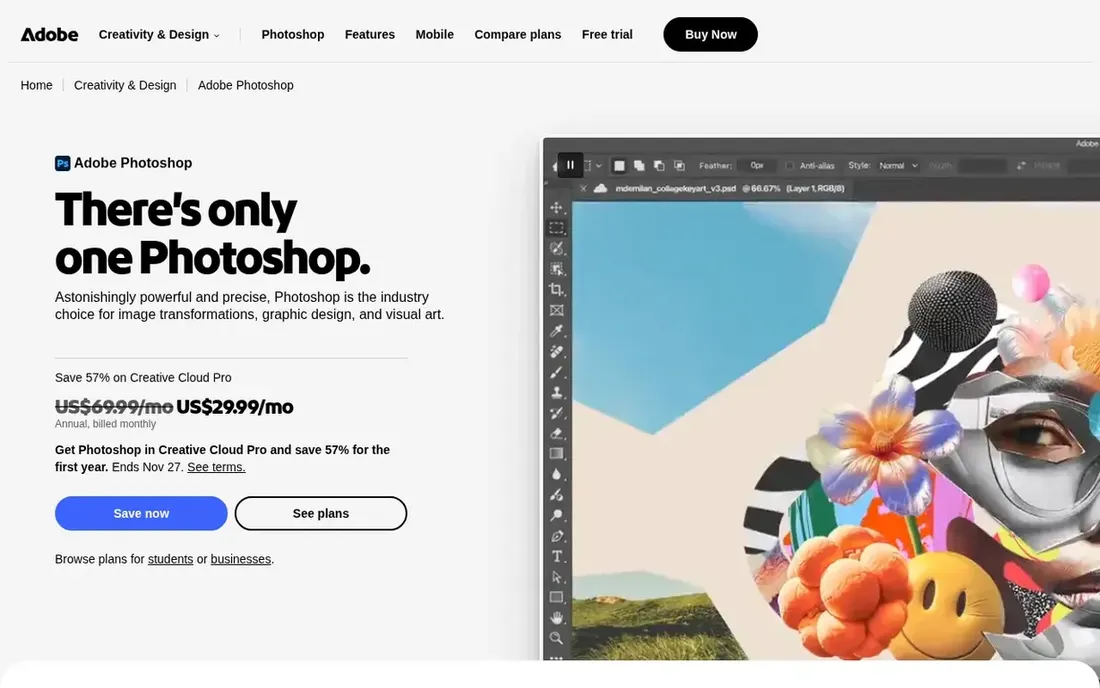
In short, Adobe Photoshop is for versatile editing and compositing. The software is available on desktop and mobile, providing adaptability for editing on the go. Consider alternatives if you prefer a lighter, more focused tool.
What to check first: Steeper ramp-up time.
It gives you a vast array of tools for retouching, compositing, and creative design, making it a good match for hobbyists who want to grow their skills and explore advanced techniques. From a buyer's view, Photoshop needs a subscription, which may not suit hobbyists seeking a one-time purchase. Pricing for Adobe Photoshop is not stated here, so ask the vendor for current figures. Trial and free access: Not stated.
- Available on desktop and mobile
- Supports complicated edits and compositing
- Subscription required
ACDSee Photo Studio
Best for: Editing and digital asset management
Where ACDSee Photo Studio fits: editing and digital asset management. ACDSee Photo Studio is a thorough photo editing and management software that also comes with video editing capabilities. It is built for users who require to organize, edit, and share their photos efficiently.
Beyond that, ACDSee's interface can be complex for beginners, and the full version may be pricier than some hobbyist-focused alternatives. Hobbyists with large photo collections may appreciate its digital asset management features alongside editing tools. Check the vendor site for ACDSee Photo Studio pricing; none is listed in this comparison. On free options: Not stated.
Points against: Complicated interface.
- Broad range of editing tools
- Supports video editing
- Higher cost for full version
What went into this list
The comparison looks at four things: starting price, free access, how well the feature set matches photo editing software for hobbyist, and the main limit of each tool. Prices and plan limits come from vendor pages and can change, so confirm them on the vendor site before you buy. Order on the page follows fit for the typical buyer first, then price transparency and free access. Your own requirements should decide the final pick.
Questions to settle before buying
- Get a written quote from Affinity Photo, Adobe Lightroom, Adobe Photoshop and ACDSee Photo Studio; the list shows no starting price for them.
- Run a trial of ON1 Photo RAW with real work before paying for a year; your own workflow is the best test.
- Read the limits listed for Affinity Photo first: no built-in organization.
- Ask Adobe Lightroom whether prices are locked for the first term and what happens at renewal.
- Ask ACDSee Photo Studio how an export works before you move any records in; an easy exit lowers the risk.
FAQ
How are the tools for photo editing software for hobbyist ordered?
The order follows typical fit for photo editing software for hobbyist, with Affinity Photo first and ACDSee Photo Studio last, then price clarity and free access. It is editorial judgement, not a score, so another team could rank the tools differently.
Is Affinity Photo the right pick for everyone comparing photo editing software for hobbyist?
No single tool suits every team. Affinity Photo comes first because it fits professional features without subscription, while Adobe Lightroom suits Photo organization and non-destructive editing and ON1 Photo RAW suits all-in-one RAW editing. Match the tool to your own size, budget and workflow before deciding.
Do I need a subscription for hobbyist photo editing software?
Not necessarily. Some choices like Affinity Photo and ON1 Photo RAW offer one-time purchases, whereas Adobe Photoshop and Lightroom need subscriptions. Consider your budget and preference for continuing costs.
Can I try these tools before paying?
Often, yes. ON1 Photo RAW offers a free trial. Use your own data and a real task during the test, and check what the free tier or trial limits before you rely on it. All 5 picks in this photo editing software for Hobbyist comparison list a starting price, free plan details and the main limits on their cards above.
Do these tools publish their prices?
Not all of them. Affinity Photo, Adobe Lightroom, Adobe Photoshop and ACDSee Photo Studio publish no starting price, so expect a quote request for those. The rest, ON1 Photo RAW included, show a starting price, though seats and billing terms still change the final cost.
Sources
- https://affinity.serif.com/en-us/photo
- https://www.adobe.com/products/photoshop-lightroom.html
- https://www.on1.com/products/photo-raw
- https://www.adobe.com/products/photoshop.html
- https://www.acdsee.com