5 Best Photorealistic Rendering Software for 2026, Vetted and Compared
Compare 5 picks for the best photorealistic rendering software, with prices, free plans and who each fits. The catches are listed up front. Reviewed this month.
- Editor's choiceOctane Render
GPU-accelerated unbiased rendering
Starts atSee websiteVisit home.otoy.comFull review - Great alternative
 Enscape
Live rendering for CAD/BIM
Starts atSee websiteVisit enscape3d.comFull review - Also consider
 KeyShot
Product design live rendering
Starts at$7.92 a monthVisit keyshot.comFull review
Direct answer
Our first pick is Octane Render, best for GPU-accelerated unbiased rendering. Listed starting prices: KeyShot from $7.92 a month and Lumion from $96 named user a month. Look at Enscape for live rendering for CAD/BIM, and at KeyShot for product design live rendering. All 5 tools are compared below on price, free plan and limits.
TL;DR:
- The list opens with Octane Render, aimed at GPU-accelerated unbiased rendering.
- Before buying Enscape, weigh this: restricted advanced rendering controls.
- Lumion fits architectural real-time visualization.
- Octane Render, Lumion and the 3 others all need a premium plan or a trial, since no free plan is listed.
Last checked November 2026. Prices and plan details were read from the vendors' own pages in November 2026; vendors change plans often, so confirm the current price on the vendor site before you buy.
Quick comparison
| Tool | Best for | Starts at | Free plan? | |
|---|---|---|---|---|
| Octane Render | GPU-accelerated unbiased rendering | See website | Not stated | Visit |
| Enscape | Live rendering for CAD/BIM | See website | Not stated | Visit |
| KeyShot | Product design live rendering | $7.92 a month | Free trial | Visit |
 V-Ray | Cross-platform photorealistic rendering | See website | Not stated | Visit |
 Lumion | Architectural live visualization | $96 named user a month | Free trial | Visit |
Photorealistic Rendering Software profiles
LinkVetted put together this guide to photorealistic rendering software for readers who want a clear shortlist without reading every vendor page. It compares 5 tools on starting price, free plans, who each one suits and where each one falls short.
Octane Render
Best for: GPU-accelerated unbiased rendering
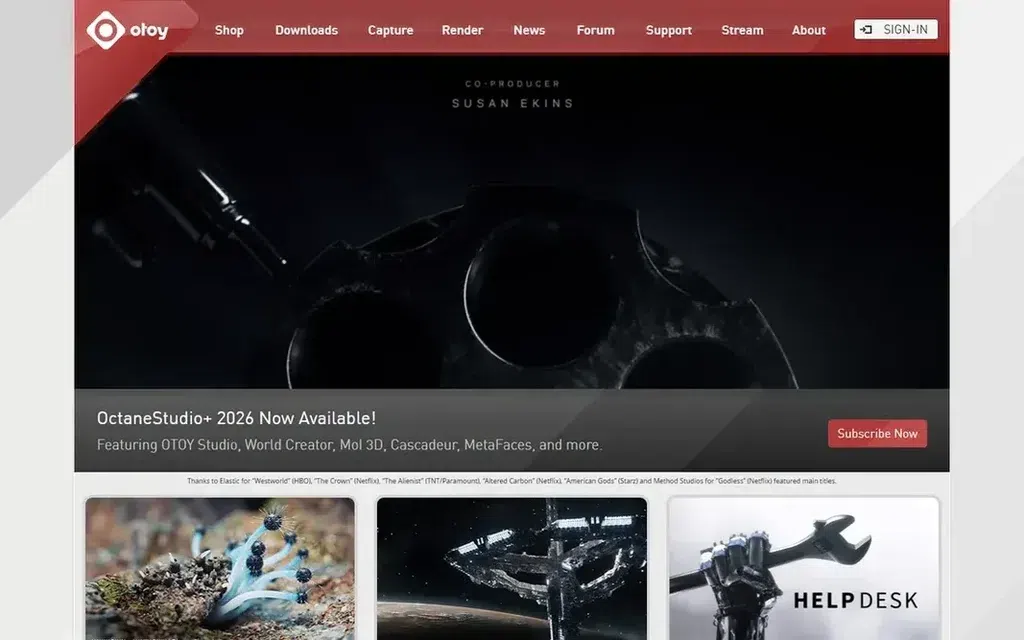
Octane Render works best for GPU-accelerated unbiased rendering. Octane Render from OTOY is a GPU-accelerated, unbiased, physically correct renderer.
What works well: GPU acceleration for quick rendering.
It plugs into several 3D content creation tools and fits artists and studios concentrated on high-fidelity rendering for visual effects, motion graphics, and product visualization. Check the vendor site for Octane Render pricing; none is listed in this comparison. Free options: Not stated.
Watch-outs: Can be complex to set up for beginners.
- Unbiased
- Works with plenty of 3D applications
- Needs a capable GPU
Choose Enscape for live rendering for CAD/BIM. It is primarily made for architectural workflows, so product designers or VFX artists might find it less adaptable.
Where it falls short: Centred on architectural workflows.
Also, if you need advanced material editing or complicated lighting setups, a more thorough renderer could be better. No starting price is listed for Enscape here; confirm pricing on the vendor site. Free plan details: Not stated.
- Live visualization and VR
- One-click rendering from CAD/BIM
- Restricted advanced rendering controls
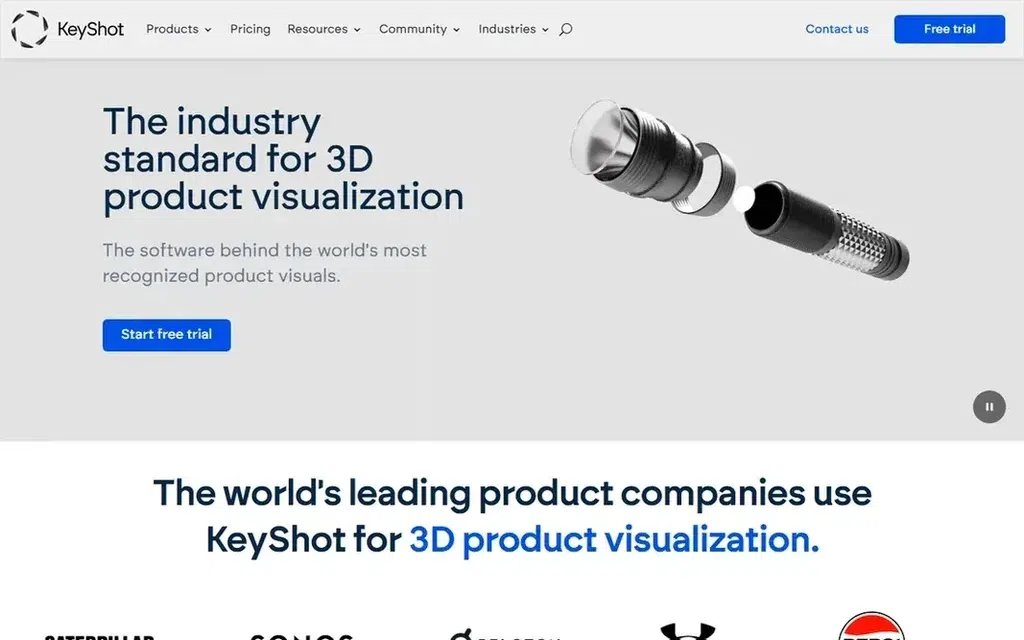
KeyShot serves product design live rendering. KeyShot is a 3D rendering and AI visualization software known for its live rendering technology. It is tailored for product design businesses, enabling collaboration throughout the design process.
In daily use, users can rapidly produce realistic images of products, making it well suited to designers who require fast iteration and visual communication without deep rendering expertise. KeyShot is optimized for product-scale scenes and may not handle complicated architectural environments as efficiently as other tools. Its feature set is concentrated on product visualization, so those needing advanced simulation or large-scale scene management might look elsewhere. On cost, KeyShot starts like this: $7.92 per month. Free access: Free trial.
What to check first: Less suited for large architectural scenes.
- Focus on product visualization
- Live rendering for fast feedback
- May require extra plugins for some CAD formats

V-Ray targets cross-platform photorealistic rendering. It is made for artists and designers who require dependable, photorealistic results across different workflows.
It may be overkill for straightforward, quick visualization tasks. Check the vendor site for V-Ray pricing; none is listed in this comparison. Trial and free access: Not stated.
What to check first: Can be resource-intensive.
- Realistic images
- Produces high-quality
- Needs learning to master settings
In short, Lumion is for architectural live visualization. Architects can rapidly produce compelling visuals and walkthroughs, making it ideal for design presentations and client communication without broad rendering training. Its live approach prioritizes speed over the absolute photorealism of offline renderers.
Also, for product design or film-quality rendering, consider KeyShot or V-Ray. Lumion is a live 3D rendering software tailored for architects. It makes it possible for quick visualization from concept to final render, emphasizing speed, quality, and simplicity. The starting price for Lumion: $96 named user per month. On free options: Free trial.
Drawbacks to consider: Less a good match for product design.
- Focus on speed and quality
- Live rendering for architects
- May lack advanced simulation features
How we chose
What to check before you buy
- Ask Octane Render, Enscape and V-Ray for a written quote, since no starting price is shown.
- Run a trial of KeyShot and Lumion with real work before paying for a year; your own workflow is the best test.
- Read the limits listed for Octane Render first: needs a capable GPU.
- Look at the renewal terms for Lumion: auto-renewal, notice periods and price changes can matter more than the first-year price.
- Test how quickly V-Ray answers a pre-sales question; it hints at how support will feel later.
FAQ
What is the best photorealistic rendering software for architects?
The first pick on this list is Octane Render, because it suits GPU-accelerated unbiased rendering. Enscape is better for live rendering for CAD/BIM, and KeyShot for product design real-time rendering. Check price and limits against your own needs before choosing.
Can I try these options before paying?
Often, yes. KeyShot and Lumion offer a free trial. Use your own data and a real task during the test, and check what the free tier or trial limits before you rely on it. For the full picture, the cards above cover all 5 entries of this Photorealistic Rendering software list, including price, free plan and limits.
How are the tools for photorealistic rendering software ordered?
Octane Render sits first and Lumion last because the order follows typical fit for photorealistic rendering software, then price clarity and free access. It is a judgement call, so read each profile for fit and limits.
Does any tool for photorealistic rendering software here have a free plan?
No tool in this list, Octane Render and Lumion included, has a permanent free plan. KeyShot, Lumion offer a trial. Trials and quotes are the usual route, so plan a short evaluation period.
Do these tools publish their prices?
Not all of them. Octane Render, Enscape and V-Ray publish no starting price, so expect a quote request for those. The rest, KeyShot included, show a starting price, though seats and billing terms still change the final cost.
Sources
- https://home.otoy.com/render/octane-render
- https://enscape3d.com
- https://www.keyshot.com
- https://www.chaos.com/vray
- https://lumion.com