6 Best 3D Rendering Software for Startups for 2026, Vetted and Compared
6 best 3D rendering software for startups, with entry costs, free tiers and the buyer each one serves. With pricing notes and limits. Compare quickly.
- Editor's choice3ds Max
All-in-one modeling, animation, and rendering
Starts atSee websiteVisit autodesk.comFull review - Great alternativeArnold
Predictable, high-quality ray tracing
Starts atSee websiteVisit autodesk.comFull review - Also considerOctane Render
GPU-accelerated rendering for speed-focused teams
Starts atSee websiteVisit home.otoy.comFull review
Direct answer
This list puts 3ds Max first for all-in-one modeling, animation, and rendering. Listed starting prices: KeyShot from $7.92 a month. Arnold is better for predictable, high-quality ray tracing, and Octane Render is better for GPU-accelerated rendering for speed-focused teams. The full list of 6 tools follows, with prices and free plan facts.
TL;DR:
- Top of the list is 3ds Max, which targets all-in-one modeling, animation, and rendering.
- Neither 3ds Max nor V-Ray, nor any of the other 4 tools, has a permanent free plan; trials and quotes are the norm.
- One limit worth knowing about Cinema 4D: can be complicated for beginners.
- V-Ray is the one to check for Photorealistic rendering across several products.
- Starting prices begin at $7.92 per month with KeyShot.
Last checked November 2026. Prices and plan details were read from the vendors' own pages in November 2026; vendors change plans often, so confirm the current price on the vendor site before you buy.
Quick comparison
| Tool | Best for | Starts at | Free plan? | |
|---|---|---|---|---|
| 3ds Max | All-in-one modeling, animation, and rendering | See website | Not stated | Visit |
| Arnold | Predictable, high-quality ray tracing | See website | Not stated | Visit |
| Octane Render | GPU-accelerated rendering for speed-focused teams | See website | Not stated | Visit |
 Cinema 4D | Motion graphics and generalist 3D teams | See website | Not stated | Visit |
 KeyShot | Live product visualization and collaboration | $7.92 a month | Free trial | Visit |
 V-Ray | Photorealistic rendering across several systems | See website | Not stated | Visit |
6 3D rendering software for startups in detail
LinkVetted compared 6 3D rendering software for startups. The goal is a practical shortlist: published prices, free plan facts, best-fit use cases and honest limits for every entry.
3ds Max
Best for: All-in-one modeling, animation, and rendering
3ds Max serves all-in-one modeling, animation, and rendering. 3ds Max is only available on Windows, which may limit teams using other operating systems.
The main drawbacks: Steep ramp-up time.
Its deep feature set includes a ramp-up time, and the subscription cost can be significant for startups. Check the vendor site for 3ds Max pricing; none is listed in this comparison. As for free access: Not stated.
- Widely used in architecture and design
- Thorough modeling and animation tools
- Windows only
Arnold
Best for: Predictable, high-quality ray tracing
Arnold is built with predictable, high-quality ray tracing in mind. Arnold is an advanced Monte Carlo ray tracing renderer from Autodesk, aimed at predictable leads to film, television, and design.
Limits to weigh: Can be slower than GPU renderers.
Arnold is frequently CPU-based, which can be slower than GPU-accelerated alternatives for some tasks. No starting price is listed for Arnold here; confirm pricing on the vendor site. Trial and free access: Not stated.
- Advanced Monte Carlo ray tracing
- Predictable results
- Needs a host application
Octane Render
Best for: GPU-accelerated rendering for speed-focused teams
Octane Render was built for GPU-accelerated rendering for speed-focused teams. OctaneRender from OTOY is a GPU-accelerated, unbiased, physically correct renderer. It plugs into multiple 3D applications, making it an adaptable choice for teams with existing pipelines.
Where it shines: GPU-accelerated for quick results.
Also, Octane heavily relies on GPU performance, so older hardware may struggle. As for the details, the unbiased rendering approach can produce noise that needs longer render times or denoising, which might not suit every workflow. Check the vendor site for Octane Render pricing; none is listed in this comparison. Free plan details: Not stated. Where it is weaker: Ramp-up time for unbiased rendering.
- Supports plenty of host applications
- Unbiased
- Needs a capable GPU

For motion graphics and generalist 3D teams, Cinema 4D is a natural candidate. Cinema 4D is a professional 3D modeling, animation, and rendering application from Maxon. It is noted for its easy-to-learn interface and solid motion graphics capabilities, making it a fit for startups concentrated on animation, broadcast design, or general 3D content creation.
Watch-outs: Rendering frequently needs a separate engine.
In practice, the built-in renderer is capable but may not match dedicated engines for photorealistic output. The ramp-up time can be steep for new users. For everyday use, startups with tight deadlines and straightforward product shots might prefer a more specialized rendering tool like KeyShot. Check the vendor site for Cinema 4D pricing; none is listed in this comparison. Free options: Not stated.
- Widely used in broadcast and design
- Wide modeling and animation toolset
- Can be complex for beginners
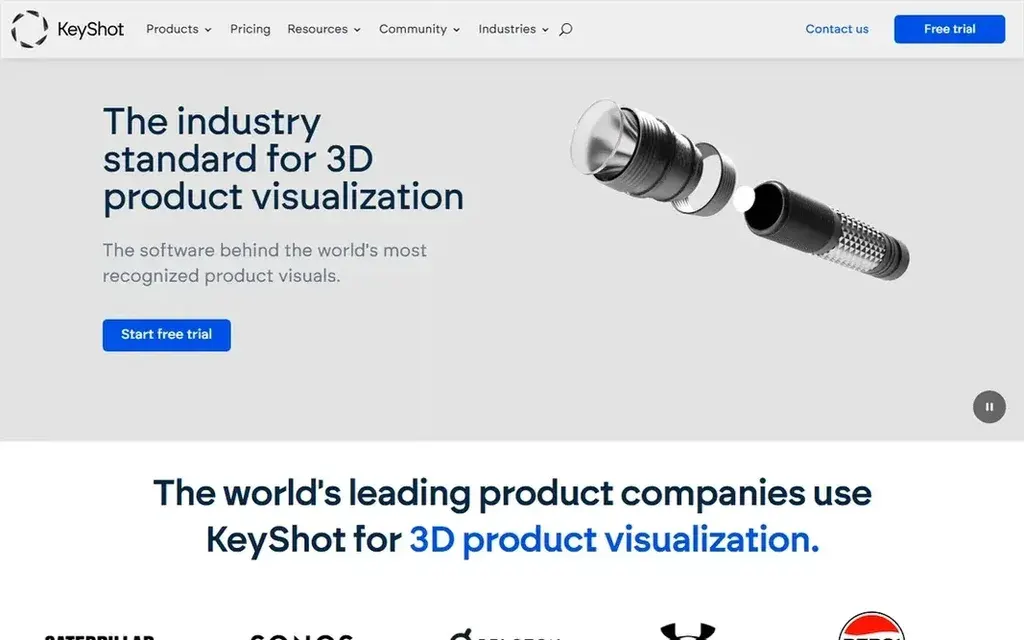
KeyShot serves live product visualization and collaboration. While solid for product shots, KeyShot may lack the deep animation and simulation tools found in general 3D suites. As for the details, KeyShot is a live 3D rendering and AI visualization software aimed at product design firms.
Watch-outs: Restricted advanced animation tools.
It makes it possible for collaboration from concept to product launch, making it a good match for startups that require fast, interactive visuals of physical products. Its live engine helps teams iterate rapidly without lengthy render times. For everyday use, startups concentrated on character animation or complicated effects might have to pair it with another tool. Price to start with KeyShot: $7.92 per month. On free options: Free trial.
Reasons to shortlist it: AI-assisted visualization tools.
- Collaboration features for product teams
- Live rendering workflow
- Can be pricey for small teams
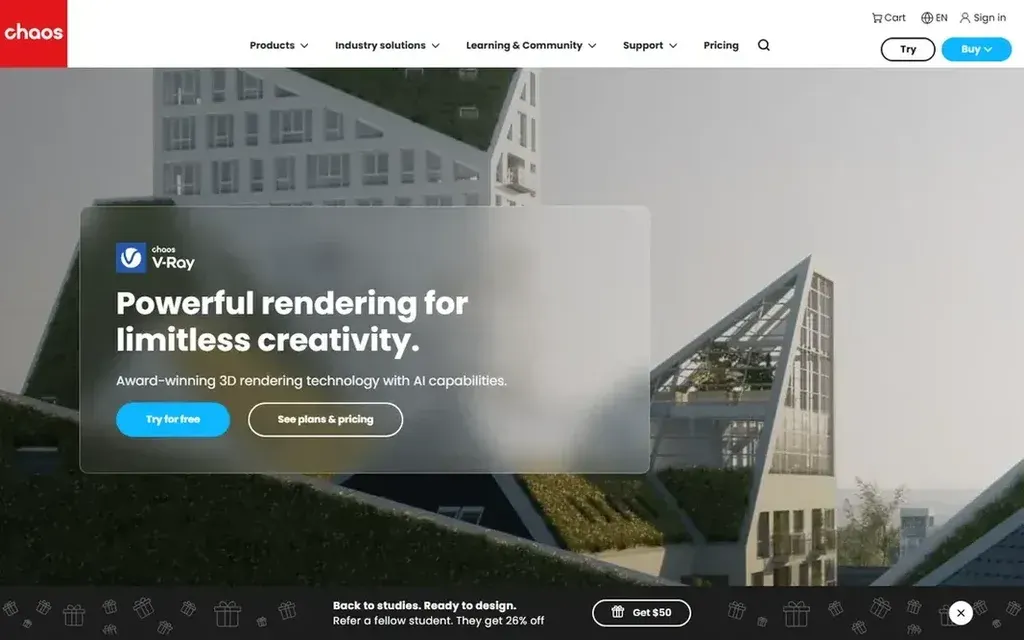
V-Ray is designed for Photorealistic rendering across several systems. Since it is a plugin, V-Ray needs a compatible host application, which brings to the setup. Rendering can be computationally heavy, so teams with restricted hardware may have to depend on cloud rendering or optimize scenes carefully.
Downsides: Can be resource-intensive.
V-Ray is a photorealistic 3D rendering plugin from Chaos that plugs into products for example 3ds Max, SketchUp, Rhino, Maya, and Blender. It is a versatile choice for startups that already use one of these host applications and need high-quality visuals for architecture, product design, or visual effects. Check the vendor site for V-Ray pricing; none is listed in this comparison. Free plan details: Not stated.
- Photorealistic output
- Works with numerous widely used design products
- Needs a host application
How we compared the tools
For each of the 6 tools we noted price, free plan or trial, fit for 3D rendering software for startups and the main limit, using vendor pages and documentation. Treat prices as a snapshot: vendors change plans often, so check the vendor site for the figure that applies today. Tools are placed by general fit for 3D rendering software for startups, with price clarity and free access as tie-breakers. A different team can reasonably rank them differently.
Things to verify first
- Ask 3ds Max, Arnold, Octane Render and others for a written quote, since no starting price is shown.
- Use real work to test the free trial from KeyShot, rather than a demo project.
- Read the limits listed for 3ds Max first: Windows only.
- Confirm minimum seats and billing terms with 3ds Max before you commit to an annual plan.
- Ask the daily users to test Arnold on a live task before you roll it out to everyone.
FAQ
What is the cheapest option for 3D rendering software for startups in this list?
On published monthly entry prices, KeyShot is the lowest here at $7.92 per month. Entry price is only part of the cost, because seats, add-ons and billing terms can change the total. All 6 picks in this 3D Rendering software for startups comparison list a starting price, free plan details and the main limits on their cards above.
Is 3ds Max the right pick for everyone comparing 3D rendering software for startups?
No single tool suits every team. 3ds Max comes first because it fits all-in-one modeling, animation, and rendering, while Arnold suits predictable, high-quality ray tracing and Octane Render suits GPU-accelerated rendering for speed-focused teams. Match the tool to your own size, budget and workflow before deciding.
How are the tools for 3D rendering software for startups ordered?
3ds Max sits first and V-Ray last because the order follows typical fit for 3D rendering software for startups, then price clarity and free access. It is a judgement call, so read each profile for fit and limits.
Can I try these tools before paying?
Often, yes. KeyShot offers a free trial. Use your own data and a real task during the test, and check what the free tier or trial limits before you rely on it. For the full picture, the cards above cover all 6 entries of this 3D Rendering software for startups list, including price, free plan and limits.
What is the best 3D rendering software for a startup on a budget?
3ds Max comes first here and is built for all-in-one modeling, animation, and rendering. Buyers with other needs may prefer Arnold (for predictable, high-quality ray tracing) or Octane Render (for GPU-accelerated rendering for speed-focused teams). Compare costs and limits first.
Sources
- https://www.autodesk.com/products/3ds-max
- https://www.autodesk.com/products/arnold
- https://home.otoy.com/render/octane-render
- https://www.maxon.net/en/cinema-4d
- https://www.keyshot.com
- https://www.chaos.com/vray