5 Best Prototyping Software for Enterprise for 2026, Vetted and Compared
Best prototyping software for enterprise: 5 contenders ranked by fit, with entry costs and free tiers. Short verdicts, no fluff. Budget notes included.
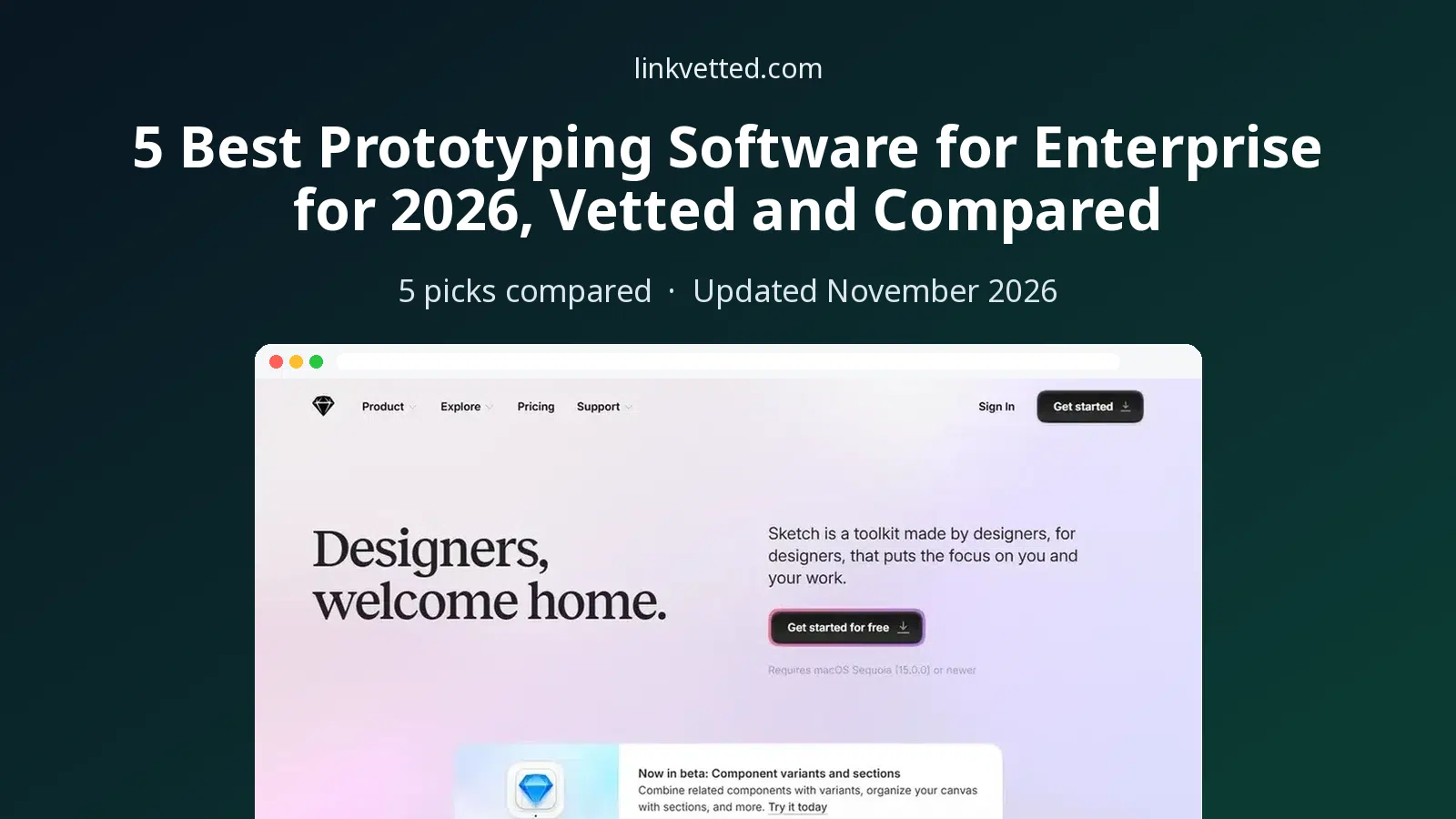
- Editor's choice
 Sketch
Designer-centric prototyping and handoff
Starts at$12 per editor a monthVisit sketch.comFull review - Great alternative
 Balsamiq
Rapid, low-fidelity wireframing
Starts at$16 per editor per monthVisit balsamiq.comFull review - Also consider
 Adobe XD
Teams within the Adobe ecosystem
Starts atSee websiteVisit adobe.comFull review
Direct answer
Sketch comes first here, mainly for designer-centric prototyping and handoff. Listed starting prices: Sketch from $12 per editor a month, Balsamiq from $16 per editor per month and Figma from $3 a month. Balsamiq is better for Rapid, low-fidelity wireframing, and Adobe XD is better for teams within the Adobe ecosystem. The full list of 5 tools follows, with prices and free plan facts.
TL;DR:
- Number one here is Sketch, a fit for designer-centric prototyping and handoff.
- A permanent free plan is missing from all 5 tools, Sketch and Axure RP included; plan for a trial or a premium start.
- The cheapest monthly starting price in the list is $3 per month, offered by Figma.
- Axure RP fits complicated, specification-heavy prototypes.
- Before buying Figma, weigh this: requires dependable internet connectivity.
Last checked November 2026. Prices and plan details were read from the vendors' own pages in November 2026; vendors change plans often, so confirm the current price on the vendor site before you buy.
Quick comparison
| Tool | Best for | Starts at | Free plan? | |
|---|---|---|---|---|
| Sketch | Designer-centric prototyping and handoff | $12 per editor a month | Free trial | Visit |
| Balsamiq | Rapid, low-fidelity wireframing | $16 per editor per month | Free trial | Visit |
| Adobe XD | Teams within the Adobe ecosystem | See website | Not stated | Visit |
 Figma | Collaborative design and prototyping at scale | $3 a month | Not stated | Visit |
 Axure RP | Complicated, specification-heavy prototypes | $29 per user a month | Not stated | Visit |
The 5 tools in detail
Short on time? The summary and table above give the quick view of 5 tools for prototyping software for enterprise, and the profiles that follow give the detail behind each entry.
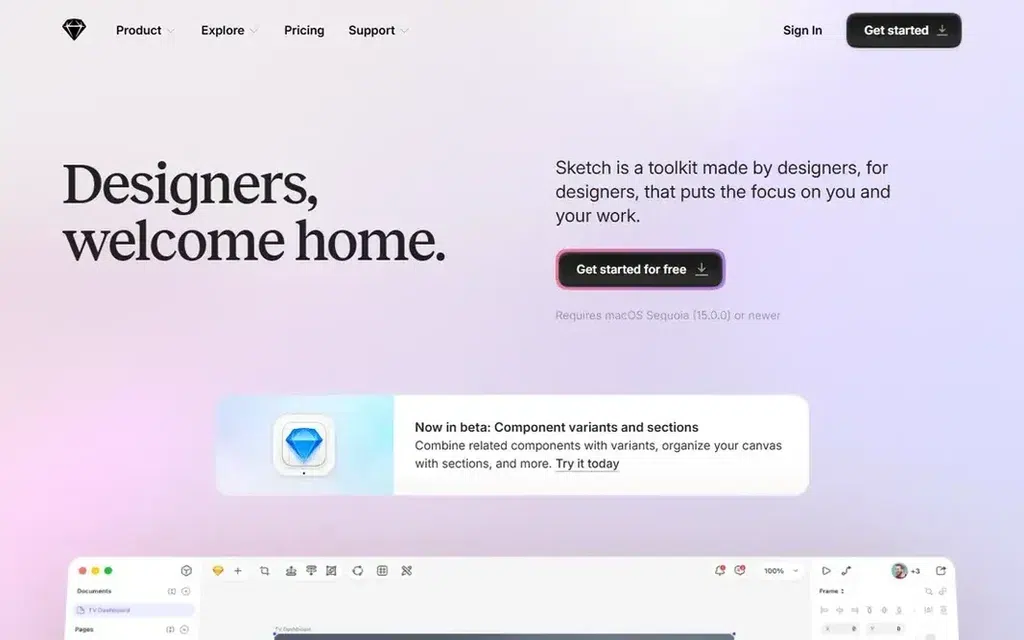
Sketch serves designer-centric prototyping and handoff. It appeals to enterprise design teams that value a focused, designer-first environment and need efficient handoff to development.
Points against: Collaboration features may be less live.
In daily use, if your enterprise needs browser-based, live co-editing, Figma could be a better fit. Entry price for Sketch: $12 per editor per month. As for free access: Free trial.
- Comes with prototyping and collaboration
- Concentrates on designer workflow
- Primarily macOS-based
Where Balsamiq fits: Rapid, low-fidelity wireframing. Balsamiq gives you fast, focused wireframing and prototyping tools that help product, tech, and business minds sketch, test, and refine UI rapidly.
In daily use, Balsamiq is not built for high-fidelity prototyping or refined design handoff, so teams may outgrow it for later-stage work. Starting cost for Balsamiq: $16 per editor per month. Free options: Free trial.
The main drawbacks: Restricted high-fidelity prototyping.
- Straightforward to learn and use
- Quick and focused wireframing
- Not ideal for final UI design
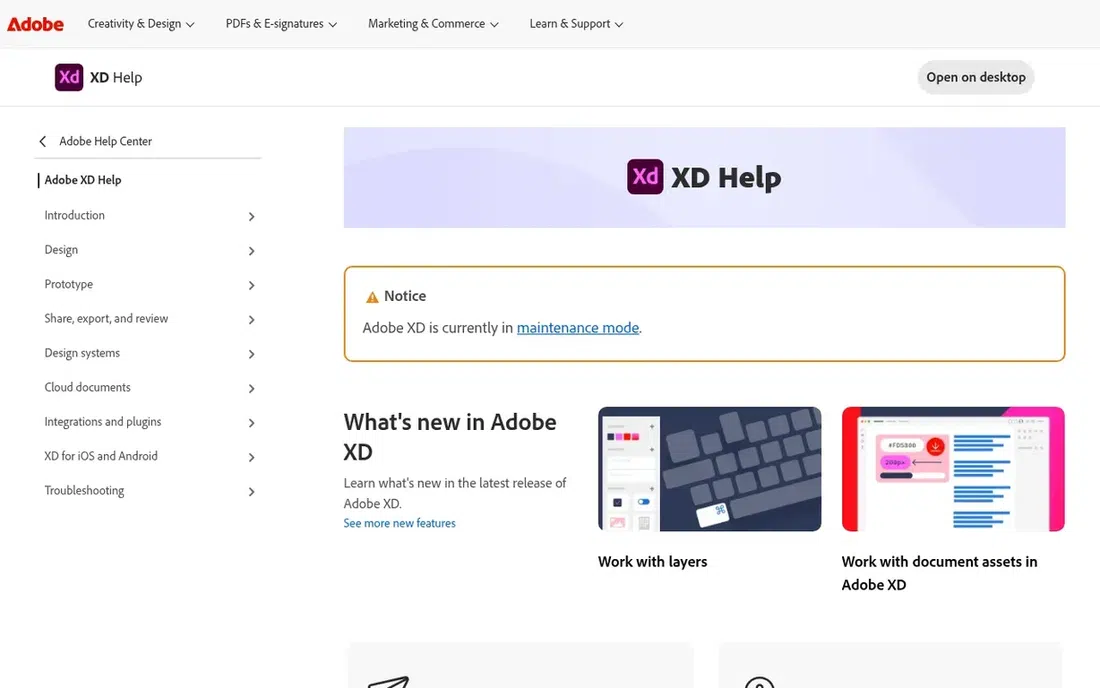
In short, Adobe XD is for teams within the Adobe ecosystem. Adobe XD is a design and prototyping tool from Adobe, well-known for its integration with the Creative Cloud ecosystem.
Downsides: May need Adobe subscription.
Adobe XD has seen less active development in recent years, and teams outside the Adobe ecosystem may find better standalone choices. No starting price is listed for Adobe XD here; confirm pricing on the vendor site. Trial and free access: Not stated.
- Familiar interface for Adobe users
- Supports prototyping and design
- Restricted public roadmap updates
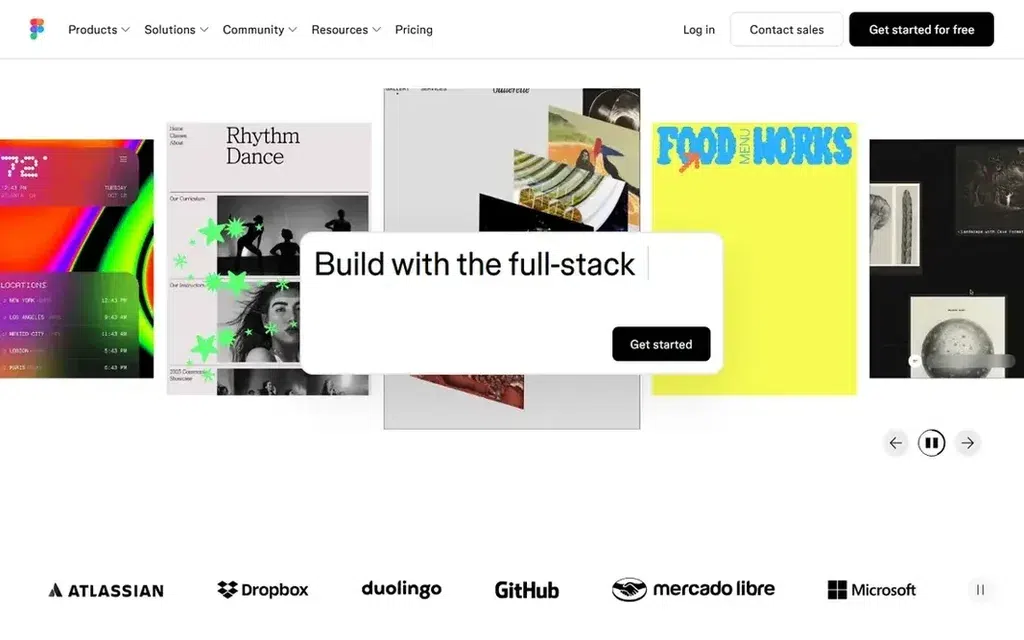
Choose Figma for collaborative design and prototyping at scale. Whereas Figma excels at collaboration, it may not suit teams needing offline-first workflows or highly specialized interaction prototyping.
From a buyer's view, Figma is a collaborative canvas that brings design, code, and AI together, enabling teams to move from first idea to shipped product in one place. Figma cost at the entry level: $3 per month. Free access: Not stated.
The main drawbacks: Advanced features may need onboarding.
Upsides: Supports live team collaboration.
- Brings together design, code
- Scales from concept to production
- Needs dependable internet connectivity
Axure RP serves complicated, specification-heavy prototypes. Axure RP is an all-in-one software design tool for creating prototypes, specifications, and diagrams. It is a strong match for enterprise teams that require to document intricate interactions and produce in-depth specifications alongside prototypes.
Points against: Interface can feel dated.
More specifically, for more straightforward, quicker wireframing, Balsamiq might be preferable, whereas Figma provides a more collaborative design environment. Axure RP's depth includes a ramp-up time, and its interface may feel less modern than newer tools. On cost, Axure RP starts like this: $29 per user per month. Free options: Not stated.
- Supports in-depth documentation
- Merges prototypes, specs, diagrams
- Steeper ramp-up time
How these tools were picked
Things to verify first
- Confirm the entry price on the vendor page. For Adobe XD that means a quote rather than a fixed price.
- Run a trial of Sketch and Balsamiq with real work before paying for a year; your own workflow is the best test.
- Before choosing Sketch, weigh its main limit: primarily macOS-based.
- Read the plan comparison for Balsamiq carefully; key features often start on a higher tier.
- Ask Sketch about contract length, onboarding fees and user minimums before you sign.
FAQ
Is Sketch or Adobe XD better for enterprise teams?
Sketch is designer-centric and macOS-based, whereas Adobe XD links up with Creative Cloud. The better choice relies on your team's product preferences and existing software ecosystem.
Does any tool for prototyping software for enterprise here have a free plan?
A permanent free plan is not offered by Sketch, Axure RP or the other tools here. Sketch, Balsamiq offer a trial. Plan a short evaluation period instead.
What makes a prototyping tool right for enterprise use?
Enterprise suitability frequently relies on collaboration features, security, scalability, and integration with existing tools. Tools like Figma and Axure RP are built with team workflows and documentation in mind, but requirements vary by organization.
How are the tools for prototyping software for enterprise ordered?
The order follows typical fit for prototyping software for enterprise, with Sketch first and Axure RP last, then price clarity and free access. It is editorial judgement, not a score, so another team could rank the tools differently.
Is Sketch the right pick for everyone comparing prototyping software for enterprise?
No single tool suits every team. Sketch comes first because it fits designer-centric prototyping and handoff, while Balsamiq suits Rapid, low-fidelity wireframing and Adobe XD suits teams within the Adobe ecosystem. Match the tool to your own size, budget and workflow before deciding.
Can I try these tools before paying?
Often, yes. Sketch and Balsamiq offer a free trial. Use your own data and a real task during the test, and check what the free tier or trial limits before you rely on it. Prices, free plan details and limits for all 5 tools in this Prototyping software for enterprise roundup sit on the individual cards above.
Sources
- https://www.sketch.com
- https://balsamiq.com
- https://www.adobe.com/products/xd.html
- https://www.figma.com
- https://www.axure.com