Top 5 Interactive Prototyping Tools for Teams for 2026 (Prices and Free Plans)
Searching for the best interactive prototyping tools for teams? Here are 5 options with prices and free plans. Real limits included. Pick with confidence.
- Editor's choice
 Adobe XD
Teams within the Adobe ecosystem
Starts atSee websiteVisit adobe.comFull review - Great alternativeMarvel
All-in-one design and testing
Starts atSee websiteVisit marvelapp.comFull review - Also consider
 Framer
Prototyping and publishing websites
Starts at$10 per monthVisit framer.comFull review
Direct answer
For teams within the Adobe ecosystem, Adobe XD is where this list starts. Listed starting prices: Framer from $10 per month, Sketch from $12 per editor per month and Figma from $3 a month. Marvel is better for all-in-one design and testing, and Framer is better for Prototyping and publishing websites. Details, prices and limits for the rest of the 5 tools are below.
TL;DR:
- Adobe XD is the opening pick, best for teams within the Adobe ecosystem.
- What to know about Marvel first: less advanced interaction features.
- For collaborative design and prototyping, Figma is worth a look.
- Figma has the lowest monthly starting price in this list: $3 per month.
Last checked November 2026. Prices and plan details were read from the vendors' own pages in November 2026; vendors change plans often, so confirm the current price on the vendor site before you buy.
Quick comparison
| Tool | Best for | Starts at | Free plan? | |
|---|---|---|---|---|
| Adobe XD | Teams within the Adobe ecosystem | See website | Not stated | Visit |
| Marvel | All-in-one design and testing | See website | Yes | Visit |
| Framer | Prototyping and publishing websites | $10 per month | Yes | Visit |
 Sketch | Designer-centric prototyping and handoff | $12 per editor per month | Free trial | Visit |
 Figma | Collaborative design and prototyping | $3 a month | Not stated | Visit |
Our 5 interactive prototyping tools for teams
LinkVetted put together this guide to interactive prototyping tools for teams for readers who want a clear shortlist without reading every vendor page. It compares 5 tools on starting price, free plans, who each one suits and where each one falls short.
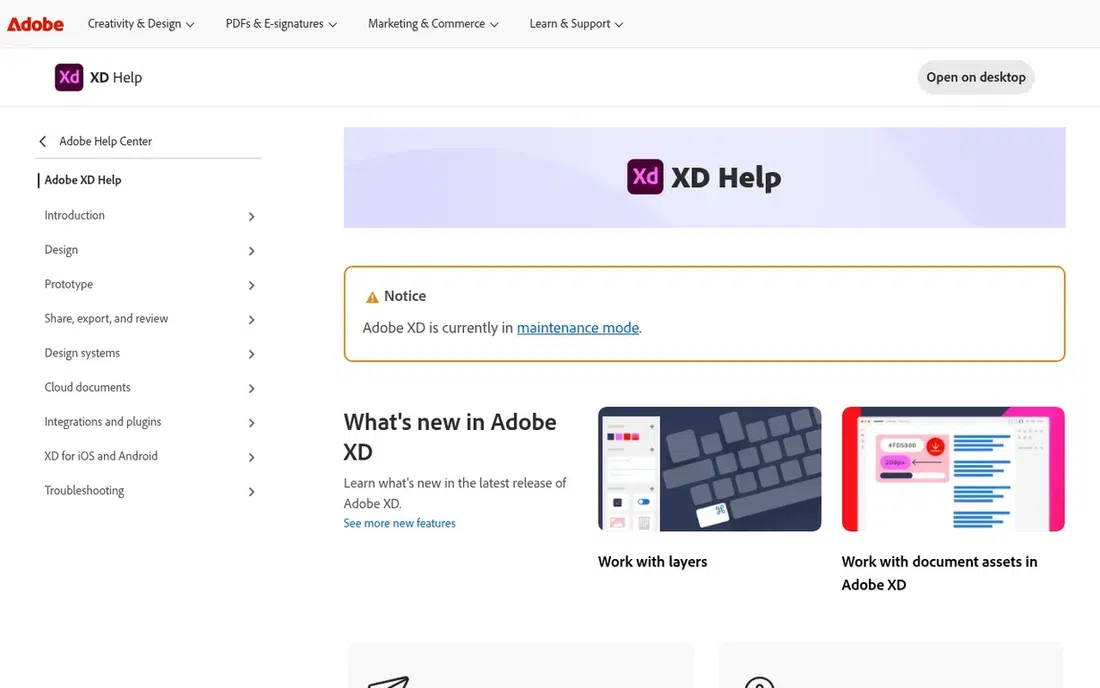
Adobe XD makes the most sense for teams within the Adobe ecosystem. Adobe XD is a design and prototyping tool from Adobe, widely known for its integration with Creative Cloud apps like Photoshop and Illustrator. It permits teams to build interactive prototypes and share them for feedback.
Where it falls short: Collaboration features less advanced.
In daily use, Adobe XD has seen fewer updates compared with some competitors. Its collaboration features are not as solid as those in newer tools. If live co-editing is a priority, consider Figma or another web-based choice. This comparison lists no price for Adobe XD; ask the vendor. As for free access: Not stated.
- Prototyping and design in one
- Familiar interface for Adobe users
- Restricted updates in recent years
Marvel
Best for: All-in-one design and testing
Marvel is built with all-in-one design and testing in mind. It also provides an API for integrations.
Where it falls short: Less advanced interaction features.
Beyond that, if you need highly complicated prototypes or pixel-perfect design, you might pair Marvel with another tool. Check the vendor site for Marvel pricing; none is listed in this comparison. Marvel has a free plan.
- Test in one
- API for integrations
- Design tools less solid than dedicated apps
Framer is built with Prototyping and publishing websites in mind. It comes with hosting, CMS, analytics, SEO, and AEO built in, and changes remain editable.
Where it falls short: Focus on websites over app prototypes.
In practice, teams that require to prototype and publish responsive websites may find Framer a solid choice for interactive web projects. Price to start with Framer: $10 per month. Framer offers a free plan.
- Built-in hosting and CMS
- Design agent for idea to launch
- Less suited for complicated app logic
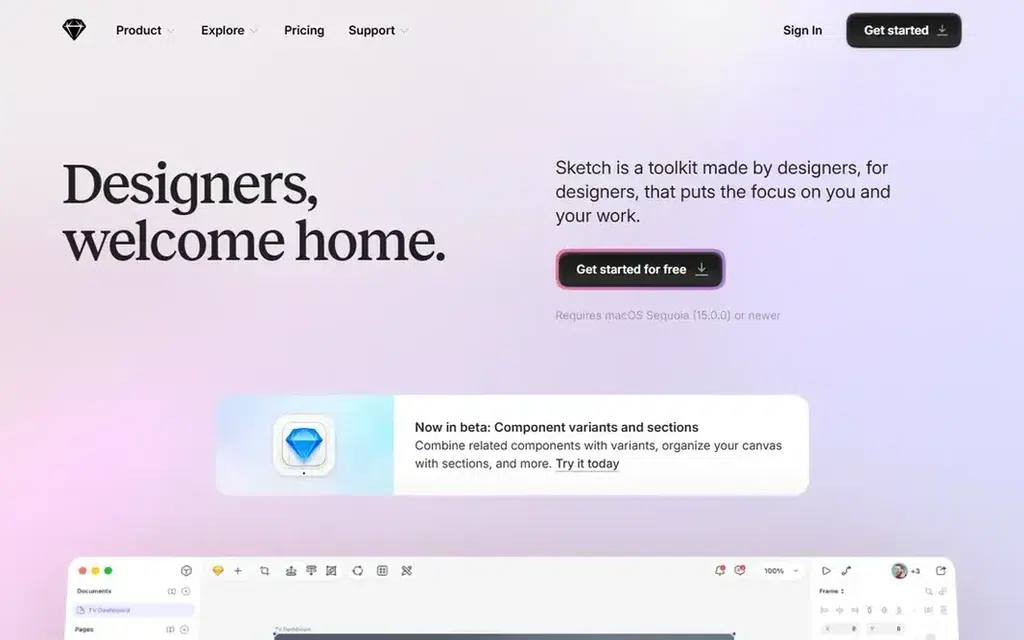
Where Sketch fits: designer-centric prototyping and handoff. Sketch is a design tool that puts the focus back on you and your work, based on its homepage. It provides prototyping and collaboration features within a designer-friendly environment.
Trade-offs to know: Collaboration less live than some.
Beyond that, Sketch is available only on macOS, which can limit team-wide adoption in mixed-platform organizations. Its collaboration features are not as real-time as some web-based tools, so if your team needs simultaneous editing, you might look at Figma instead. For everyday use, teams that value a focused, native Mac experience may find Sketch a solid fit for creating interactive prototypes and handing off designs. Entry price for Sketch: $12 per editor per month. As for free access: Free trial.
Strengths: Made by designers for designers.
- Prototyping and handoff included
- Focused workspace
- Mac-only product
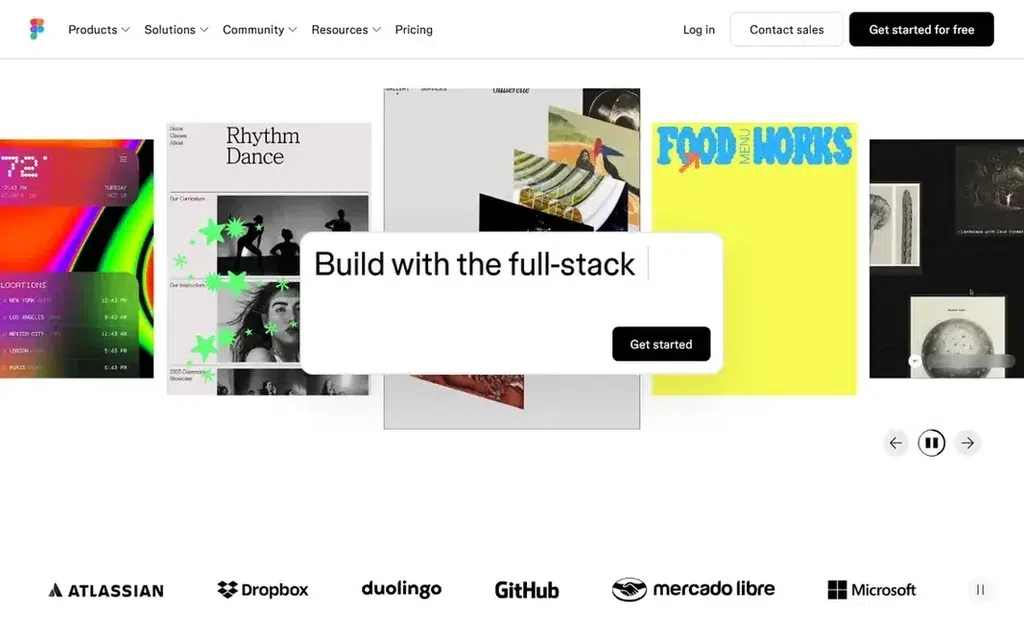
Figma works best for collaborative design and prototyping. Figma is a collaborative canvas where design, code, and AI come together, as described on its homepage. Beyond that, if your team needs advanced state management or in-depth specifications, consider pairing Figma with a more specialized tool.
More specifically, teams can move from concept to production in one place, making it a good fit for cross-functional product teams that require to prototype and iterate together. Its real-time collaboration features are especially handy for distributed teams. Price to start with Figma: $3 per month. Free plan details: Not stated.
Drawbacks to consider: Requires internet connection.
- Live team collaboration
- AI-assisted workflows
- Can slow with very large files
How we built this list
Selection started from tools commonly considered for interactive prototyping tools for teams, then narrowed to 5 that have clear pricing information or a clear quote process. Plan names, prices and limits change often. Treat the figures here as a starting point and verify them with the vendor. Order on the page follows fit for the typical buyer first, then price transparency and free access. Your own requirements should decide the final pick.
Pre-purchase checklist
- Get a written quote from Adobe XD and Marvel; the list shows no starting price for them.
- Look at free plan limits closely: Marvel and Framer have one, and the caps decide whether it is usable for real work.
- Run a trial of Sketch with real work before paying for a year; your own workflow is the best test.
- Read the limits listed for Adobe XD first: restricted updates in recent years.
- Before rolling out Sketch, verify the integrations your workflow depends on.
- Confirm you can export your data from Framer, so leaving later does not mean losing records.
FAQ
Do these tools support collaboration?
Yes, most tools listed here offer collaboration features. Figma and Marvel are especially noted for live collaboration, whereas others like Sketch and Adobe XD offer sharing and commenting capabilities.
Which options for interactive prototyping tools for teams have a free plan?
On this list, Marvel and Framer include a free plan. Caps on seats, usage or features are common, so test the free plan against your real workload. One other tool offers a trial instead.
Can I use these tools at no cost?
Plenty of prototyping tools offer free versions or trials, but details vary. Check each vendor's website for current offerings and limitations.
Do these tools publish their prices?
Not all of them. Adobe XD and Marvel publish no starting price, so expect a quote request for those. The rest, Framer included, show a starting price, though seats and billing terms still change the final cost.
Can I try these tools before paying?
Often, yes. Marvel and Framer have a free plan and Sketch offers a free trial. Use your own data and a real task during the test, and check what the free tier or trial limits before you rely on it.
What is the cheapest option for interactive prototyping tools for teams in this list?
On published monthly entry prices, Figma is the lowest here at $3 per month. Entry price is only part of the cost, because seats, add-ons and billing terms can change the total. For the full picture, the cards above cover all 5 entries of this interactive Prototyping tools for teams list, including price, free plan and limits.
Sources
- https://www.adobe.com/products/xd.html
- https://marvelapp.com
- https://www.framer.com
- https://www.sketch.com
- https://www.figma.com