Top 5 Integrated Design Development Platforms for 2026 (Prices and Free Plans)
Best integrated design development platforms in 2026: 5 tools with starting prices, free plans and limits. Caveats come with every verdict. Costs up front.
- Editor's choice
 Sketch
Designer-focused editing and handoff
Starts at$12 per editor a monthVisit sketch.comFull review - Great alternative
 Framer
Design-to-launch website building
Starts at$10 a monthVisit framer.comFull review - Also consider
 Figma
Collaborative design and code handoff
Starts at$3 per monthVisit figma.comFull review
Direct answer
Sketch leads the list, best for designer-focused editing and handoff. Listed starting prices: Sketch from $12 per editor a month, Framer from $10 a month and Figma from $3 per month. If your case is different, Framer suits design-to-launch website building and Figma suits collaborative design and code handoff. The remaining 2 options are covered below with prices and limits.
TL;DR:
- Sketch is the opening pick, best for designer-focused editing and handoff.
- Webflow is the one to check for business websites with CMS and hosting.
- The cheapest monthly starting price in the list is $3 per month, offered by Figma.
- Free plans exist at 2 of 5 tools (Framer, Webflow).
Last checked November 2026. Prices and plan details were read from the vendors' own pages in November 2026; vendors change plans often, so confirm the current price on the vendor site before you buy.
Quick comparison
| Tool | Best for | Starts at | Free plan? | |
|---|---|---|---|---|
| Sketch | Designer-focused editing and handoff | $12 per editor a month | Free trial | Visit |
| Framer | Design-to-launch website building | $10 a month | Yes | Visit |
| Figma | Collaborative design and code handoff | $3 per month | Not stated | Visit |
 Axure RP | In-depth UX prototypes and specs | $29 per user per month | Not stated | Visit |
 Webflow | Business websites with CMS and hosting | $15 a month | Yes | Visit |
Integrated Design Development Platforms profiles
LinkVetted put together this guide to integrated design development platforms for readers who want a clear shortlist without reading every vendor page. It compares 5 tools on starting price, free plans, who each one suits and where each one falls short.
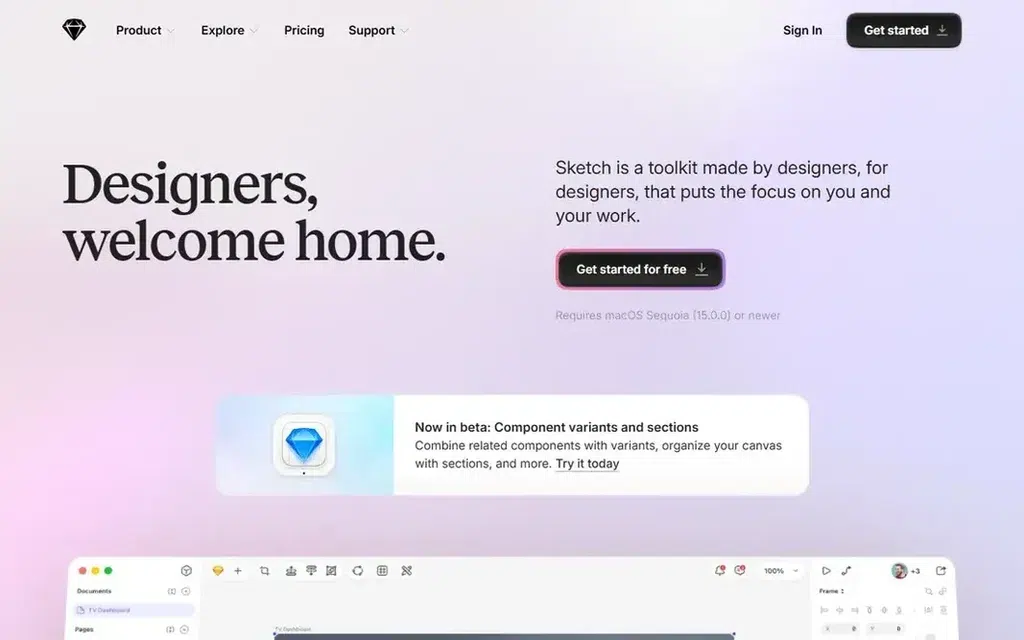
Think of Sketch for designer-focused editing and handoff. Sketch describes itself as a tool that puts the focus back on you and your work, made by designers for designers.
Main advantages: focused editing experience.
On cost, Sketch starts like this: $12 per editor per month. Free options: Free trial.
Downsides: Plugin reliance for some workflows.
- Made by designers for designers
- Clean
- Mac-centered heritage
Choose Framer for design-to-launch website building. Teams wanting a broader web system with enterprise security should compare Webflow.
From a buyer's view, Framer is oriented toward websites instead of complicated product interfaces, so app teams may need a different design tool alongside it. On top of that, Framer is a website builder with a design agent that takes you from idea to launch, with changes staying editable and hosting, CMS, analytics, SEO and AEO built in. Starting cost for Framer: $10 per month. Framer includes a free tier.
Honest limits: Centred on websites, not all products.
- CMS and SEO built in
- Edits stay editable after launch
- Complicated apps may need other tools
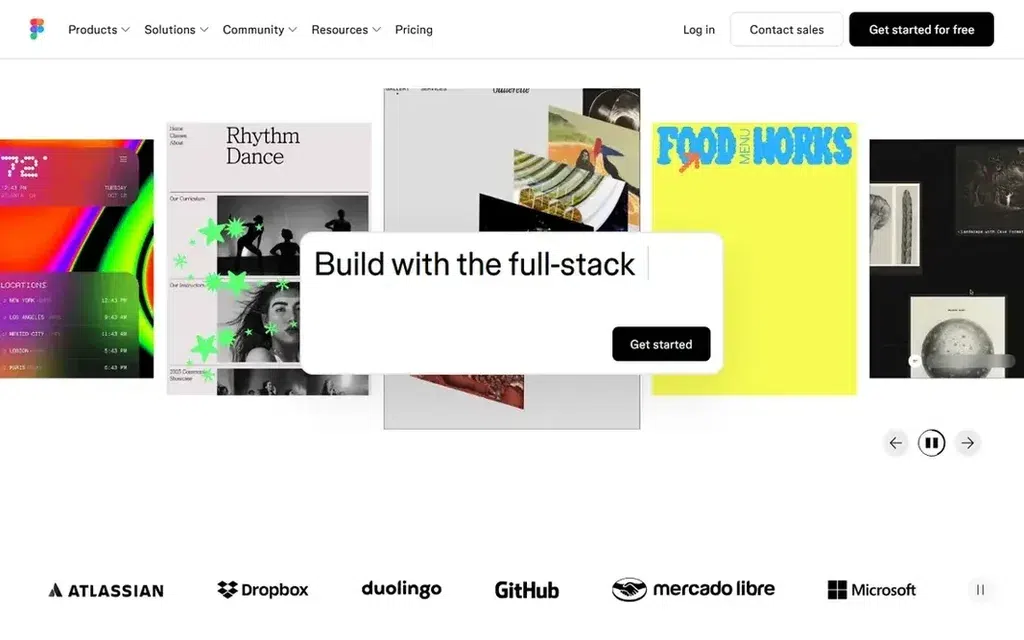
Choose Figma for collaborative design and code handoff. Since the system spans so much, newcomers may need time to learn its prototyping and developer features.
Where it falls short: Wide feature set can feel dense.
On top of that, teams needing a straightforward static mockup tool may find it more than necessary, and those wanting a built-in site builder should look at Framer or Webflow instead. From a buyer's view, Figma presents itself as a collaborative canvas where design, code and AI come together, moving from first idea to shipped product with the entire team in one place. Entry price for Figma: $3 per month. As for free access: Not stated.
- Shared canvas for design and code
- Solid live team collaboration
- Advanced prototyping takes learning
Axure RP targets in-depth UX prototypes and specs. Axure RP is an all-in-one software design tool for creating prototypes, specifications and diagrams.
The main drawbacks: Dense interface for casual users.
The tool is feature-dense, and casual users may find it heavier than needed for straightforward screens. Teams wanting light collaborative design or a direct path to a live site should look at Figma, Framer or Webflow instead. The starting price for Axure RP: $29 per user per month. As for free access: Not stated.
- Specs and diagrams together
- Documentation built into the tool
- Less suited to fast visual mockups
Webflow is aimed squarely at business websites with CMS and hosting. Webflow describes itself as an agentic web product for modern companies, letting teams design, build, optimize and rank in AI search in one place, with CMS, hosting and AEO built in.
Watch-outs: Steeper ramp-up time for beginners.
Its breadth can mean a steeper ramp-up time for people new to visual web development. More specifically, teams focused purely on interface design instead of publishing may find Figma or Sketch a better fit for daily work. On cost, Webflow starts like this: $15 per month. Free access exists with Webflow.
Best features of Webflow: build and optimize in one place.
- CMS
- Enterprise-grade security positioning
- Geared toward marketing sites
How these tools were picked
Pre-purchase checklist
- Confirm the entry price on the vendor page: Figma starts at $3 per month, but seat counts and billing terms change the total.
- Check what the free option really includes: Framer and Webflow offer a free plan, and usage caps differ.
- Run a trial of Sketch with real work before paying for a year; your own workflow is the best test.
- Read the limits listed for Sketch first: Mac-centered heritage.
- Ask the daily users to test Webflow on a live task before you roll it out to everyone.
- Confirm you can export your data from Framer, so leaving later does not mean losing records.
FAQ
Can these systems replace a traditional website build?
Framer and Webflow are designed for designing and publishing websites straight, with hosting, CMS and SEO features included. Design-first tools like Figma and Sketch focus on interface design and handoff instead of live site publishing.
Is Sketch the right pick for everyone comparing integrated design development platforms?
No single tool suits every team. Sketch comes first because it fits designer-focused editing and handoff, while Framer suits design-to-launch website building and Figma suits collaborative design and code handoff. Match the tool to your own size, budget and workflow before deciding.
Do these tools publish their prices?
Yes. Every tool from Sketch to Webflow shows a starting price, though seats, add-ons and billing terms still change the final cost.
Can I try these options before paying?
Often, yes. Framer and Webflow have a free plan and Sketch offers a free trial. Use your own data and a real task during the test, and check what the free tier or trial limits before you rely on it.
What is the cheapest option for integrated design development platforms in this list?
On published monthly entry prices, Figma is the lowest here at $3 per month. Entry price is only part of the cost, because seats, add-ons and billing terms can change the total. Each of the 5 options in this integrated design development platforms guide has its own card above with the price, free plan and limits.
Sources
- https://www.sketch.com
- https://www.framer.com
- https://www.figma.com
- https://www.axure.com
- https://webflow.com