Best Presentation Software with Interactive Elements in 2026: 5 Tools Compared
Compare 5 best presentation software with interactive elements, with prices, free plans and who each fits. Each pick comes with its main catch. No filler.
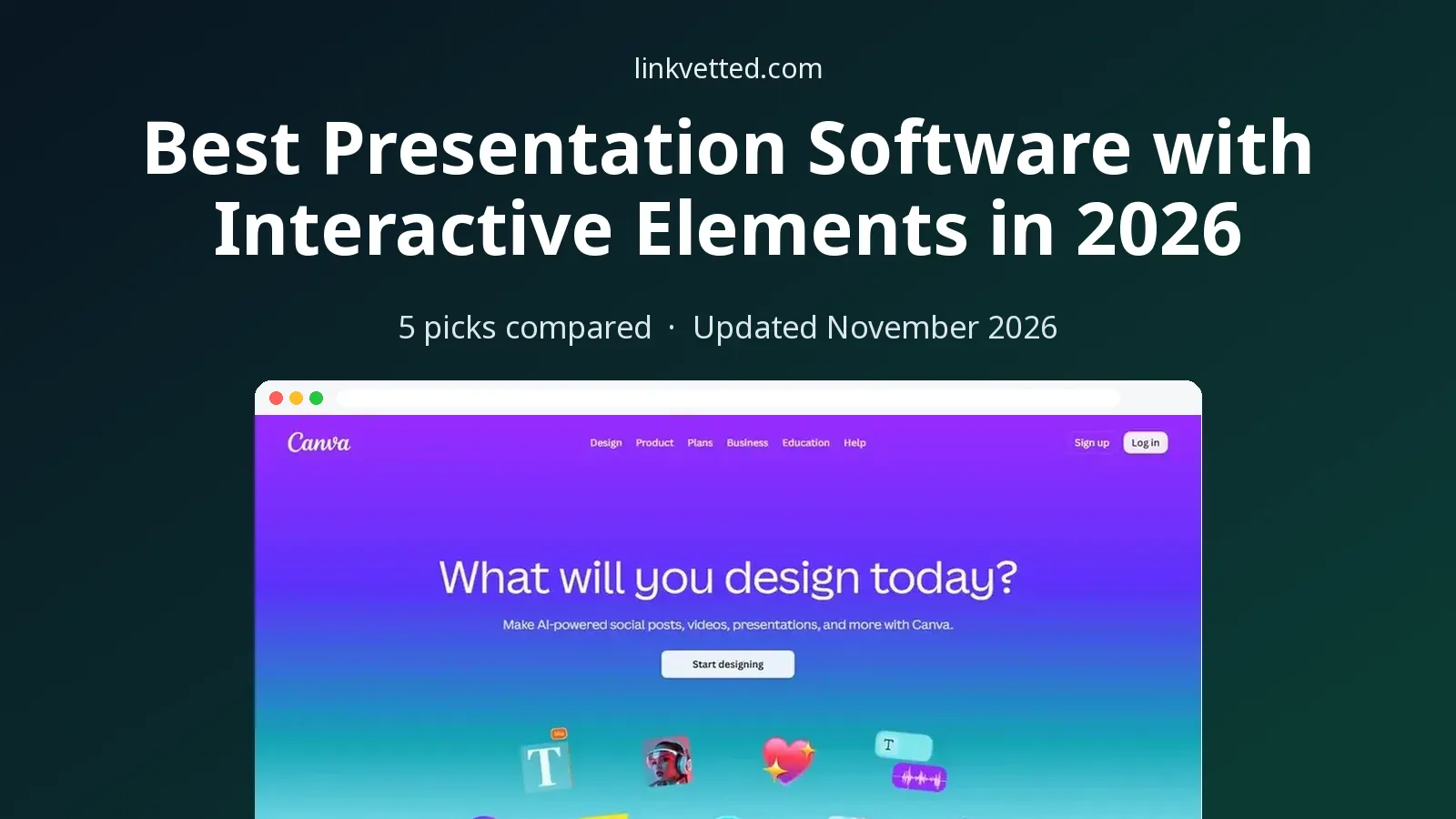
- Editor's choice
 Canva
Design-first presentations with visual polish
Starts atSee websiteVisit canva.comFull review - Great alternative
 Prezi
Live polls and quizzes from phones
Starts atSee websiteVisit prezi.comFull review - Also consider
 Microsoft PowerPoint
Familiar slide editing with interactive choices
Starts atSee websiteVisit microsoft.comFull review
Direct answer
Canva comes first here, mainly for design-first presentations with visual polish. Listed starting prices: Powtoon from $8 a month. Prezi fits live polls and quizzes from phones; Microsoft PowerPoint fits familiar slide editing with interactive choices. The other 2 tools in the list cover narrower or pricier cases.
TL;DR:
- This list starts with Canva, which is built for design-first presentations with visual polish.
- The main caution on Canva: Interactivity is restricted compared to polling tools.
- Powtoon has the lowest monthly starting price in this list: $8 per month.
- Genially fits animated and clickable interactive content.
- Powtoon is the only tool of the 5 with a free plan.
Last checked November 2026. Prices and plan details were read from the vendors' own pages in November 2026; vendors change plans often, so confirm the current price on the vendor site before you buy.
Quick comparison
| Tool | Best for | Starts at | Free plan? | |
|---|---|---|---|---|
| Canva | Design-first presentations with visual polish | See website | Not stated | Visit |
| Prezi | Live polls and quizzes from phones | See website | Not stated | Visit |
| Microsoft PowerPoint | Familiar slide editing with interactive choices | See website | Not stated | Visit |
| Powtoon | Video-style presentations with animated elements | $8 a month | Yes | Visit |
 Genially | Animated and clickable interactive content | See website | Not stated | Visit |
Our 5 presentation software with interactive elements
LinkVetted compared 5 presentation software with interactive elements. The goal is a practical shortlist: published prices, free plan facts, best-fit use cases and honest limits for every entry.
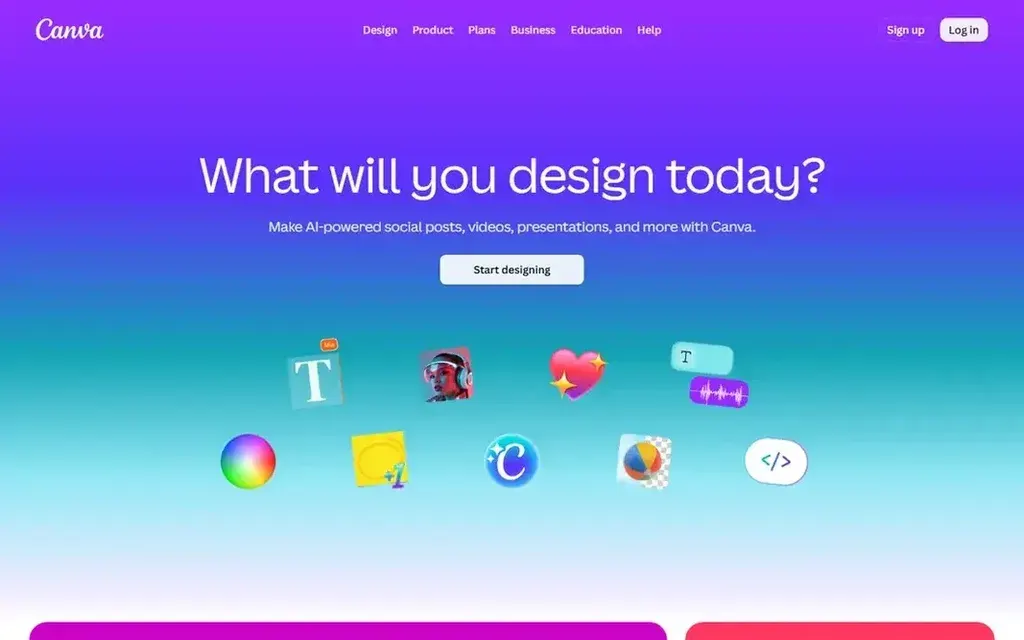
Canva was built for design-first presentations with visual polish. Straightforward interactive touches for example links and embedded media are possible, so it performs well for design-led decks shared online.
Pricing for Canva is not stated here, so ask the vendor for current figures. Free access: Not stated.
Drawbacks to consider: Interactivity is restricted compared to polling tools.
- Includes presentations alongside other formats
- Visual suite for plenty of content types
- Template-driven look can feel similar across decks
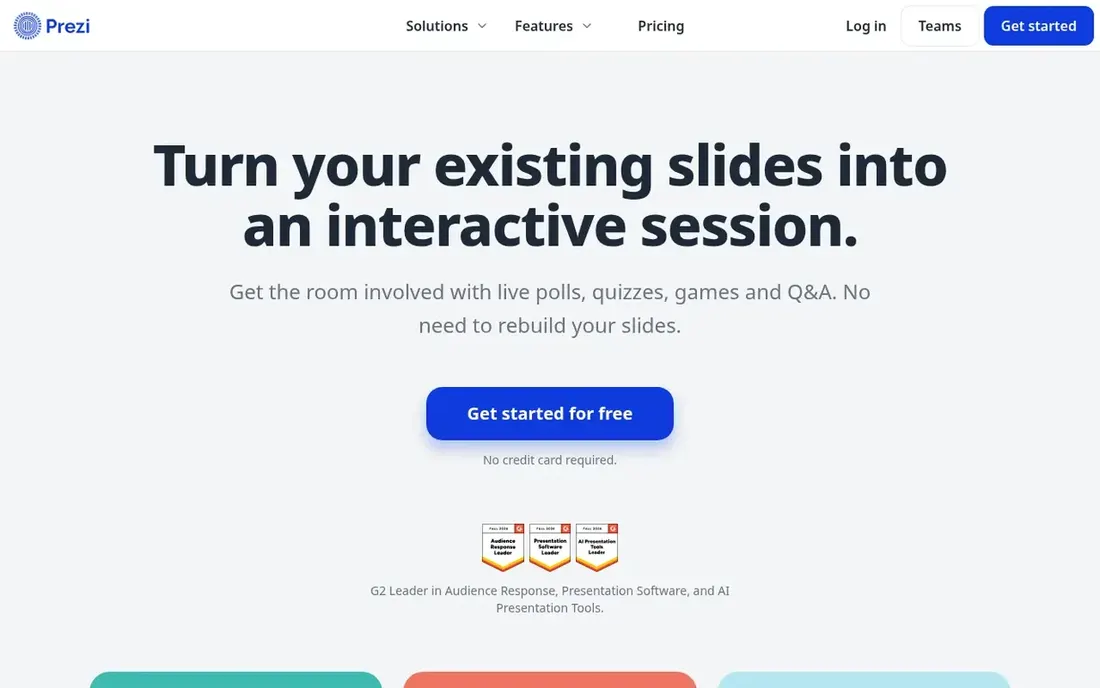
Prezi is aimed squarely at live polls and quizzes from phones. Prezi is an interactive presentation system geared toward educators, trainers and teams. That makes it a decent match for sessions where you want the audience participating instead of just watching, and for sharing a single link afterward.
Honest limits: Canvas style differs from slide decks.
From a buyer's view, pick a more straightforward slide editor if your content is largely static and you seldom need live audience input. In daily use, the non-linear canvas approach can feel unfamiliar to people raised on standard slides, and busy decks may need restructuring. Check the vendor site for Prezi pricing; none is listed in this comparison. Free plan details: Not stated.
Where it shines: Live polls and quizzes joined by phone.
- Built for educators
- Interactive presentation system
- Best features reward some learning time
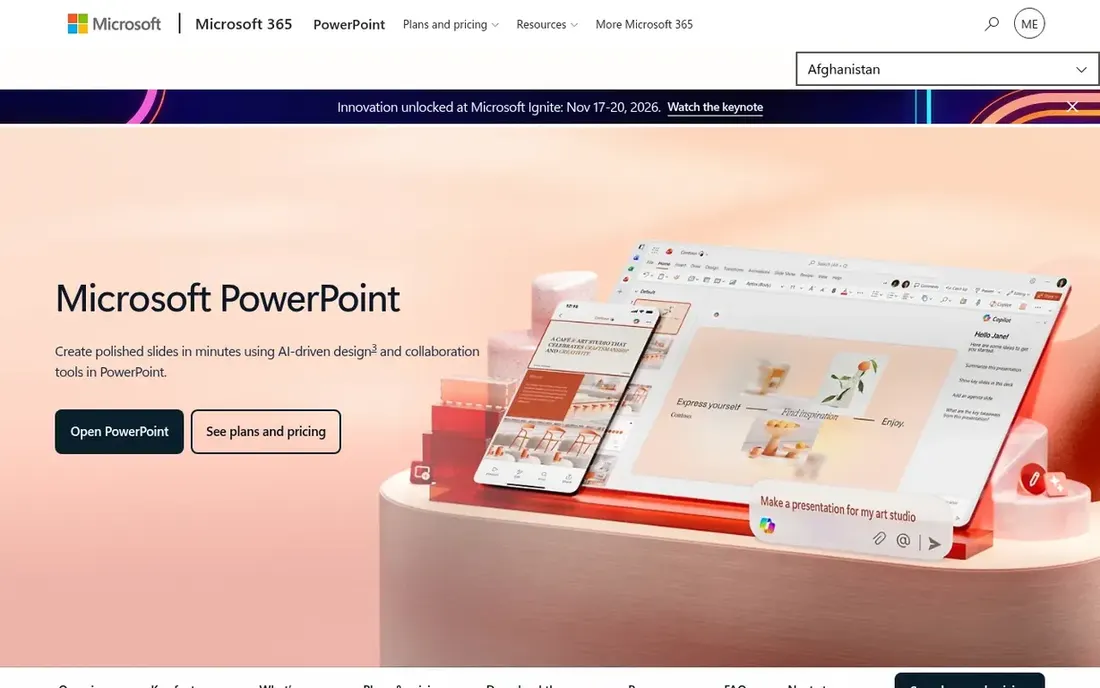
Where Microsoft PowerPoint fits: familiar slide editing with interactive choices. Interactive elements like clickable navigation and embedded content can be added, making it a practical base for decks that require both polish and some audience involvement. Its interactivity is largely built into the slides instead of into live audience response, so live polling typically means bringing in a separate tool.
In daily use, Microsoft PowerPoint is a presentation maker for building clean slideshows and in-depth pitch decks. Worth adding: choose something else if your primary goal is live quizzes or Q&A with the room. No starting price is listed for Microsoft PowerPoint here; confirm pricing on the vendor site. On free options: Not stated.
The main drawbacks: Advanced animation takes practice.
- Takes care of straightforward and intricate decks
- Widely used presentation editor
- Audience interaction needs extras or links
Powtoon
Best for: Video-style presentations with animated elements
Powtoon makes the most sense for video-style presentations with animated elements. Powtoon is a video system for building branded videos and presentations, with doc-to-video, AI avatars, text-to-speech and translation features.
Powtoon leans toward produced video instead of live, in-room interaction, so polling and Q&An are not its strength. Powtoon pricing: $8 per month. A free plan is available with Powtoon.
Points against: Video focus can limit slide-style adaptability.
- AI avatars and text-to-speech
- Video and presentation creation
- Less suited to live audience polling
Genially makes the most sense for animated and clickable interactive content. In practice, choose a more straightforward editor when speed matters more than exploration.
Watch-outs: Heavy interactive content takes time to build.
Beyond that, the range of choices can slow down first-time users, and richly interactive pieces take longer to assemble than plain slides. Pricing for Genially is not stated here, so ask the vendor for current figures. On free options: Not stated.
- Infographics and quizzes
- No code needed
- Plenty of features can overwhelm beginners
How we compared the tools
For each of the 5 tools we noted price, free plan or trial, fit for presentation software with interactive elements and the main limit, using vendor pages and documentation. Plan names, prices and limits change often. Treat the figures here as a starting point and verify them with the vendor. The sequence is a judgement call: typical use case first, then pricing transparency, then free access. Use the profiles to check fit.
What to check before you buy
- Ask Canva, Prezi, Microsoft PowerPoint and Genially for a written quote, since no starting price is shown.
- Look at the free plan from Powtoon closely: its caps decide whether it is usable for real work.
- Read the limits listed for Canva first: Interactivity is restricted compared to polling tools.
- Ask Genially about contract length, onboarding fees and user minimums before you sign.
- Find out whether the entry plan of Powtoon covers your must-haves or only a trimmed-down version.
FAQ
How are the tools for presentation software with interactive elements ordered?
The order follows typical fit for presentation software with interactive elements, with Canva first and Genially last, then price clarity and free access. It is editorial judgement, not a score, so another team could rank the tools differently.
Is Canva the right pick for everyone comparing presentation software with interactive elements?
No single tool suits every team. Canva comes first because it fits design-first presentations with visual polish, while Prezi suits live polls and quizzes from phones and Microsoft PowerPoint suits familiar slide editing with interactive options. Match the tool to your own size, budget and workflow before deciding.
Which options for presentation software with interactive elements have a free plan?
Powtoon is the only tool in this list with a free plan. Free plans usually cap users, projects or features, so check the limits on the vendor page.
What is the cheapest option for presentation software with interactive elements in this list?
On published monthly entry prices, Powtoon is the lowest here at $8 per month. Entry price is only part of the cost, because seats, add-ons and billing terms can change the total.
What makes presentation software interactive?
Interactive presentation software lets an audience respond during or after a session, for instance through live polls, quizzes, Q&An or clickable content. Some tools build this into the slides, whereas others add it alongside a standard deck.
Sources
- https://www.canva.com
- https://prezi.com
- https://www.microsoft.com/microsoft-365/powerpoint
- https://www.powtoon.com
- https://genially.com