5 Interactive Presentation Software for Conferences Worth Shortlisting in 2026
5 best interactive presentation software for conferences, with entry costs, free tiers and the buyer each one serves. Real limits included. Compare quickly.
- Editor's choice
 Poll Everywhere
Adding polls to existing slide decks
Starts at$10 a monthVisit polleverywhere.comFull review - Great alternative
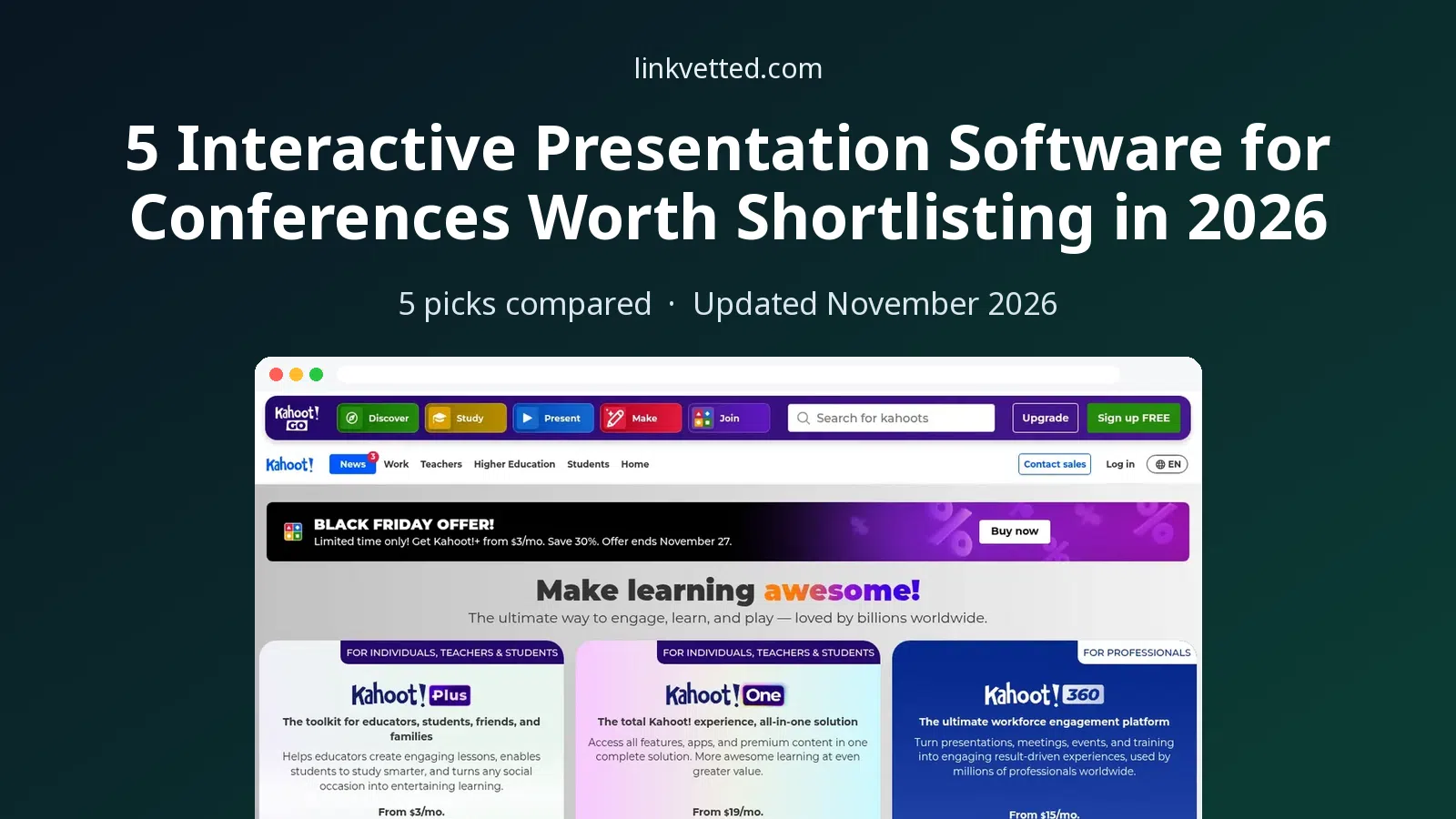
 Kahoot.
Game-based quizzes and playful engagement
Starts at$3 a monthVisit kahoot.comFull review - Also consider
 Slido
Live Q&An and polling at events
Starts atSee websiteVisit slido.comFull review
Direct answer
Poll Everywhere is the first pick on this list for adding polls to existing slide decks. Listed starting prices: Poll Everywhere from $10 a month, Kahoot. from $3 a month and AhaSlides from $516.78 a year. Look at Kahoot. For game-based quizzes and playful engagement, and at Slido for live Q&An and polling at events. Details, prices and limits for the rest of the 5 tools are below.
TL;DR:
- Poll Everywhere sits first on this list: adding polls to existing slide decks.
- Free plans exist at 3 of 5 tools (Poll Everywhere, Kahoot., AhaSlides).
- Before buying Poll Everywhere, weigh this: interaction centers on polling.
- Starting prices begin at $3 per month with Kahoot.
Last checked November 2026. Prices and plan details were read from the vendors' own pages in November 2026; vendors change plans often, so confirm the current price on the vendor site before you buy.
Quick comparison
| Tool | Best for | Starts at | Free plan? | |
|---|---|---|---|---|
| Poll Everywhere | Adding polls to existing slide decks | $10 a month | Yes | Visit |
| Kahoot. | Game-based quizzes and playful engagement | $3 a month | Yes | Visit |
| Slido | Live Q&An and polling at events | See website | Not stated | Visit |
 AhaSlides | Mixed interactive slides, polls and quizzes | $516.78 a year | Yes | Visit |
 Mentimeter | Interactive slide decks with polls and quizzes | See website | Not stated | Visit |
Tool-by-tool breakdown
LinkVetted put together this guide to interactive presentation software for conferences for readers who want a clear shortlist without reading every vendor page. It compares 5 tools on starting price, free plans, who each one suits and where each one falls short.
Poll Everywhere is built with adding polls to existing slide decks in mind. The homepage emphasizes polls, so teams wanting quizzes, word clouds or full interactive decks may need more.
Points against: Less of a full presentation builder.
Poll Everywhere pricing: $10 per month. Poll Everywhere offers a free plan.
- Works with existing presentation tools
- No downloads for participants
- Interaction centers on polling
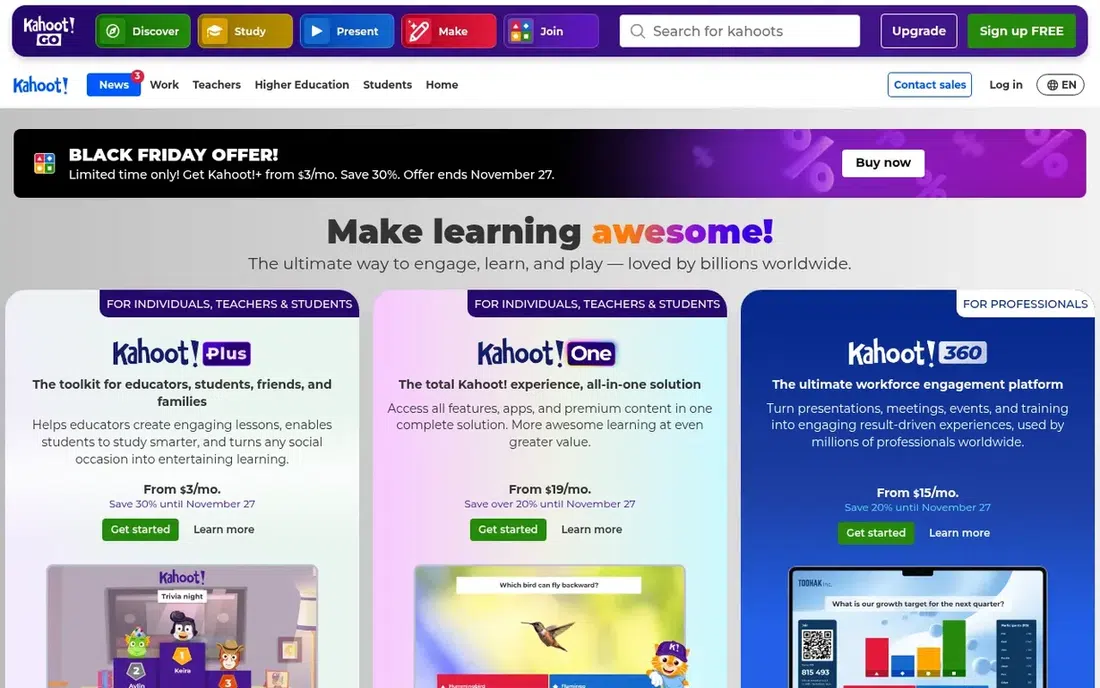
Kahoot. Is aimed squarely at game-based quizzes and playful engagement. Kahoot. Is a game-based learning product that brings engagement and fun to players at school, at work and at home. On top of that, for conferences, it suits icebreakers, trivia breaks and team activities where a competitive quiz format keeps energy high and gets people participating together.
Honest limits: May feel informal for serious sessions.
Its strengths lean toward games instead of open Q&An or structured polling, so it may not suit formal panel discussions. As for the details, pick something else if you need question moderation or anonymous audience polling as the core feature. Entry price for Kahoot.: $3 per month. Kahoot. Offers a free plan.
- Work and home
- Engagement and fun focus
- Quiz-first, less Q&An oriented
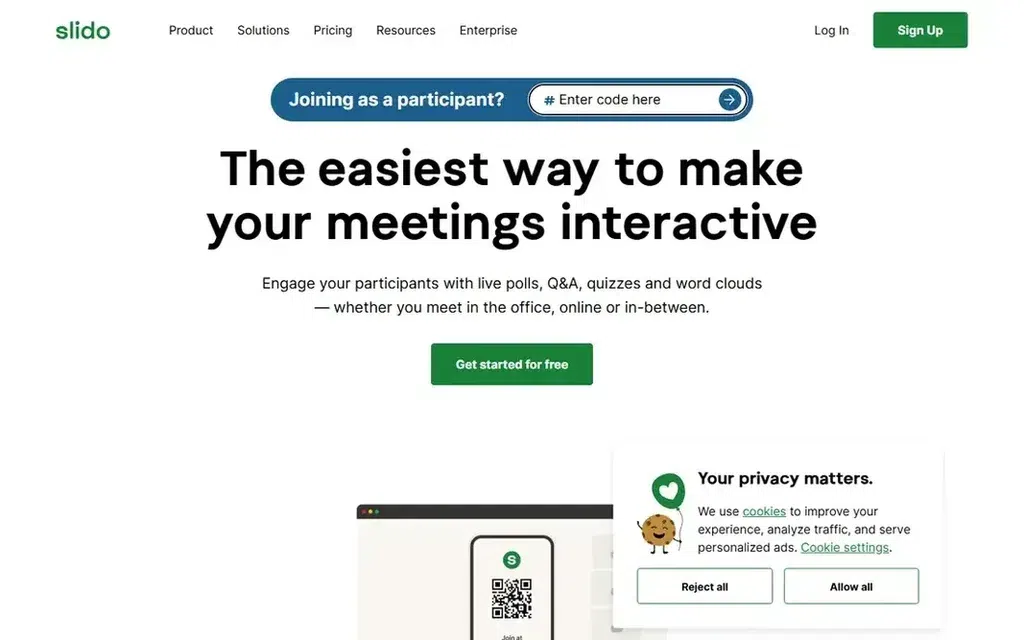
Where Slido fits: live Q&An and polling at events. Choose Slido when audience questions and fast polls are the priority instead of building whole presentations inside the platform.
Points against: Quiz features are secondary.
In daily use, since its homepage centers on Q&An and polling, teams wanting full interactive slide decks may need a second tool. Pricing for Slido is not stated here, so ask the vendor for current figures. Free access: Not stated.
- Built for meetings and conferences
- Straightforward audience interaction
- Narrower slide authoring
AhaSlides targets mixed interactive slides, polls and quizzes. It suits conference hosts who want a single place to assemble slides plus multiple interaction types, including visual formats like word clouds that add variety to sessions.
On top of that, the range of interaction types means more setup before the event. Entry price for AhaSlides: $516.78 per year. You can start on AhaSlides without paying.
Watch-outs: Wide feature set needs setup time.
- Quizzes for meetings and classrooms
- Live polls and word clouds
- May be more than straightforward Q&A needs
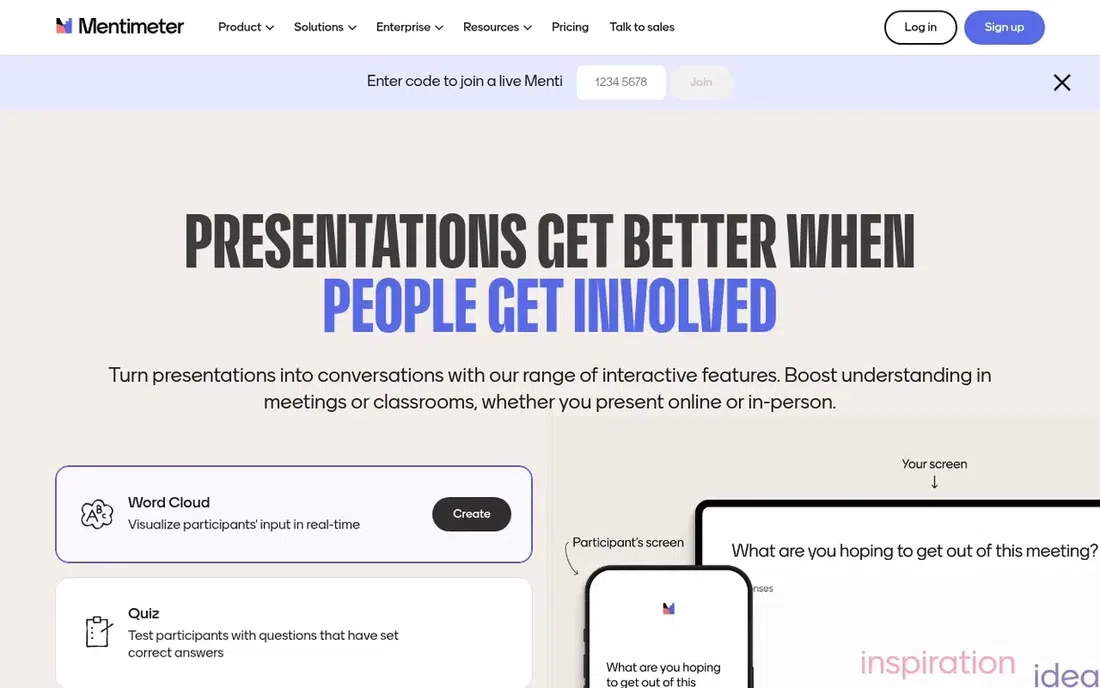
Pick Mentimeter if this describes you: interactive slide decks with polls and quizzes. Mentimeter presents itself as an interactive presentation and audience engagement tool with live polls, quizzes and Q&A.
Its slide-centric approach may be more than needed if you only want a straightforward question queue. Worth adding: if your priority is Q&A layered onto slides you already have, a dedicated polling tool may fit better. Mentimeter does not show a starting price in this comparison, so check the vendor site for current pricing. Free plan details: Not stated.
Downsides: Can feel slide-first for pure Q&A.
Reasons to shortlist it: Live polls.
- Suited to meetings and events
- Quizzes and Q&A
- Feature breadth needs planning
How the list was put together
Questions to settle before buying
- Get a written quote from Slido and Mentimeter; the list shows no starting price for them.
- Check what the free option really includes: Poll Everywhere, Kahoot. And AhaSlides offer a free plan, and usage caps differ.
- Before choosing Poll Everywhere, weigh its main limit: interaction centers on polling.
- Ask Slido how an export works before you move any records in; an easy exit lowers the risk.
- Find out whether the entry plan of AhaSlides covers your must-haves or only a trimmed-down version.
FAQ
How are the tools for interactive presentation software for conferences ordered?
Poll Everywhere sits first and Mentimeter last because the order follows typical fit for interactive presentation software for conferences, then price clarity and free access. It is a judgement call, so read each profile for fit and limits.
Is Poll Everywhere the right pick for everyone comparing interactive presentation software for conferences?
No single tool suits every team. Poll Everywhere comes first because it fits adding polls to existing slide decks, while Kahoot. Suits game-based quizzes and playful engagement and Slido suits live Q&A and polling at events. Match the tool to your own size, budget and workflow before deciding.
Do these tools publish their prices?
Not all of them. Slido and Mentimeter publish no starting price, so expect a quote request for those. The rest, Poll Everywhere included, show a starting price, though seats and billing terms still change the final cost.
Which options for interactive presentation software for conferences have a free plan?
Poll Everywhere, Kahoot. And AhaSlides offer a free plan in this list. Free plans usually cap users, projects or features, so check the limits on the vendor page.
What is the best interactive presentation software for a conference keynote?
This list starts with Poll Everywhere, which fits adding polls to existing slide decks. For other needs, Kahoot. Is aimed at game-based quizzes and playful engagement, and Slido at live Q&An and polling at events. Check each tool's price and main limit first.
Sources
- https://www.polleverywhere.com
- https://kahoot.com
- https://www.slido.com
- https://ahaslides.com
- https://www.mentimeter.com