Best Professional Video Clips Software for 2026: Our 6 Vetted Picks
Shortlisting the best professional video clips software? 6 products compared on cost, free access and ideal buyer. Verdicts stay brief and factual. No hype.
- Editor's choice
 Filmora
Approachable desktop and mobile editing
Starts atPricing on requestVisit filmora.wondershare.comFull review - Great alternative
 CapCut
Quick AI-assisted social video
Starts atPricing on requestVisit capcut.comFull review - Also consider
 Adobe After Effects
Motion graphics and visual effects
Starts atPricing on requestVisit adobe.comFull review
Direct answer
If you need approachable desktop and mobile editing, Filmora is the first tool to look at here. If your case is different, CapCut suits quick AI-assisted social video and Adobe After Effects suits motion graphics and visual effects. The full list of 6 tools follows, with free plan facts. None of these vendors publish plan prices, so pricing is on request for every option.
TL;DR:
- Filmora is the opening pick, best for approachable desktop and mobile editing.
- Avid Media Composer is the one to check for film and TV post-production.
- Just one of the 6 tools, CapCut, has a free plan.
- Check the limits for Adobe After Effects before you commit: not a primary timeline editor.
Last checked November 2026. Pricing on request: vendors did not publish plan prices when this guide was last checked (November 2026), so ask each vendor for a written quote.
Quick comparison
| Tool | Best for | Starts at | Free plan? | |
|---|---|---|---|---|
| Filmora | Approachable desktop and mobile editing | Pricing on request | Not stated | Visit |
| CapCut | Quick AI-assisted social video | Pricing on request | Yes | Visit |
| Adobe After Effects | Motion graphics and visual effects | Pricing on request | Not stated | Visit |
 Adobe Premiere Pro | Wide editing and post-production work | Pricing on request | Not stated | Visit |
 Final Cut Pro | Mac and iPad editors | Pricing on request | Not stated | Visit |
 Avid Media Composer | Film and TV post-production | Pricing on request | Not stated | Visit |
The 6 tools in detail
LinkVetted put together this guide to professional video clips software for readers who want a clear shortlist without reading every vendor page. It compares 6 tools on starting price, free plans, who each one suits and where each one falls short.
Filmora is a good fit for approachable desktop and mobile editing. Filmora from Wondershare is AI-powered video editing software for desktop and mobile, with intuitive timeline tools, AI features, effects, captions and audio.
What to check first: Advanced workflows may outgrow it.
It suits creators and smaller teams who want a friendlier editing environment with guided features, without jumping straight into a complicated professional suite. Filmora shows no starting price here, so confirm the cost on the vendor site. On free options: Not stated.
- Easy-to-learn timeline tools
- Effects and captions
- Less depth than dedicated pro suites
CapCut is a good fit for quick AI-assisted social video. CapCut is an AI video editor for editing YouTube and Instagram videos with smart templates and creative effects, available on desktop, mobile and online.
Its template-driven approach and social focus make it less suited to long-form film or television post-production. No starting price is listed for CapCut here; confirm pricing on the vendor site. Free access exists with CapCut.
Where it shines: mobile and online editing.
What to check first: Template-driven style may feel limiting.
- Desktop
- Smart templates and creative effects
- Less suited to long-form film work
Adobe After Effects targets motion graphics and visual effects. It suits editors and designers who require titles, animation and visual effects, commonly alongside a dedicated editing application, instead of as a standalone cutting tool.
It is not intended as a primary timeline editor for long-form cuts, and effects-heavy compositions can be render-intensive. Pricing for Adobe After Effects is not stated here, so ask the vendor for current figures. Free plan details: Not stated.
Where it is weaker: Effects work can be render-intensive.
- Industry-standard motion graphics toolset
- Design for film, TV
- Not a primary timeline editor
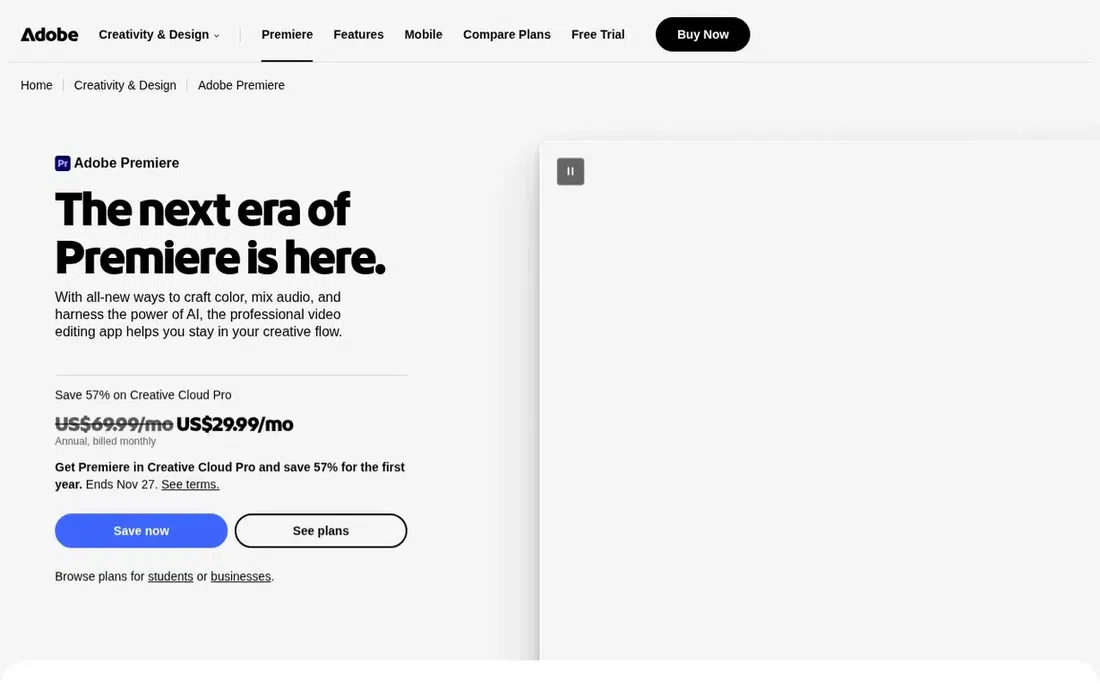
Pick Adobe Premiere Pro if this describes you: wide editing and post-production work. Also, the application is deep, so new editors may need time to learn its panels and workflows.
Where it falls short: Feature depth can overwhelm new editors.
It runs on a subscription model instead of a one-time purchase. Pricing for Adobe Premiere Pro is not stated here, so ask the vendor for current figures. Free plan details: Not stated.
- Trimming and effects in one application
- Audio mixing and extended video tools
- Subscription-based access
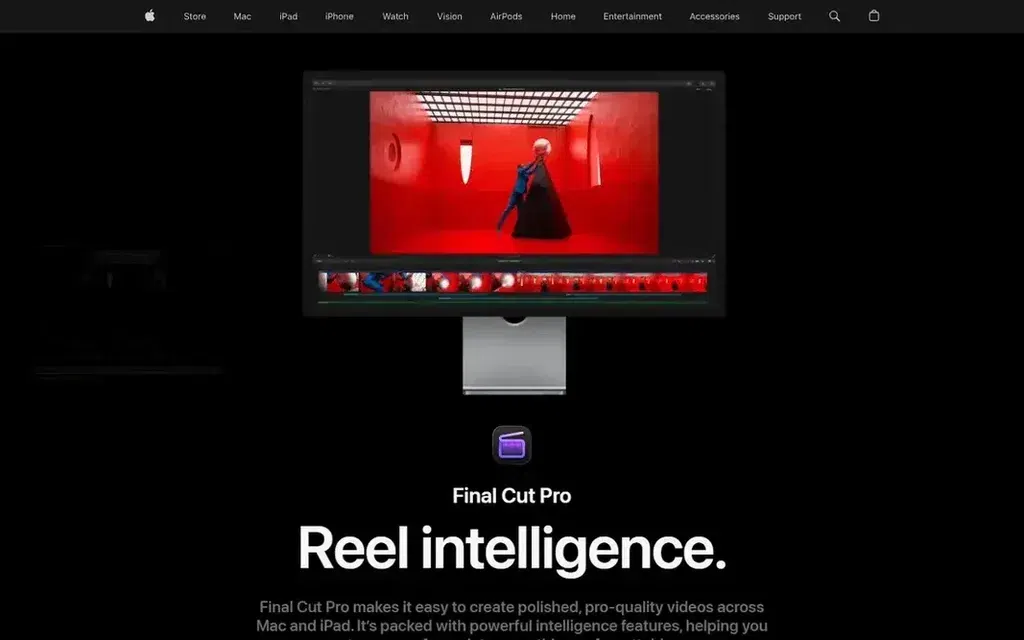
Final Cut Pro serves Mac and iPad editors. Since it is designed for Mac and iPad, teams working across Windows or Linux will need a different editor.
It suits editors and creators who work within Apple's hardware ecosystem and want a focused editing environment that carries across desktop and tablet. Pricing for Final Cut Pro is not stated here, so ask the vendor for current figures. On free options: Not stated.
Trade-offs to know: Less suited to mixed-OS teams.
- Built for Apple hardware
- Pro-quality creation on Mac and iPad
- Restricted to Apple products
Where Avid Media Composer fits: film and TV post-production. It fits editors in structured post-production environments who require a tool designed around long-form and collaborative workflows instead of fast social clips.
Its specialized workflow can be demanding for newcomers or solo creators who chiefly cut short-form content. This comparison lists no price for Avid Media Composer; ask the vendor. On free options: Not stated.
Limits to weigh: Steeper ramp-up time for newcomers.
- Concentrated on creative storytelling
- Aimed at film and television editing
- Workflow can feel specialized
How we chose
Questions to settle before buying
- Confirm the entry price with every vendor: no tool from Filmora to Avid Media Composer shows a fixed starting price.
- Test the free plan from CapCut against your real workload before relying on it.
- Before choosing Filmora, weigh its main limit: less depth than dedicated pro suites.
- Check whether the features you need in CapCut sit on the entry plan or only on higher tiers.
- Test how quickly Adobe Premiere Pro answers a pre-sales question; it hints at how support will feel later.
FAQ
Can I try these options before paying?
Often, yes. CapCut has a free plan. Use your own data and a real task during the test, and check what the free tier or trial limits before you rely on it. Each of the 6 options in this professional video Clips software guide has its own card above with the price, free plan and limits.
Do these tools publish their prices?
No. None of the tools, from Filmora to Avid Media Composer, shows a fixed starting price here, so budget time for quotes.
Is Filmora the right pick for everyone comparing professional video clips software?
No single tool suits every team. Filmora comes first because it fits approachable desktop and mobile editing, while CapCut suits fast AI-assisted social video and Adobe After Effects suits motion graphics and visual effects. Match the tool to your own size, budget and workflow before deciding.
Which options for professional video clips software have a free plan?
CapCut is the only tool in this list with a free plan. Free plans usually cap users, projects or features, so check the limits on the vendor page. All 6 picks in this professional video Clips software comparison list a starting price, free plan details and the main limits on their cards above.
Sources
- https://filmora.wondershare.com
- https://www.capcut.com
- https://www.adobe.com/products/aftereffects.html
- https://www.adobe.com/products/premiere.html
- https://www.apple.com/final-cut-pro
- https://www.avid.com/media-composer