The 6 Best Live Streaming Software with Video Editing in 2026, Ranked
Best live streaming software with video editing: 6 contenders ranked by fit, with entry costs and free tiers. Verdicts stay brief and factual. Quick to scan.
- Editor's choice
 Final Cut Pro
Mac and iPad pro editing
Starts atSee websiteVisit apple.comFull review - Great alternative
 Adobe Premiere Pro
Professional post-production editing
Starts atSee websiteVisit adobe.comFull review - Also consider
 Wirecast
Multi-camera streaming and guests
Starts at$34 a monthVisit telestream.netFull review
Direct answer
Start with Final Cut Pro if you need Mac and iPad pro editing. Listed starting prices: Wirecast from $34 a month and Restream Studio from $239 a month. Look at Adobe Premiere Pro for professional post-production editing, and at Wirecast for multi-camera streaming and guests. Details, prices and limits for the rest of the 6 tools are below.
TL;DR:
- Number one here is Final Cut Pro, a fit for Mac and iPad pro editing.
- Restream Studio suits straightforward multistreaming from browser.
- Wirecast is the lowest-priced starter here at $34 per month.
- A permanent free plan is missing from all 6 tools, Final Cut Pro and Restream Studio included; plan for a trial or a premium start.
- One limit worth knowing about Adobe Premiere Pro: not a live streaming tool.
Last checked November 2026. Prices and plan details were read from the vendors' own pages in November 2026; vendors change plans often, so confirm the current price on the vendor site before you buy.
Quick comparison
| Tool | Best for | Starts at | Free plan? | |
|---|---|---|---|---|
| Final Cut Pro | Mac and iPad pro editing | See website | Not stated | Visit |
| Adobe Premiere Pro | Professional post-production editing | See website | Not stated | Visit |
| Wirecast | Multi-camera streaming and guests | $34 a month | Free trial | Visit |
 vMix | Windows live production and switching | See website | Not stated | Visit |
 OBS Studio | Free open-source streaming and recording | See website | Not stated | Visit |
| Restream Studio | Straightforward multistreaming from browser | $239 a month | Not stated | Visit |
Tool-by-tool breakdown
Choosing live streaming software with video editing usually comes down to price, fit and limits. This LinkVetted guide sets 6 tools side by side on those three points, with the facts kept short and checkable.
Think of Final Cut Pro for Mac and iPad pro editing. It suits Apple-based editors who want a refined post-production experience and will stream through a separate tool.
More specifically, if you need cross-platform editing or built-in streaming, consider other choices. Final Cut Pro shows no starting price here, so confirm the cost on the vendor site. Trial and free access: Not stated.
Limits to weigh: Apple products only.
- Optimized for Mac and iPad
- Professional creation workflow
- No live streaming encoder
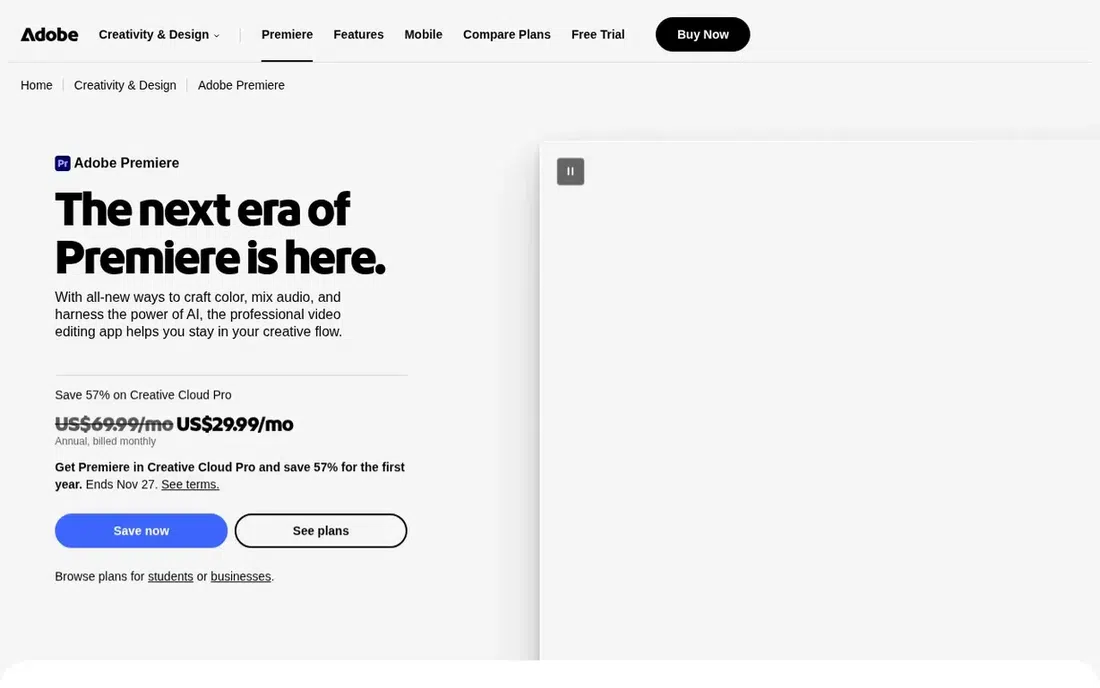
Adobe Premiere Pro is a good fit for professional post-production editing. It suits editors and creators who require a full editing suite and plan to deal with live streaming through a separate application or service.
Trade-offs to know: Not a live streaming tool.
Premiere Pro is not designed as a live streaming encoder, so you will need another tool to go live. Adobe Premiere Pro shows no starting price here, so confirm the cost on the vendor site. Free plan details: Not stated.
- Effects and audio mixing
- Part of Adobe ecosystem
- Needs separate streaming setup
Pick Wirecast if this describes you: multi-camera streaming and guests. It fits broadcasters who want an adaptable live production tool with guest integration across operating systems.
Its strengths are in live switching and streaming rather than timeline editing. Wirecast cost at the entry level: $34 per month. On free options: Free trial.
Drawbacks to consider: Editing is production-focused.
- Multistream to products
- Switch unlimited cameras
- Needs learning the interface
vMix is aimed squarely at Windows live production and switching. It lets you produce, record and live stream professional-looking content from your PC.
Where it falls short: Editing is production-focused.
Pricing for vMix is not stated here, so ask the vendor for current figures. On free options: Not stated. Upsides: record and stream from PC.
- Live video mixing and switching
- Produce
- Windows only
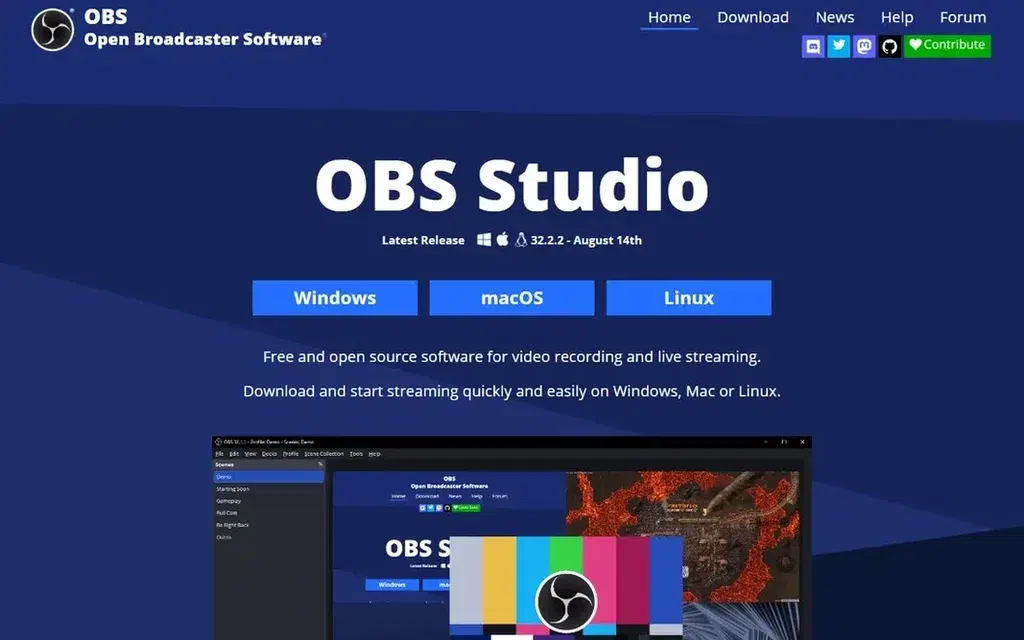
OBS Studio serves free open-source streaming and recording. If you need advanced trimming, effects or color work, pair OBS with a dedicated editor or choose a suite that contains one.
The main drawbacks: Limited built-in editing.
Pricing for OBS Studio is not stated here, so ask the vendor for current figures. As for free access: Not stated.
- Free and open source
- Streams to numerous providers
- Setup can be technical
Restream Studio
Best for: Straightforward multistreaming from browser
Where Restream Studio fits: simple multistreaming from browser. It suits creators who want a simple, browser-based way to go live to several destinations without complicated setup.
Trade-offs to know: Restricted advanced editing.
Editing features are entry-level compared to dedicated editors, and the workflow is browser-centric. Starting cost for Restream Studio: $239 per month. Free access: Not stated.
- Produce videos in browser
- Multistream to plenty of channels
- Browser-based workflow
How we built this list
The comparison looks at four things: starting price, free access, how well the feature set matches live streaming software with video editing, and the main limit of each tool. Where a price is missing, the vendor does not list one publicly or ties it to a quote. Always confirm before budgeting. The sequence is a judgement call: typical use case first, then pricing transparency, then free access. Use the profiles to check fit.
What to confirm before you sign up
- Get a written quote from Final Cut Pro, Adobe Premiere Pro, vMix and OBS Studio; the list shows no starting price for them.
- Take the trial from Wirecast and push a live task through it before you pay.
- Before choosing Final Cut Pro, weigh its main limit: Apple systems only.
- Make sure Wirecast lets you export your data in a format another tool can read.
- Find out whether the entry plan of Restream Studio covers your must-haves or only a trimmed-down version.
FAQ
What is the cheapest option for live streaming software with video editing in this list?
On published monthly entry prices, Wirecast is the lowest here at $34 per month. Entry price is only part of the cost, because seats, add-ons and billing terms can change the total. Prices, free plan details and limits for all 6 tools in this live Streaming software with video editing roundup sit on the individual cards above.
Do these tools publish their prices?
Not all of them. Final Cut Pro, Adobe Premiere Pro, vMix and OBS Studio publish no starting price, so expect a quote request for those. The rest, Wirecast included, show a starting price, though seats and billing terms still change the final cost.
How are the tools for live streaming software with video editing ordered?
The order follows typical fit for live streaming software with video editing, with Final Cut Pro first and Restream Studio last, then price clarity and free access. It is editorial judgement, not a score, so another team could rank the tools differently.
Which tool is a good match for beginners who want to go live rapidly?
Final Cut Pro comes first here and is built for Mac and iPad pro editing. Buyers with other needs may prefer Adobe Premiere Pro (for professional post-production editing) or Wirecast (for multi-camera streaming and guests). Compare costs and limits first.
Is Final Cut Pro the right pick for everyone comparing live streaming software with video editing?
No single tool suits every team. Final Cut Pro comes first because it fits Mac and iPad pro editing, while Adobe Premiere Pro suits professional post-production editing and Wirecast suits multi-camera streaming and guests. Match the tool to your own size, budget and workflow before deciding.
Sources
- https://www.apple.com/final-cut-pro
- https://www.adobe.com/products/premiere.html
- https://www.telestream.net/wirecast
- https://www.vmix.com
- https://obsproject.com
- https://restream.io