Top 5 Video Editing Software for New Creators for 2026 (Prices and Free Plans)
Weighing the best video editing software for new creators? We lined up 5 products by cost, free access and fit. Each pick comes with its main catch. Start here.
- Editor's choice
 CapCut
Quick AI-assisted social video editing
Starts atPricing on requestVisit capcut.comFull review - Great alternative
 Final Cut Pro
Mac and iPad creators wanting pro features
Starts atPricing on requestVisit apple.comFull review - Also consider
 DaVinci Resolve
Editing, color, effects, and audio in one app
Starts atPricing on requestVisit blackmagicdesign.comFull review
Direct answer
If you need quick AI-assisted social video editing, CapCut is the first tool to look at here. If your case is different, Final Cut Pro suits Mac and iPad creators wanting pro features and DaVinci Resolve suits editing, color, effects, and audio in one app. Details and limits for the rest of the 5 tools are below. None of these vendors publish plan prices, so pricing is on request for every option.
TL;DR:
- This list starts with CapCut, which is built for quick AI-assisted social video editing.
- Adobe Premiere Elements suits automatic editing with step-by-step guidance.
- Pricing across the list, from CapCut to Adobe Premiere Elements, is by quote only.
- A fair warning about Adobe Premiere Pro: feature set can overwhelm beginners.
Last checked November 2026. Pricing on request: vendors did not publish plan prices when this guide was last checked (November 2026), so ask each vendor for a written quote.
Quick comparison
| Tool | Best for | Starts at | Free plan? | |
|---|---|---|---|---|
| CapCut | Quick AI-assisted social video editing | Pricing on request | Yes | Visit |
| Final Cut Pro | Mac and iPad creators wanting pro features | Pricing on request | Not stated | Visit |
| DaVinci Resolve | Editing, color, effects, and audio in one app | Pricing on request | Not stated | Visit |
 Adobe Premiere Pro | Professional editing and postproduction | Pricing on request | Not stated | Visit |
| Adobe Premiere Elements | Automatic editing with step-by-step guidance | Pricing on request | Not stated | Visit |
Our 5 video editing software for new creators
Choosing video editing software for new creators usually comes down to price, fit and limits. This LinkVetted guide sets 5 tools side by side on those three points, with the facts kept short and checkable.
CapCut is built with quick AI-assisted social video editing in mind. CapCut is built around fast social edits, so it may feel restricted for long-form or highly technical projects.
Drawbacks to consider: Less suited to long-form professional projects.
Use CapCut when speed and social formats are the priority. Pricing for CapCut is not stated here, so ask the vendor for current figures. CapCut has a free plan.
Highlights: Desktop, mobile.
- Smart templates and creative effects
- AI-powered editing tools
- Template-driven edits can look similar
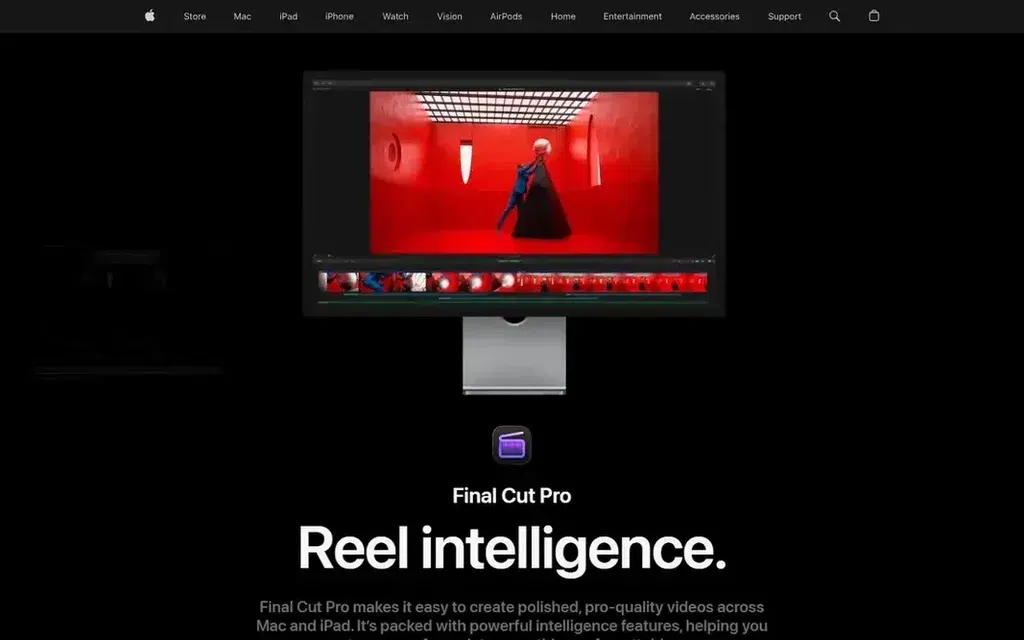
Pick Final Cut Pro if this describes you: Mac and iPad creators wanting pro features. Final Cut Pro is not available on Windows or Linux, so it is not a choice for mixed-platform teams.
The main drawbacks: Needs compatible Mac or iPad hardware.
It also expects compatible Apple hardware to run well. The iPad version extends editing to touch workflows, which can be convenient for creators who shoot and edit on the go. This comparison lists no price for Final Cut Pro; ask the vendor. Free access: Not stated.
- Optimized for Apple devices
- Pro-quality creation on Mac and iPad
- Restricted to Apple products
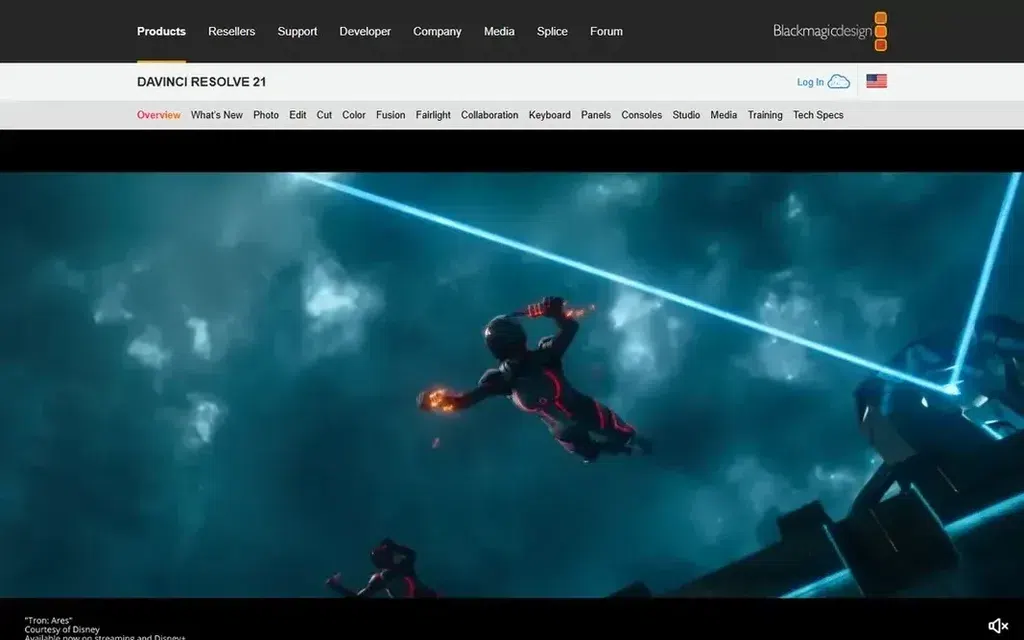
DaVinci Resolve is built with editing, color, effects, and audio in one app in mind. New creators who want to learn color and audio alongside editing will find a complete environment, and the cross-platform support makes it adaptable across different computer setups. Also, pick Resolve when you want one application to handle editing and postproduction as your skills grow.
What works well: audio in one application.
Watch-outs: Numerous modules can feel complicated at first. On top of that, the breadth of Resolve can be intimidating, and beginners may spend time learning modules they do not need yet. It also rewards a capable machine for smooth playback. DaVinci Resolve shows no starting price here, so confirm the cost on the vendor site. Free plan details: Not stated.
- Free and premium versions offered
- Visual effects
- Color and audio pages have a ramp-up time
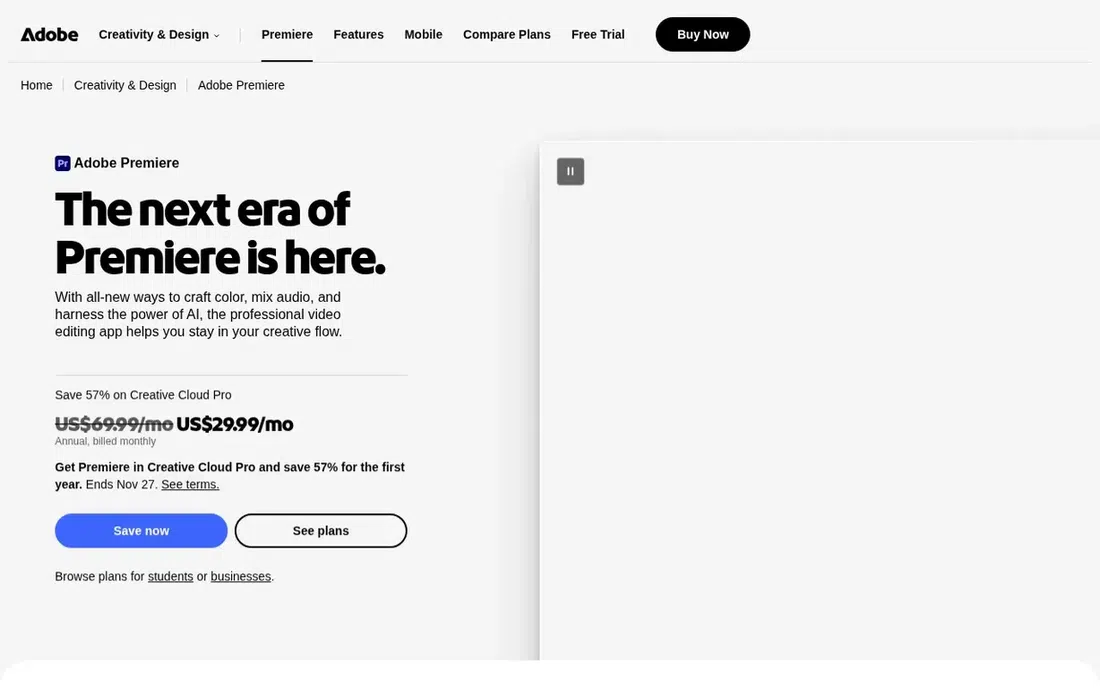
For professional editing and postproduction, Adobe Premiere Pro is a natural candidate. The depth of Premiere Pro can slow down creators who require fast social edits, and the software expects a reasonably capable computer.
More specifically, choose Premiere Pro when professional editing structure matters more than immediate simplicity. No starting price is listed for Adobe Premiere Pro here; confirm pricing on the vendor site. Trial and free access: Not stated.
Where it falls short: Needs a capable computer.
- Extends to postproduction workflows
- Professional editing and trimming tools
- Feature set can overwhelm beginners
Adobe Premiere Elements
Best for: Automatic editing with step-by-step guidance
Adobe Premiere Elements is a good fit for automatic editing with step-by-step guidance. Adobe Premiere Elements is simple video editing software meant to help you tell stories and share memories by transforming video clips into great-looking movies with automatic editing and step-by-step guidance.
In practice, choose Premiere Elements when automatic help and guided editing matter more than deep manual control. In practice, creators who expect to grow into professional projects may have to move up later. Adobe Premiere Elements does not show a starting price in this comparison, so check the vendor site for current pricing. As for free access: Not stated.
Trade-offs to know: Less advanced than Premiere Pro.
- Automatic editing choices
- Step-by-step guidance
- Automation may limit manual control
How we chose
What to confirm before you sign up
- Ask each vendor, from CapCut to Adobe Premiere Elements, for a written quote; none of them publishes a starting price.
- Test the free plan from CapCut against your real workload before relying on it.
- Before choosing CapCut, weigh its main limit: less suited to long-form professional projects.
- Check how data leaves Adobe Premiere Elements: formats, limits and whether exports are available on every plan.
- Check whether CapCut bills monthly or annually, and what cancelling early costs.
FAQ
Can I try these tools before paying?
Often, yes. CapCut has a free plan. Use your own data and a real task during the test, and check what the free tier or trial limits before you rely on it. Each of the 5 options in this video editing software for new Creators guide has its own card above with the price, free plan and limits.
Is CapCut the right pick for everyone comparing video editing software for new creators?
No single tool suits every team. CapCut comes first because it fits fast AI-assisted social video editing, while Final Cut Pro suits Mac and iPad creators wanting pro features and DaVinci Resolve suits editing, color, effects, and audio in one app. Match the tool to your own size, budget and workflow before deciding.
Do these tools publish their prices?
No. None of the tools, from CapCut to Adobe Premiere Elements, shows a fixed starting price here, so budget time for quotes.
Can I edit professional videos on a Mac or iPad?
Final Cut Pro is made for Mac and iPad and contains feature-rich intelligence features for pro-quality creation. DaVinci Resolve and Adobe Premiere Pro also support professional editing, though system support differs.
Which options for video editing software for new creators have a free plan?
CapCut is the only tool in this list with a free plan. Free plans usually cap users, projects or features, so check the limits on the vendor page. All 5 picks in this video editing software for new Creators comparison list a starting price, free plan details and the main limits on their cards above.
What should I check before choosing editing software?
Confirm product support, hardware requirements, and the specific features you need, for example captions, effects, or audio mixing. Match the tool to your content style and where you plan to publish.
Sources
- https://www.capcut.com
- https://www.apple.com/final-cut-pro
- https://www.blackmagicdesign.com/products/davinciresolve
- https://www.adobe.com/products/premiere.html
- https://www.adobe.com/products/premiere-elements.html