The 6 Best Platform for Video Repurposing in 2026, Ranked
Shortlisting the best platform for video repurposing? 6 products compared on cost, free access and ideal buyer. Prices and drawbacks included. Plain facts.
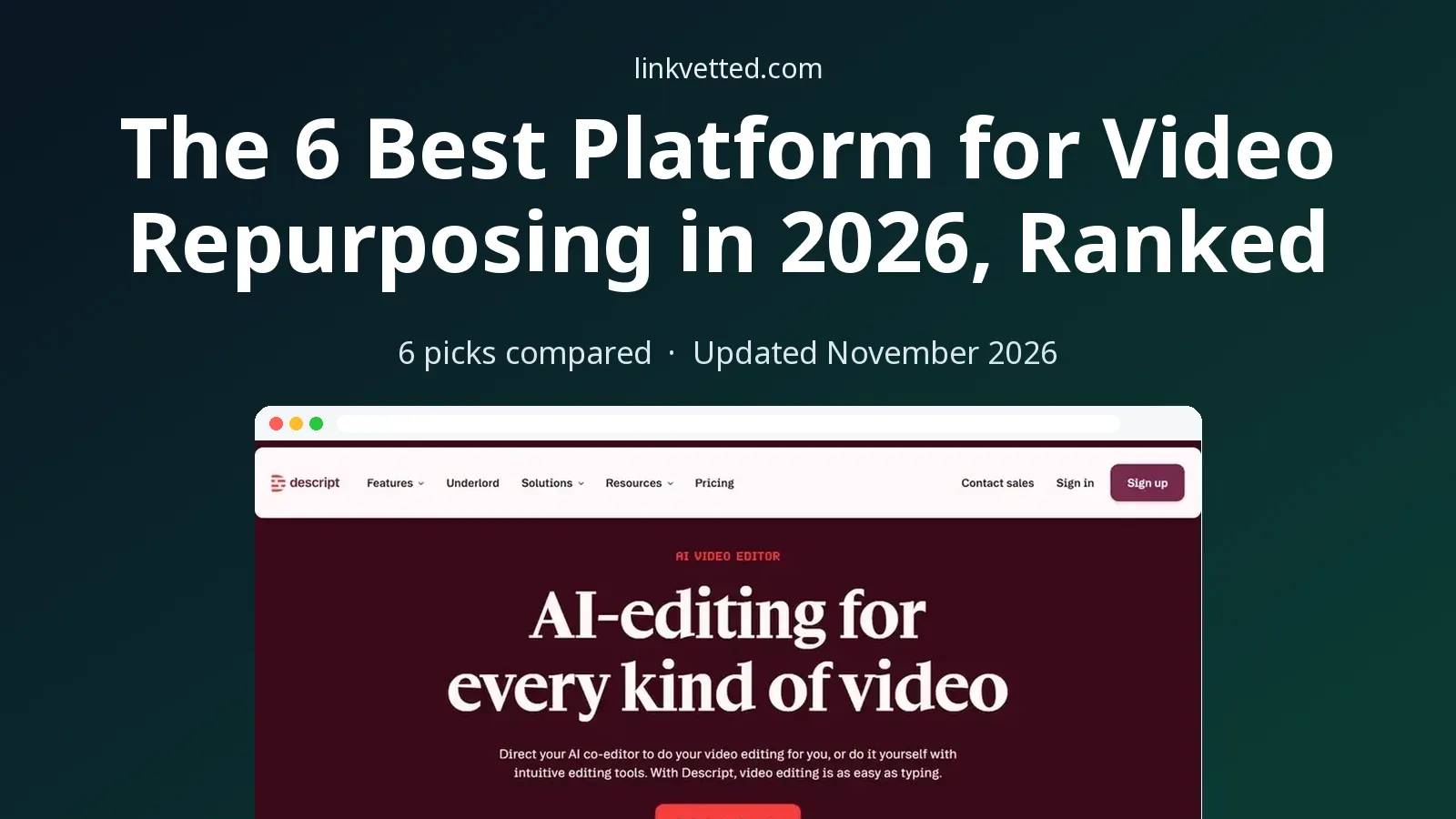
- Editor's choice
 2short.ai
YouTube Shorts from long YouTube content
Starts at$9.90 a monthVisit 2short.aiFull review - Great alternative
 Submagic
Caption-heavy viral-style shorts
Starts at$12 a monthVisit submagic.coFull review - Also considerVidyo.ai
Turning long videos into captioned shorts
Starts at$174 a yearVisit vidyo.aiFull review
Direct answer
2short.ai is the first pick on this list for YouTube Shorts from long YouTube content. Listed starting prices: 2short.ai from $9.90 a month, Submagic from $12 a month and Vidyo.ai from $174 a year. Submagic is the stronger choice for Caption-heavy viral-style shorts, while Vidyo.ai suits turning long videos into captioned shorts. The other 3 tools in the list cover narrower or pricier cases.
TL;DR:
- The list opens with 2short.ai, aimed at YouTube Shorts from long YouTube content.
- Vidyo.ai comes with a trade-off: centred on short-form output instead of full editing.
- Vidyo.ai, Descript, Kapwing: these are the 3 tools out of 6 that offer a free plan.
- Kapwing fits prompt-driven video project generation.
- The lowest published monthly entry price here is $9.90 per month, from 2short.ai.
Last checked November 2026. Prices and plan details were read from the vendors' own pages in November 2026; vendors change plans often, so confirm the current price on the vendor site before you buy.
Quick comparison
| Tool | Best for | Starts at | Free plan? | |
|---|---|---|---|---|
| 2short.ai | YouTube Shorts from long YouTube content | $9.90 a month | Not stated | Visit |
| Submagic | Caption-heavy viral-style shorts | $12 a month | Free trial | Visit |
| Vidyo.ai | Turning long videos into captioned shorts | $174 a year | Yes | Visit |
 Klap | Vertical shorts with virality feedback | $14.50 a month | Not stated | Visit |
 Descript | Text-based editing of long recordings | $16 per person a month | Yes | Visit |
 Kapwing | Prompt-driven video project generation | $16 per month | Yes | Visit |
The best platform for video repurposing
LinkVetted put together this guide to platform for video repurposing for readers who want a clear shortlist without reading every vendor page. It compares 6 tools on starting price, free plans, who each one suits and where each one falls short.
2short.ai is a good fit for YouTube Shorts from long YouTube content. 2short.ai is an AI YouTube Shorts generator that turns long-form YouTube content into shorts intended to drive views and subscribers.
Where it is weaker: Restricted full-editor capabilities.
Its scope is narrower than a full repurposing suite, and creators publishing across other systems may need extra tools. For everyday use, if you want one workflow for generation, dubbing, and subtitles, look at a broader system. Price to start with 2short.ai: $9.90 per month. Trial and free access: Not stated.
- Turns long-form YouTube content into shorts
- Straightforward short-generation focus
- Centered on YouTube instead of every channel
Choose Submagic for Caption-heavy viral-style shorts. Submagic takes raw videos and uses AI to add captions, cuts, B-roll, zooms, and music in proven viral styles, ready to post in minutes.
Also, if your repurposing begins from a full podcast or webinar and needs transcript editing, a text-based editor is a more solid fit. The emphasis on viral styles means less adaptability for longer narrative or branded long-form projects. Submagic starts at: $12 per month. Free access: Free trial.
Honest limits: Concentrated on short-form styles. What works well: Quick turnaround from raw video to post-ready.
- Viral-style templates
- AI brings captions, cuts, B-roll, zooms, music
- Less control over long-form narrative editing
Vidyo.ai
Best for: Turning long videos into captioned shorts
Vidyo.ai is designed for turning long videos into captioned shorts. Vidyo.ai, also presented as quso.ai, turns long videos, podcasts, and streams into short, captioned clips for TikTok, Reels, and Shorts, then schedules and posts them.
Best features of Vidyo.ai: streams into short clips.
In daily use, the product is built around short-form output, so it is not a full replacement for a timeline editor. In practice, if you have to produce a refined long-form video plus clips, pair it with a broader editor. On cost, Vidyo.ai starts like this: $174 per year. Vidyo.ai has a free plan.
Limits to weigh: Focused on short-form output instead of full editing.
- Brings captions for TikTok, Reels, Shorts
- Schedules and posts clips for you
- Clip selection may need review before publishing
Klap targets vertical shorts with virality feedback. If you need advanced long-form editing or multi-language dubbing, a broader system is the better choice.
Trade-offs to know: Narrow focus on short-form clips.
In practice, Klap is an AI video clipping tool that turns long videos into vertical shorts with virality scores, active-speaker reframing, captions, and scheduling. More specifically, Virality scores are editorial signals instead of certain outcomes, and the tool is centered on clipping instead of full production. What you pay to start with Klap: $14.50 per month. As for free access: Not stated.
- Turns long videos into vertical shorts
- Virality scores and active-speaker reframing
- Virality scores are guidance, not a guarantee
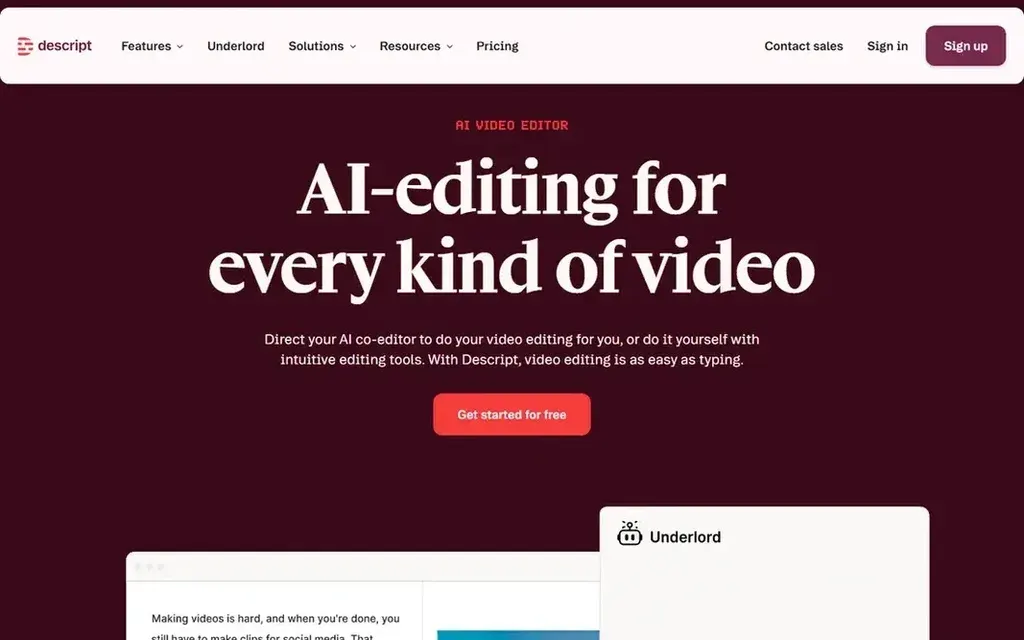
Descript is built with text-based editing of long recordings in mind. Descript is an AI video and audio editor that makes editing as simple as editing text.
If your primary goal is automatic vertical clip generation with virality scoring, a dedicated clipping tool may be a better fit. The starting price for Descript: $16 per person per month. Descript has a free plan.
Watch-outs: Less concentrated on automatic short-clip generation.
- Record, transcribe, edit
- AI video and audio editing
- A good match for spoken-word content
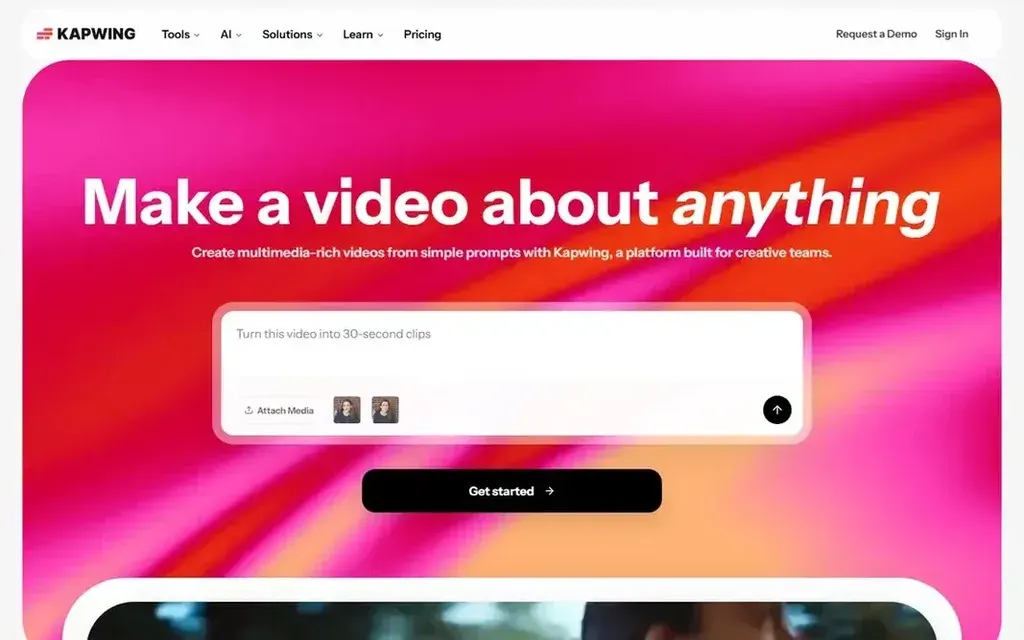
Kapwing works best for prompt-driven video project generation. Kapwing lets you make a video about anything and produce full video projects from a single prompt.
Worth adding: generated projects can need cleanup to match your brand or message. Kapwing pricing: $16 per month. You can start on Kapwing without paying.
Honest limits: Prompt-generated output may need manual refinement.
- Grow content for every channel
- Produce, edit
- Less emphasis on transcript-based editing
How these tools were picked
We compared the tools on published pricing, free plan or trial availability, feature coverage for platform for video repurposing, and the limits each vendor documents. Where a price is missing, the vendor does not list one publicly or ties it to a quote. Always confirm before budgeting. The order reflects how well each tool fits the most common buying scenario for platform for video repurposing, then price clarity, then free plan access. It is a starting point, not a verdict.
What to confirm before you sign up
- Prices are a starting point; 2short.ai shows $9.90 per month to start, so verify what your seat count would cost.
- Check what the free option really includes: Vidyo.ai, Descript and Kapwing offer a free plan, and usage caps differ.
- Take the trial from Submagic and push a live task through it before you pay.
- Read the limits listed for 2short.ai first: centered on YouTube instead of every channel.
- Confirm minimum seats and billing terms with 2short.ai before you commit to an annual plan.
- Look at the help docs and support options for Vidyo.ai before you commit.
FAQ
What is the cheapest option for platform for video repurposing in this list?
On published monthly entry prices, 2short.ai is the lowest here at $9.90 per month. Entry price is only part of the cost, because seats, add-ons and billing terms can change the total.
How are the tools for platform for video repurposing ordered?
The order follows typical fit for platform for video repurposing, with 2short.ai first and Kapwing last, then price clarity and free access. It is editorial judgement, not a score, so another team could rank the tools differently.
Can these platforms post straight to social channels?
Some, including Vidyo.ai and Klap, state that they schedule and post clips for you. Others focus on creation and export. From a buyer's view, confirm current publishing integrations on the vendor site before you plan your workflow around them.
Do these tools publish their prices?
Yes. Every tool from 2short.ai to Kapwing shows a starting price, though seats, add-ons and billing terms still change the final cost.
Which options for platform for video repurposing have a free plan?
Vidyo.ai, Descript and Kapwing offer a free plan in this list. Free plans usually cap users, projects or features, so check the limits on the vendor page. One other tool offers a trial instead.
Do I need separate tools for captions and clipping?
Not necessarily. Multiple products here combine clipping with captions and scheduling, whereas broader editors add subtitles and dubbing alongside generation.
Sources
- https://2short.ai
- https://www.submagic.co
- https://vidyo.ai
- https://klap.app
- https://www.descript.com
- https://www.kapwing.com