6 Best UI Design Software for Product Teams for 2026, Vetted and Compared
6 best UI design software for product teams, compared on pricing, free plans and best-fit use. Strengths and weak spots are spelled out. Straight answers.
- Editor's choice
 Sketch
Designer-focused native app experience
Starts at$12 per editor a monthVisit sketch.comFull review - Great alternative
 Framer
Design and launch websites with AI
Starts at$10 a monthVisit framer.comFull review - Also consider
 Adobe XD
Teams within the Adobe ecosystem
Starts atSee websiteVisit adobe.comFull review
Direct answer
Our first pick is Sketch, best for designer-focused native app experience. Listed starting prices: Sketch from $12 per editor a month, Framer from $10 a month and Axure RP from $29 per user per month. If your case is different, Framer suits design and launch websites with AI and Adobe XD suits teams within the Adobe ecosystem. Prices, free plans and limits for all 6 tools follow.
TL;DR:
- Sketch is the opening pick, best for designer-focused native app experience.
- Figma is the lowest-priced starter here at $3 per month.
- Only Framer offers a free plan among these 6 tools.
- What to know about Adobe XD first: limited collaboration features compared with web-based tools.
Last checked November 2026. Prices and plan details were read from the vendors' own pages in November 2026; vendors change plans often, so confirm the current price on the vendor site before you buy.
Quick comparison
| Tool | Best for | Starts at | Free plan? | |
|---|---|---|---|---|
| Sketch | Designer-focused native app experience | $12 per editor a month | Free trial | Visit |
| Framer | Design and launch websites with AI | $10 a month | Yes | Visit |
| Adobe XD | Teams within the Adobe ecosystem | See website | Not stated | Visit |
 ProtoPie | AI-driven advanced prototyping | See website | Not stated | Visit |
 Axure RP | Complicated prototypes and specifications | $29 per user per month | Not stated | Visit |
 Figma | Collaborative end-to-end product design | $3 a month | Not stated | Visit |
6 UI design software for product teams in detail
This LinkVetted guide covers 6 UI design software for product teams. Each profile lists a starting price, free plan details, strengths and drawbacks, so you can drop poor fits quickly.
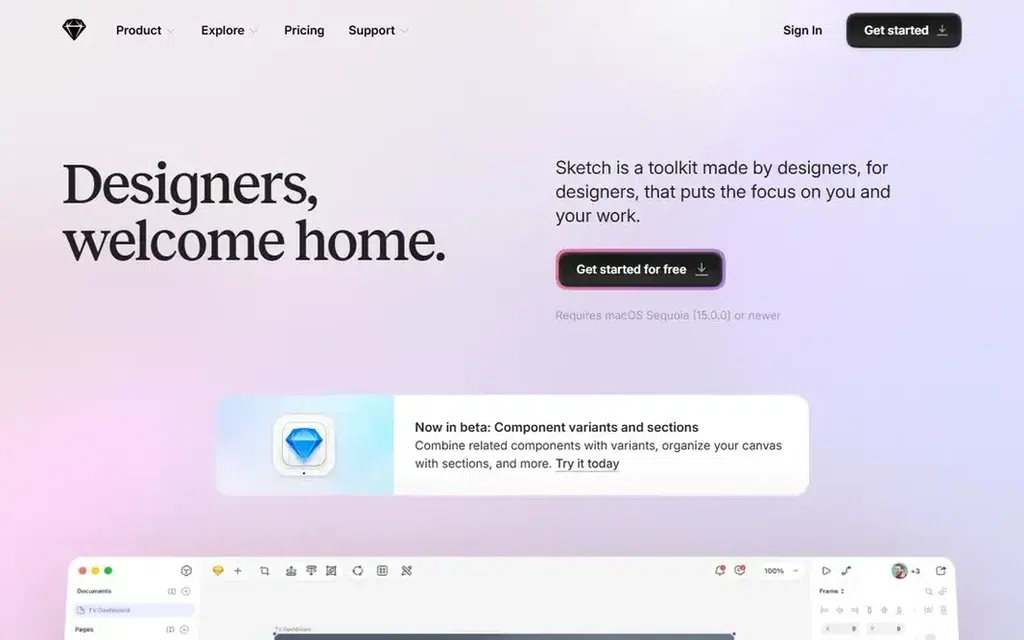
Sketch works best for designer-focused native app experience. It is well suited to Mac-based product teams that prefer a native application and a designer-centric approach. Sketch is only available on macOS, which can be a barrier for cross-platform teams.
Where it is weaker: Restricted to Mac users.
Its collaboration features, whereas present, may not match the live co-editing of web-based tools like Figma. In practice, the tool helps teams move from design to developer handoff efficiently. What you pay to start with Sketch: $12 per editor per month. As for free access: Free trial.
- Simplified handoff to developers
- Native Mac app with a focus on design work
- Collaboration features may not be as live as web-based tools
Framer serves design and launch websites with AI. Framer is primarily geared toward website design and may not handle the full spectrum of UI design for complicated applications. Its AI-driven approach might feel less practical for designers who prefer granular control.
Honest limits: not full product design.
Framer is a website builder with a design agent that takes you from idea to launch, with changes staying editable. If your team centres on web apps or product interfaces beyond websites, consider Figma or Sketch for more traditional design workflows. What you pay to start with Framer: $10 per month. You can start on Framer without paying.
- Editable changes throughout the process
- Built-in hosting, CMS, analytics, SEO
- Primarily concentrated on websites
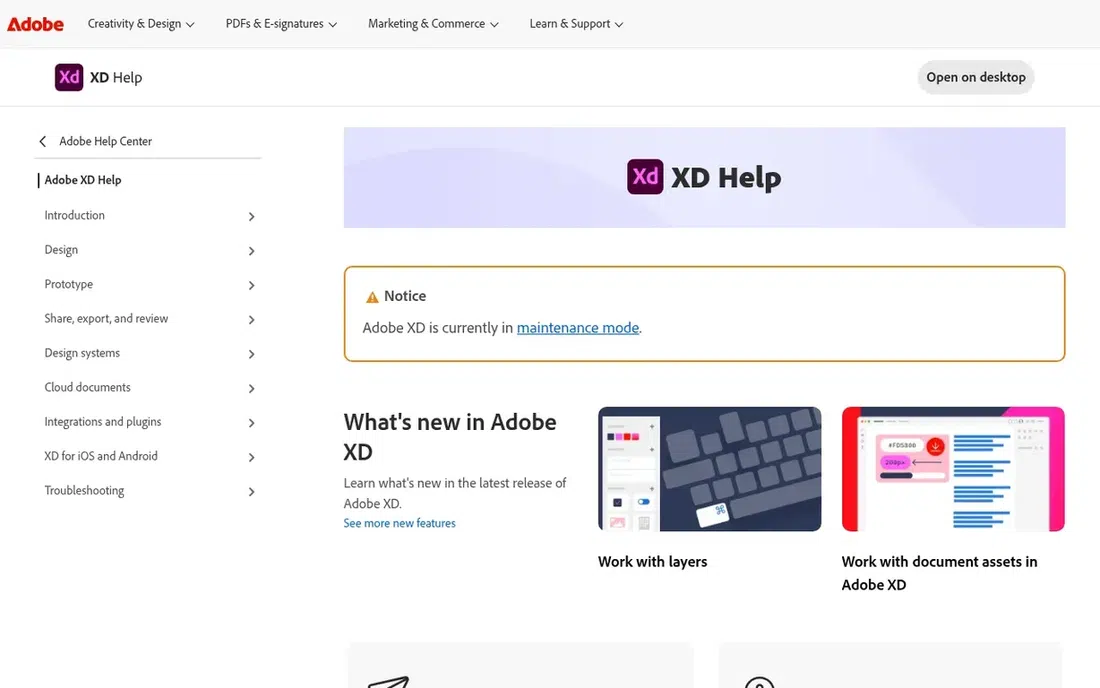
Think of Adobe XD for teams within the Adobe ecosystem. The tool supports UI design and interactive prototypes, making it a good match for teams familiar with Adobe's interface.
Check the vendor site for Adobe XD pricing; none is listed in this comparison. Trial and free access: Not stated.
Watch-outs: May require extra Adobe subscriptions.
- Connects with other Adobe products
- Supports prototyping and design
- Restricted collaboration features compared with web-based tools
ProtoPie makes the most sense for AI-driven advanced prototyping. If you need full design capabilities, consider Figma or Sketch, and use ProtoPie for advanced prototyping.
What to check first: Centred on prototyping, not full design.
Also, teams looking for an all-in-one design and collaboration system might find it restricted. Check the vendor site for ProtoPie pricing; none is listed in this comparison. Trial and free access: Not stated.
- Credit-free perfection of interactions
- Clean handoff specifications
- May need learning for complicated interactions
Axure RP is a good fit for complicated prototypes and specifications. Axure RP is an all-in-one software design tool for creating prototypes, specifications, and diagrams. It is well-suited for product teams that require to document complicated interactions and workflows in detail.
From a buyer's view, the tool is especially handy for UX designers who require solid prototyping and specification capabilities in a single environment. It may be overkill for teams that only need entry-level UI design. The starting price for Axure RP: $29 per user per month. As for free access: Not stated.
Where it falls short: Less focus on live collaboration.
- A strong match for complicated UX projects
- All-in-one tool for prototypes, specs, diagrams
- Steeper ramp-up time
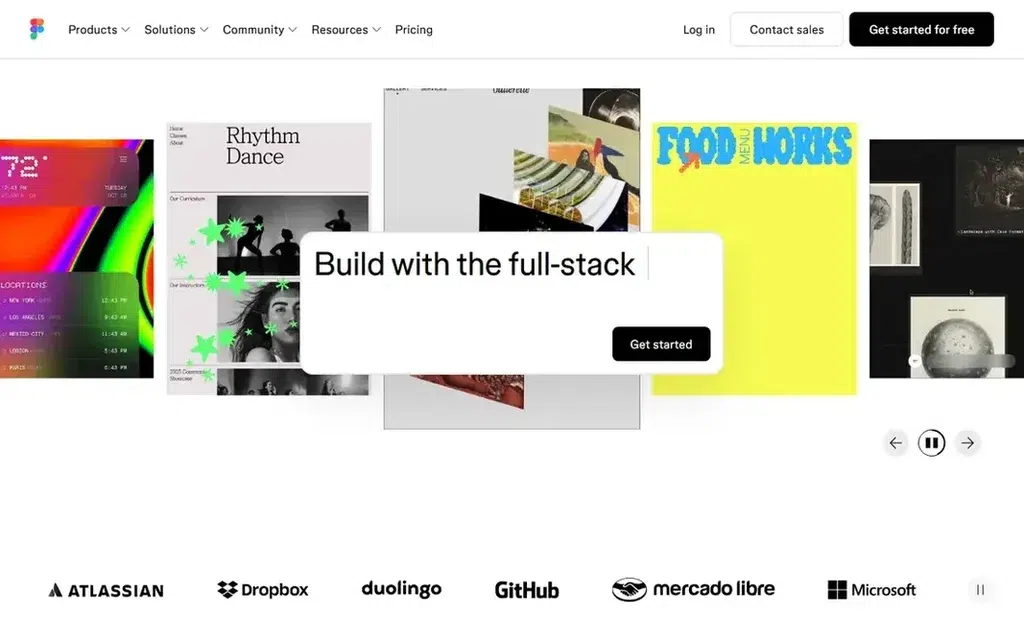
Figma is aimed squarely at collaborative end-to-end product design. Figma is a collaborative canvas where design, code, and AI come together, enabling teams to go from concept to production in one place.
Upsides: AI capabilities.
More specifically, for teams that prioritize web publishing with built-in hosting, Framer might be a better fit. Figma starts at: $3 per month. Free plan details: Not stated.
Trade-offs to know: Needs internet connection for full functionality.
- Integrates design, code
- Live collaboration on a shared canvas
- Can become complicated for very large projects
Selection criteria
A buyer's checklist
- Confirm the entry price on the vendor page. For Adobe XD and ProtoPie that means a quote rather than a fixed price.
- Test the free plan from Framer against your real workload before relying on it.
- Run a trial of Sketch with real work before paying for a year; your own workflow is the best test.
- Read the limits listed for Sketch first: restricted to Mac users.
- Find out what support Framer includes on your plan, and whether onboarding help costs extra.
- Check the integration list for Adobe XD against the tools you run today, and note which ones need a higher plan.
FAQ
Can Framer replace traditional UI design tools?
Framer is primarily a website builder with a design agent, so it excels at designing and launching websites with built-in hosting and CMS. It may not include the full spectrum of UI design for complicated applications.
Can I try these tools before paying?
Often, yes. Framer has a free plan and Sketch offers a free trial. Use your own data and a real task during the test, and check what the free tier or trial limits before you rely on it. All 6 picks in this UI design software for product teams comparison list a starting price, free plan details and the main limits on their cards above.
Is Sketch the right pick for everyone comparing UI design software for product teams?
No single tool suits every team. Sketch comes first because it fits designer-focused native app experience, while Framer suits design and launch websites with AI and Adobe XD suits teams within the Adobe ecosystem. Match the tool to your own size, budget and workflow before deciding.
How does Figma compare to Sketch for product teams?
Figma provides live collaboration on a web-based system, whereas Sketch is a native Mac app with a designer-focused workflow. Both support prototyping and handoff.
What should I look for in an UI design tool for my product team?
Consider collaboration features, product compatibility, prototyping fidelity, and handoff capabilities. Also, think about integration with your existing tools and whether the tool supports your team's workflow from design to development.
What is the cheapest option for UI design software for product teams in this list?
On published monthly entry prices, Figma is the lowest here at $3 per month. Entry price is only part of the cost, because seats, add-ons and billing terms can change the total. For the full picture, the cards above cover all 6 entries of this UI design software for product teams list, including price, free plan and limits.
Sources
- https://www.sketch.com
- https://www.framer.com
- https://www.adobe.com/products/xd.html
- https://www.protopie.io
- https://www.axure.com
- https://www.figma.com